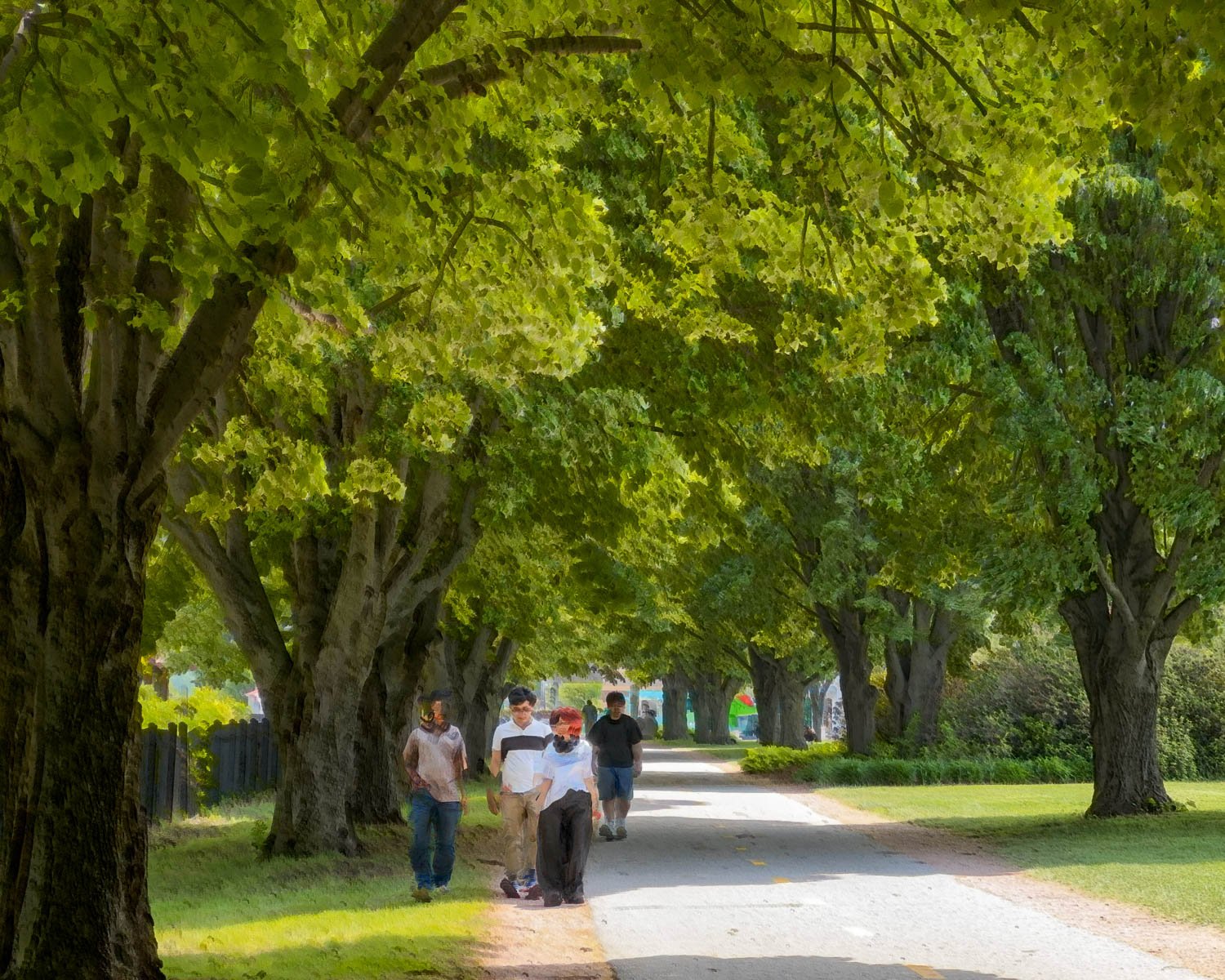
ICM Guides - Bluristic
Over the past year, I have spent so much time exploring the features of the Bluristic app that it now feels worthy of a page of its own.
Bluristic is a slow shutter app packed with creative tools for mobile photographers. From its unique tracking capabilities to its innovative blending options, it offers far more than a simple long-exposure experience.
Early explorations
Bluristic is a slow shutter camera app available for both iPhone and Android devices, although at the time of writing version 1.8 is currently available only for iOS.
What began as an exploration of a tool designed to capture motion has evolved into a broader journey of discovery, experimentation and, at times, surprise.
The links below document that process, charting the development of my understanding while revealing new creative possibilities along the way. As exploration continues and new ideas emerge, this collection will continue to grow.
Also included are links to the work of another photographer who has explored Bluristic in depth, both by documenting its use and by producing a compelling body of work inspired by the app.
Bob Hills - Bluristic User Guide - Bluristic Interpretations Gallery
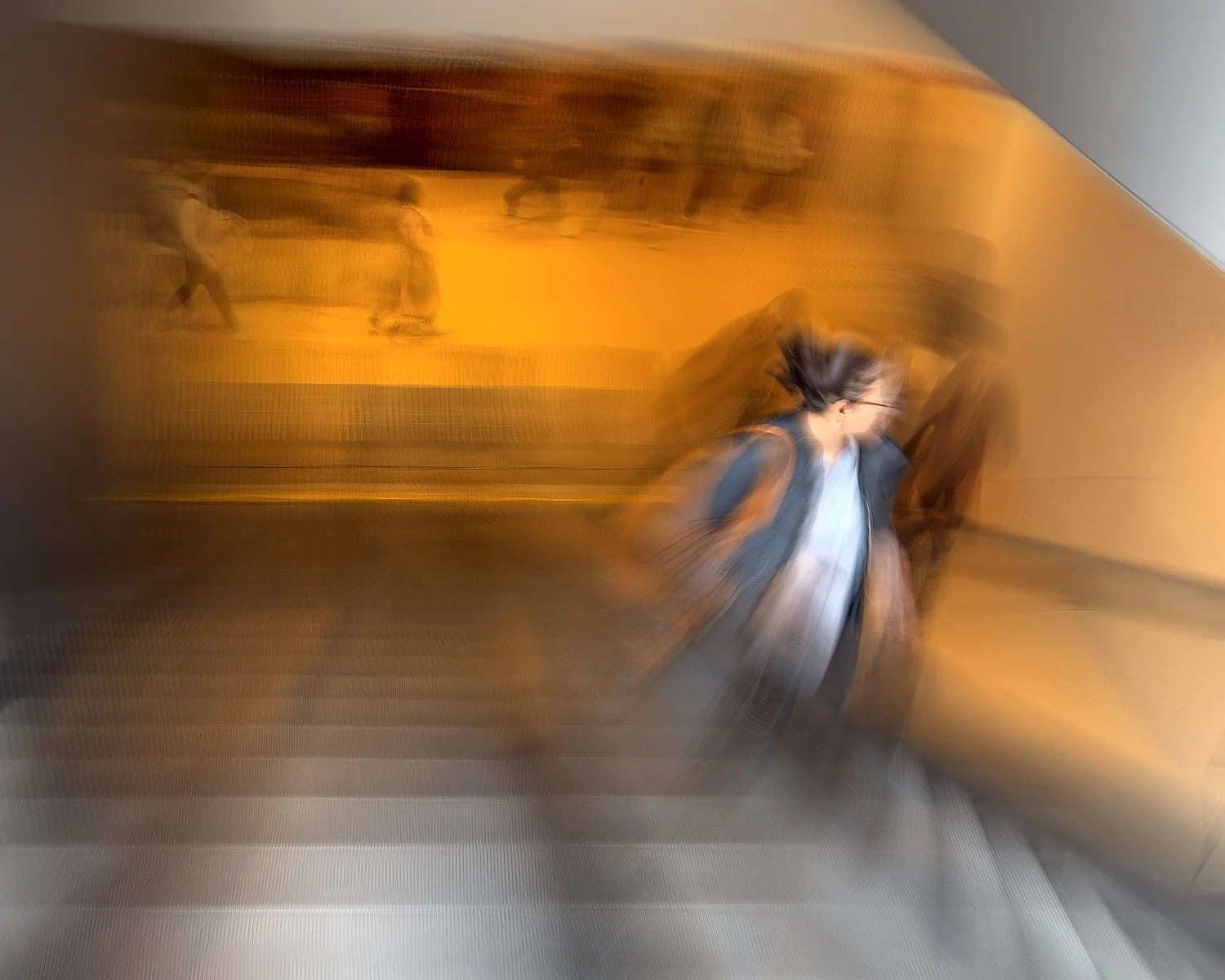
Bluristic - beyond the basics
Having explored Bluristic's creative capabilities in the first section of this page, we now move beyond the basics to examine some of the app's more powerful - and often overlooked - features.
Although much of the discussion centers on the significant Version 1.8 upgrade for iPhone, many of the concepts and techniques remain relevant to those using earlier iOS releases or the Android version of the app.
I will begin with an overview of what Version 1.8 brings to the platform. For readers unfamiliar with earlier versions of Bluristic, a detailed review of the app's core features can be found on Bob Hill’s site.