
Review of Bluristic version 1.8 for iPhone
Overview
Since I first began experimenting with Bluristic almost a year ago, the app has attracted significant interest from photographers exploring creative motion and long exposure techniques on mobile devices.
What initially felt unfamiliar - and at times frustrating - gradually revealed itself as a remarkably flexible creative tool. Even now, I continue to discover new ways in which the app can be used, both within and beyond its original design intentions
This article will reference original features but with a primary goal of bringing to you what I feel are key areas of interest provided by the update.
Updated version
At the time of writing this latest version of Bluristic is only available for iPhone and is reviewed from that perspective. It is unknown if a version for Android will be developed.
Prior to release I was invited to join a small beta testing group, providing feedback on usability, stability and feature refinements during development. Several of the workflow improvements discussed below emerged through that collaborative testing process.
The following relays my personal thoughts on the upgrade.
General Improvements
The latest version introduces improvements across usability, stability and creative control, including:
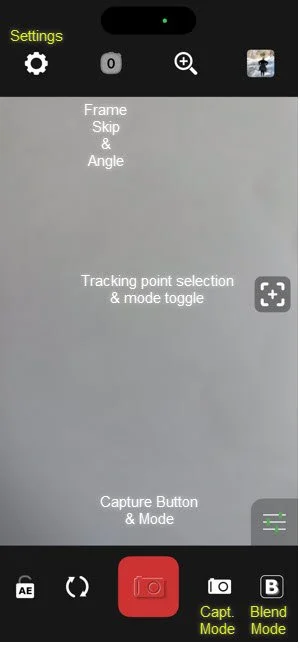
Updated user Interface
improved stability
cleaner interface design
more intuitive tracking point controls
expanded customization options
Cleaner layout
The interface has been simplified considerably, with secondary controls now moved into optional settings menus. This creates a cleaner workspace while making the distinction between A-N-B modes and capture control much clearer.
The capture button icons themselves are now more subtle, displaying only a faint outline to indicate the active mode.
Stability
Many testers have reported a cessation of common issues they were experiencing with the old version. In my own case, an issue I had with closing the app has dissappeared.
Tracking point management
For me, the most significant improvement is the redesigned tracking point workflow.
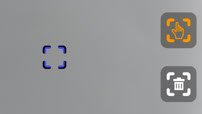
While drag-and-drop point placement remains available, the [+] button can now be toggled. Switching to ‘Tap’ mode, this allows users to place points simply by tapping the screen. This dramatically speeds up tracking when working with moving subjects.
The redesigned controls are also easier to locate, while a dedicated trash button allows all points to be cleared instantly.
Expanded customizations
Many optional controls have now been consolidated into the Settings menu, allowing photographers to tailor the interface to their own workflow while maintaining a cleaner shooting environment.
While there are numerous options available, I will focus primarily on those that I feel will have the greatest creative impact.
New features
Multi-exposure mode
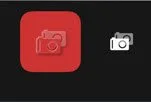
A new multi-exposure mode allows multiple captures to be accumulated before saving the final image. Users can also step backwards through captures if required before committing to the result.
Skip frames
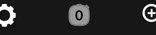
Bluristic creates long exposure effects by stacking sequential frames. The new Skip Frames option introduces gaps between captures, allowing greater separation of moving subjects within the final image.
This can be particularly effective when photographing fast-moving subjects such as birds or passing figures.
Angled trigger.
Accessed by long-holding the Skip Frames selector, the new Angled Trigger mode allows captures to occur only after a defined amount of camera movement. This is set by a slider that is made visible on activation.
Rather than capturing continuously, the image is effectively constructed through deliberate physical movement of the device — rotational, horizontal or vertical. This opens interesting possibilities for more controlled motion-based abstraction.
Mirror mode & Color filter
Mirror Mode
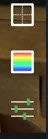
The new mirror mode is enabled through ‘Settings’. This provides options to mirror a scene along horizontal or vertical planes.
The image right displays the activated mirror control and color filter, along with the default levels adjustment.
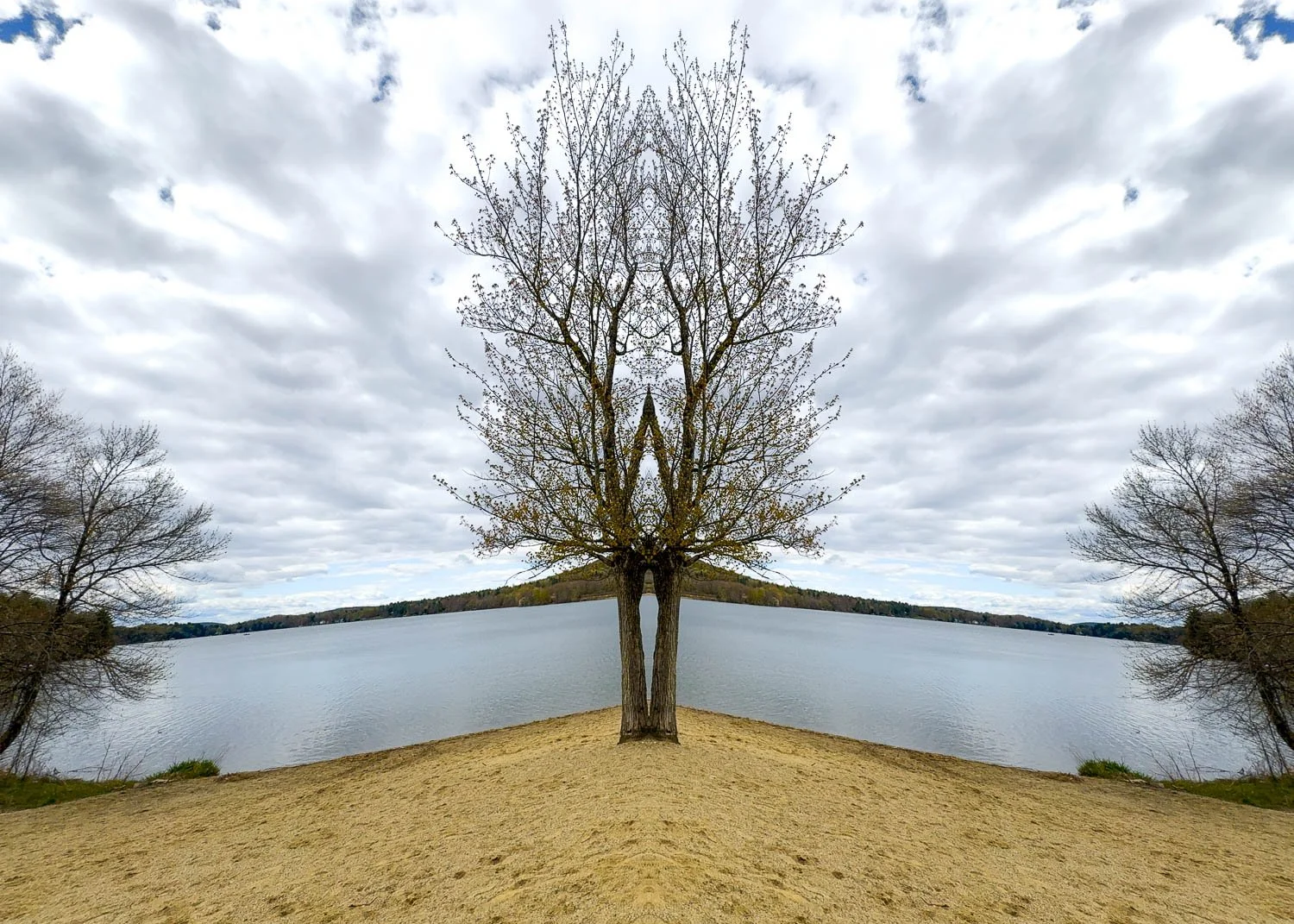
Interesting effects can be created by using Mirror mode
Color filter
Enabled along with Mirror mode in Settings, the new Color feature allows setting a color mode to the image, with selection of color or black and white, or inversions of each.
Z - mode
Found within the Experimental settings, Z-Mode introduces an additional blend option that produces highly graphic, solarization-like results.

The effect reconstructs scenes into stark black-and-white tonal regions, with the visual outcome changing depending on the duration of the capture. The image to the right shows Z-Mode enabled and selected.
While potentially niche when used alone, I have found it particularly interesting when blended with more conventional captures.
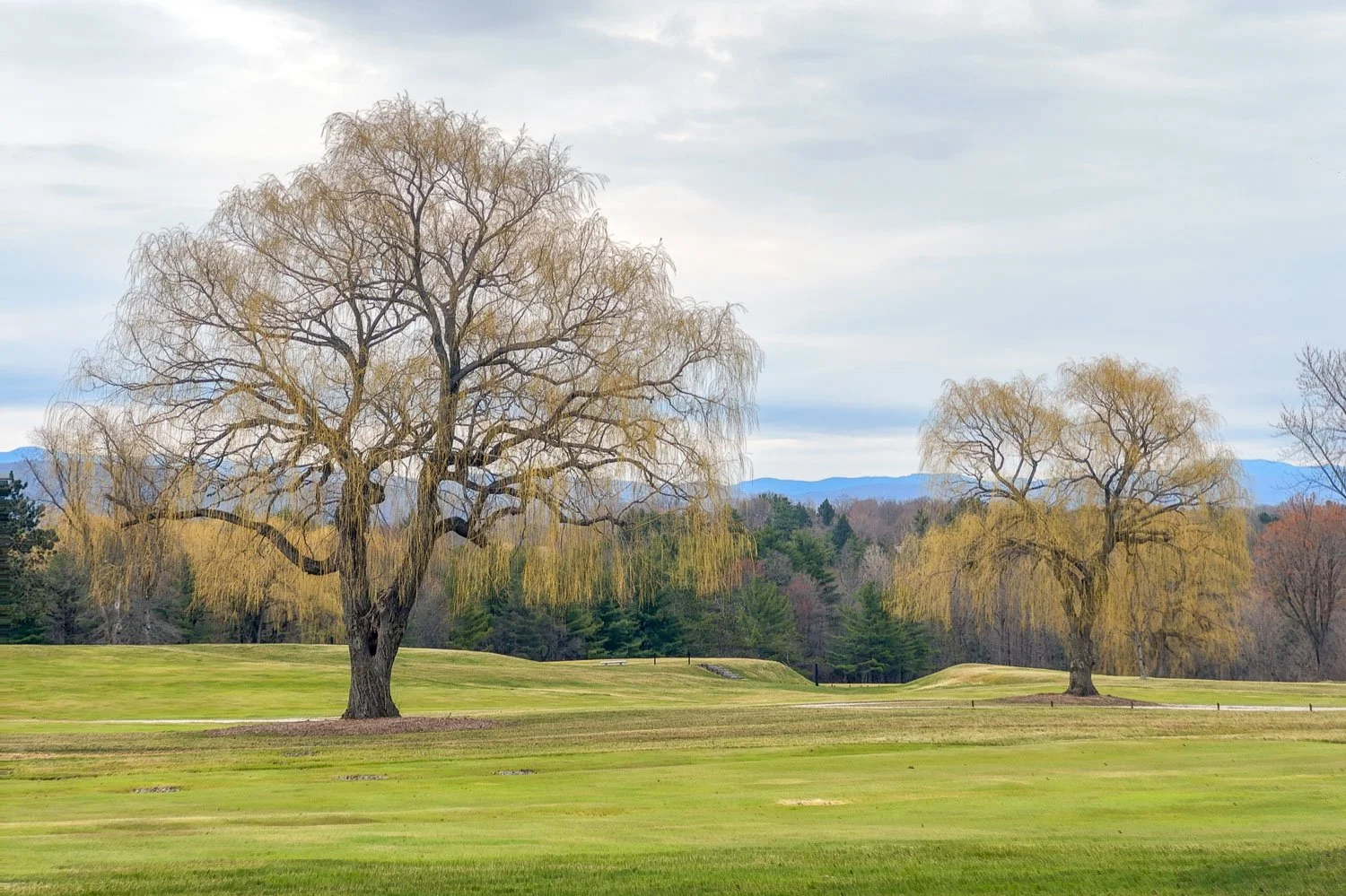
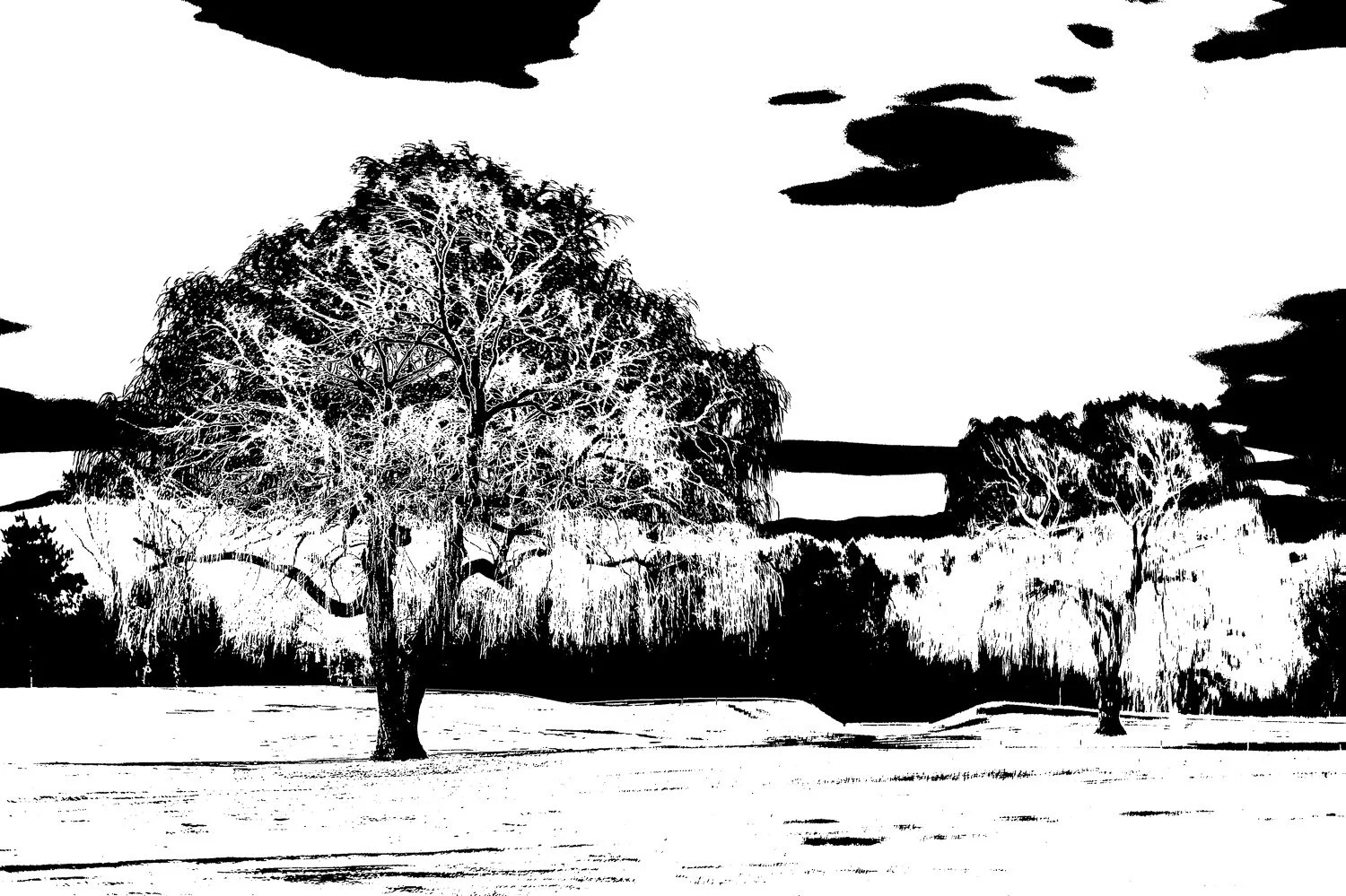
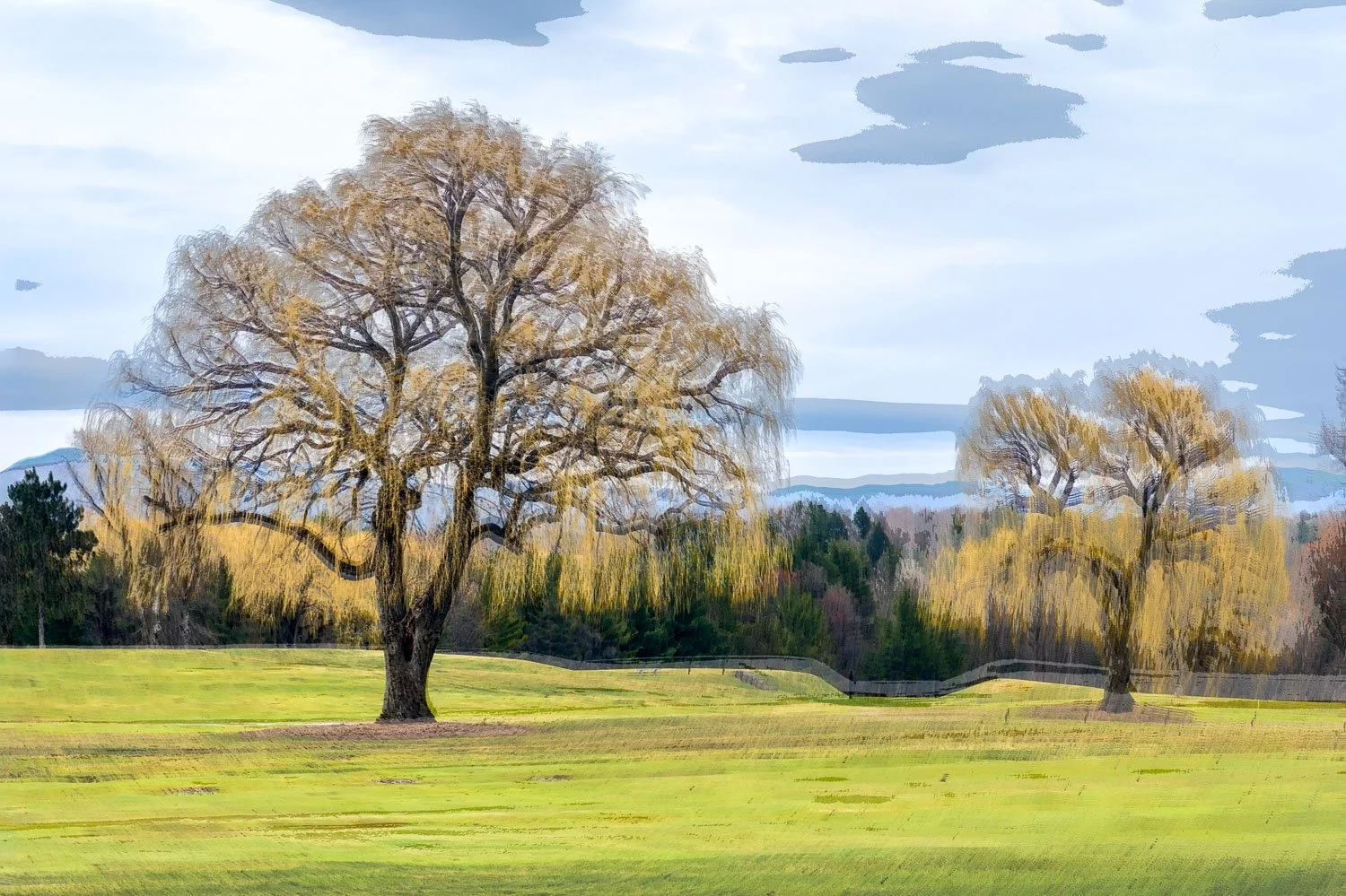
The above series shows an image captured with the blend set to B-mode, a second set to Z-mode, the third being a blended result.
Extended Blend Mode captures
The maximum capture time for Blend Mode has now been extended to 30 minutes. Although not tested myself, this option opens up additional creative possibilities for longer-exposure images.
Final Words
The latest iteration of Bluristic builds on the strengths of the original release with meaningful improvements to both workflow and creative flexibility. Beyond stability and workflow improvements, the new version introduces tools that further expand its creative potential for photographers exploring movement, abstraction and experimental image-making.
Even after extensive use, I still feel that I have only scratched the surface of what the app is capable of - which perhaps says more about its creative possibilities than any feature list can.
If you have yet to download the new version I would love to hear of the updates that you are most excited about. And for those already using it, I’d be equally interested to hear your thoughts and experiences.