
Bluristic - extending the blur - part 2
In part 1 of this series on the Bluristic app, I tested the app’s core functions and adapted them to my own typical shooting style. The results were promising, but I wanted to push the app beyond its intended use and see how it might perform when compared with other ICM approaches I typically explore.
Humanessense
The following tests fall under what I refer to as my Humanessense range of techniques (see guide here). These methods aim to preserve the essence of the human form while still allowing motion blur to transport the viewer away from the familiar. The goal of these experiments was to see whether the app could produce results similar to other methods (DSLR, other mobile apps) - or perhaps generate something entirely new.
Hand-held long exposures
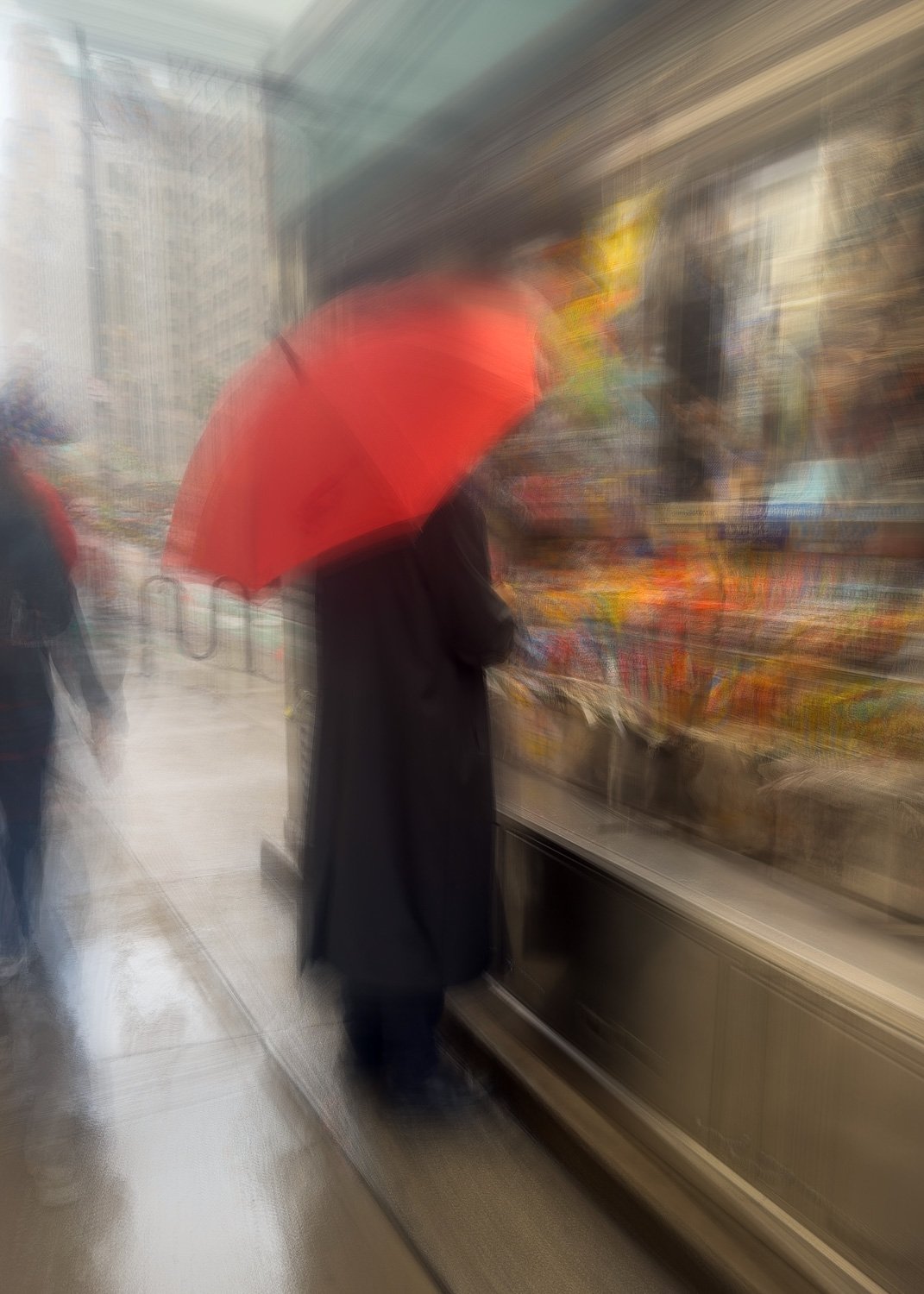
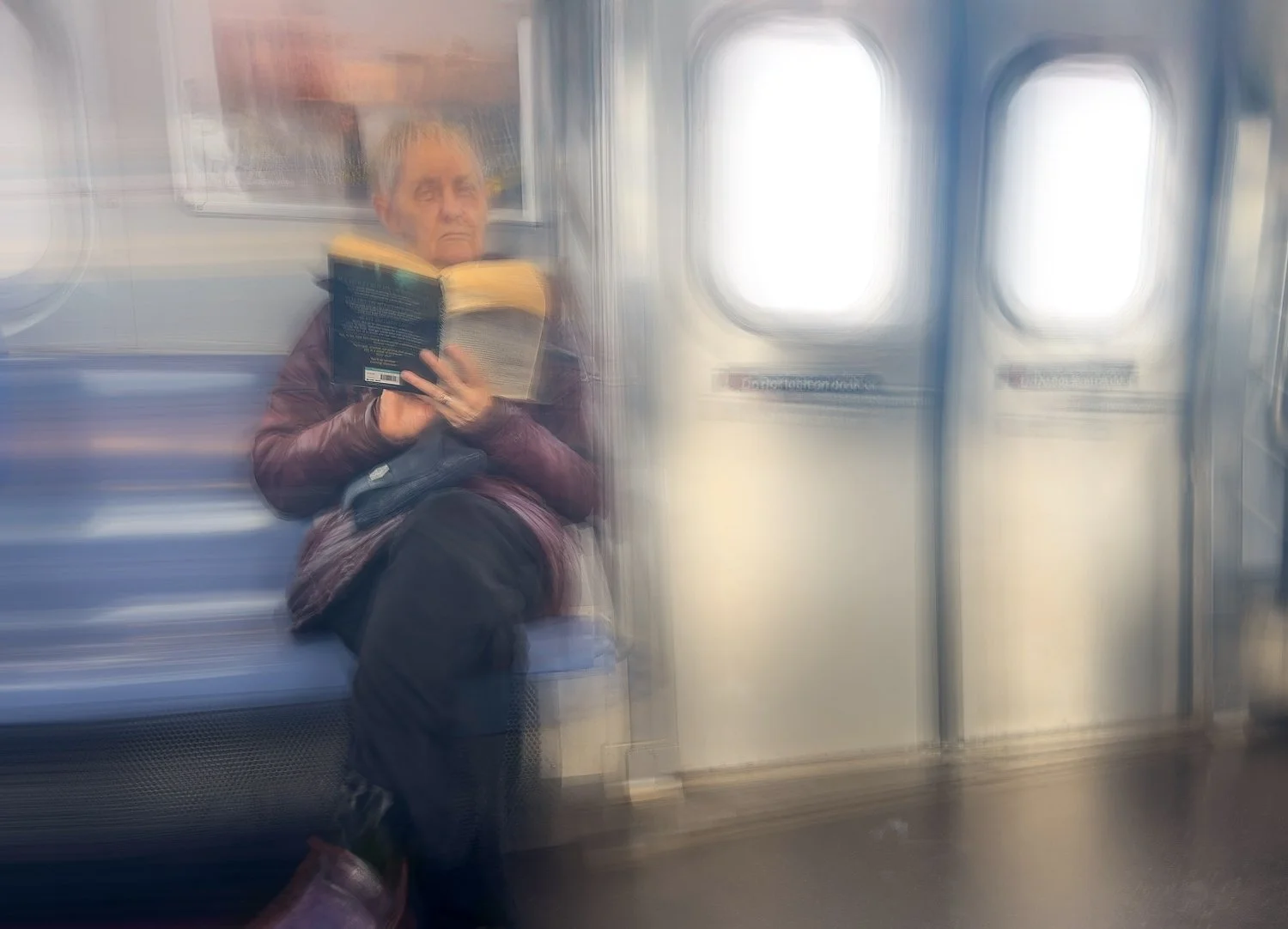
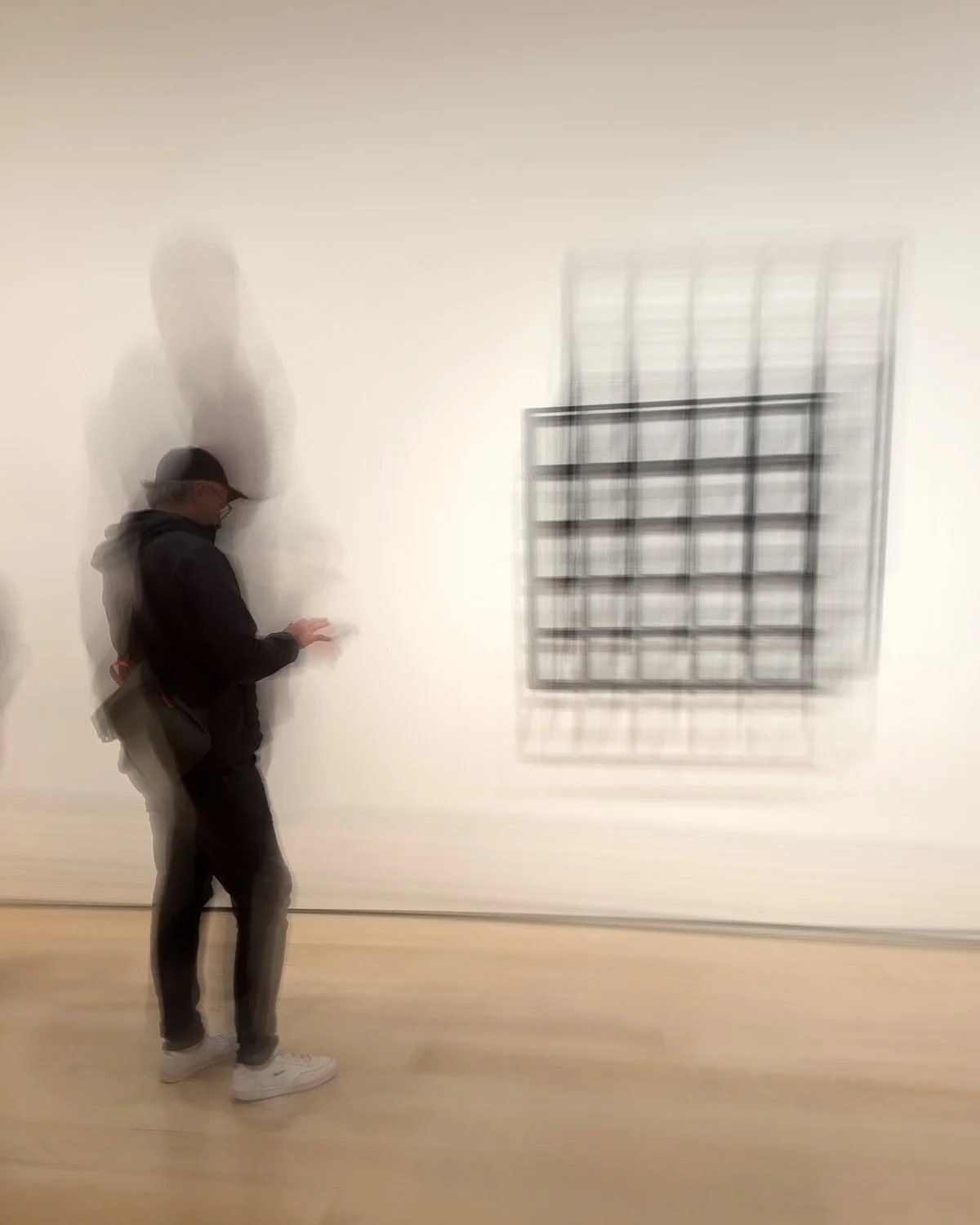
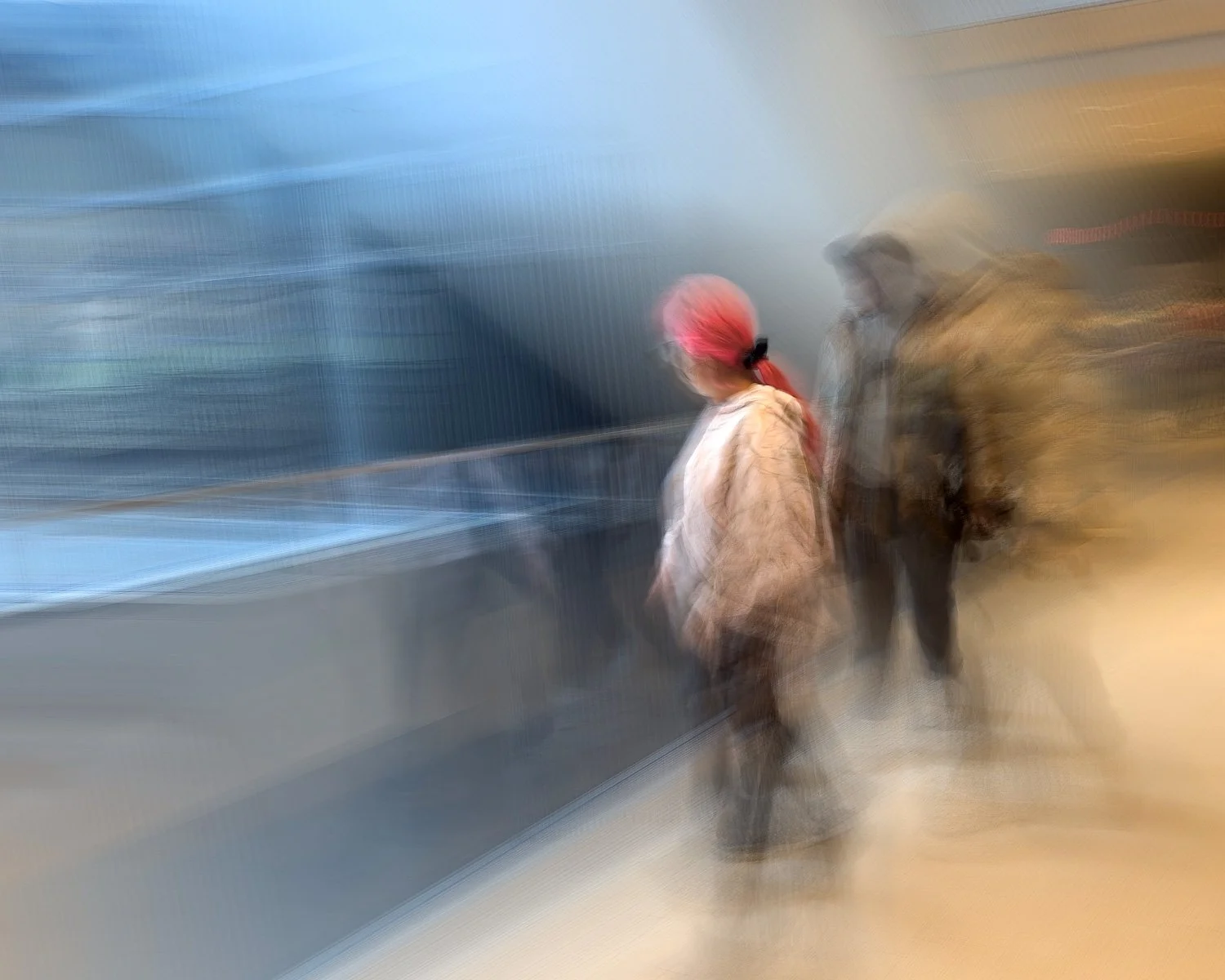
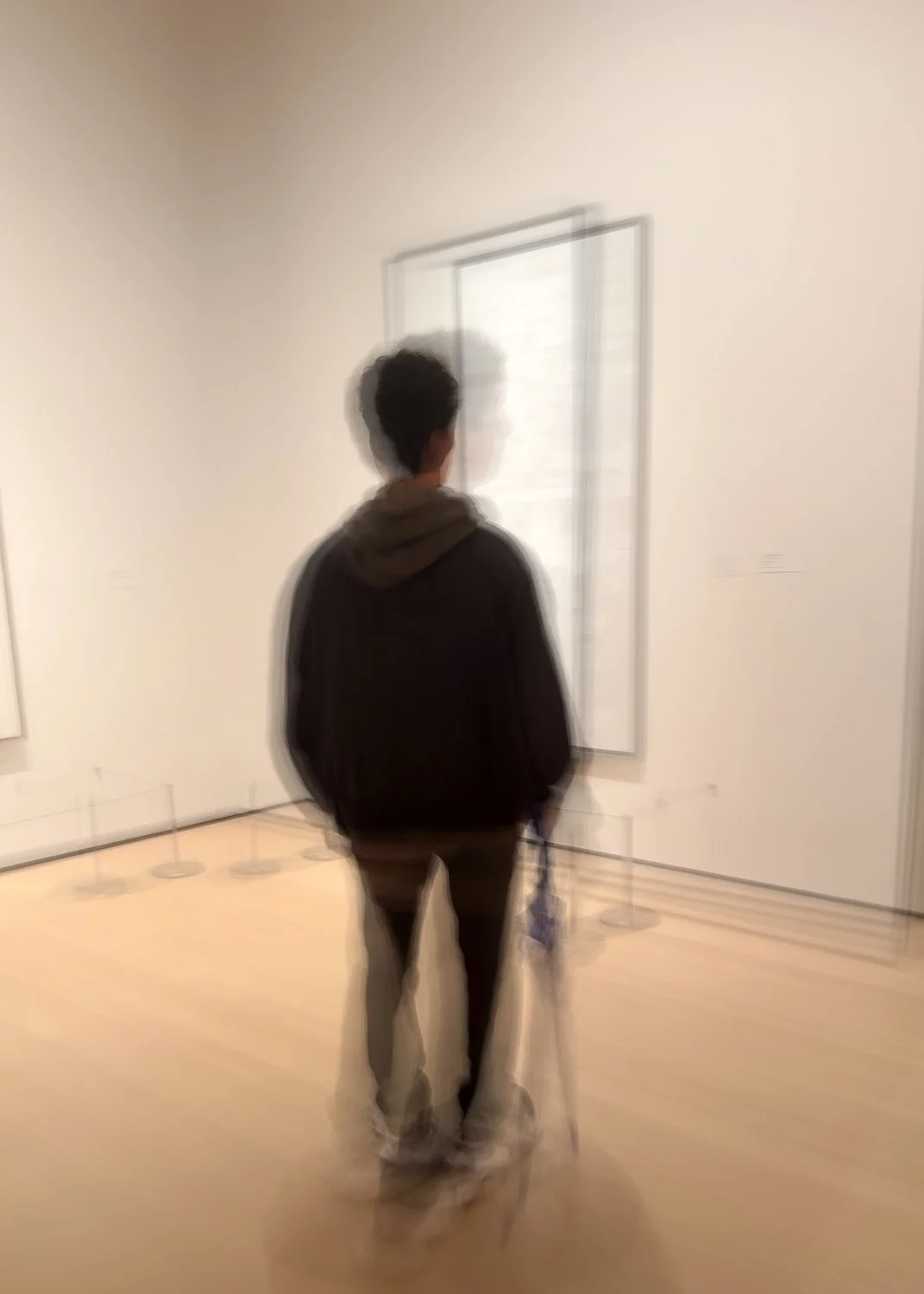
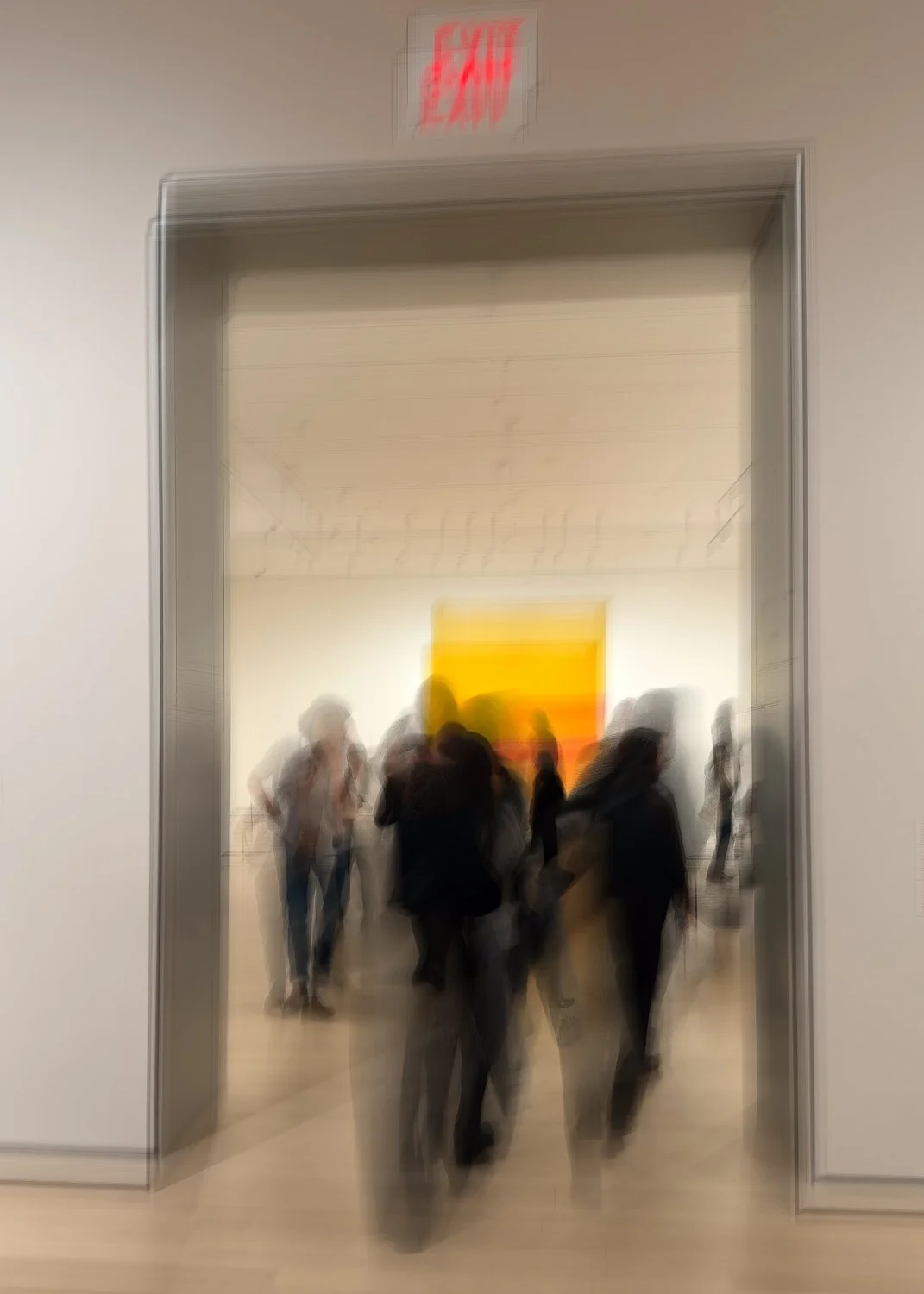
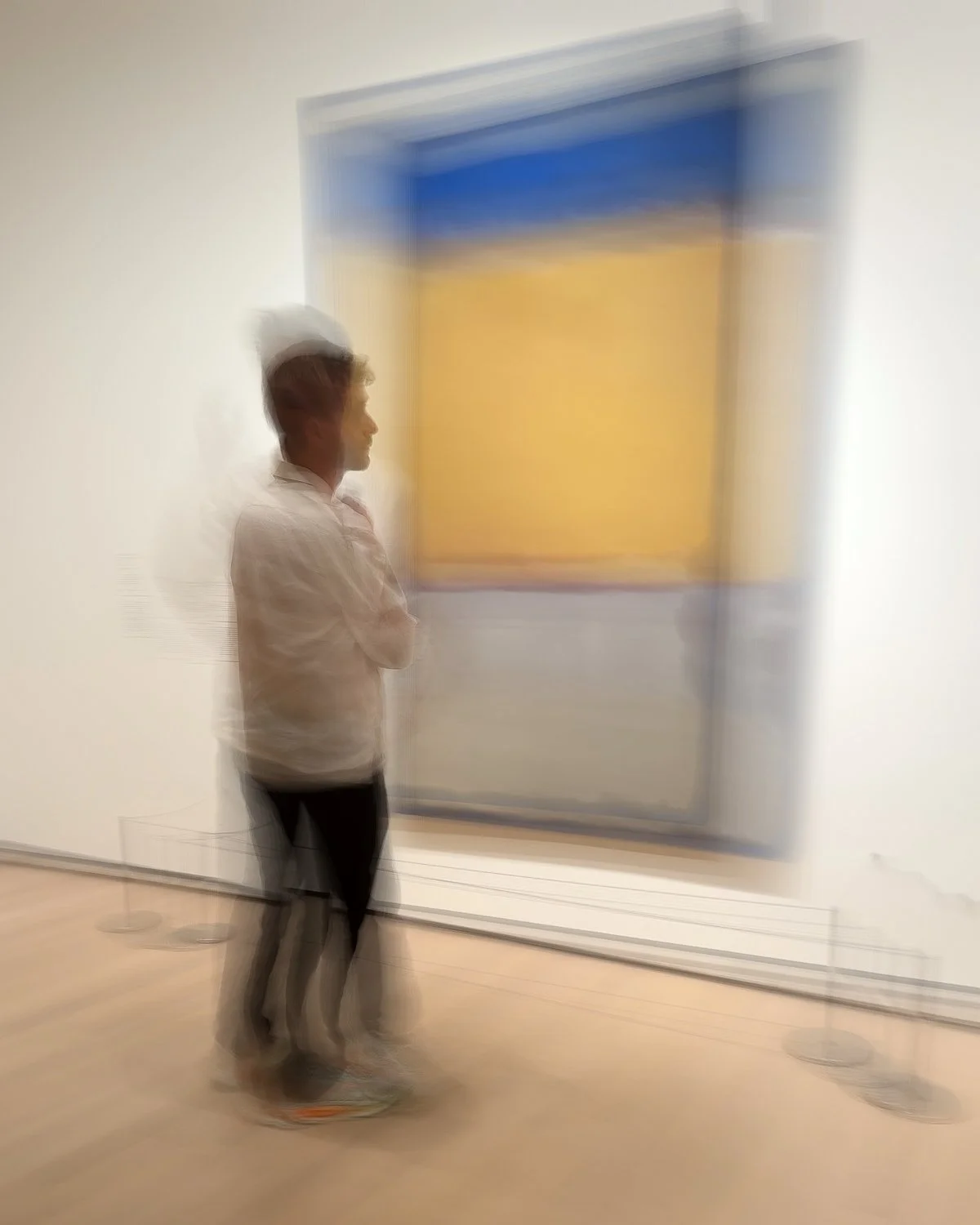
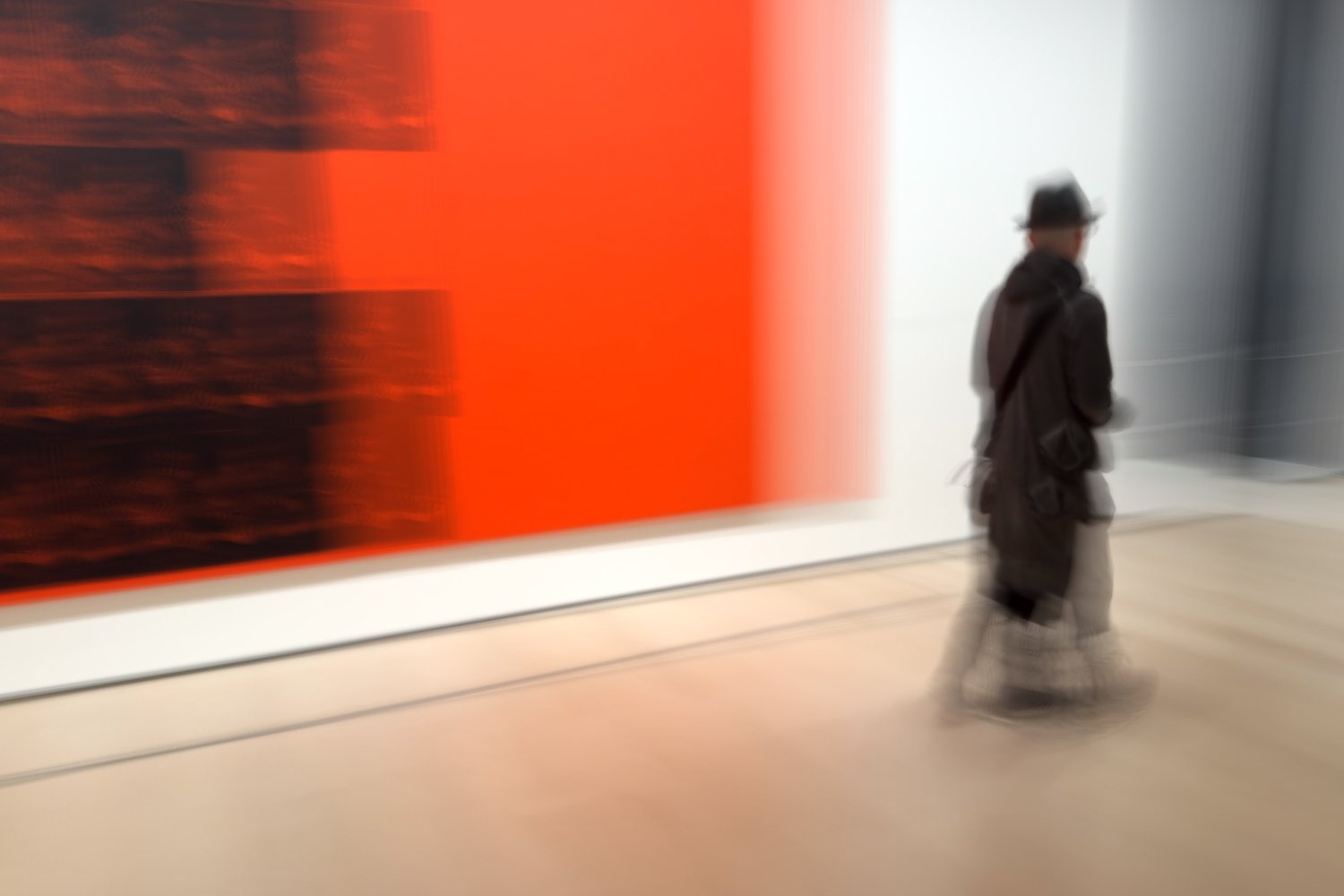
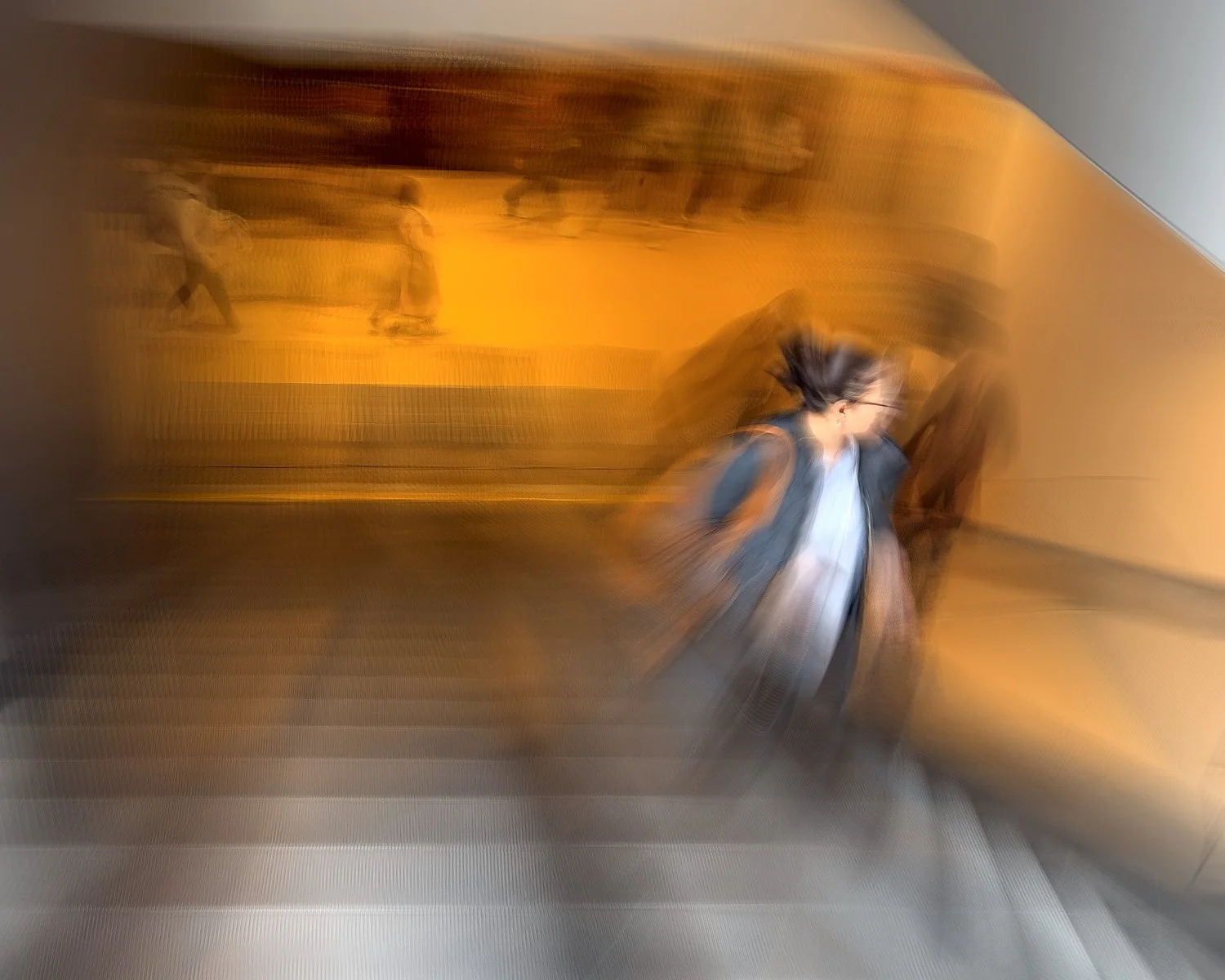
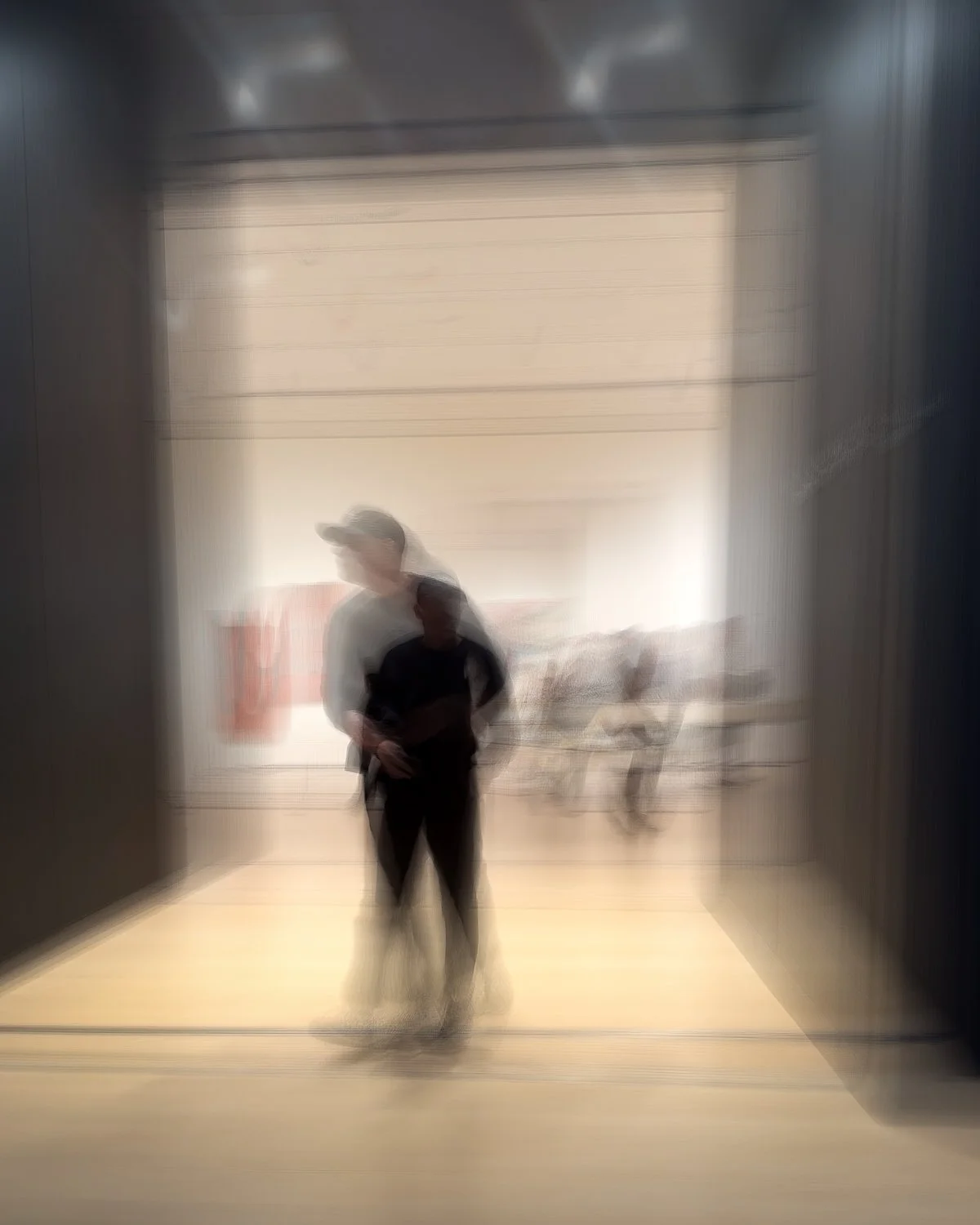
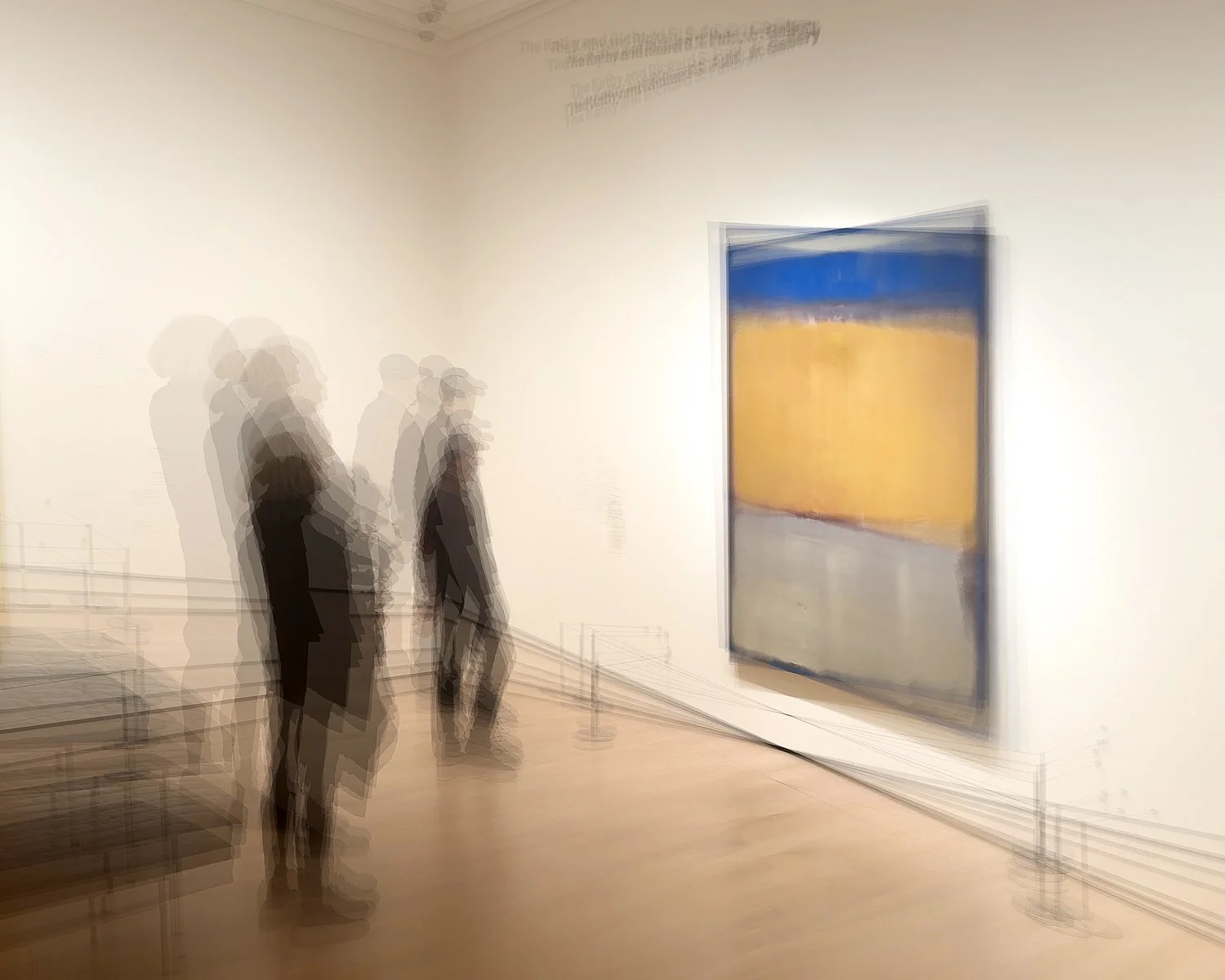
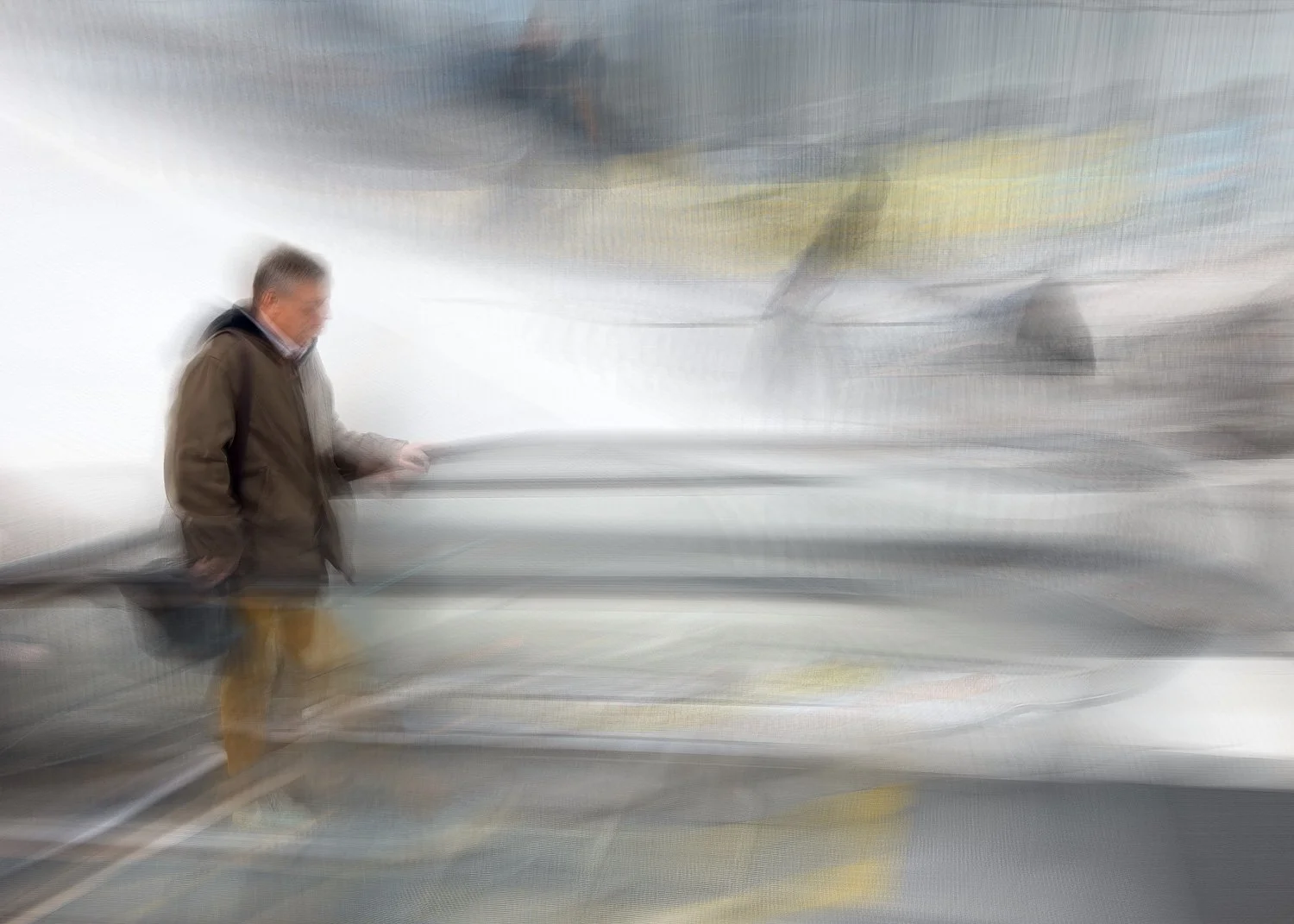
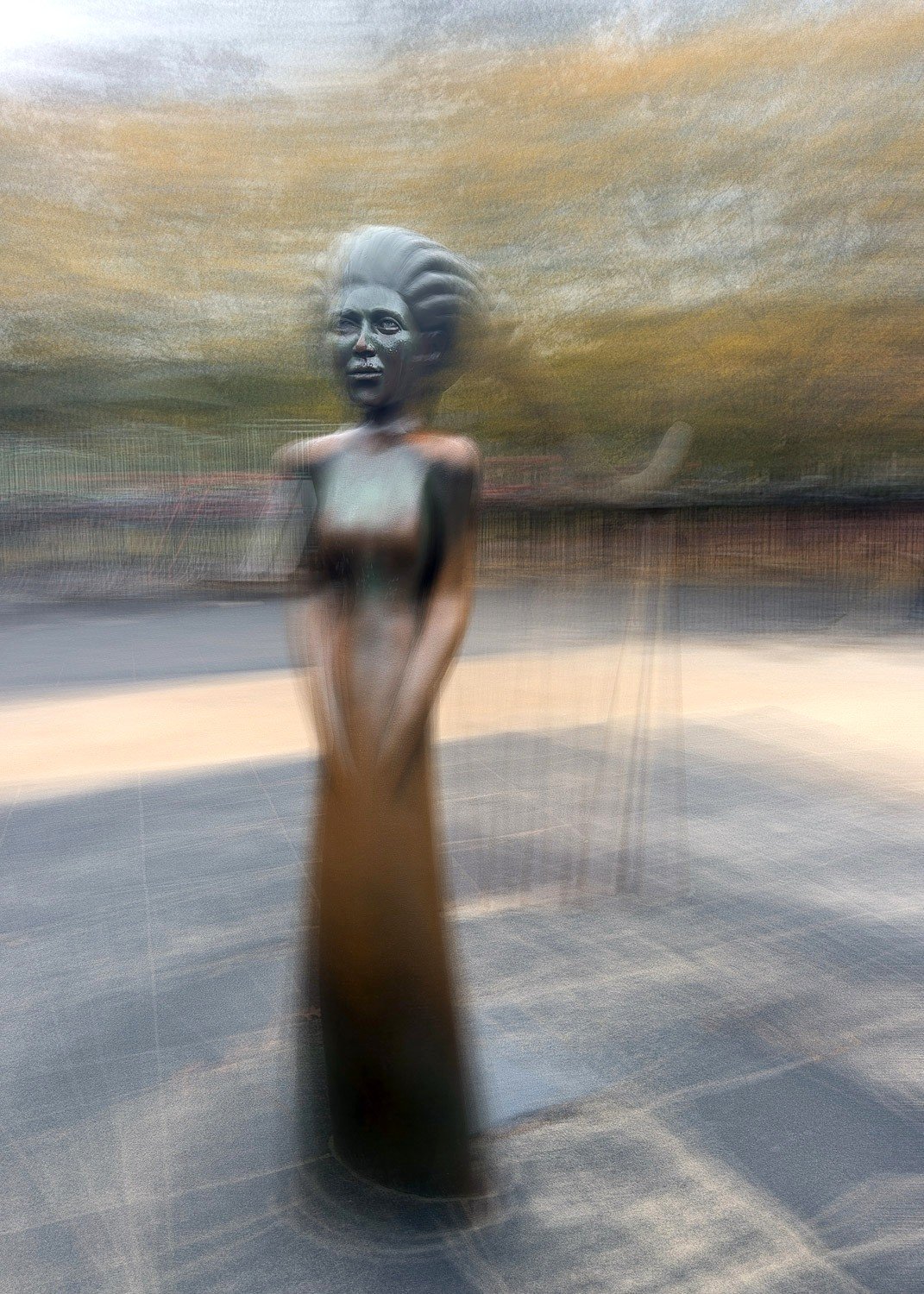
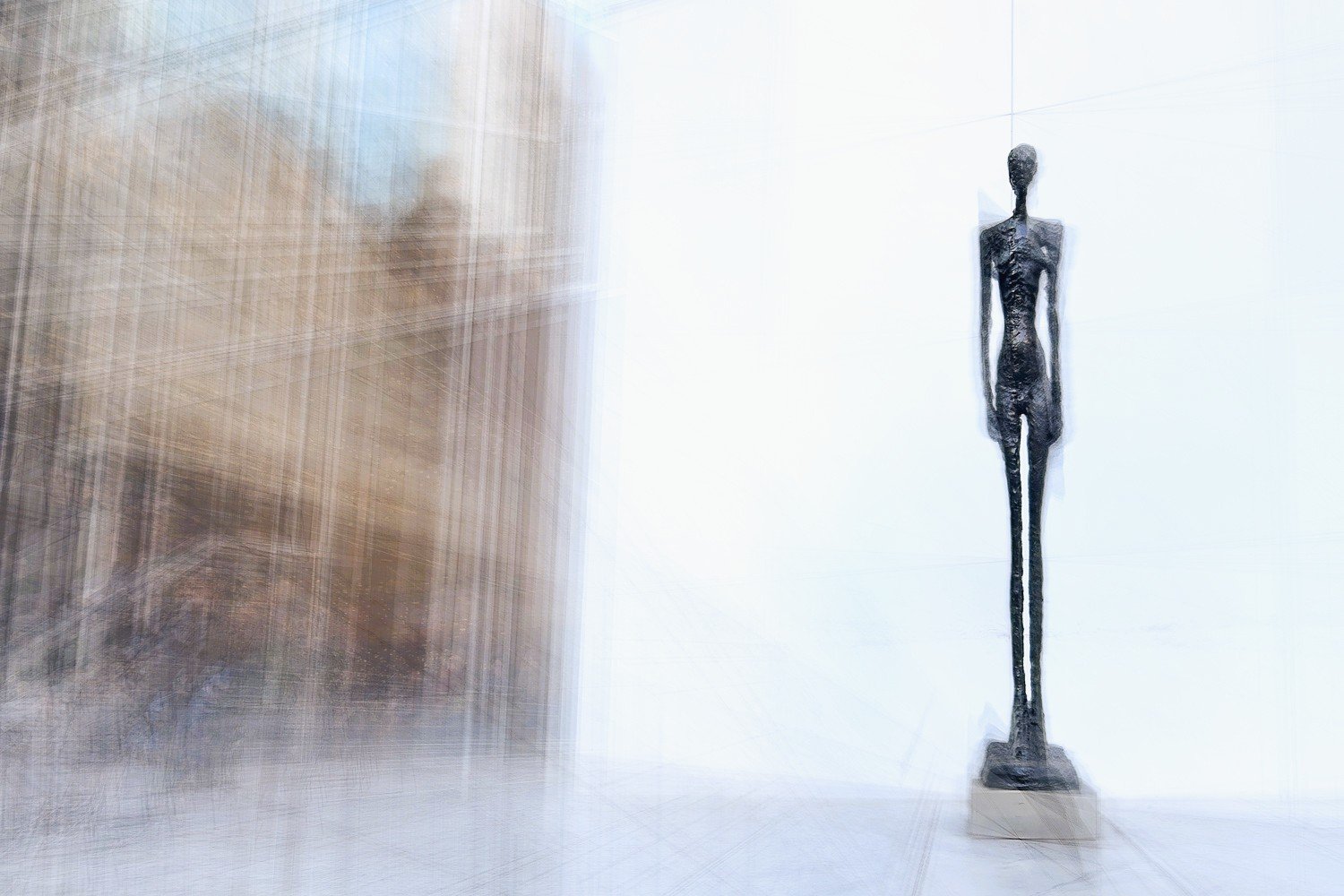
First up is the simple hand-held long exposure, with the subject being loosely tracked to convey a sense of motion. This differs from the panning approach discussed in the initial post - the intention here isn’t to maintain subject sharpness but to capture the essence of movement.
followICM
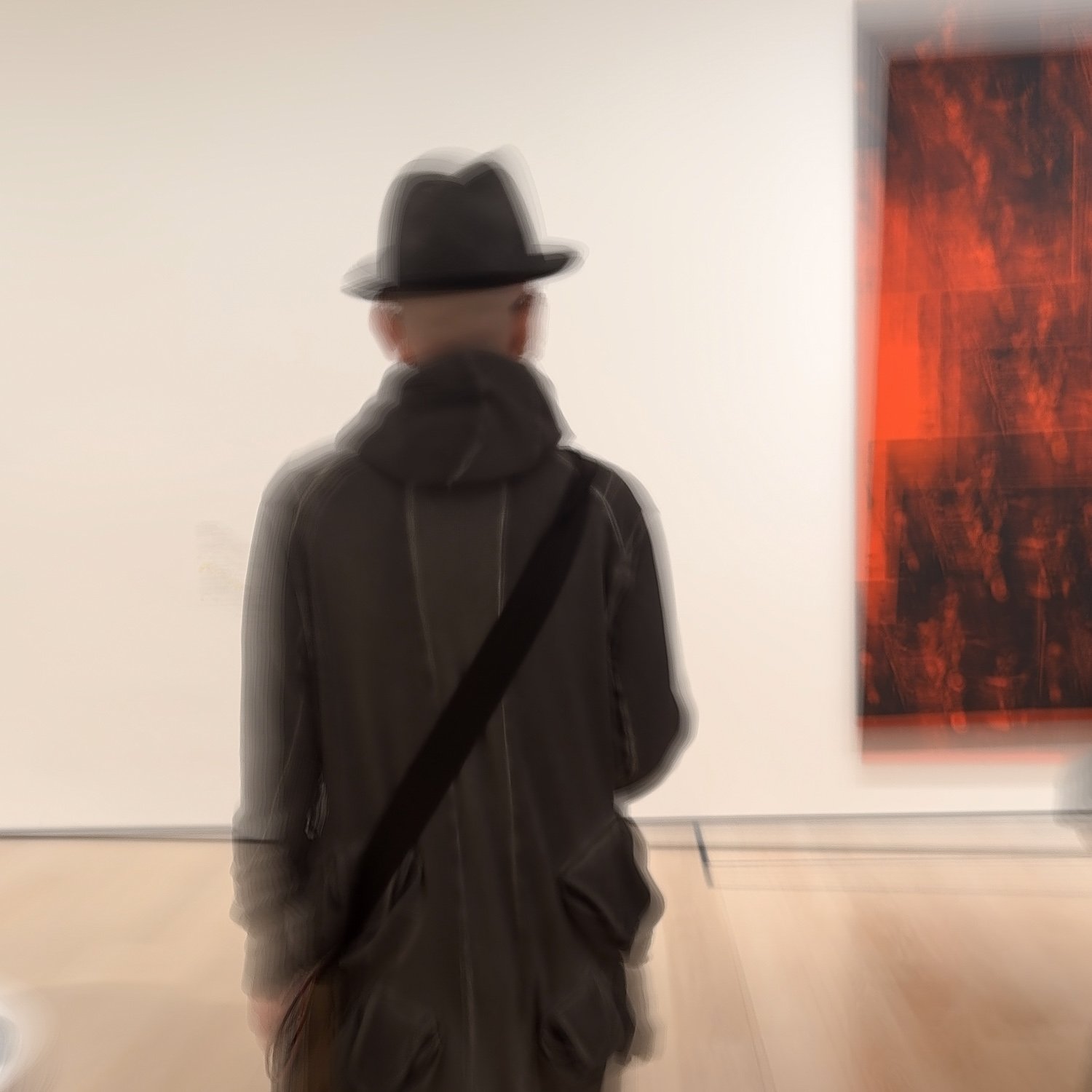
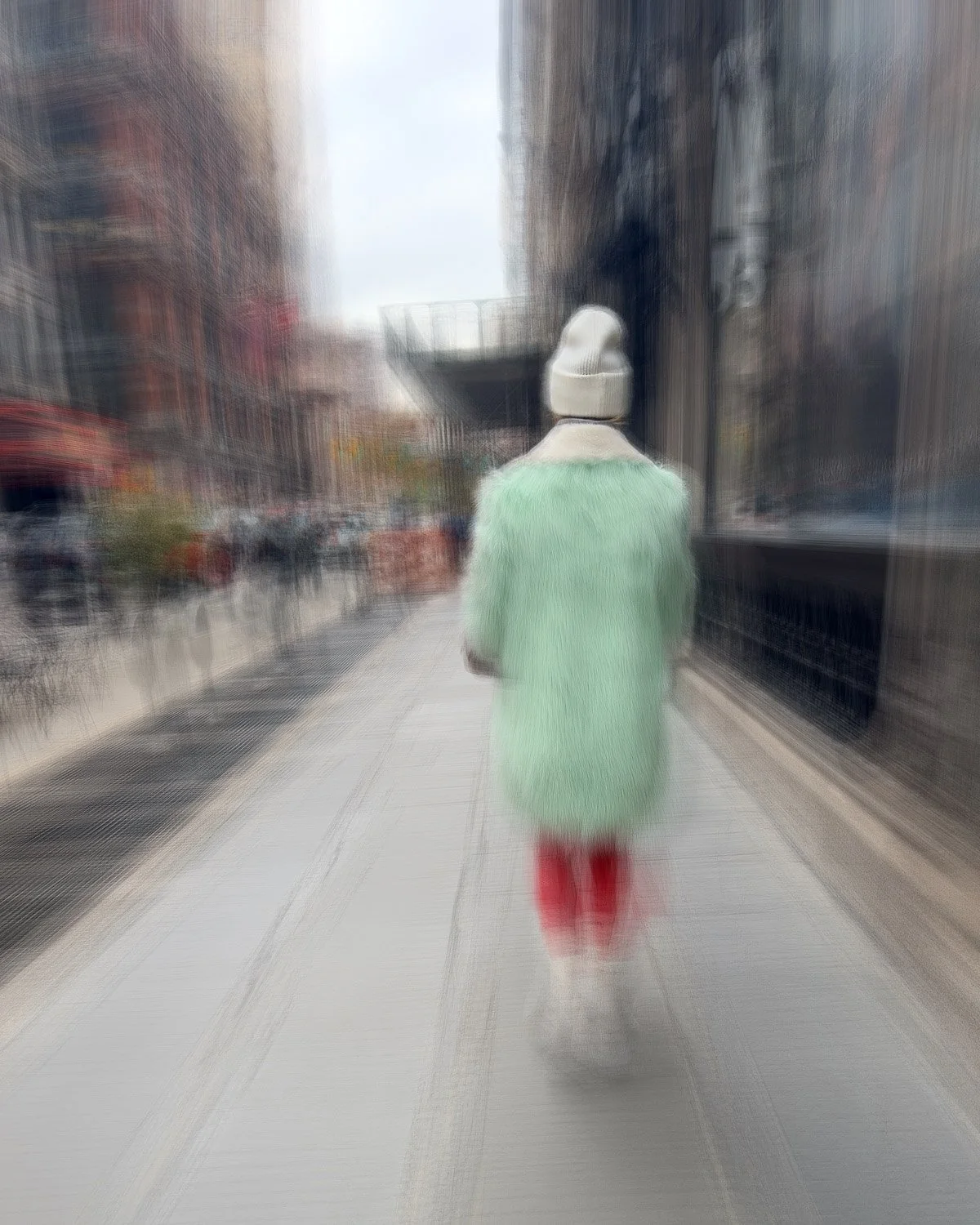
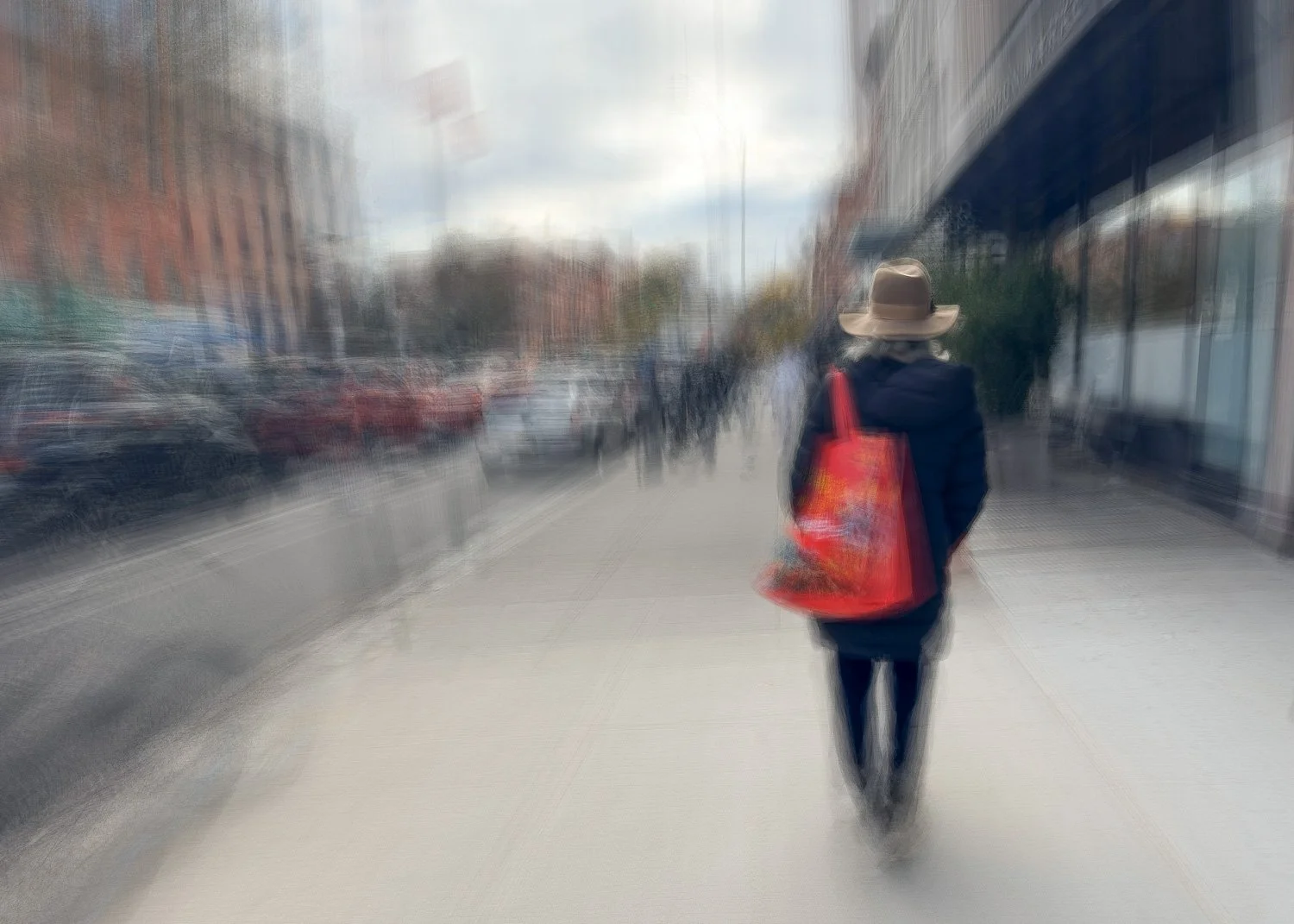
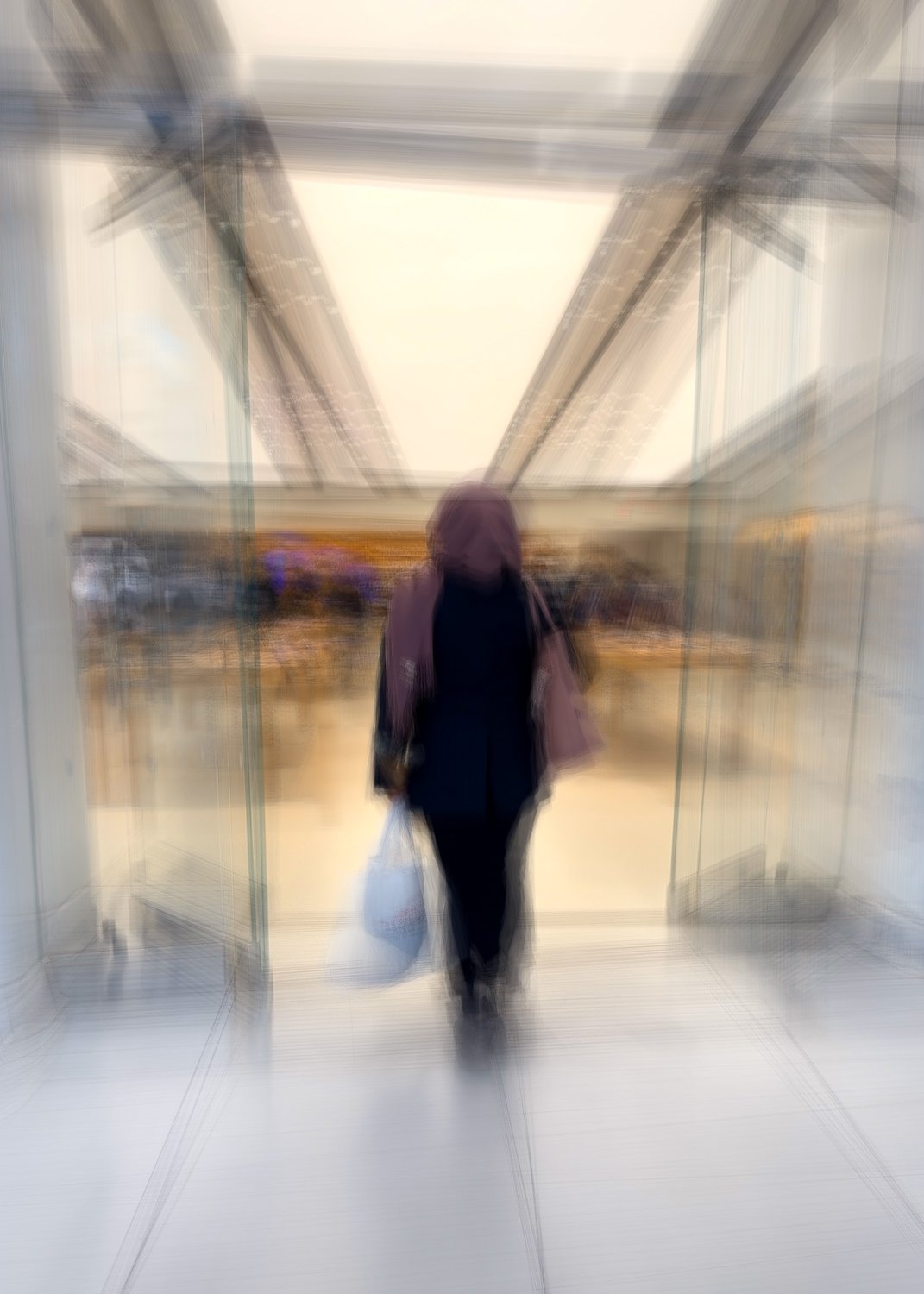
The results in this set closely relate to images created using a technique I call followICM. These are photographs in which a moving subject is tracked during the exposure to create a more defined motion-blur aesthetic (see my published guide to followICM here). For these tests, I used the same tracking approach as usual, simply substituting the Spectre app with Bluristic.
Overall, I feel the results are on par with Spectre - and in many cases, perhaps even superior. Below is a sample of my test results.
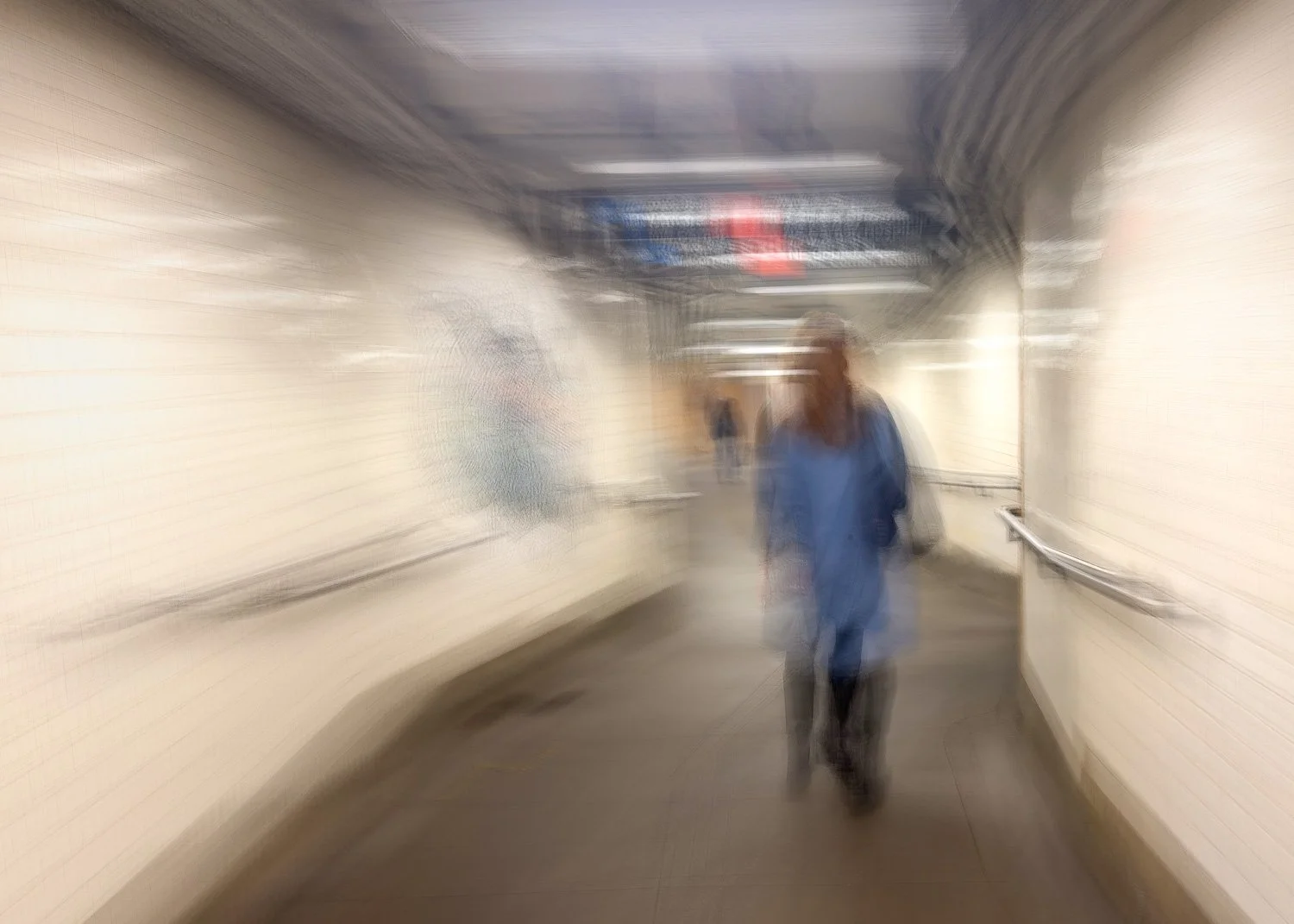
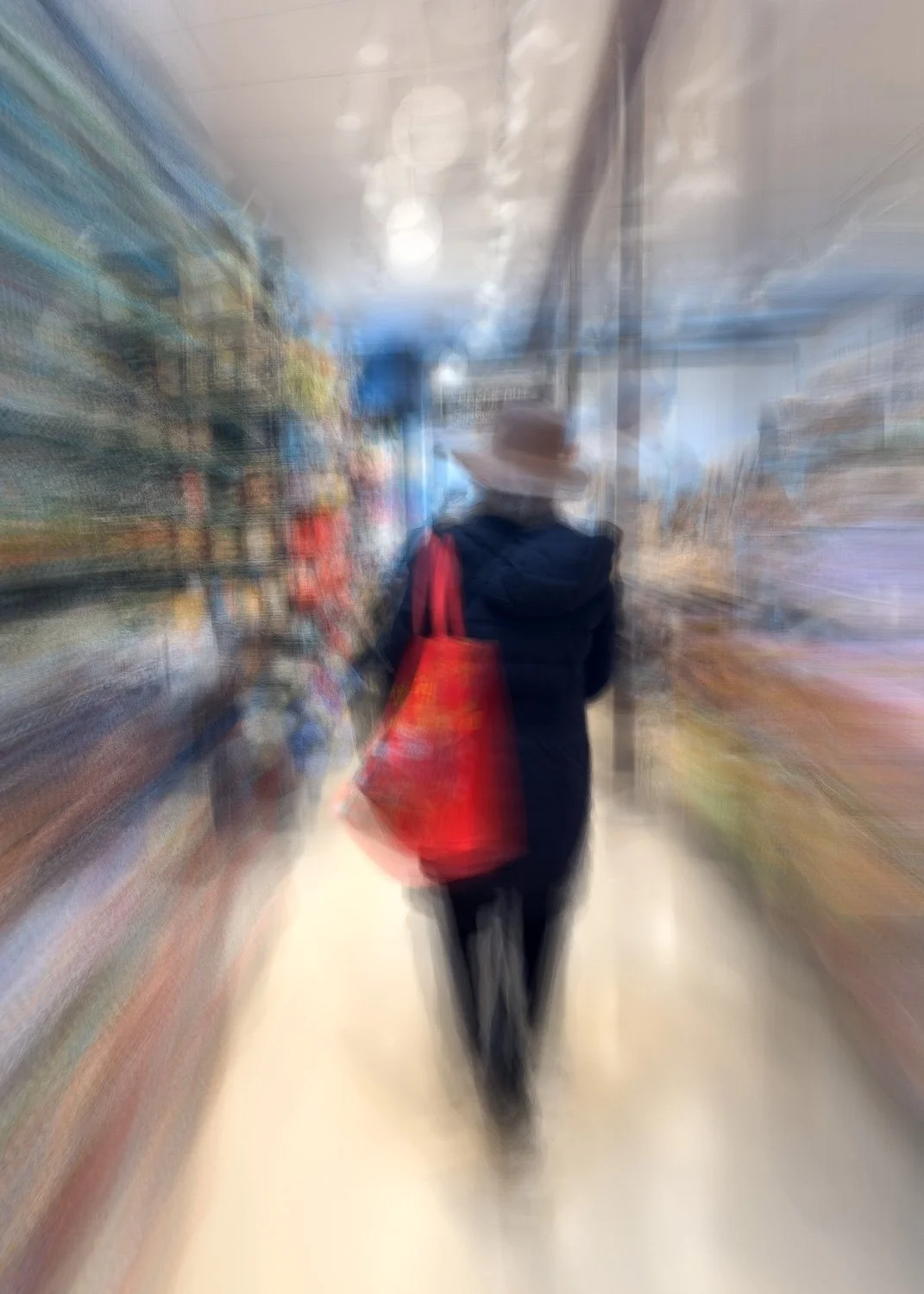
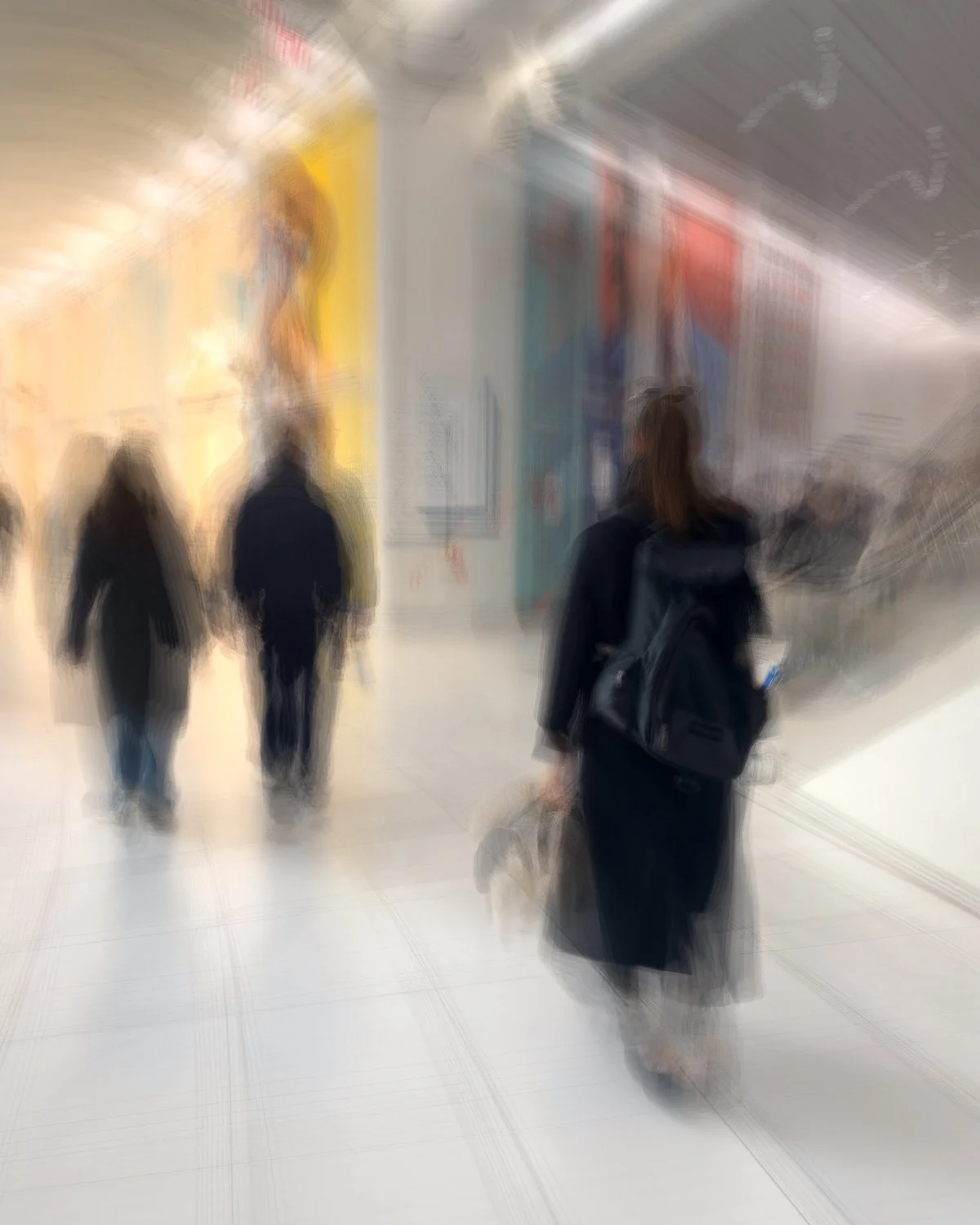
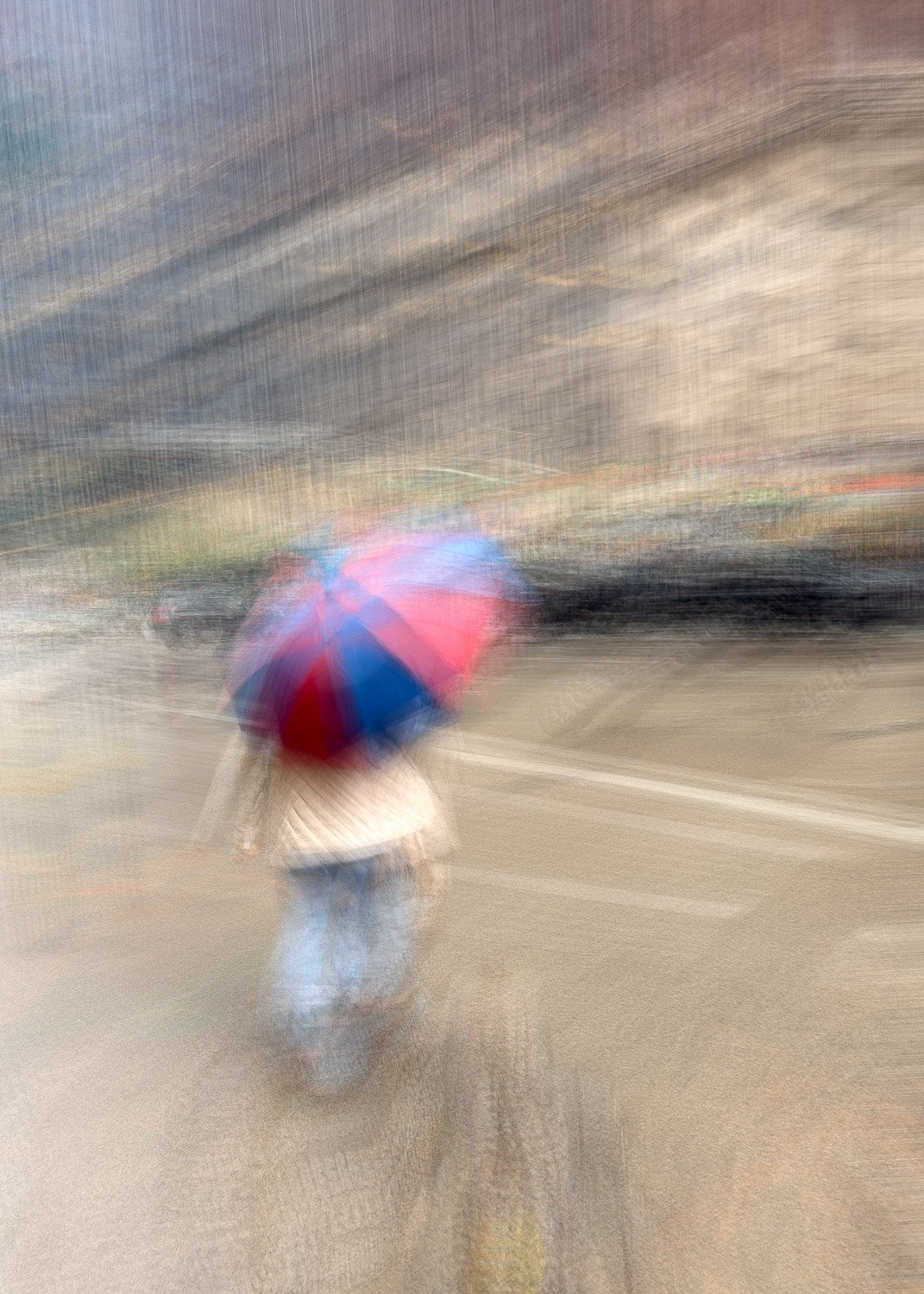
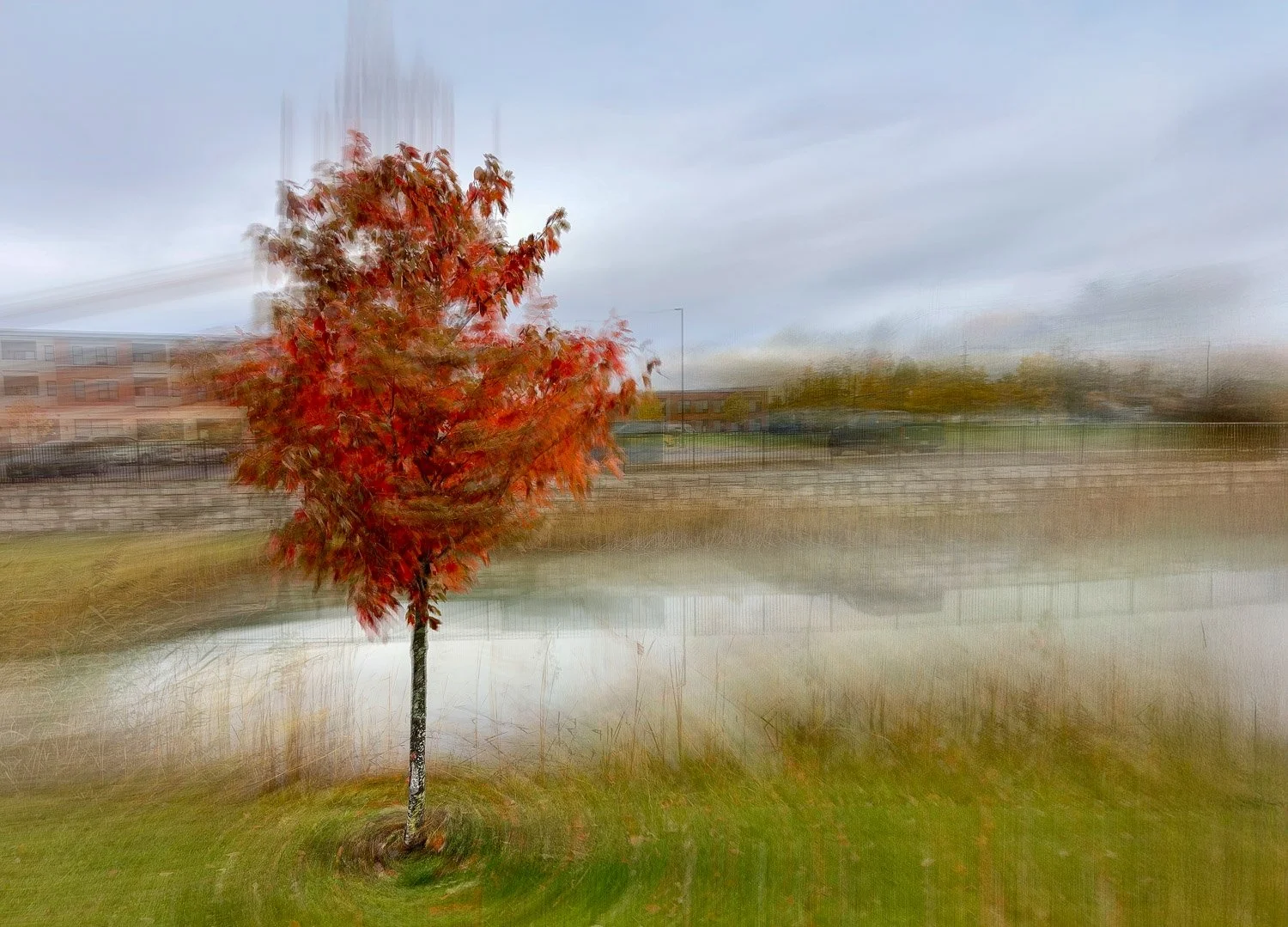
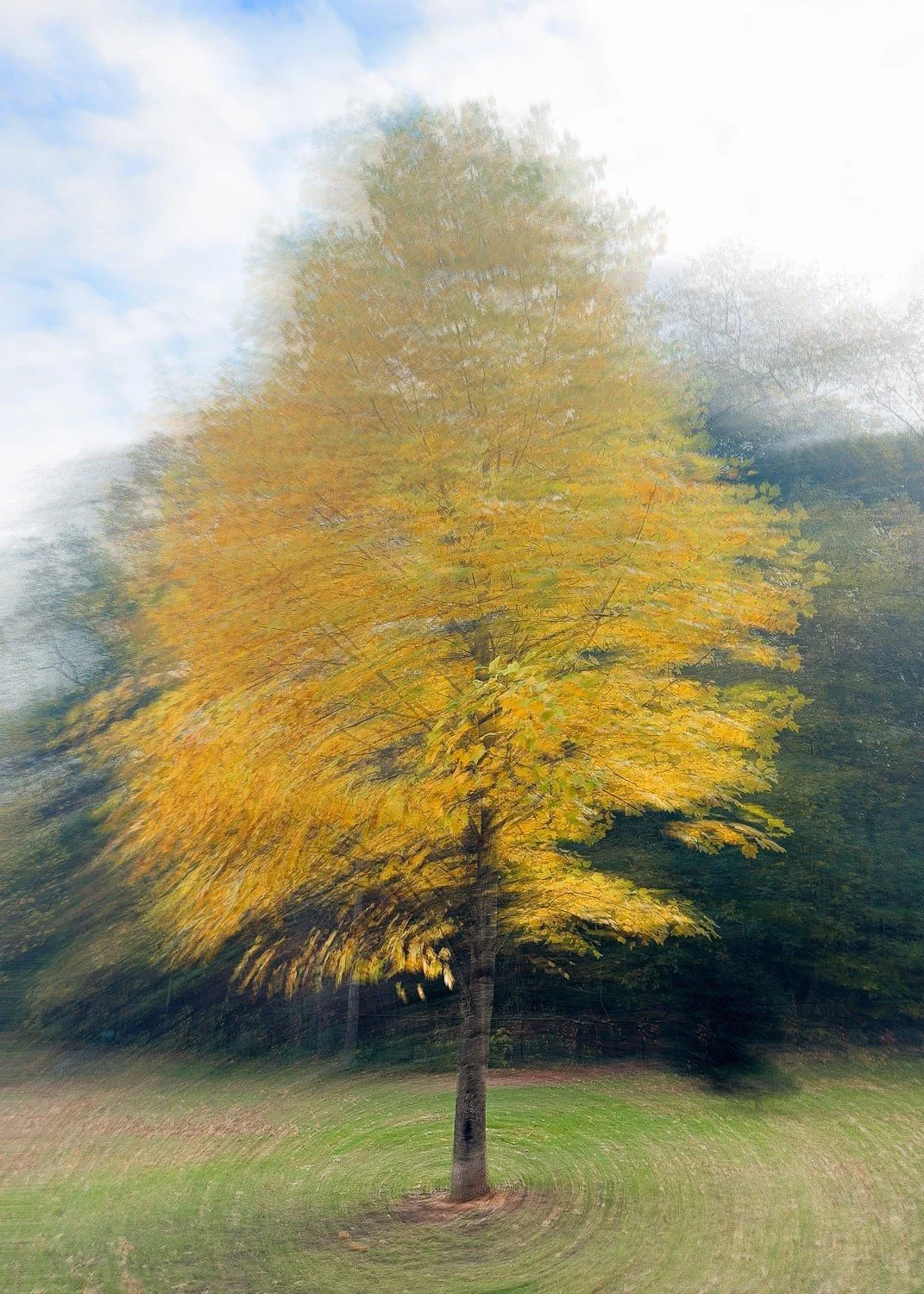
In The Round (Pep Ventosa)
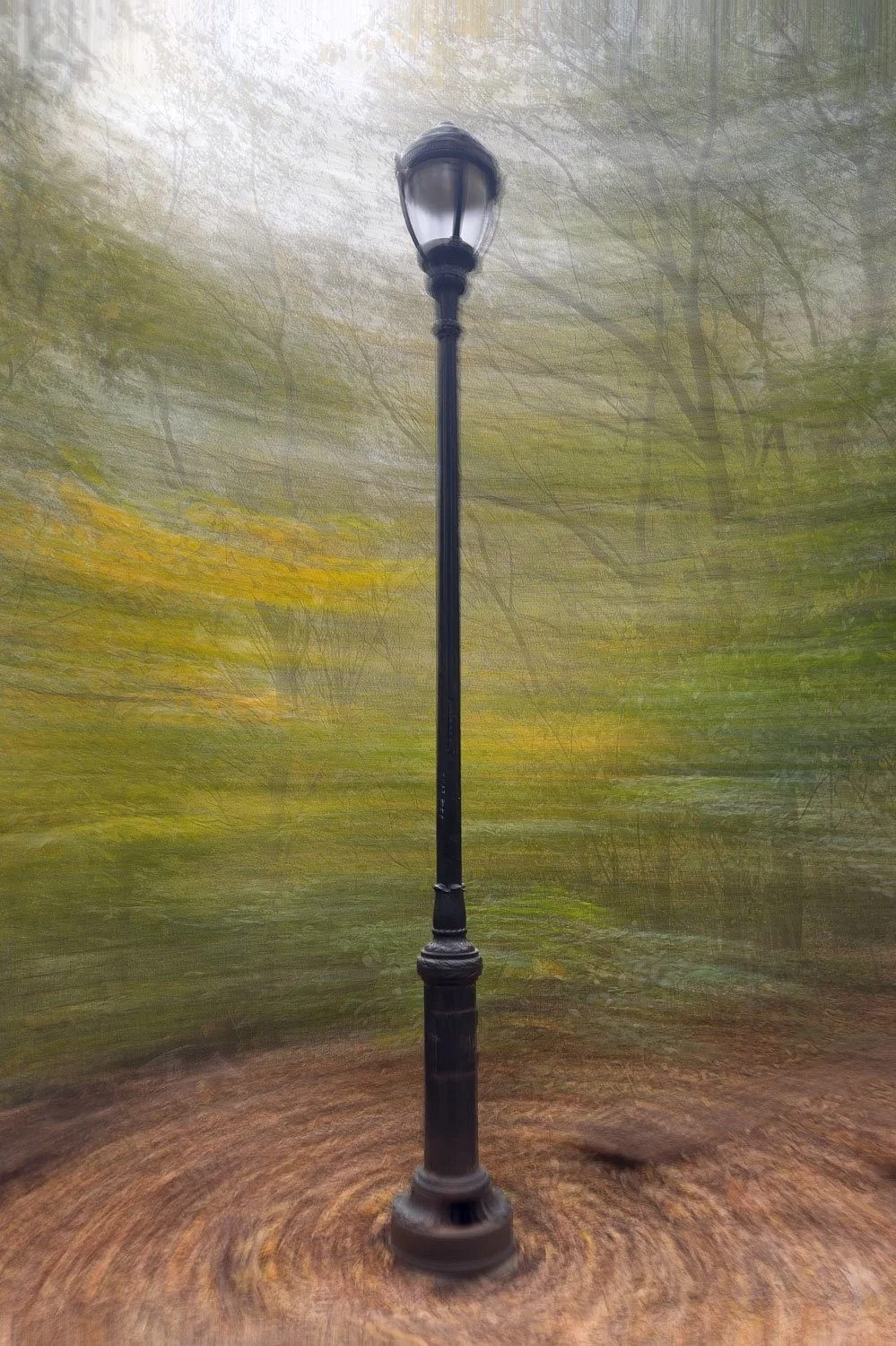
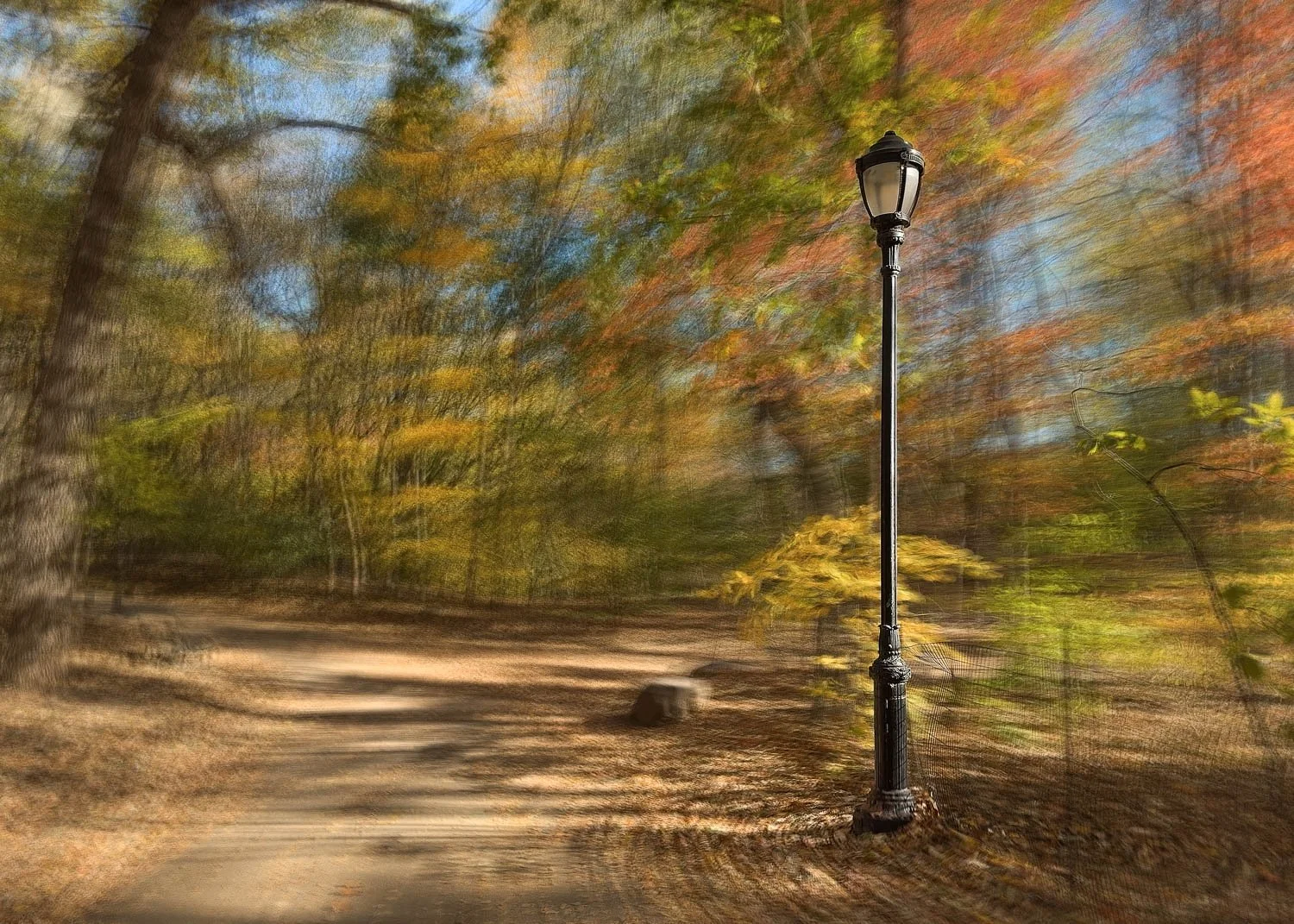
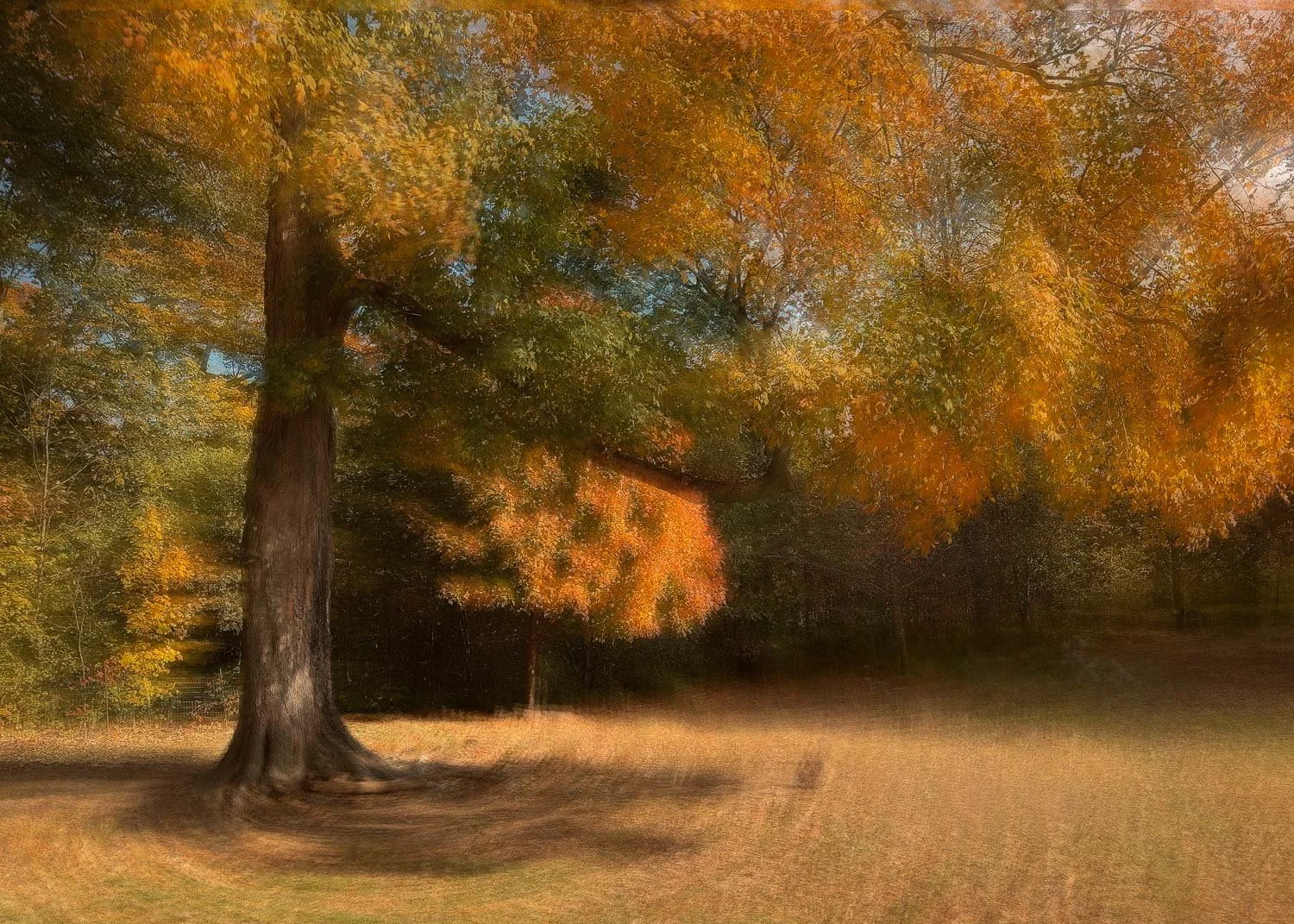
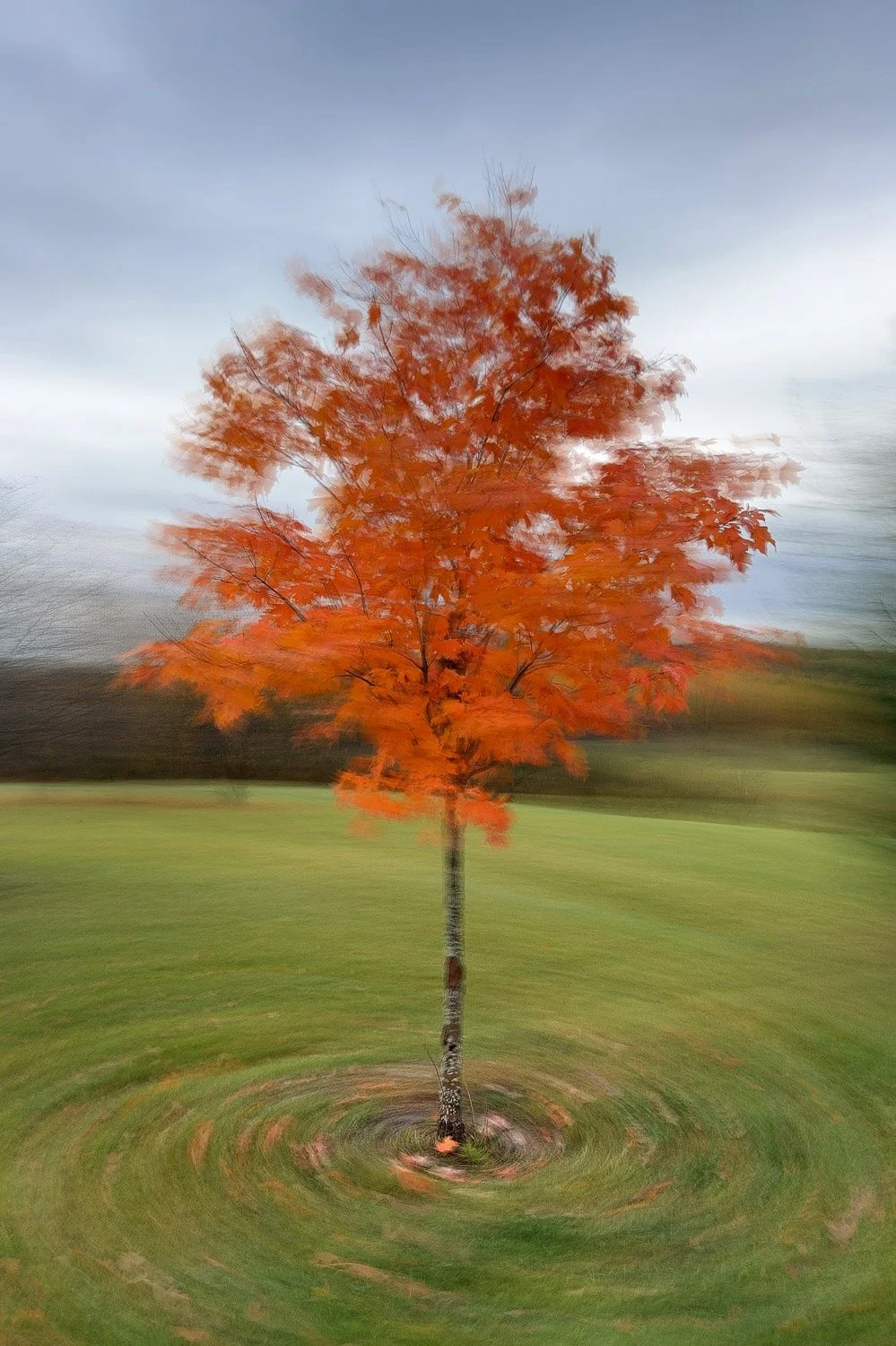
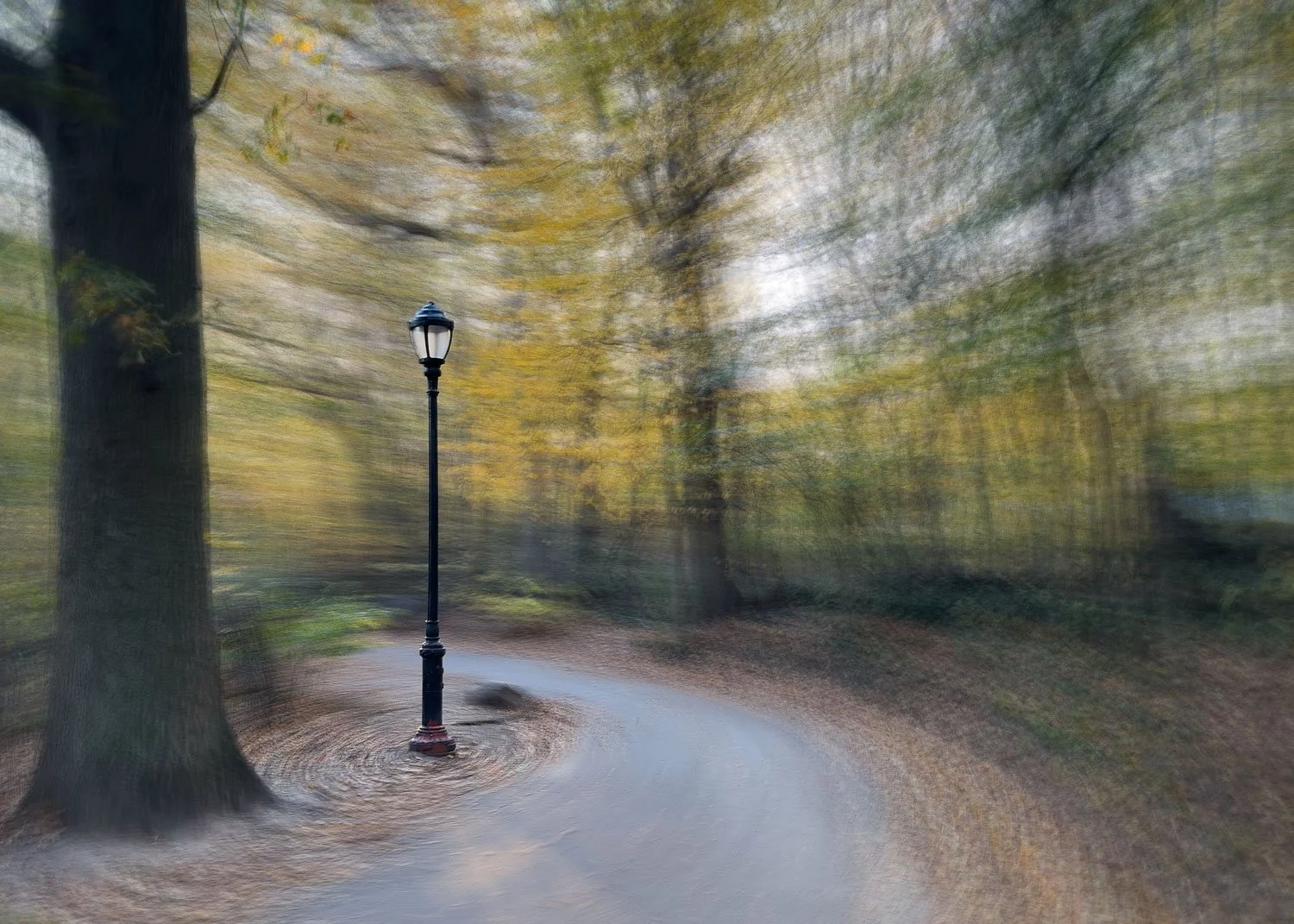
The multi-exposure technique used in the in the round style of ICM goes far beyond what the Bluristic app is designed to do, but since I had tested other apps in a similar way, it felt only fair to include the results here as well.
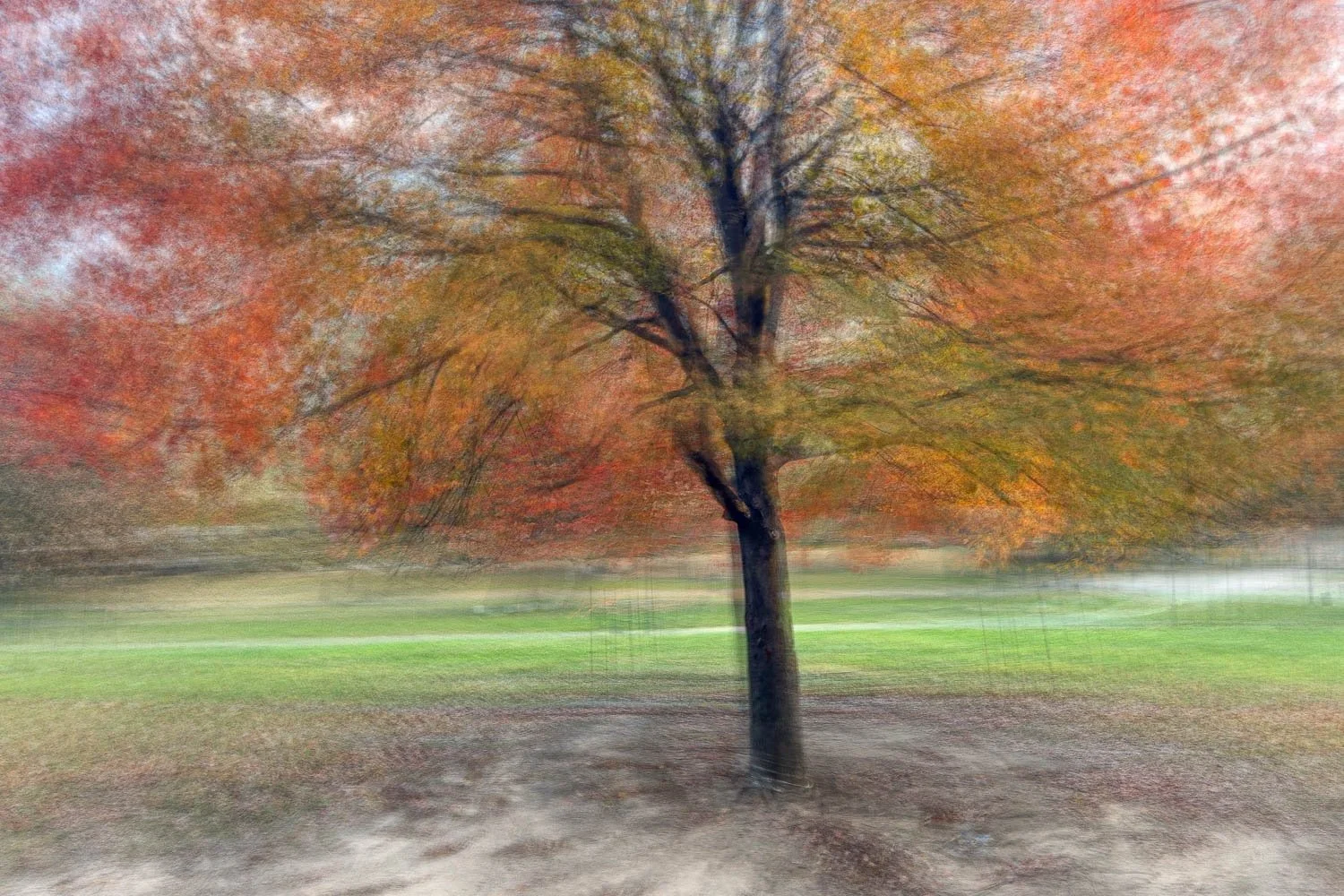
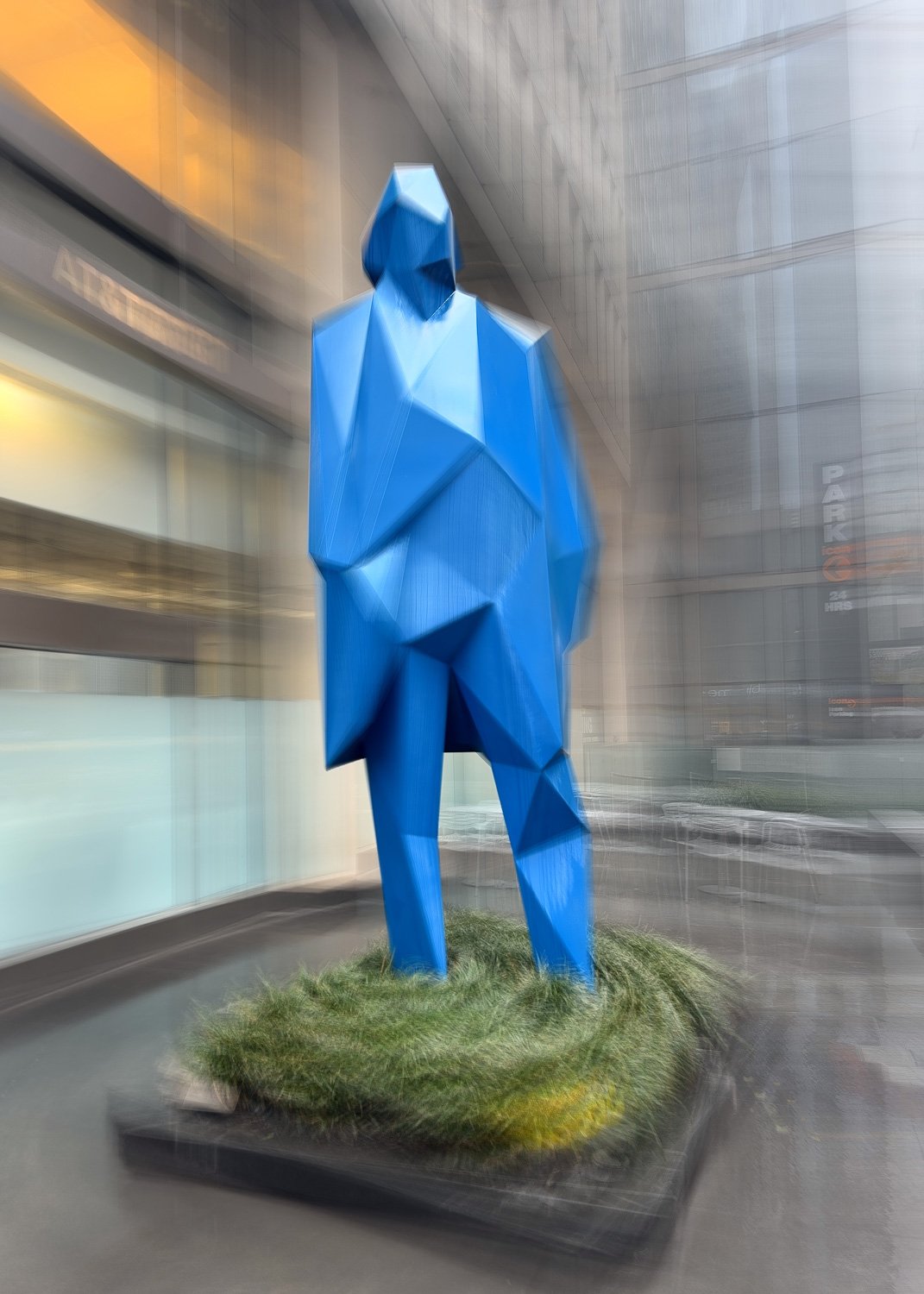
While the app naturally produces results quite different from those created by blending multiple layers, the outcomes still hold their own. Bluristic does a surprisingly good job of maintaining detail when tracking points are locked in (as seen in some of the lamppost shots), though I personally prefer the images where that detail is softened and less pronounced.
Landscapes
To be fair to the Bluristic app, I haven’t yet had the opportunity to test it extensively on the types of landscape or waterscape subjects I typically shoot. I plan to do so once the weather warms up and conditions better align with what those subjects require.
Conclusion
Throughout this series, I’ve enjoyed trying to replicate my usual workflow with Bluristic and have been largely pleased with the results. What began as a series of disappointing early attempts improved steadily as I got a better feel for how the app responds to different settings.
Long-exposure motion captures are comparable (if not subtly different) to those produced with Spectre, and the ability to set tracking points opens up creative possibilities worth exploring. Similarly, applying my followICM process yielded admirable results and the app will undoubtedly find its way into my future work.
Unsurprisingly, the app can’t compete with the standard multi-exposure approach used for Ventosa-style In the Round subjects. The methods differ too greatly for a true comparison - but even so, Bluristic produces outcomes that are distinctive and creatively valuable in their own right.
I’d encourage others to give this free app a try, get outside, experiment, and above all - have fun!
Keep an eye out for part 3 of this series, where an unexpected bug in the app led to some surprisingly exciting and creative images.