
Exploring Pep Ventosa’s ‘In the Round’ using Bluristic Angle Mode
Background
Since discovering the work of Pep Ventosa back in 2019, I’ve explored various ways to extend his technique or achieve similar results through alternative methods.
As many will know, Pep’s ‘In the Round’ technique involves capturing multiple images while moving in an arc around a central subject. These images are then processed and blended in Photoshop to create the final result.
My attempts to explore alternatives began with my iPhone (see blog entry here), using a variety of long-exposure apps to capture images as I walked in a similar arc around the subject. While the results had some merit, and the convenience of using a phone was appealing, they fell short of what could be achieved through the original process.
I then moved towards a method more closely resembling my DSLR workflow. This involved capturing multiple, relatively fast exposures while circling the subject, before blending the images in Photoshop (see related blog entry here). The results came closer to those achieved with my DSLR, but with much of the work still required during post-processing, the convenience advantage of using a phone was largely lost.
My latest experiment takes a different approach, using the ‘Angle’ mode of multiple-exposure capture in the Bluristic iPhone app.
Bluristic Angle Mode
Bluristic’s Angle mode allows the photographer to set a desired angle of movement between captures. As the iPhone is moved, a new frame is captured each time the next increment of that angle is reached. Each frame is then blended with those already in the stack, with the process continuing until the exposure is stopped.
In essence, this brings the capture process closer to the principle behind Pep Ventosa’s ‘In the Round’ technique: capturing multiple frames while moving in an arc around a central subject, progressively building an image from different viewpoints.
Settings
To activate Angle mode, long-press the Frame Skip/Angle mode toggle button. Once activated, you can select the desired angle between captures.
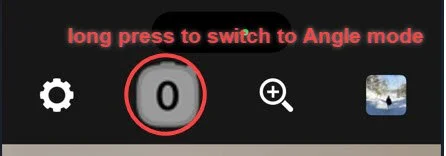
Frame Skip/Angle mode toggle
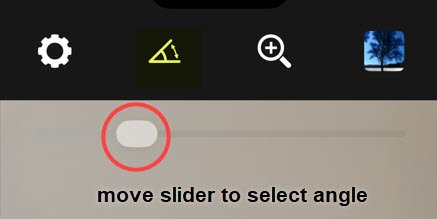
Operation
Once the settings are in place, moving the phone in any angular direction will trigger a new capture each time the selected angle is reached.
For example, you could move in an arc around a central subject, as in the ‘In the Round’ technique.
Alternatively, you could rotate the phone around its own axis while keeping it in roughly the same position.
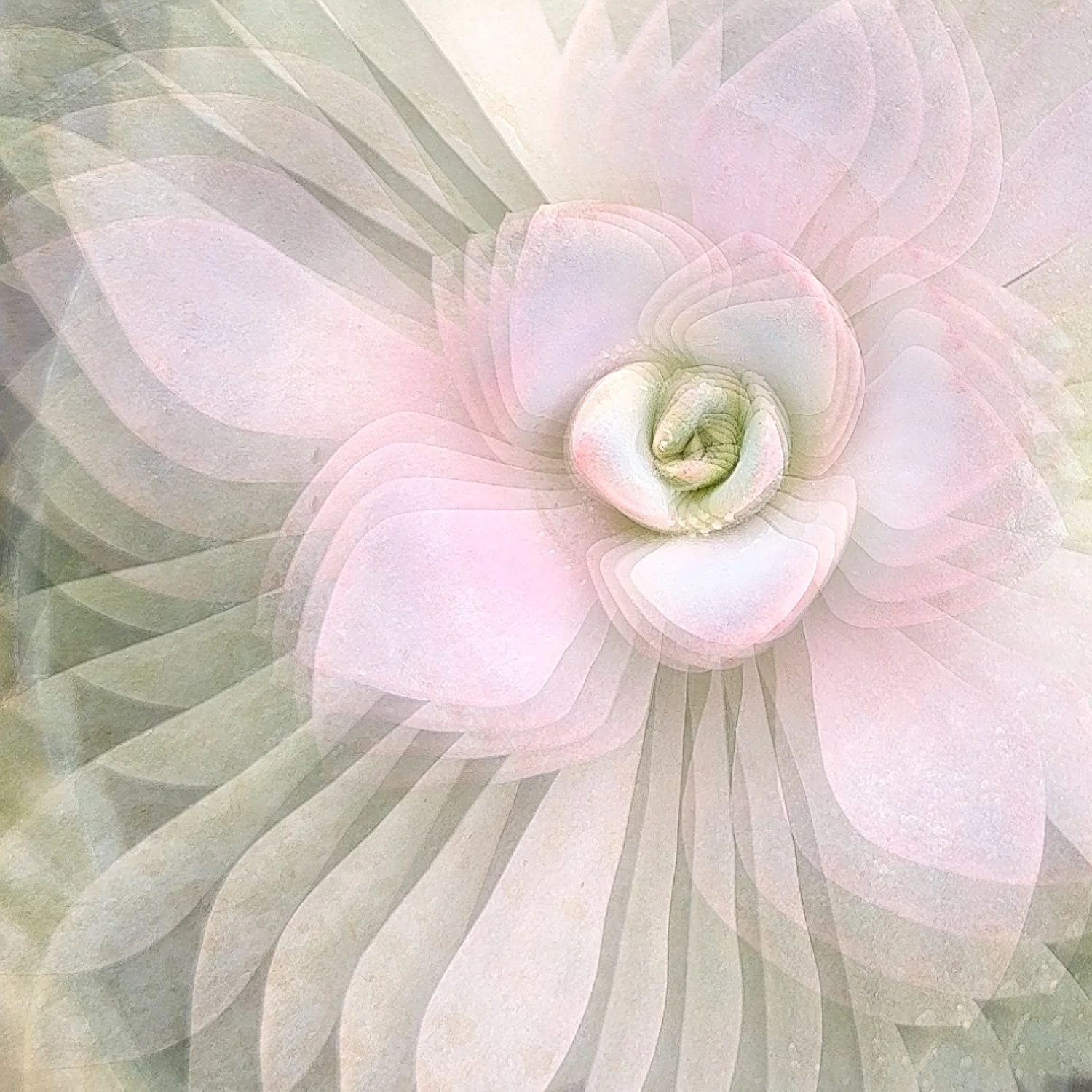
This second approach works particularly well as an experiment with subjects such as flowers, offering another way to explore the creative possibilities of Angle mode.
This short video shows an example of how an image might be built with angular movement.
Tracking Points
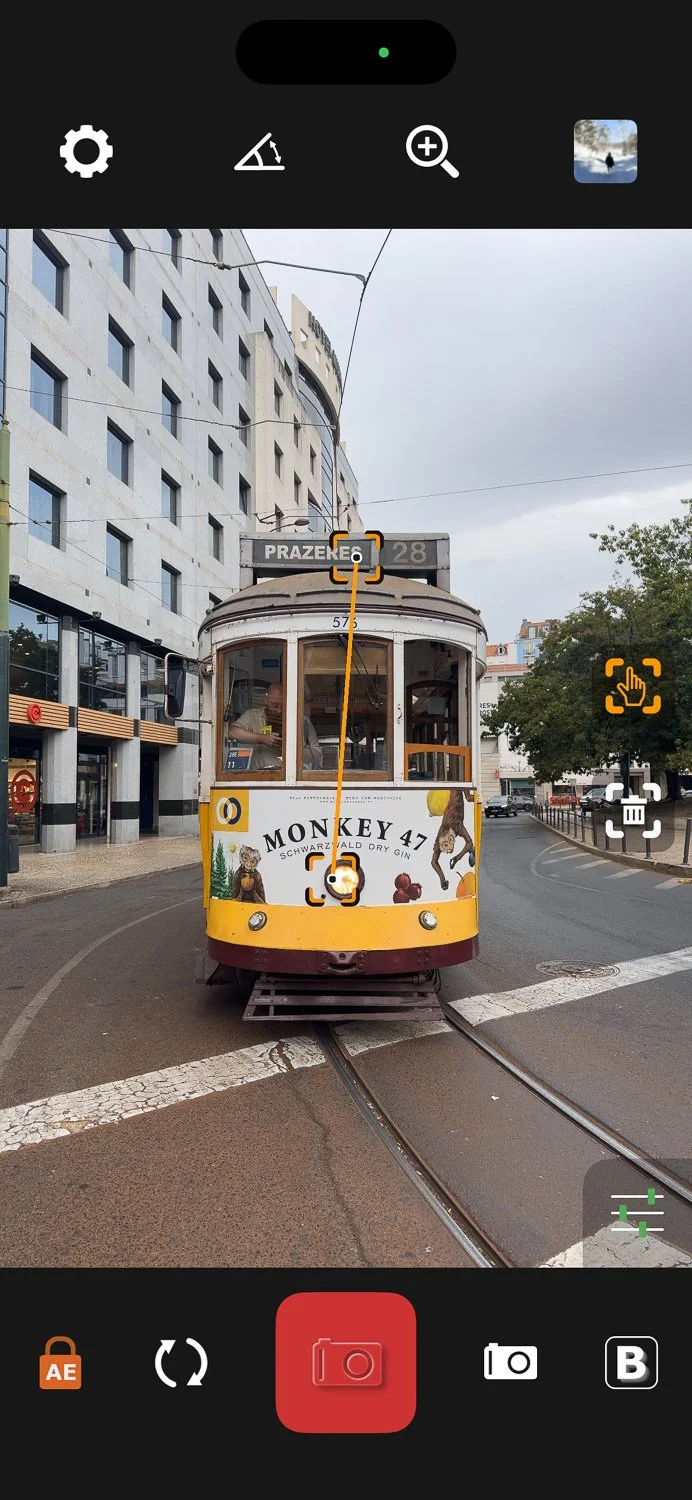
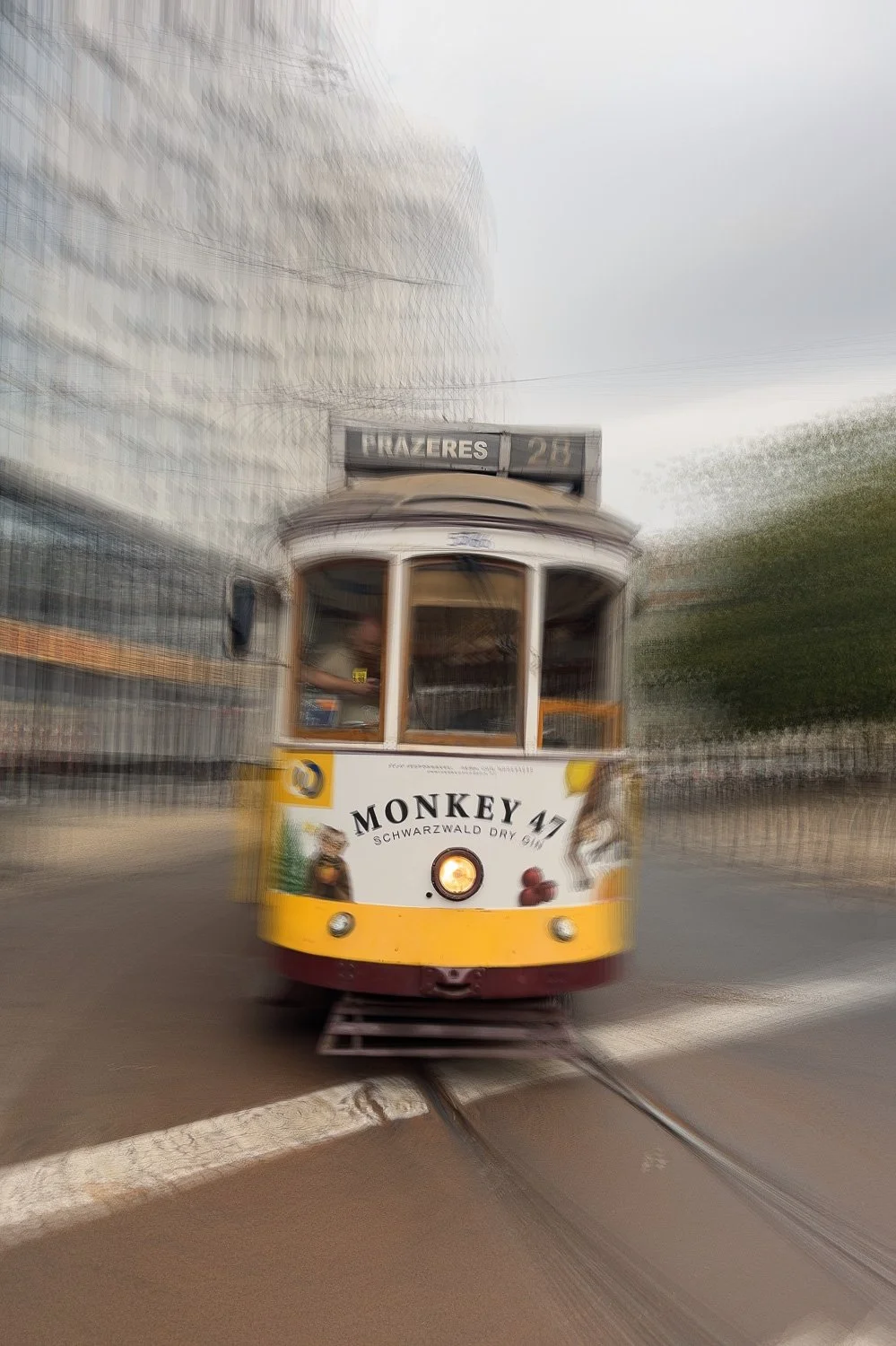
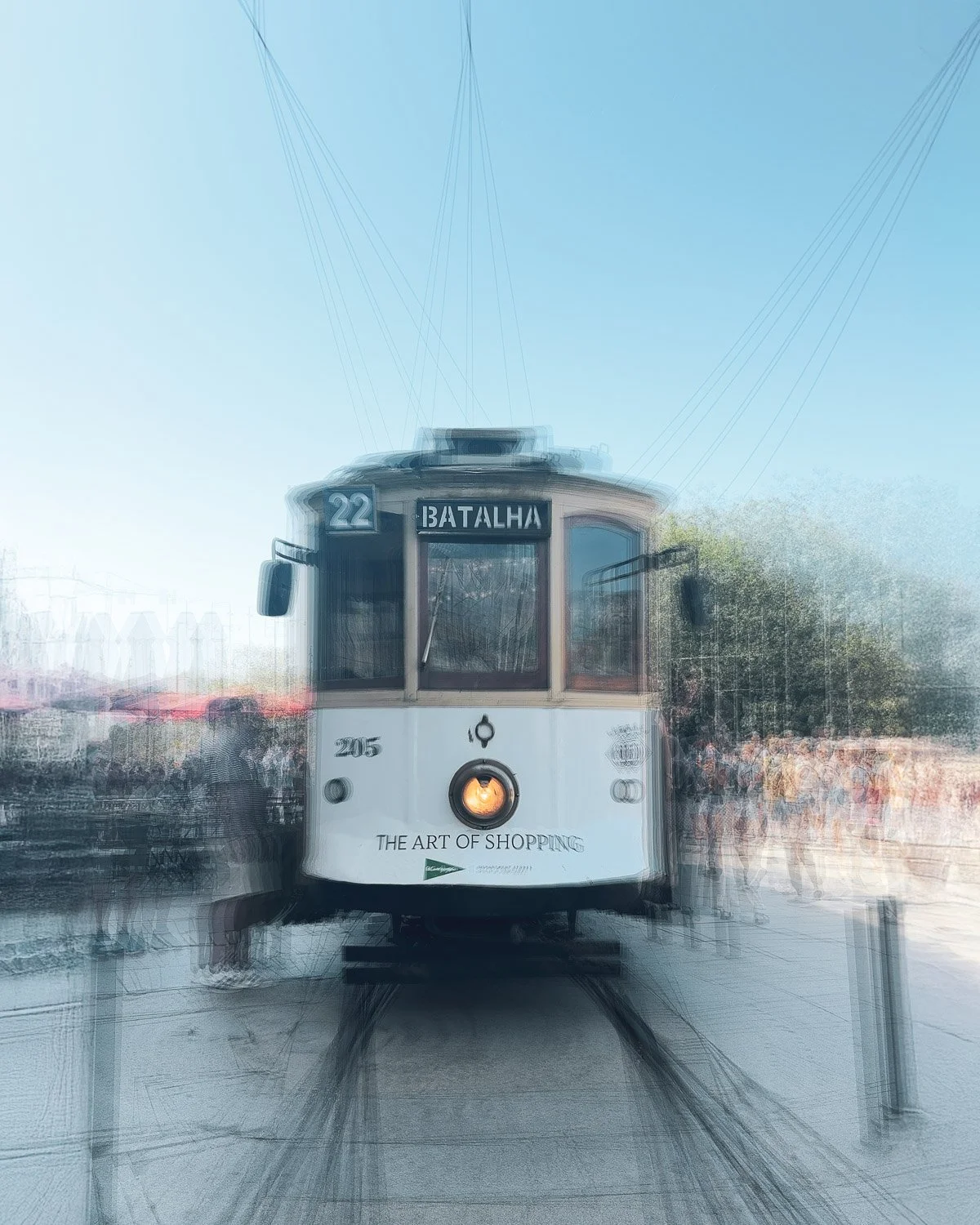
As with other Bluristic modes, tracking points can be set where we wish to help retain recognizable features. This follows the standard procedure for setting such points in Bluristic, demonstrated by the following screenshot (note tracking point positioning) and resulting image. In this instance the camera was moved in an arc around the front of what was a stationary tram.
Examples
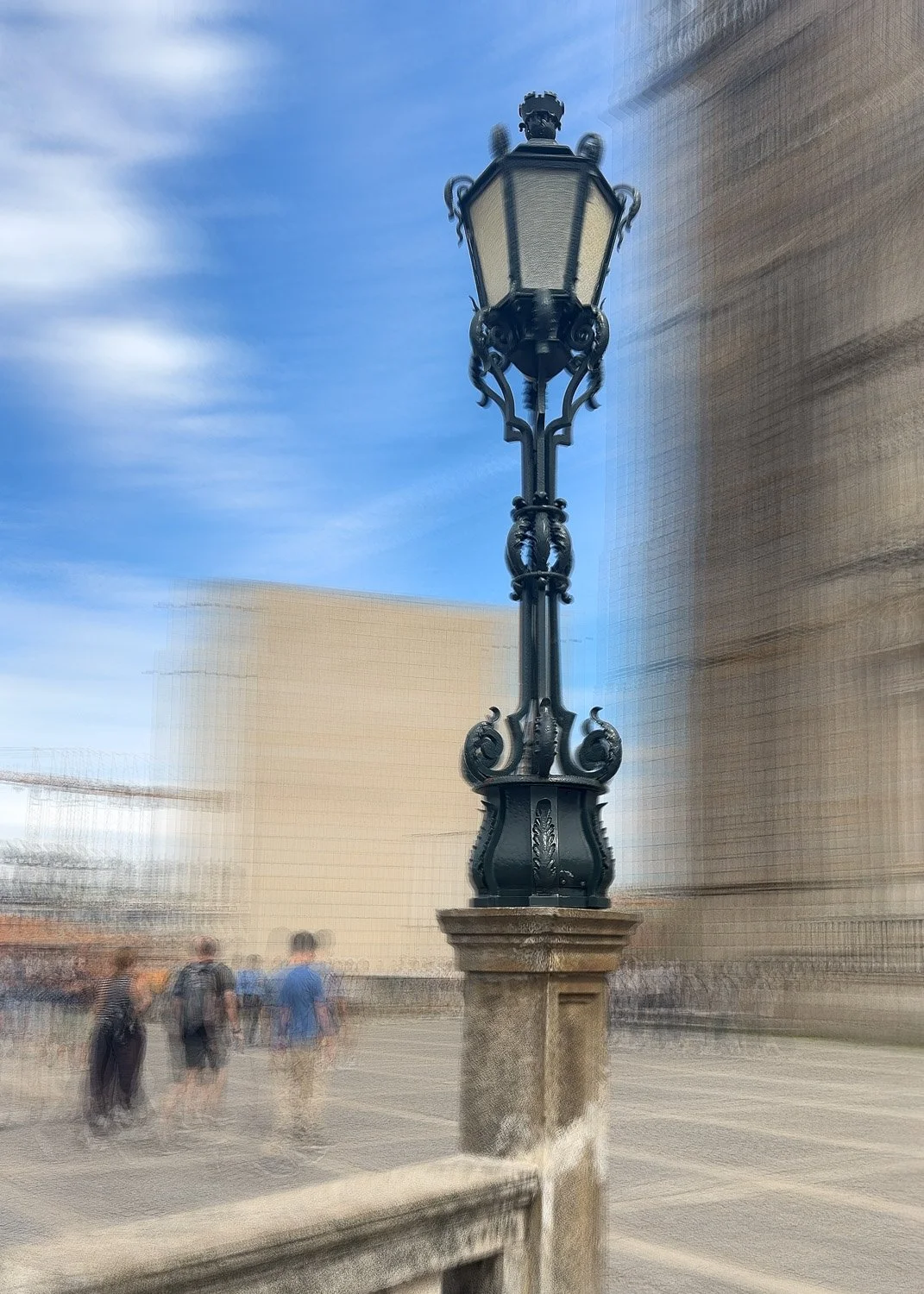
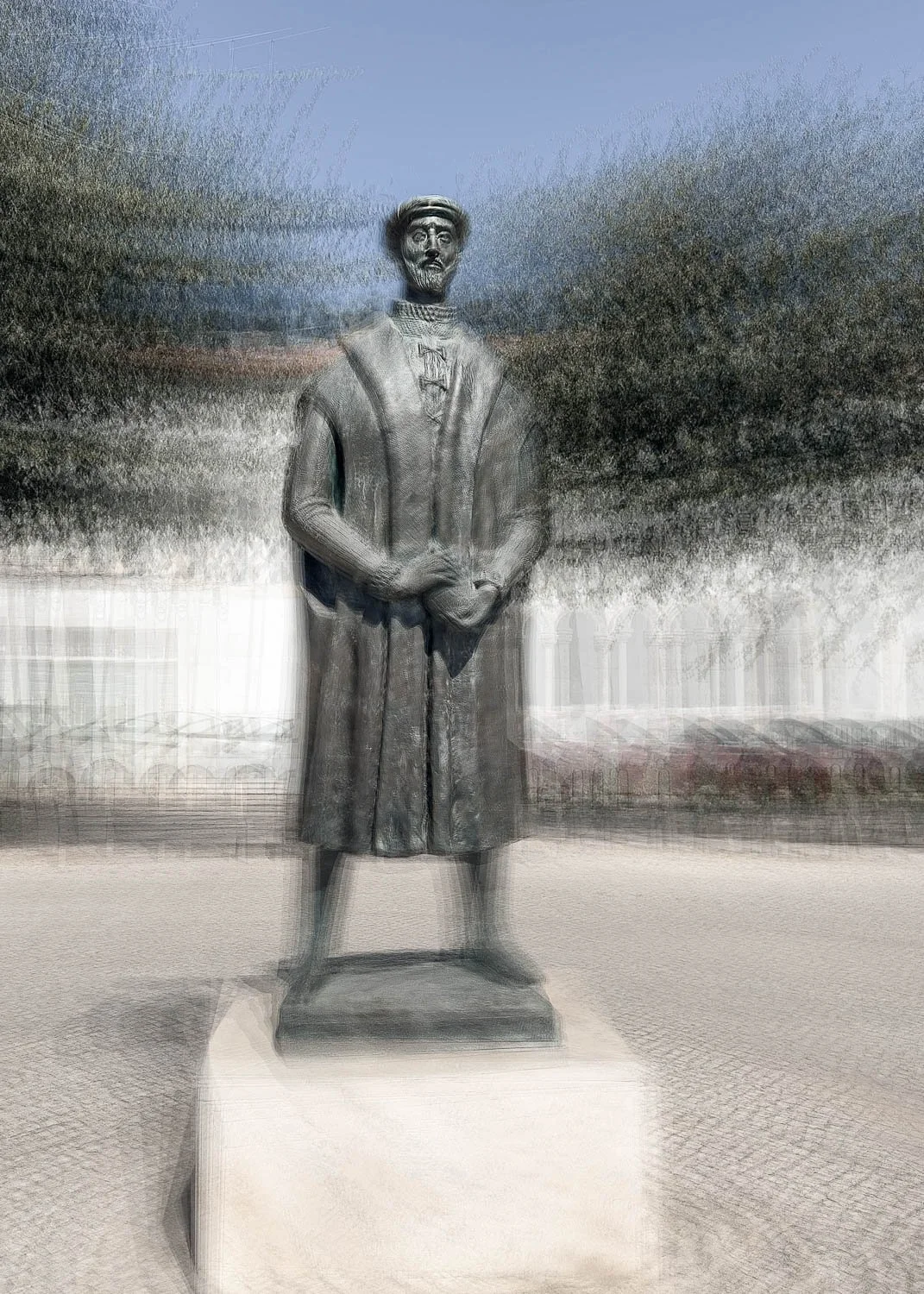
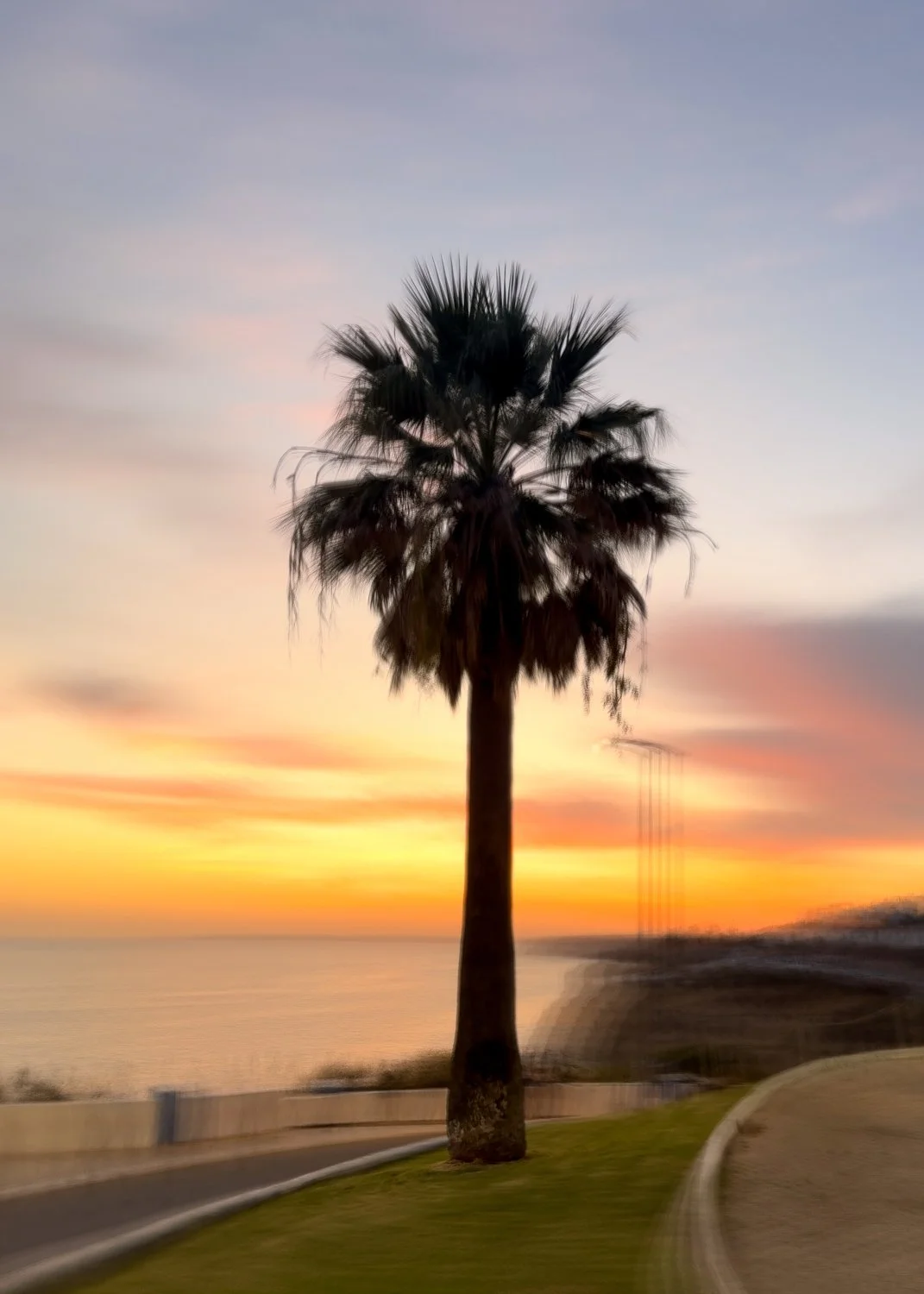
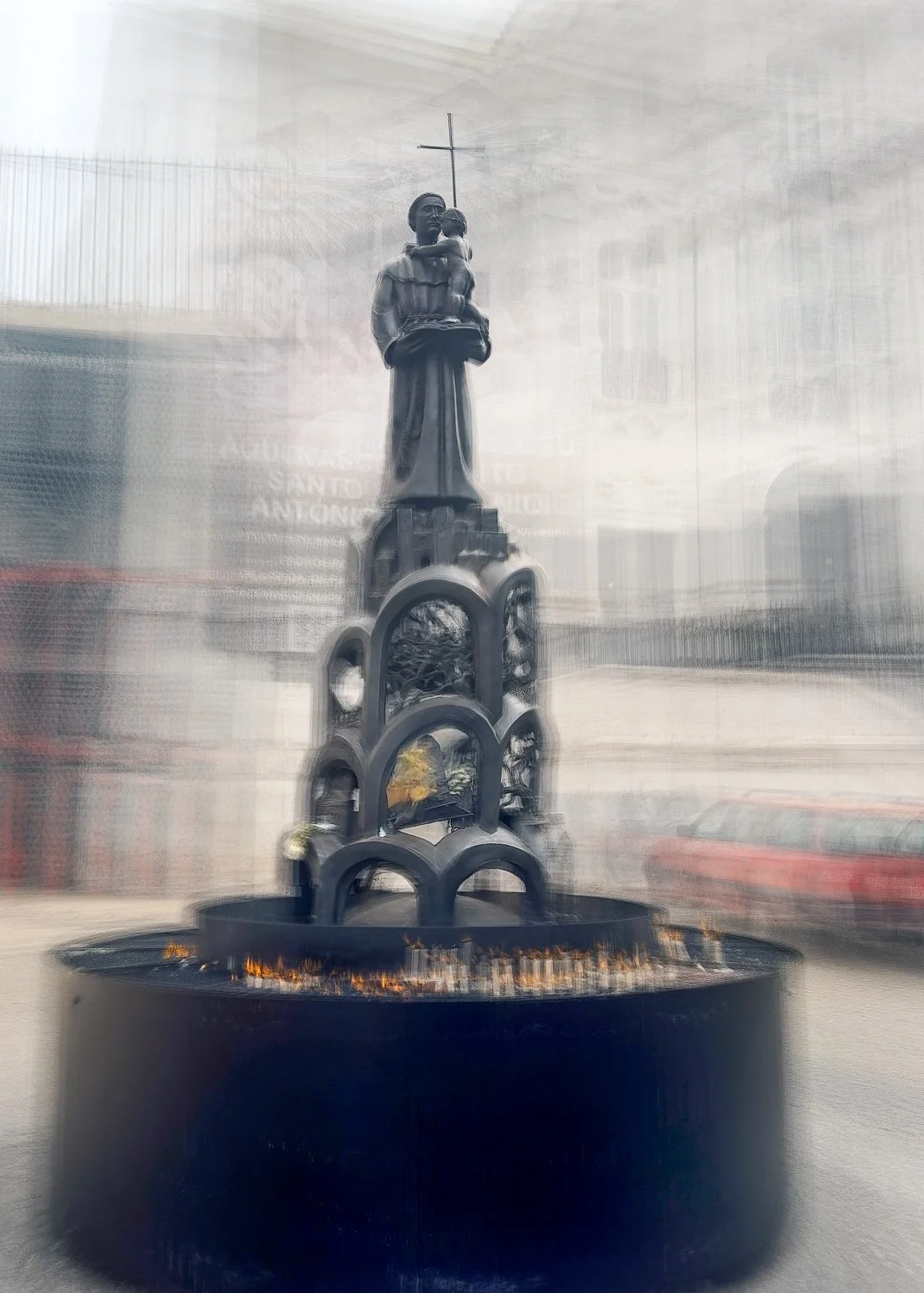
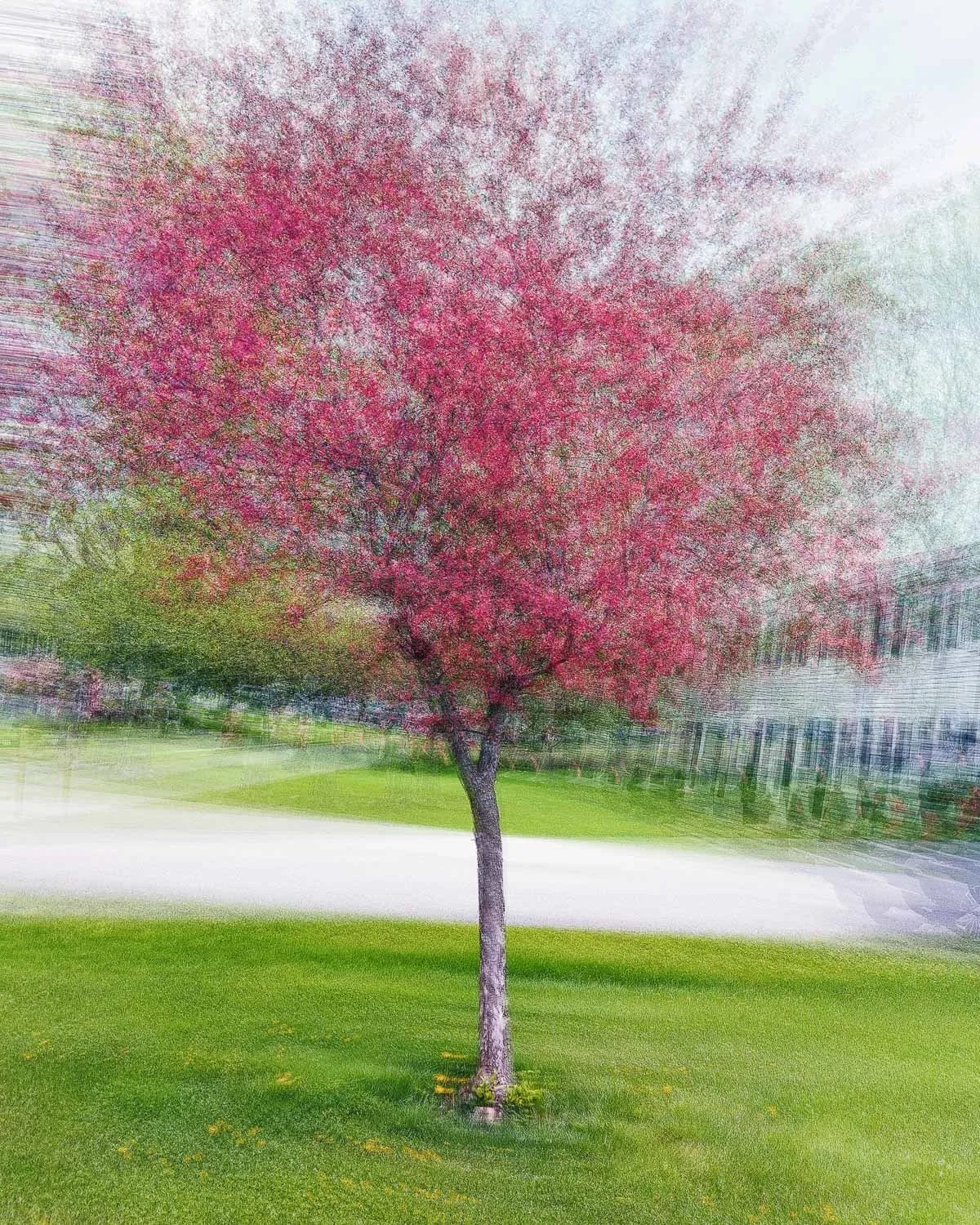
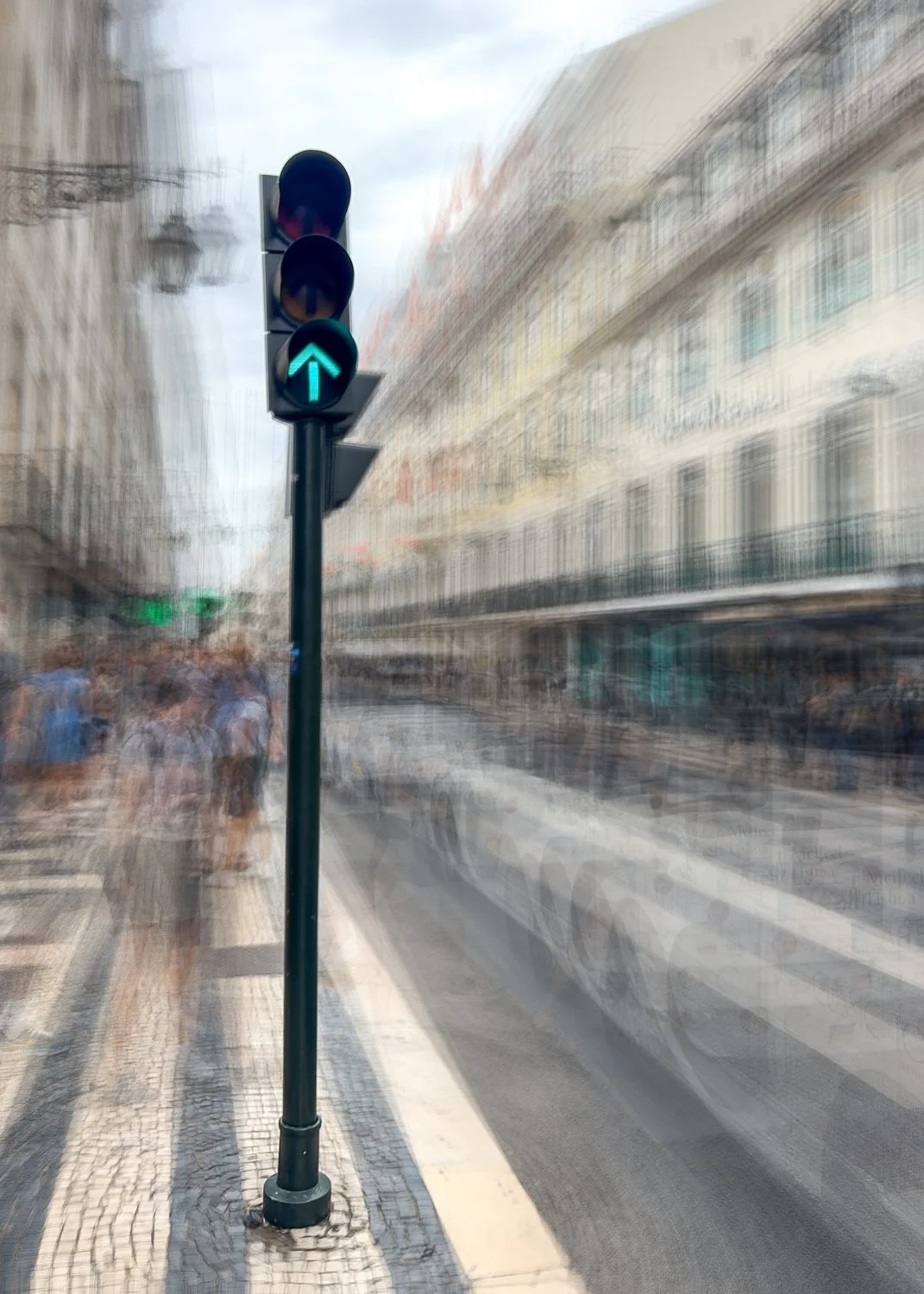
Some of my initial results can be seen below. Although there is still more to explore, I believe this approach shows promise.
Conclusion
I don’t see this option replacing Ventosa’s original process. Blending DSLR images in Photoshop offers a level of flexibility and control that is difficult to replicate within a mobile app. However, the Bluristic approach has its own appeal, potentially offering mobile photographers a more convenient way to explore this style of image-making without the need for extensive post-processing.
For me, this is what makes experimentation worthwhile: not necessarily finding a replacement for an established technique, but discovering alternative ways to explore its creative possibilities.
I’d love to hear your thoughts. Have you tried a similar approach yourself? If so, how did you get on, and what kind of results did you achieve?