
extending the blur - part 3
Working outside of the box
In earlier posts, I explored the Bluristic app in a general sense and compared it with the methods I already use in my work. This time, we step into new territory - an experiment sparked not by intention, but by an intriguing bug I happened to stumble upon.
The bug
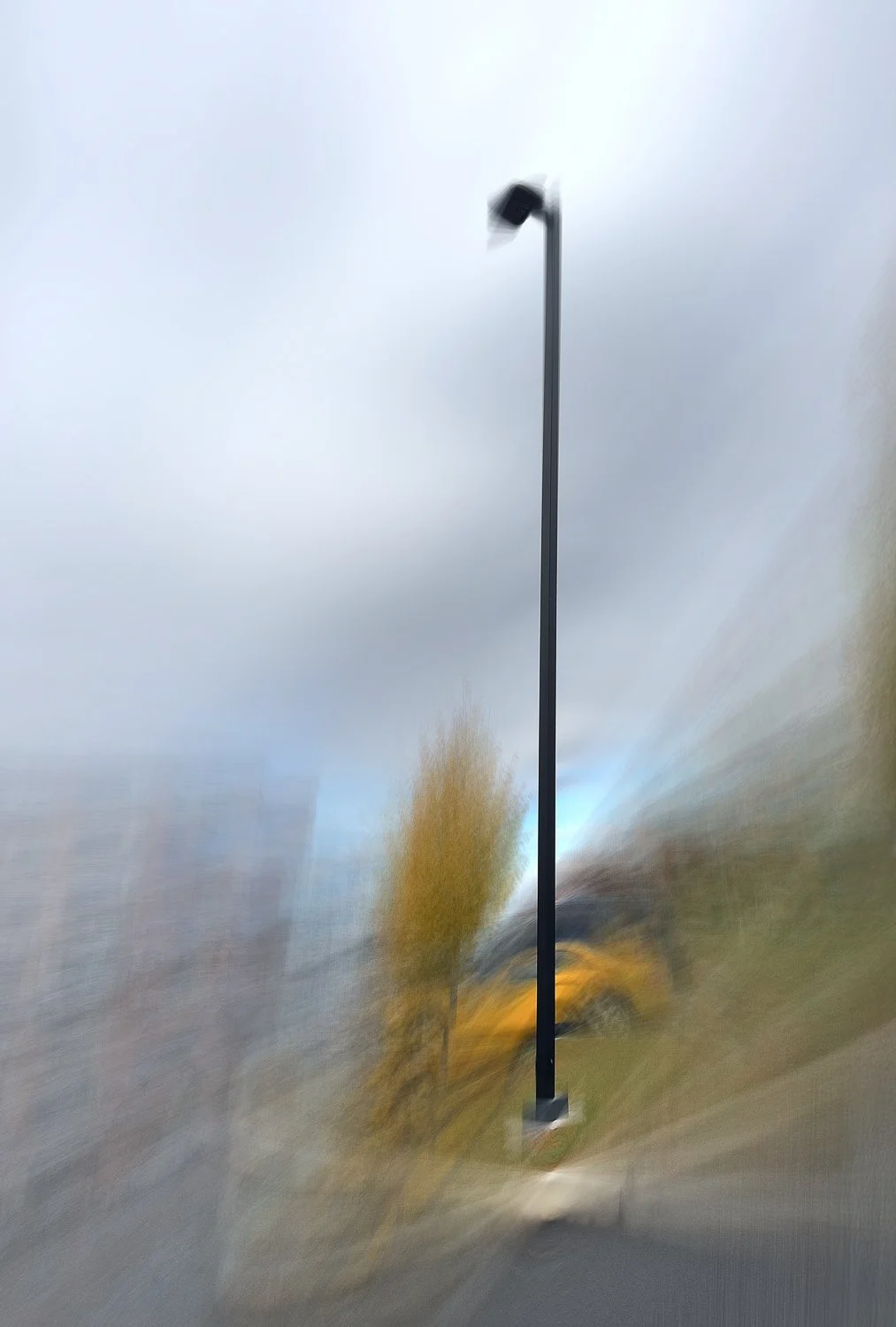
Original image that spurned curiosity
This all began with a capture from the Bluristic app that simply didn’t behave as expected.
As a refresher, Bluristic is a mobile app designed to track moving elements during a long exposure. It does this by allowing you to place up to three tracking points on areas you wish to keep sharp.
The anomaly first appeared when I assigned all three tracking points to an upright lamppost to maintain its form as the camera moved. Instead of stabilizing the subject, this setup produced highly unexpected results: even slight camera movement triggered wild, uncontrolled abstraction in areas far outside the tracking points.
I couldn’t explain the reaction logically, so I chalked it up as a one-off glitch and moved on.
It wasn’t until later, after setting up a similar tracking pattern, that the same chaotic distortion showed up again. Even the smallest shift of the camera sent the image spiraling into extreme deformation.
A pattern was starting to emerge:
Placing three tracking points in a straight line seems to confuse the app’s tracking system, causing even minimal camera motion to produce dramatic, highly abstract results.
Reproducing the effect
This called for deeper testing. Using the same setup on other upright subjects produced similarly chaotic outcomes.
With all tracking points placed on the same plane, even the slightest camera movement triggered the same wild results observed earlier.
Understanding Behavior
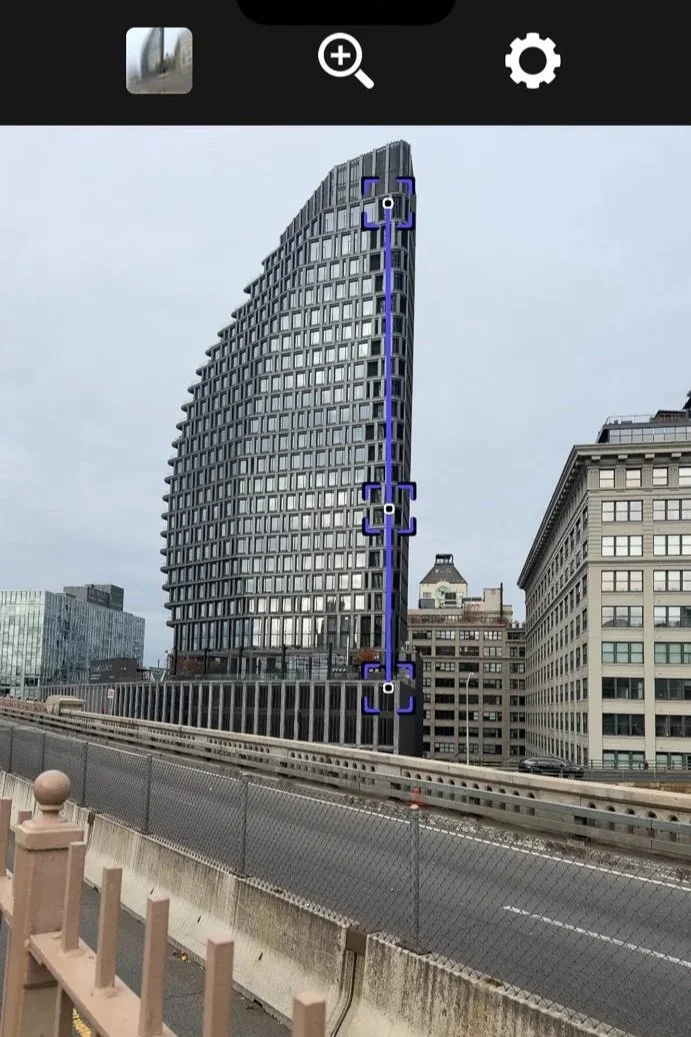
Once I confirmed the bug was reproducible, the next logical step was to understand how different types of motion influenced its behavior.
Cue a lot of experimentation, using different subjects, environments, and ways of moving the camera.
The image to the right displays a screenshot from one of those tests. Here, you can see three tracking points placed in a vertical line along the edge of a building.
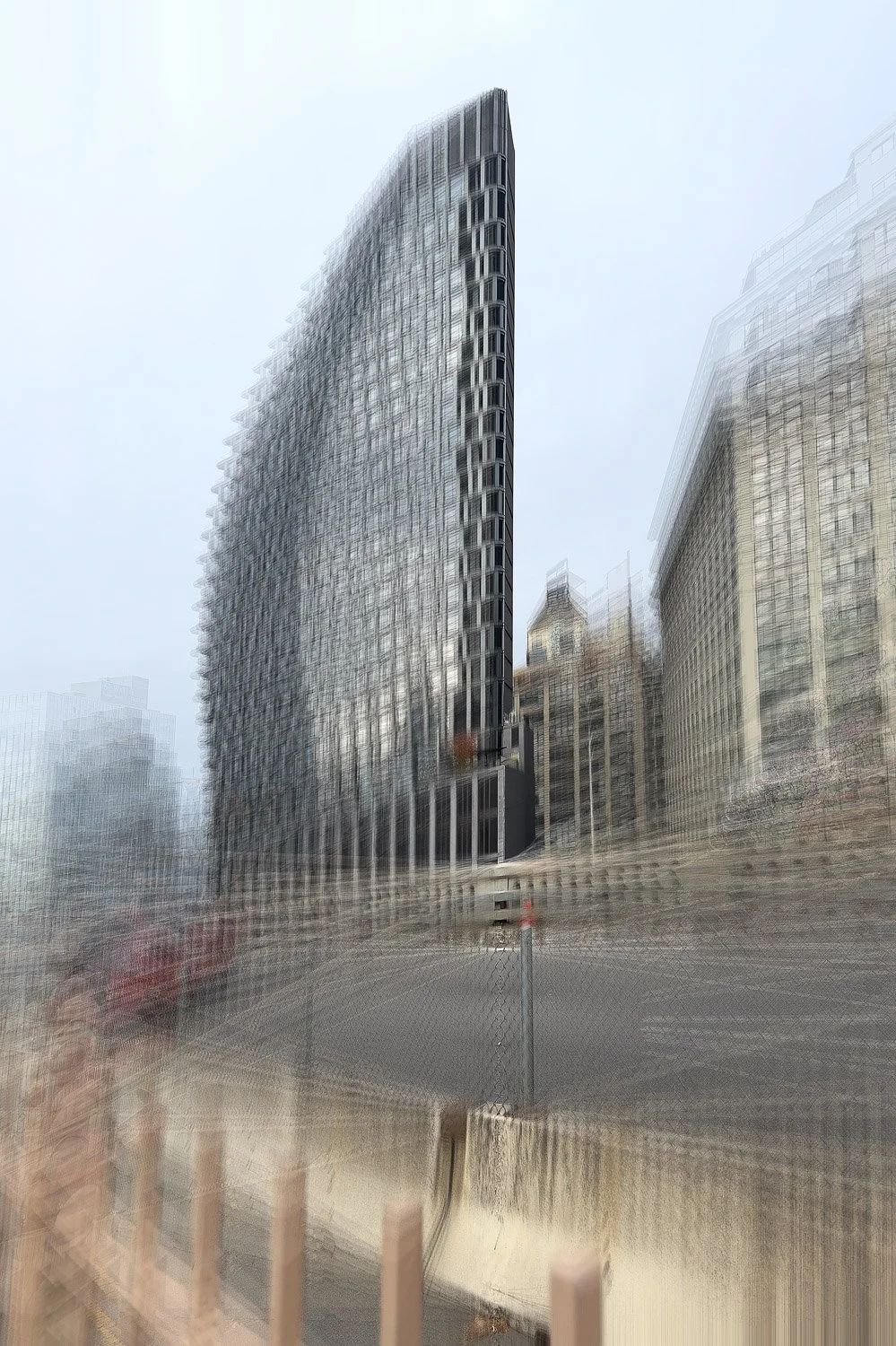
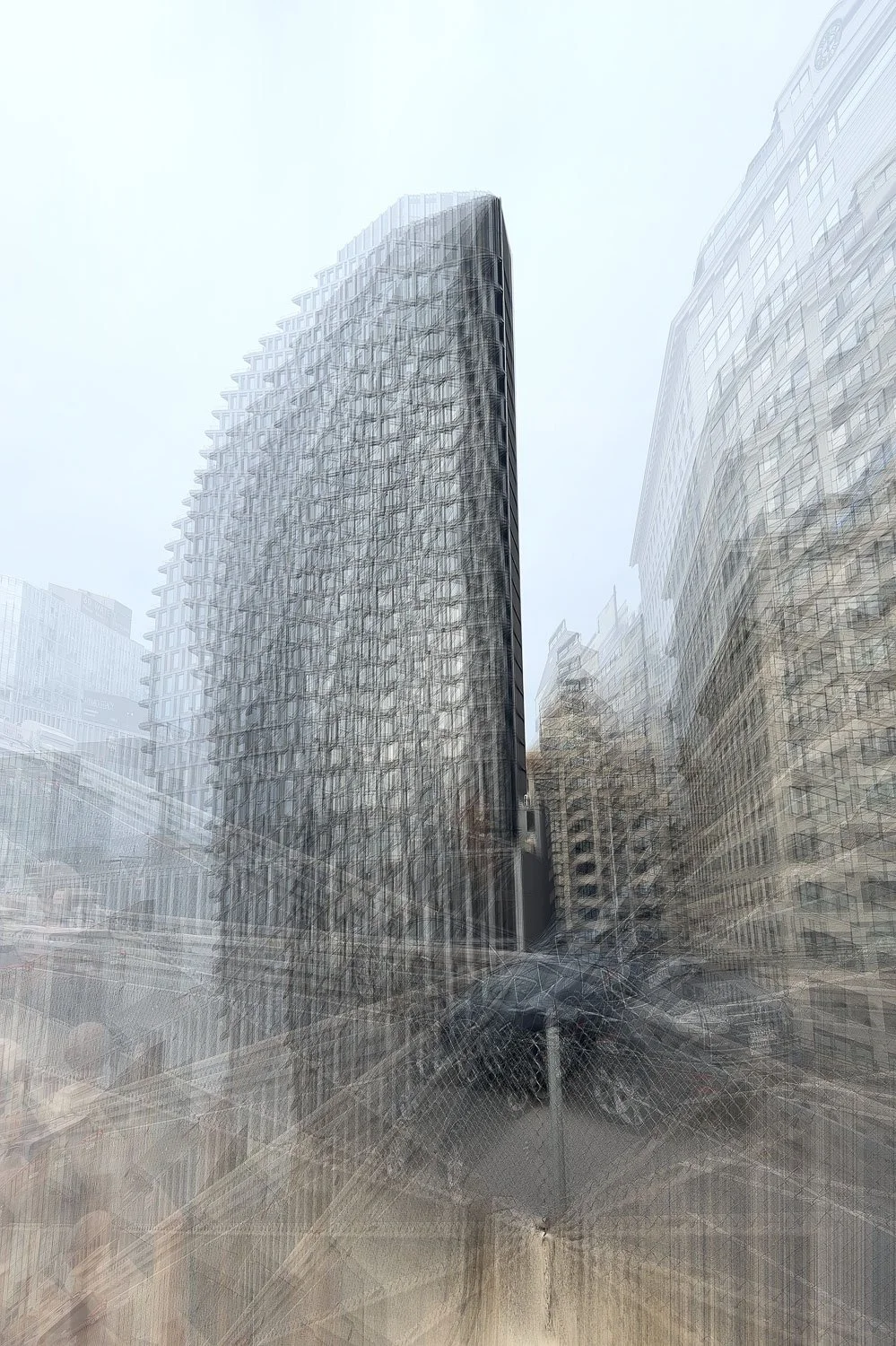
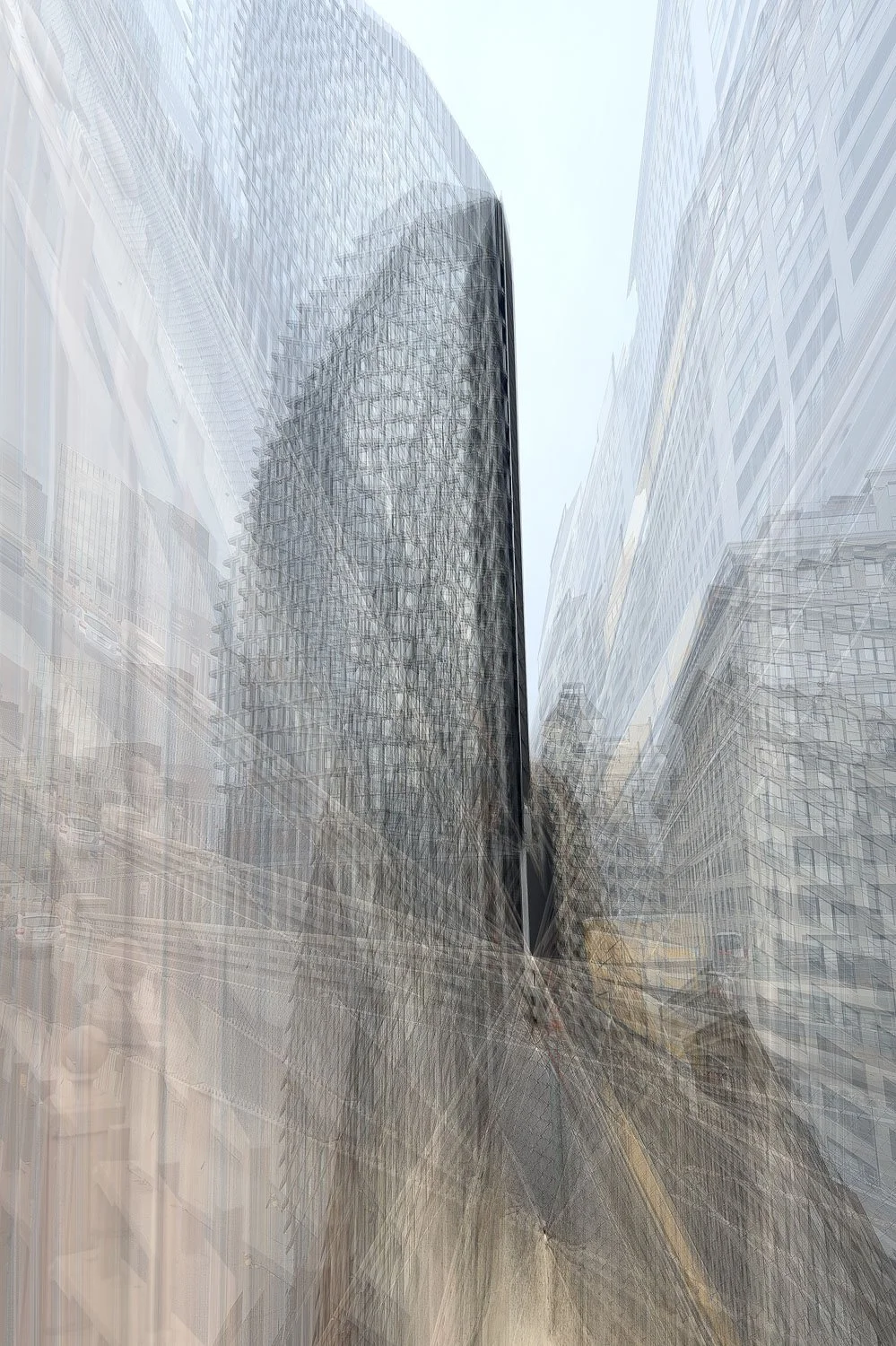
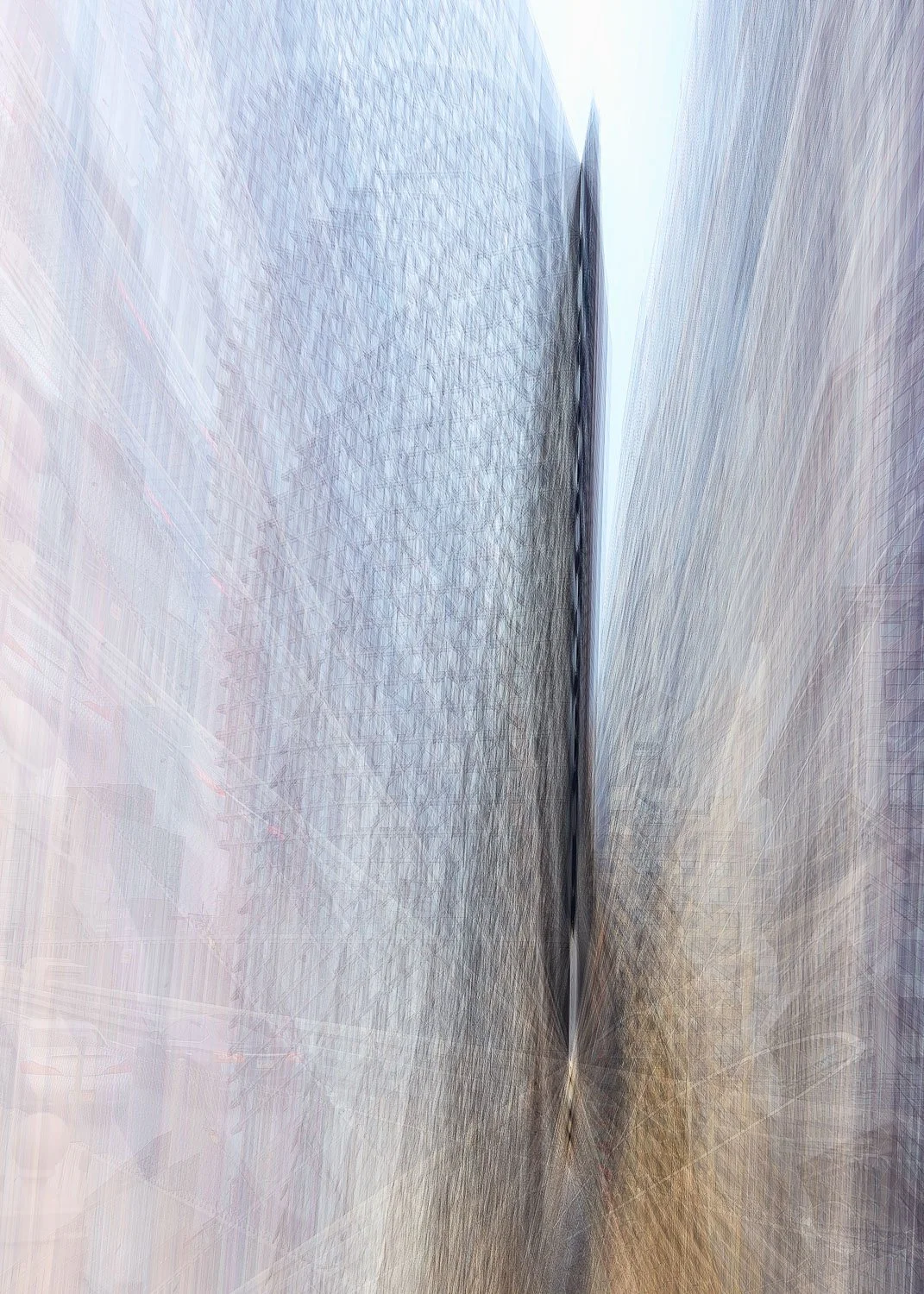
The resulting series of images presented below demonstrates a clear progression, with outcomes becoming increasingly abstract as exposure time and camera motion increase.
Comparing these to the earlier tests, it became clear that the effect can be reproduced with a certain degree of consistency. But there’s a catch: the bug makes the app extremely sensitive. Even tiny variations in motion can drastically alter the final result.
Understanding this sensitivity and relationship to movement is key to harnessing it creatively.
Series of images showing test results - click on image to view full size
Leveraging creativity
For me, photography is as much about curiosity as it is about craft. It’s important to push beyond the intended use cases of our tools and look for fresh ways to reinterpret the world around us.
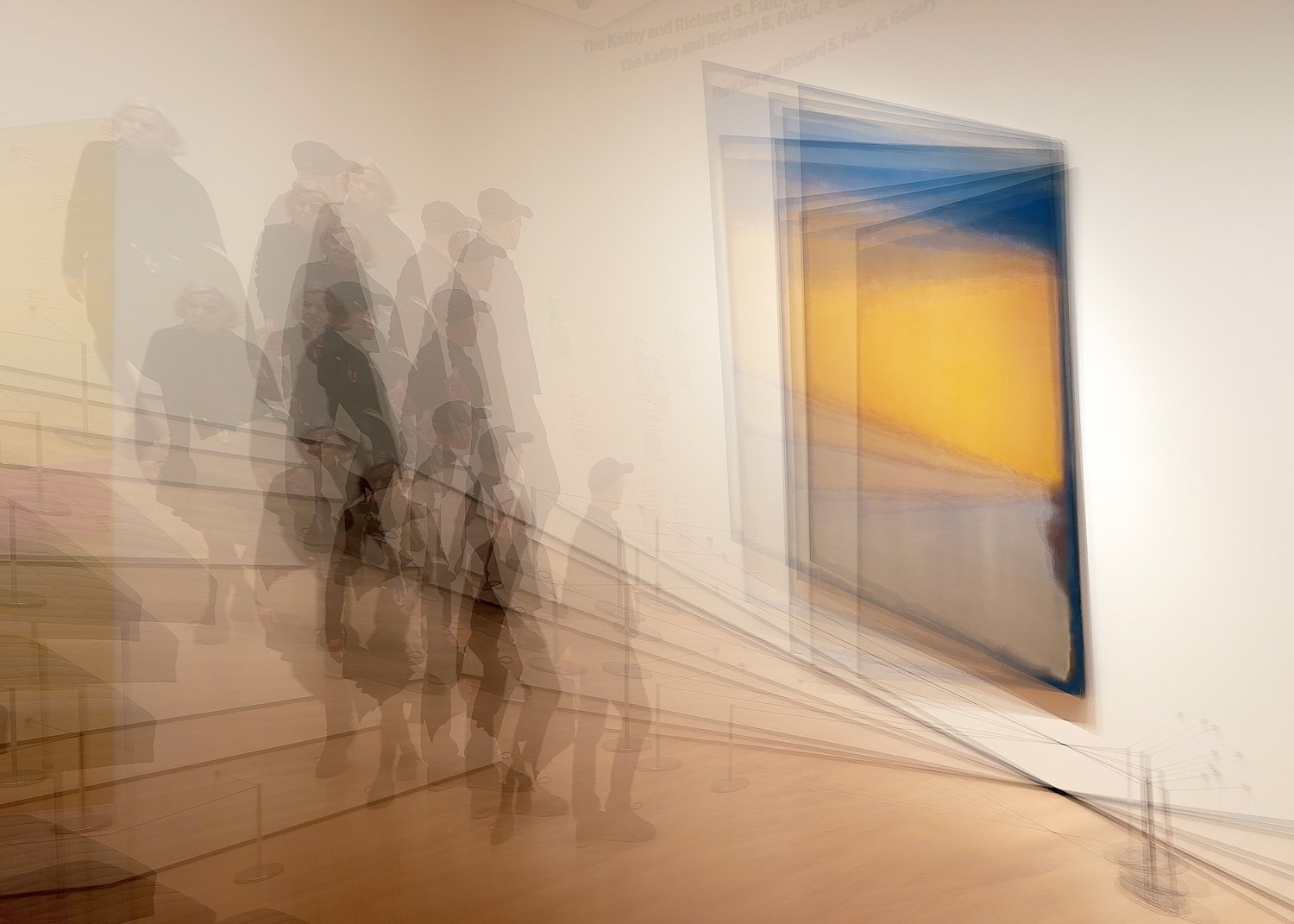
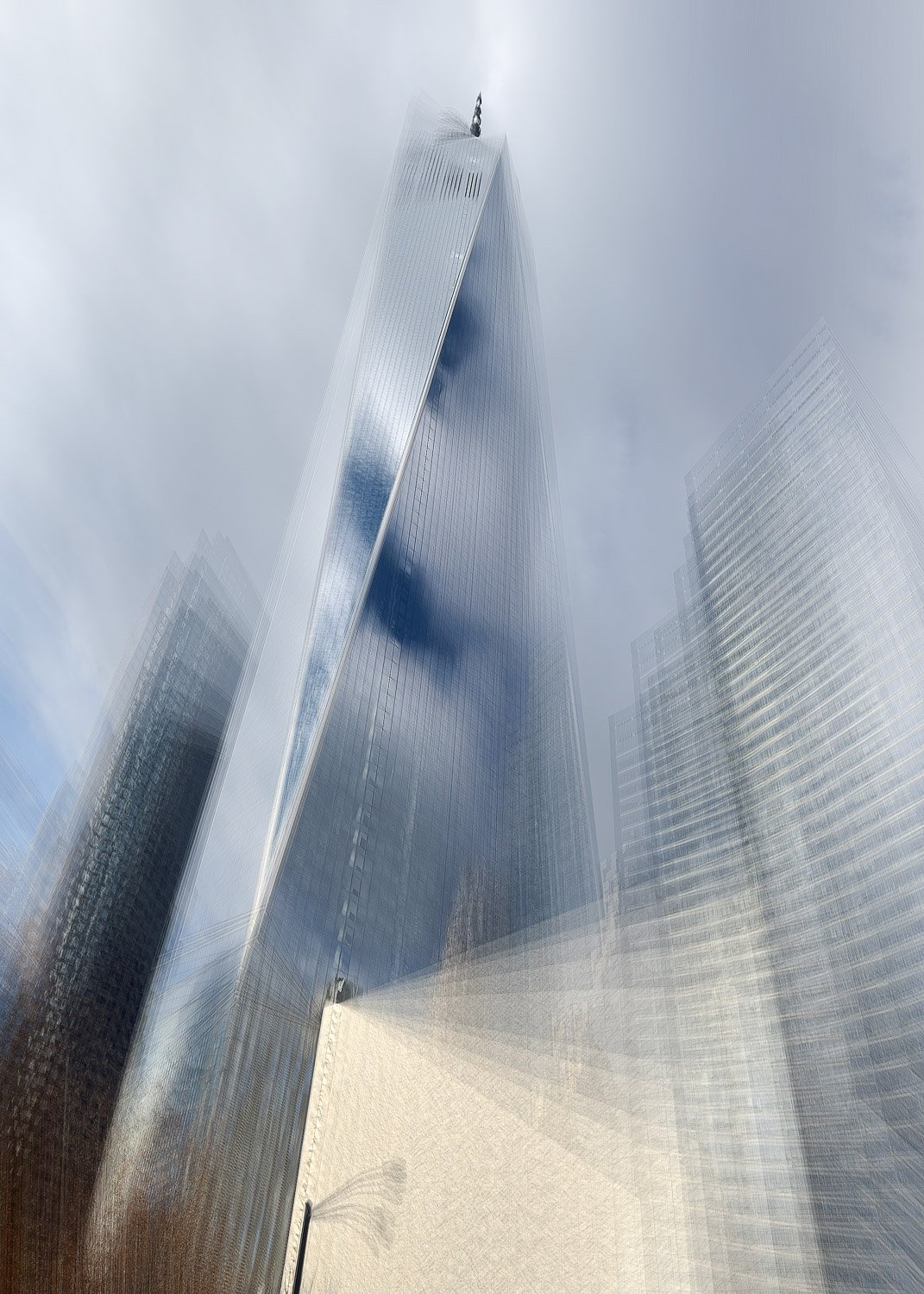
This little “bug” is a perfect example - an unintended glitch that opens a creative doorway. It offers a fun, unpredictable, and often surprisingly beautiful way to capture something unique.
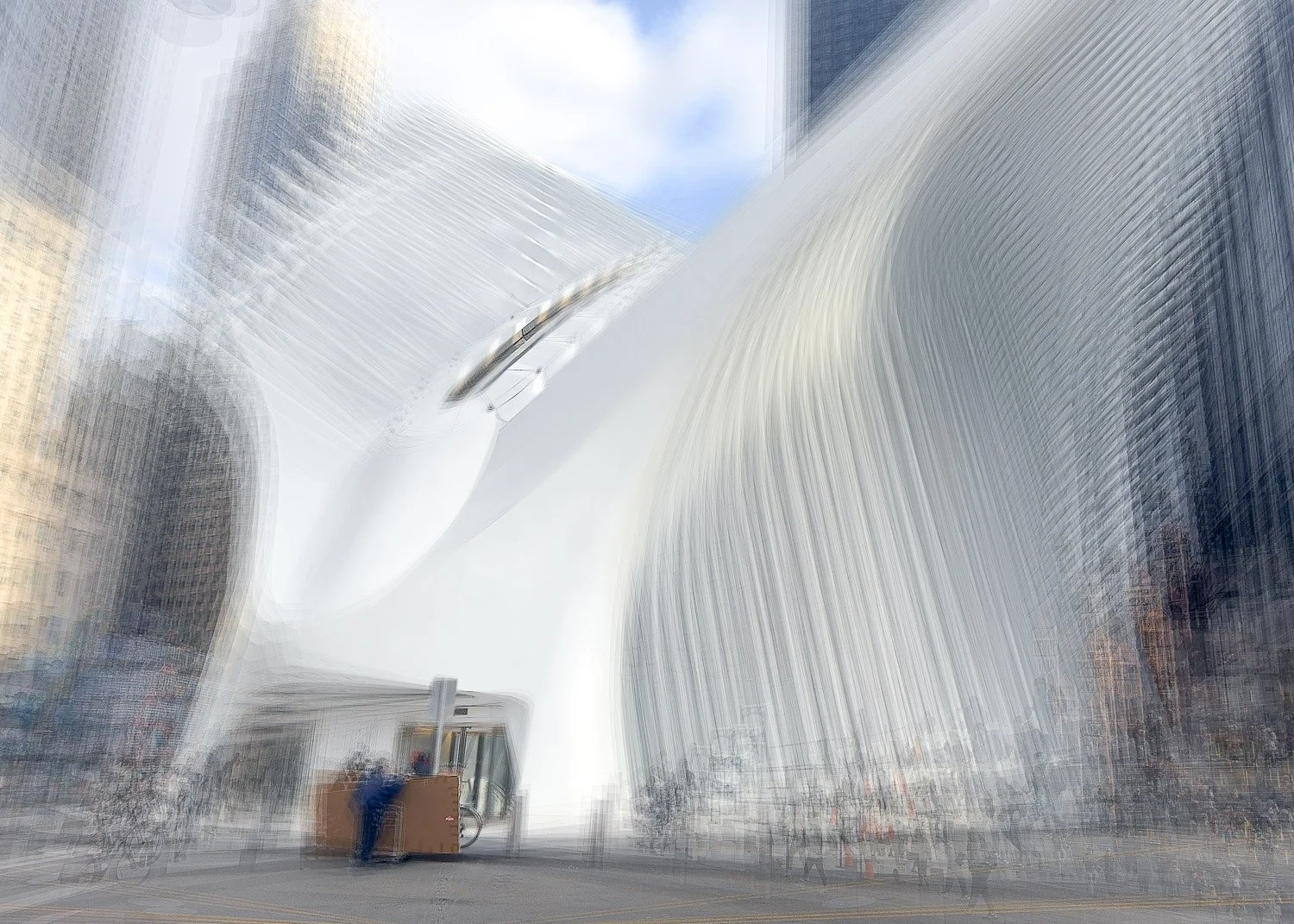
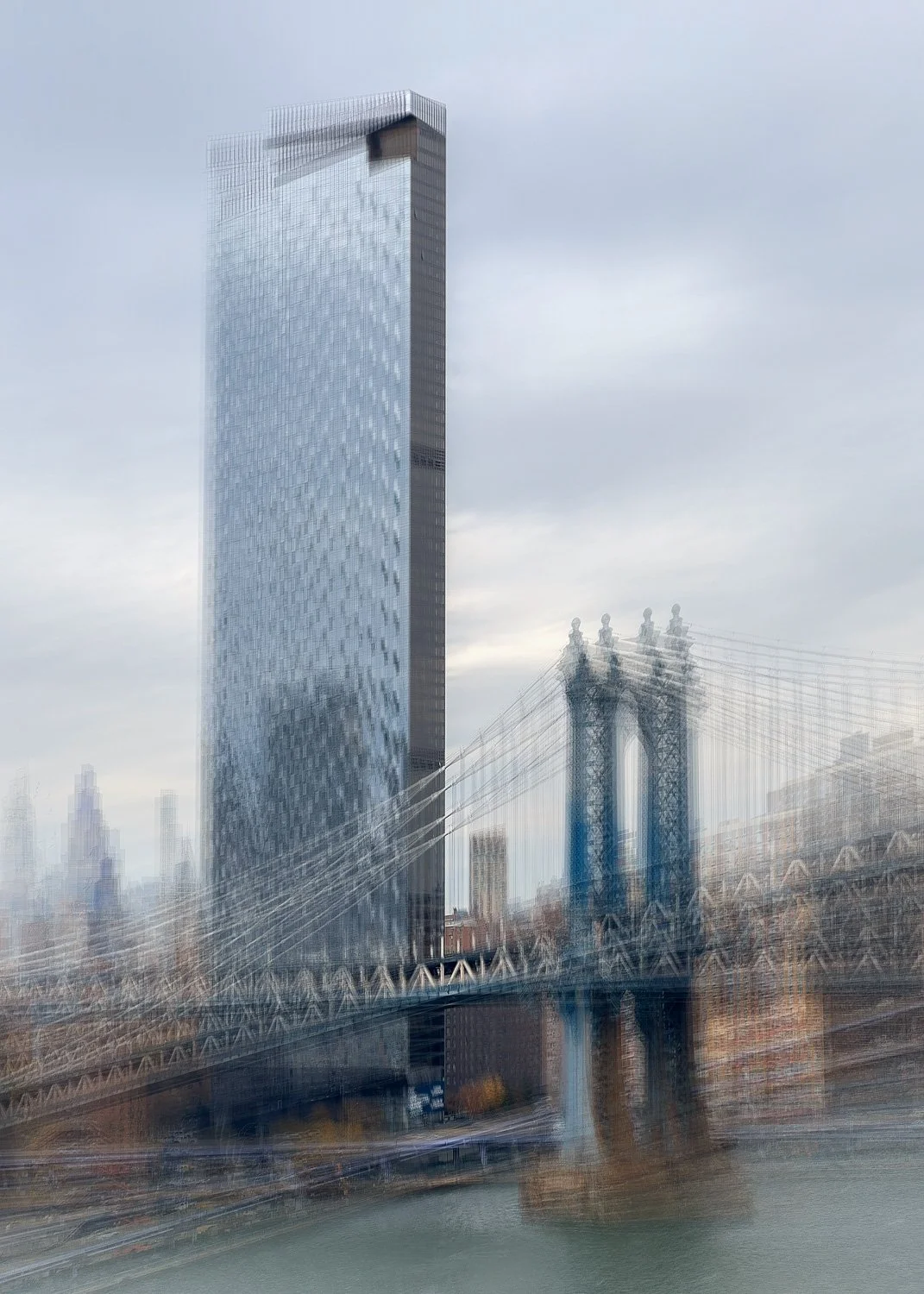
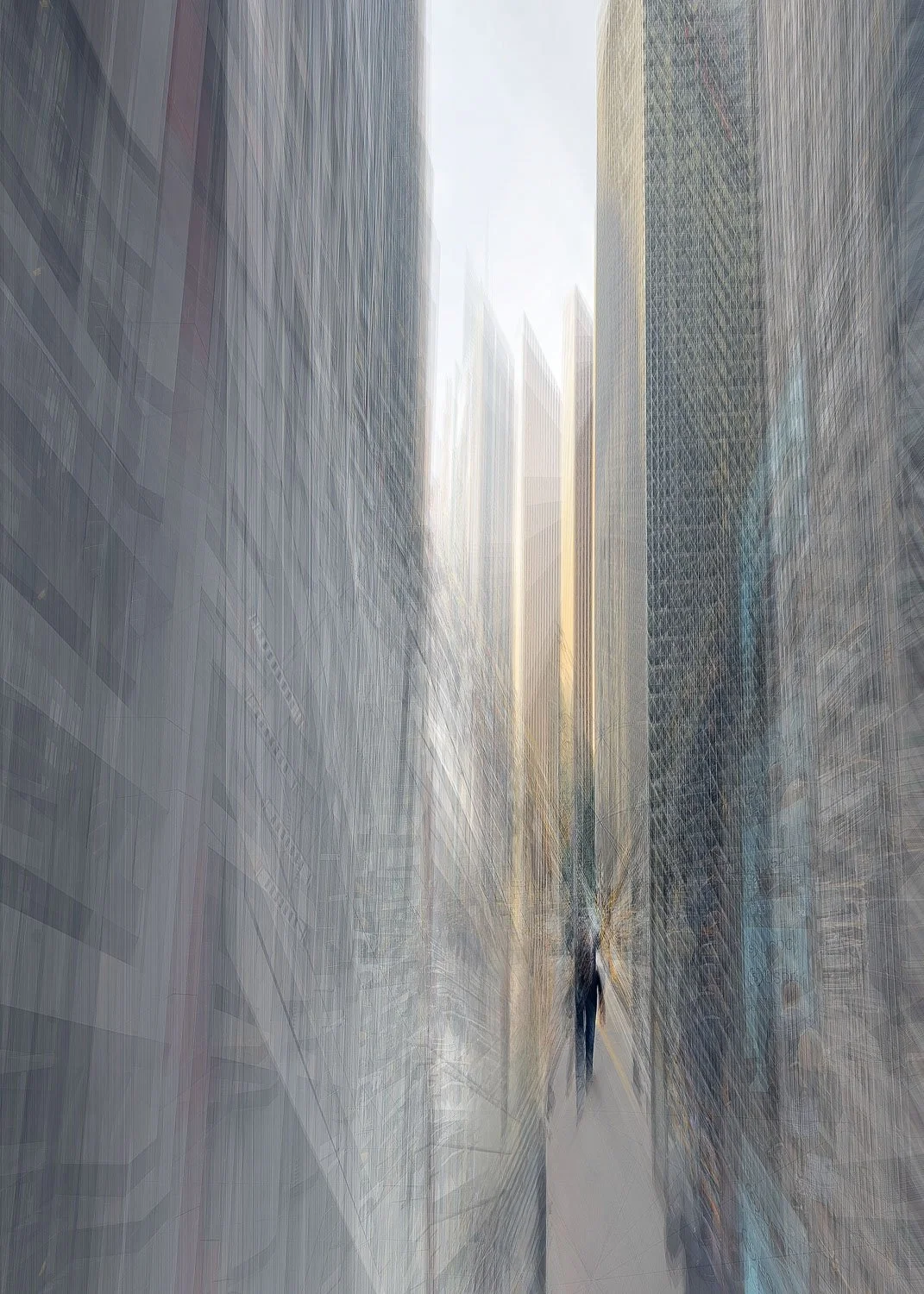
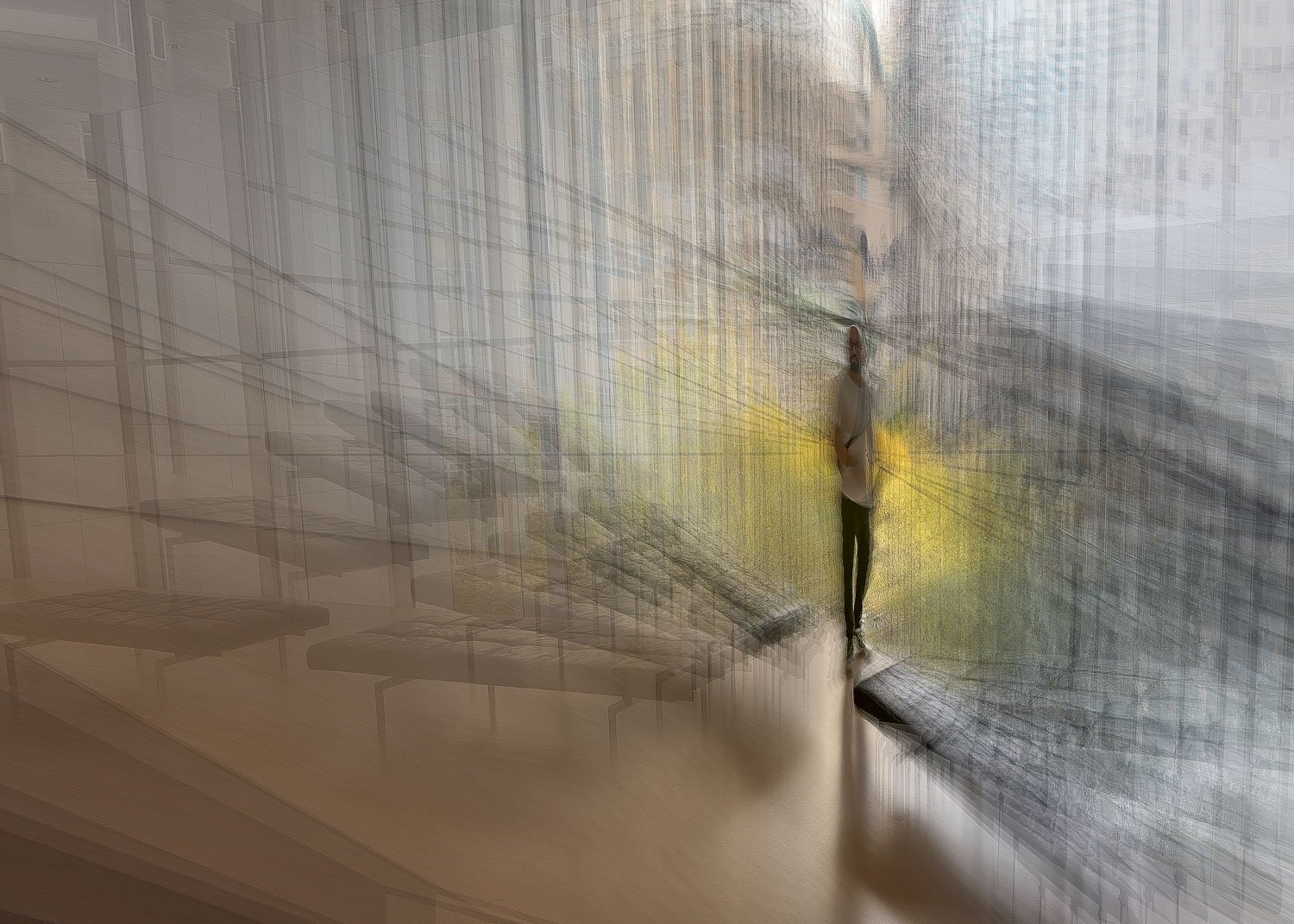
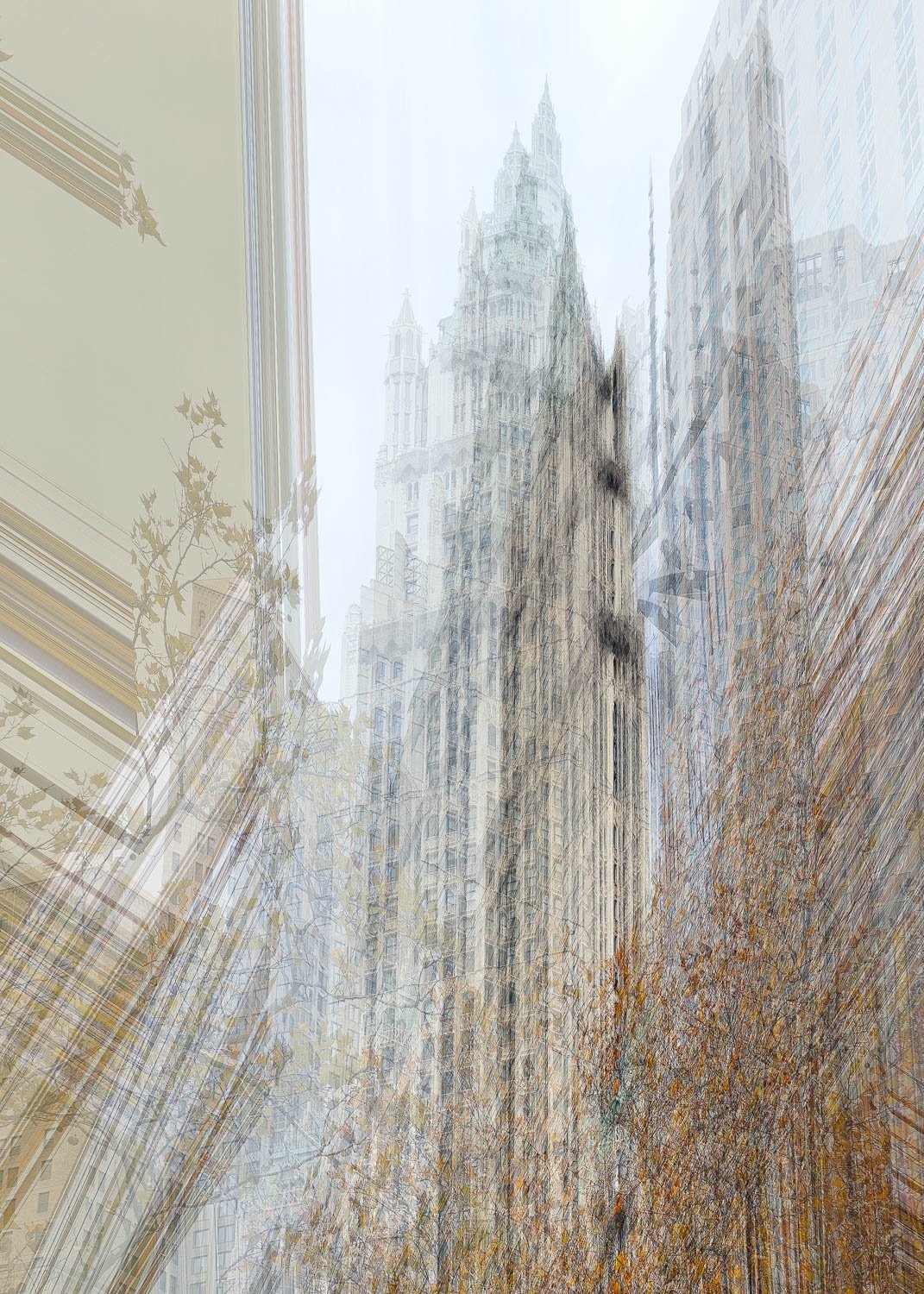
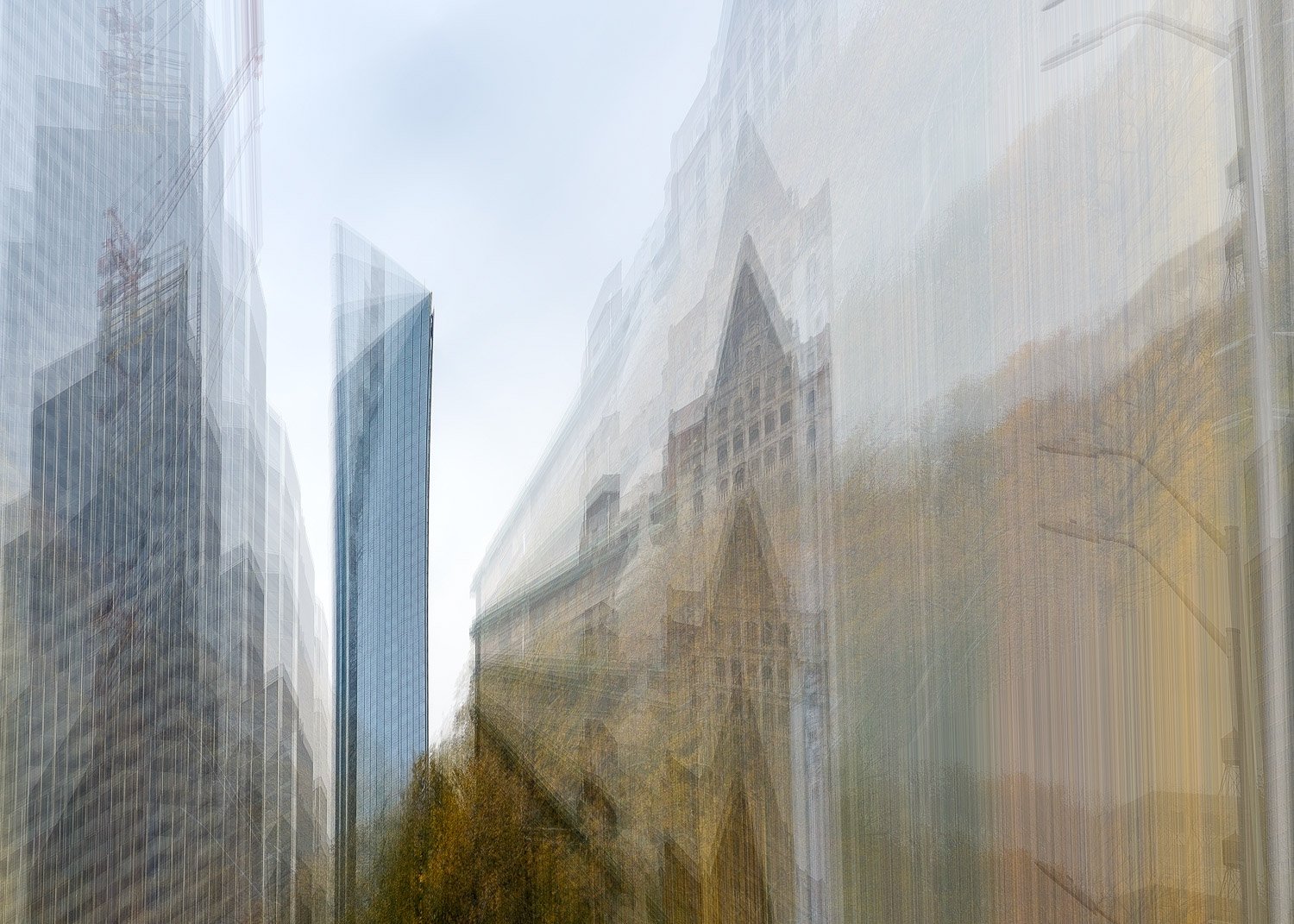
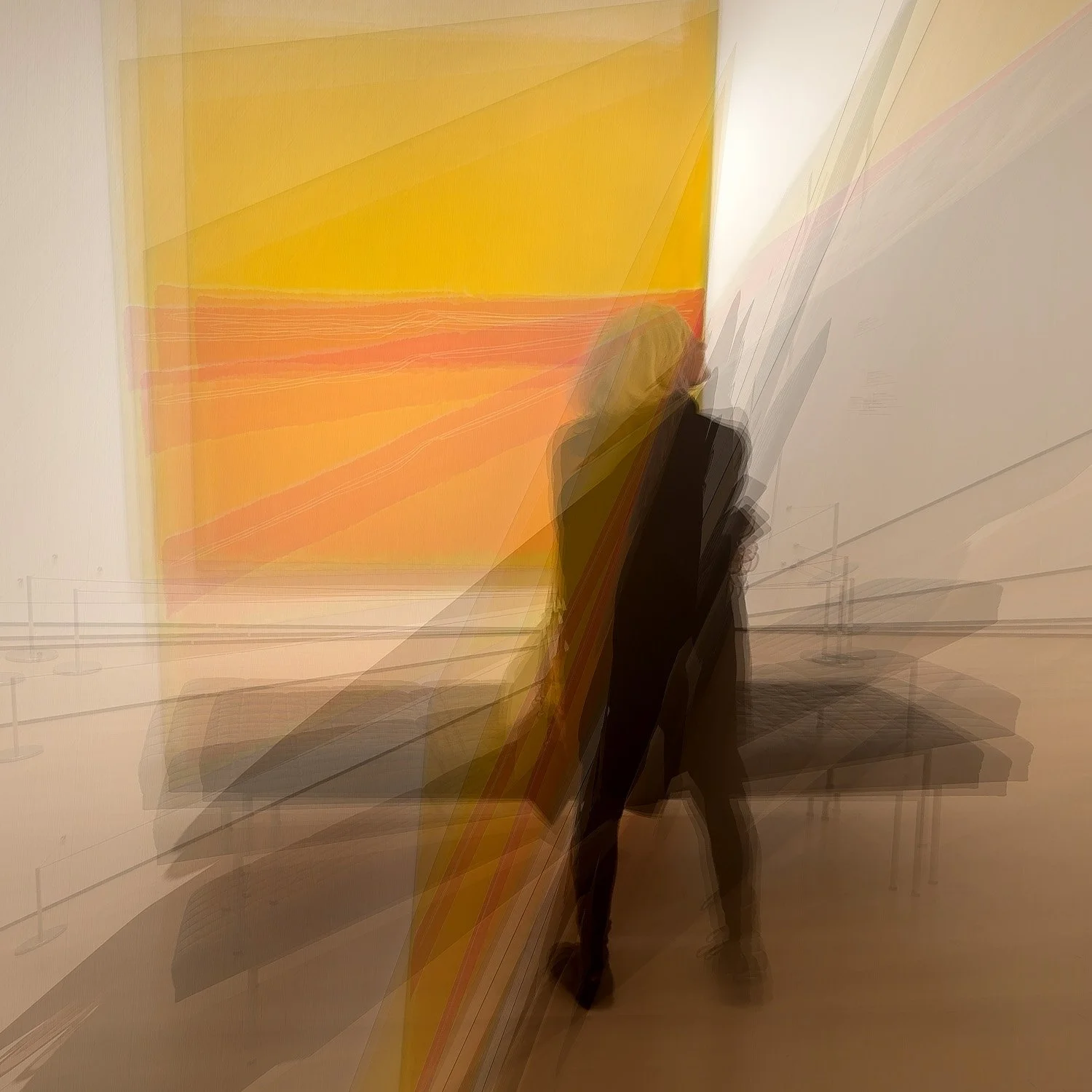
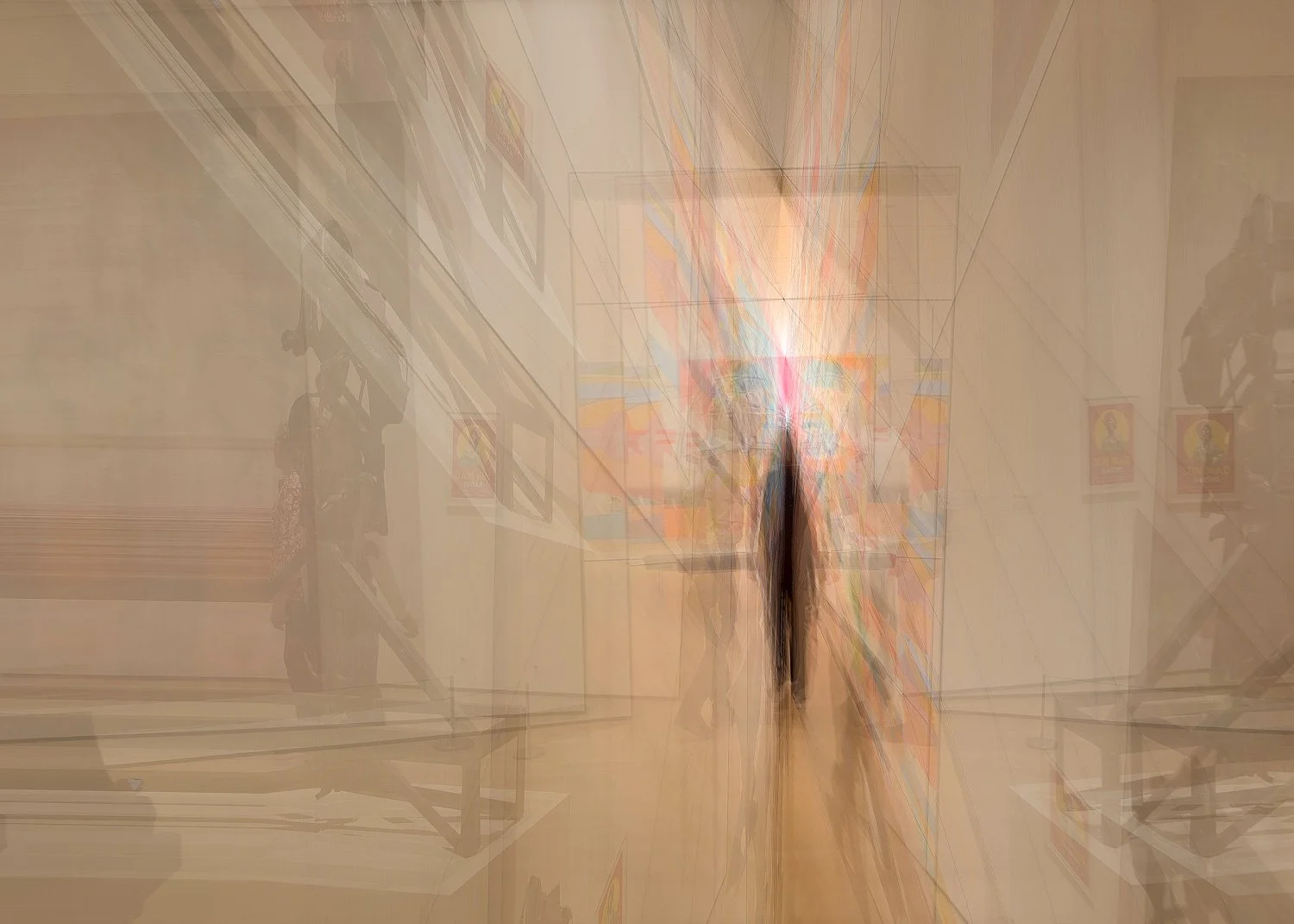
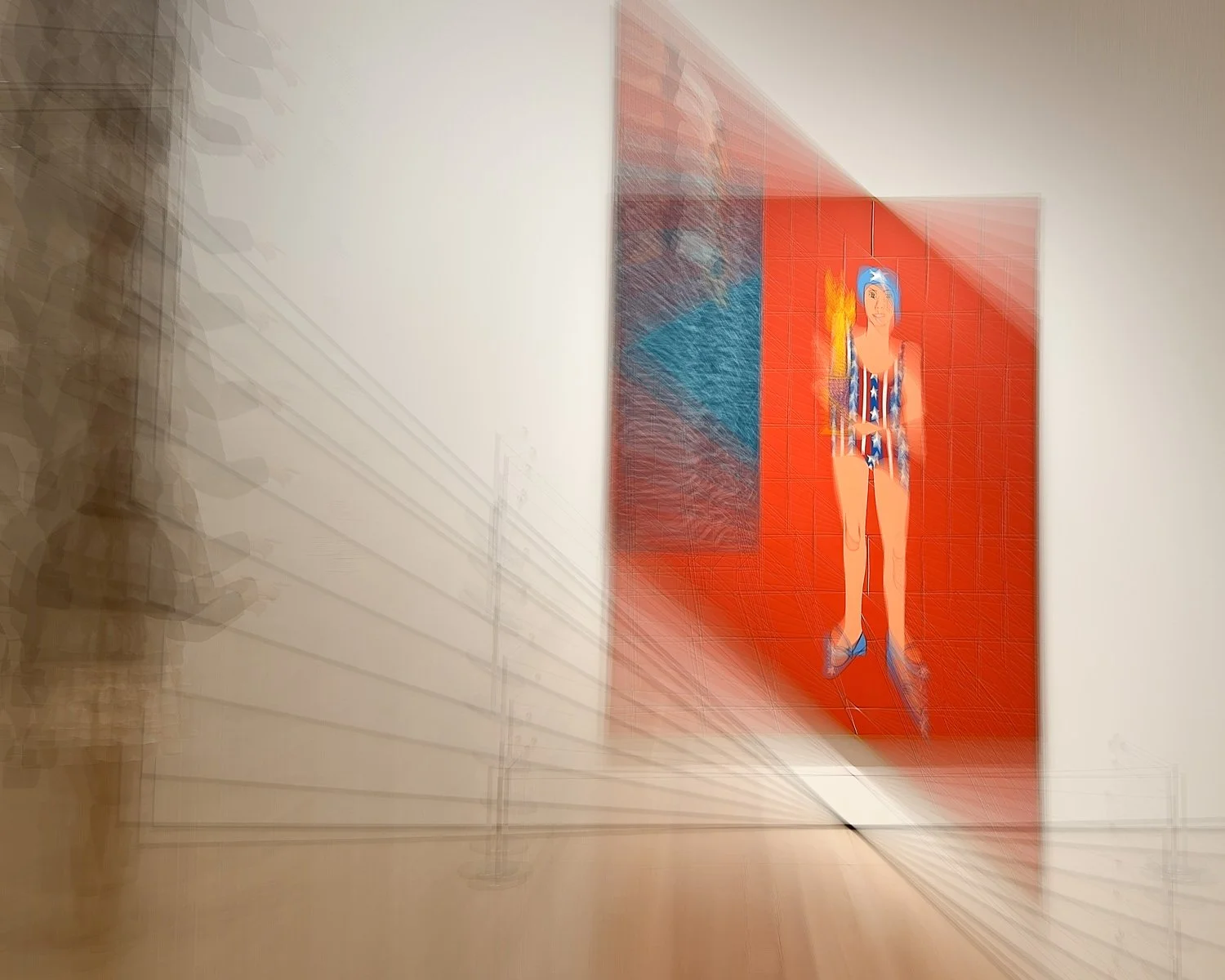
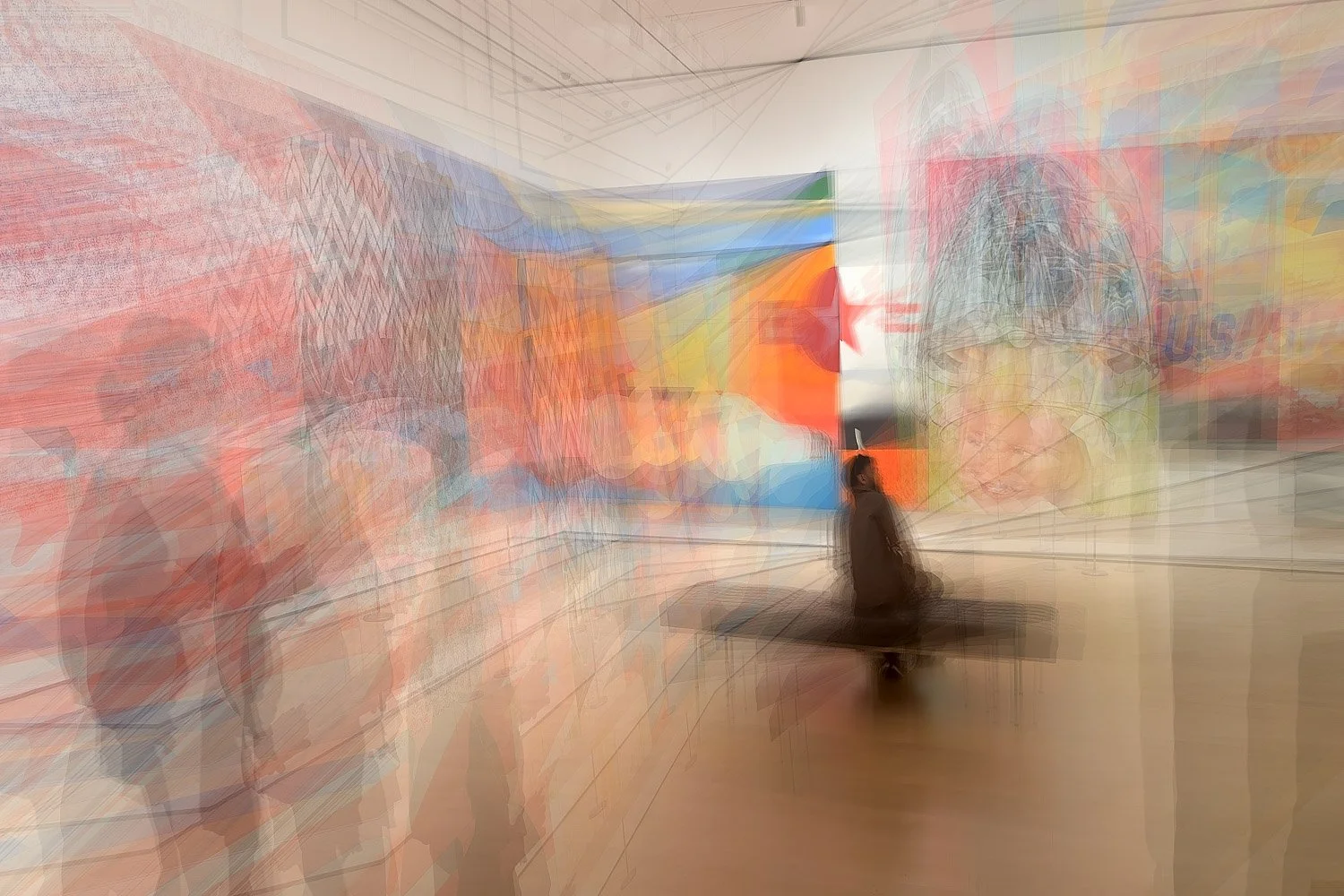
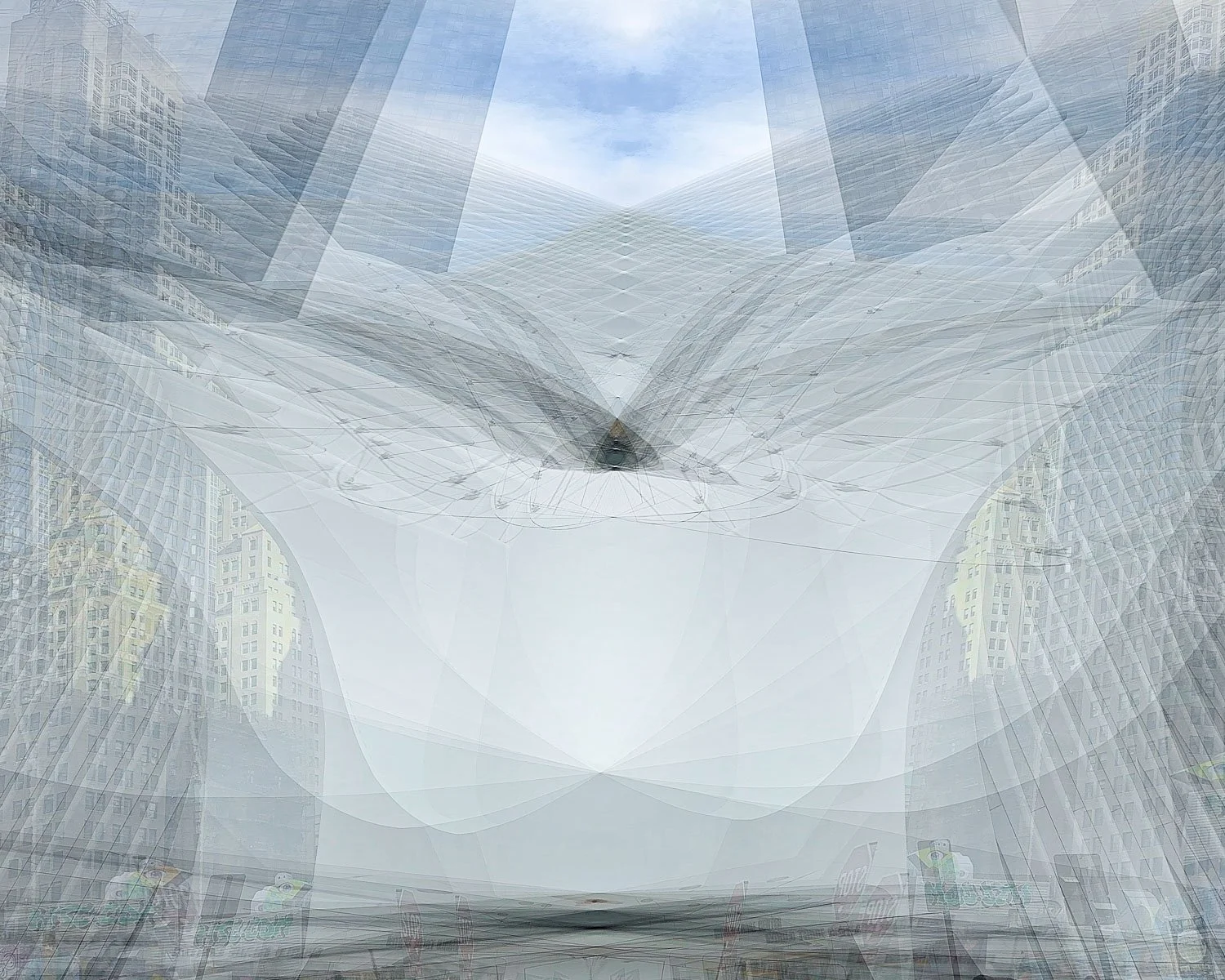
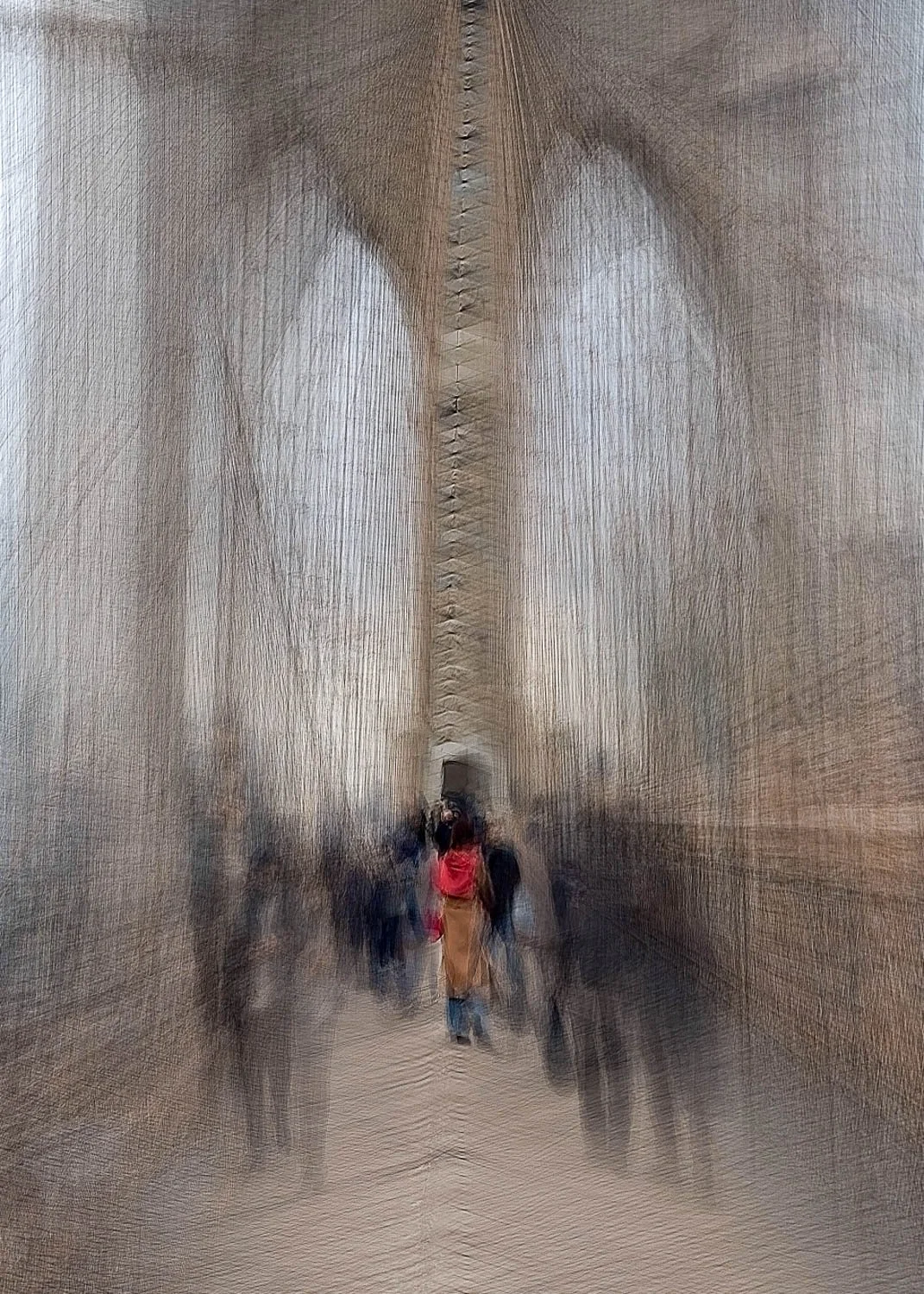
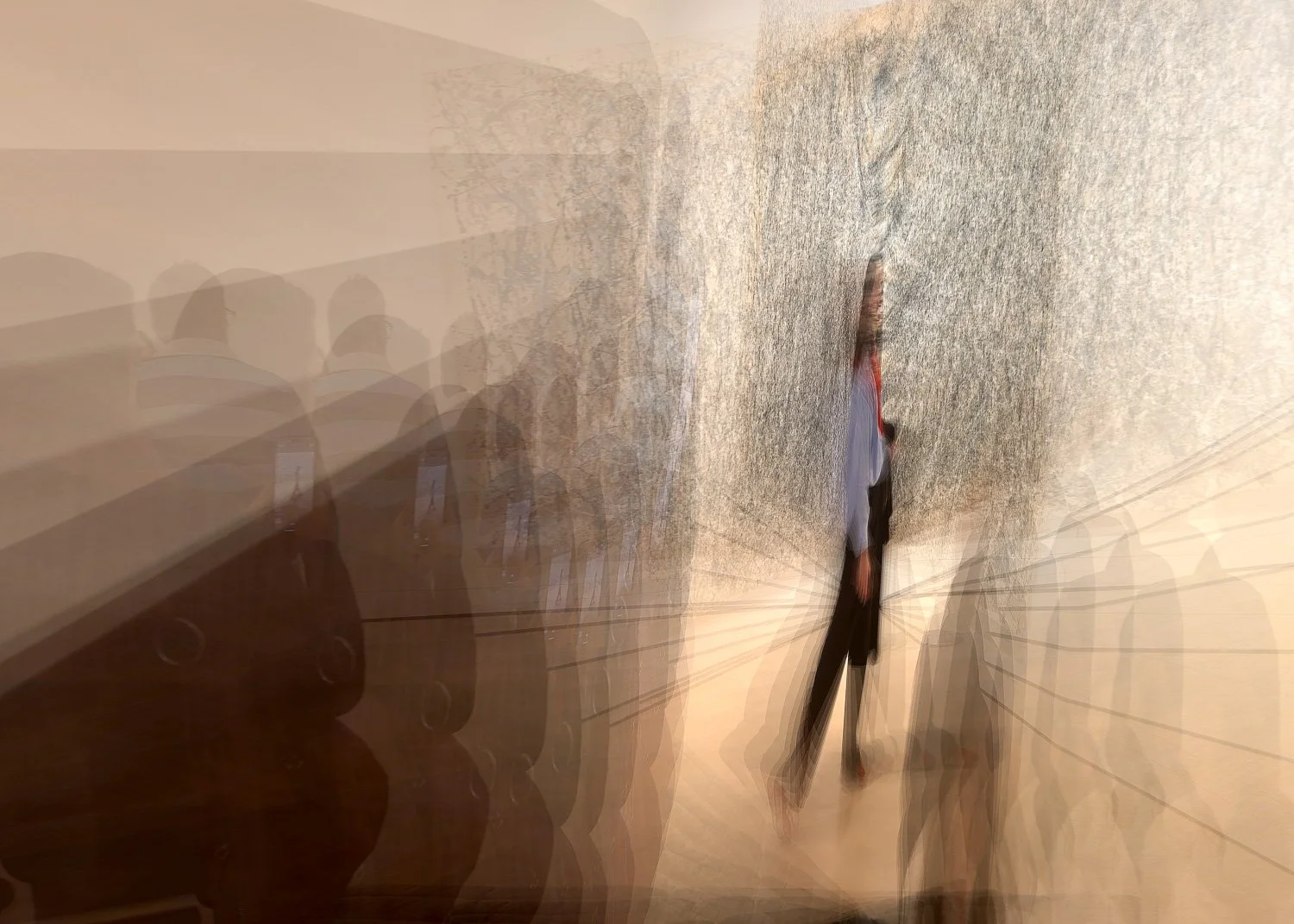
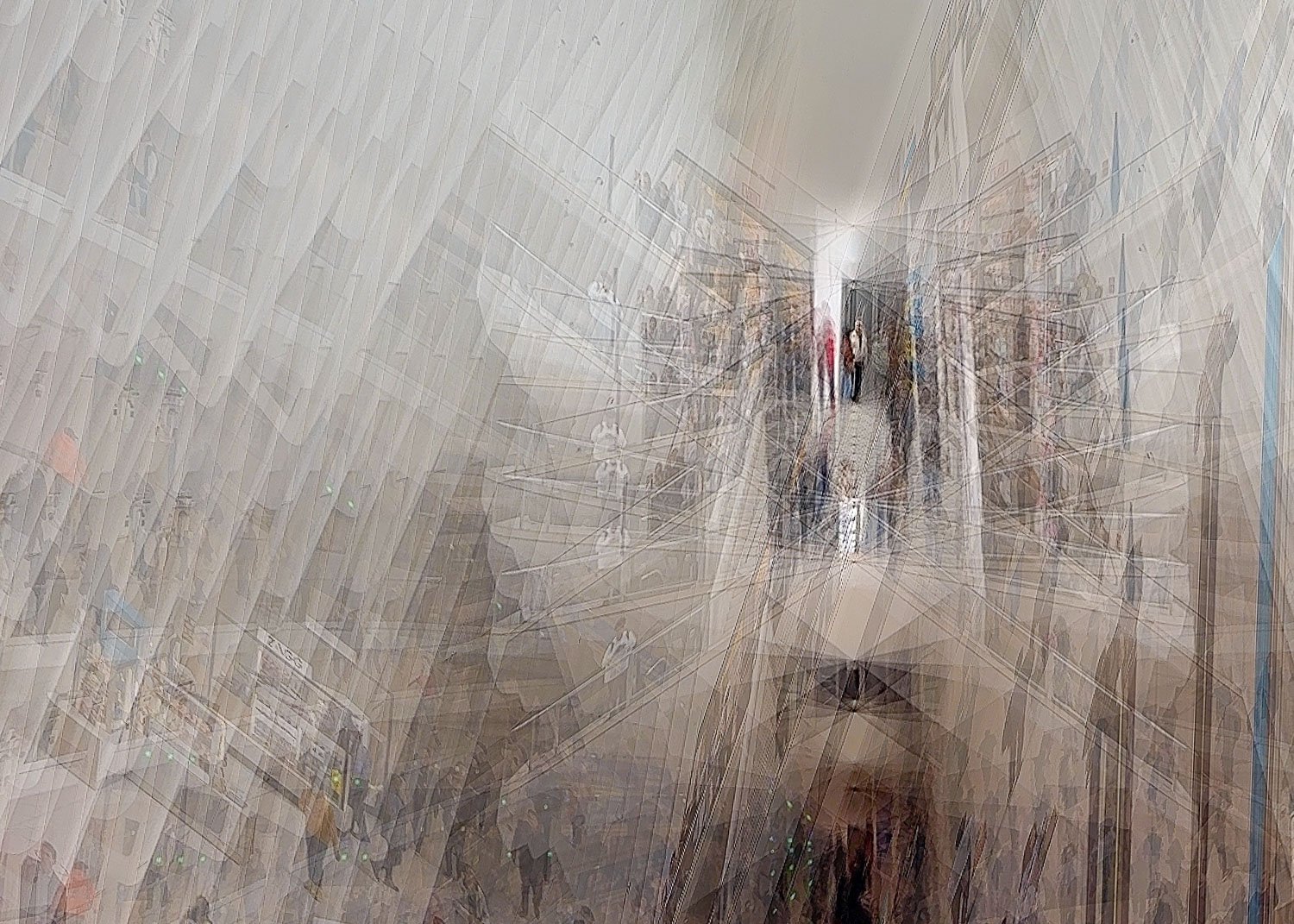
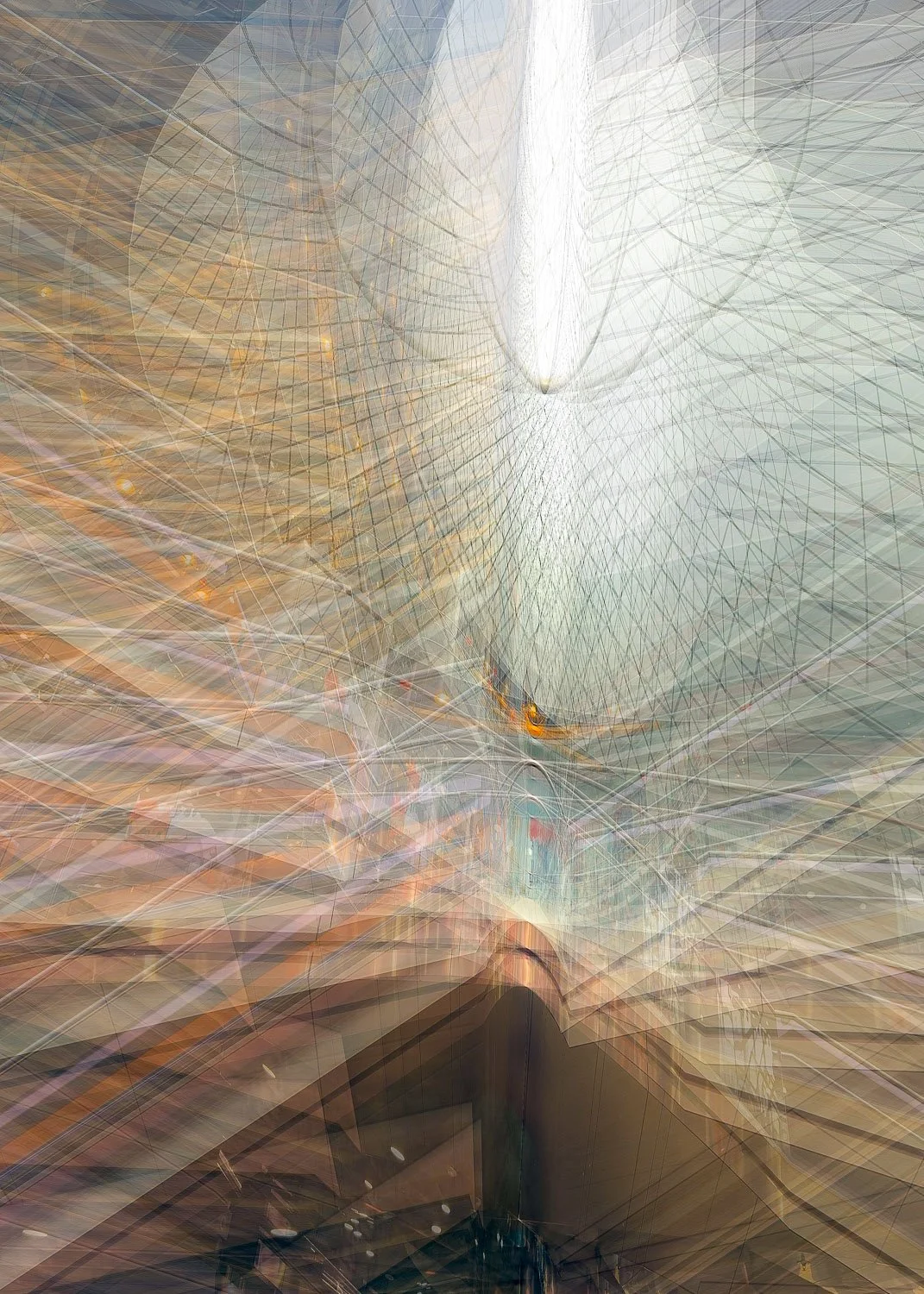
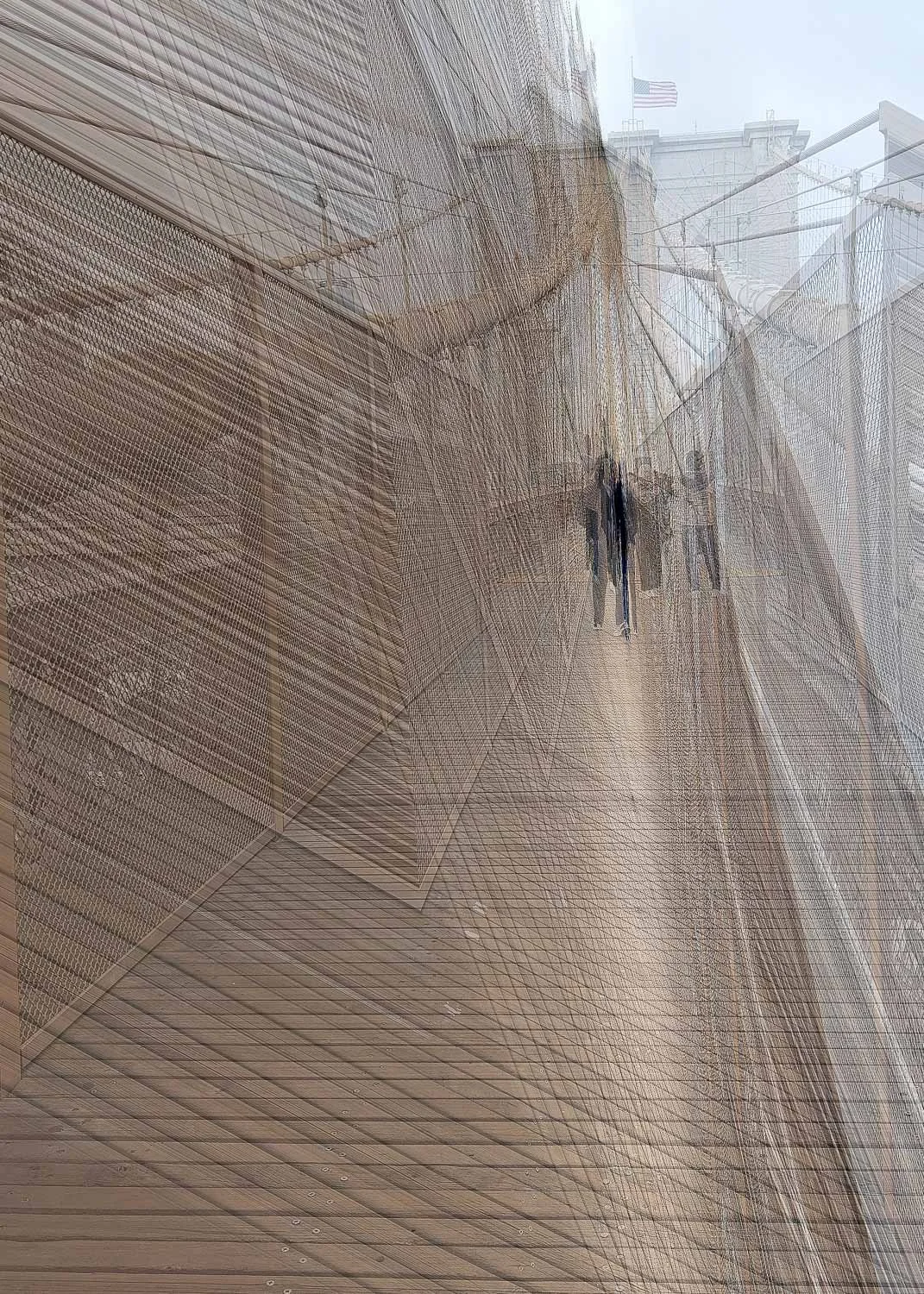
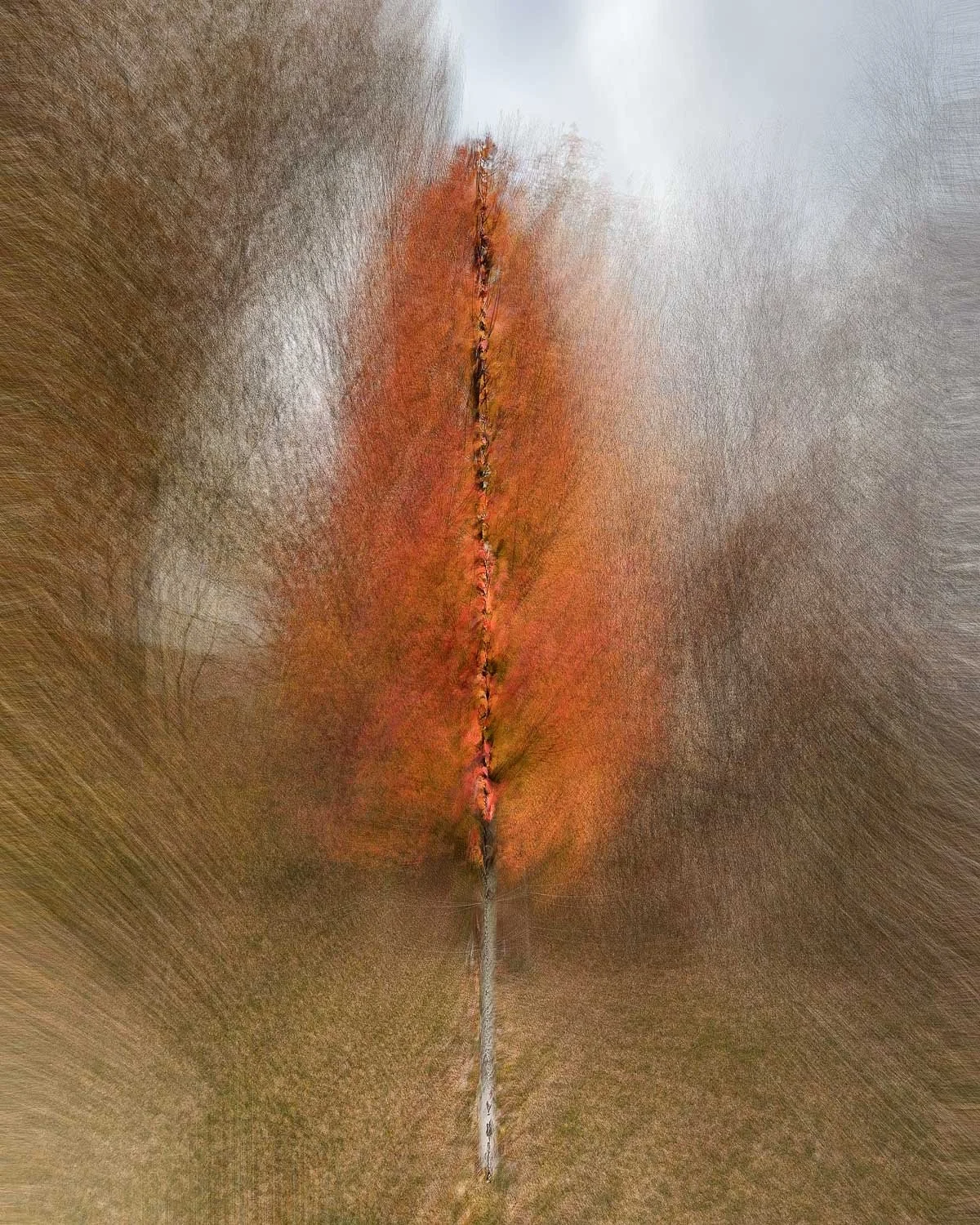
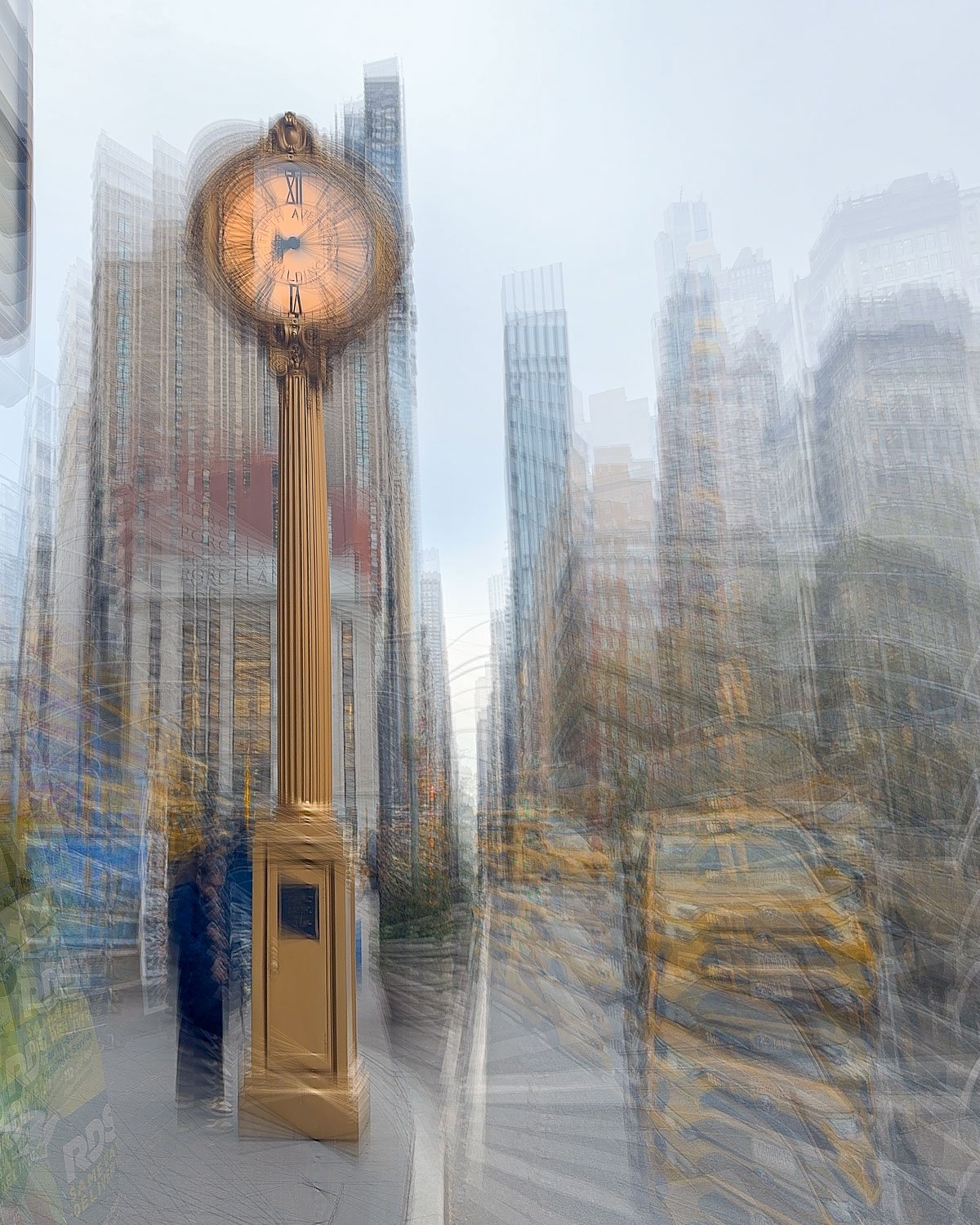
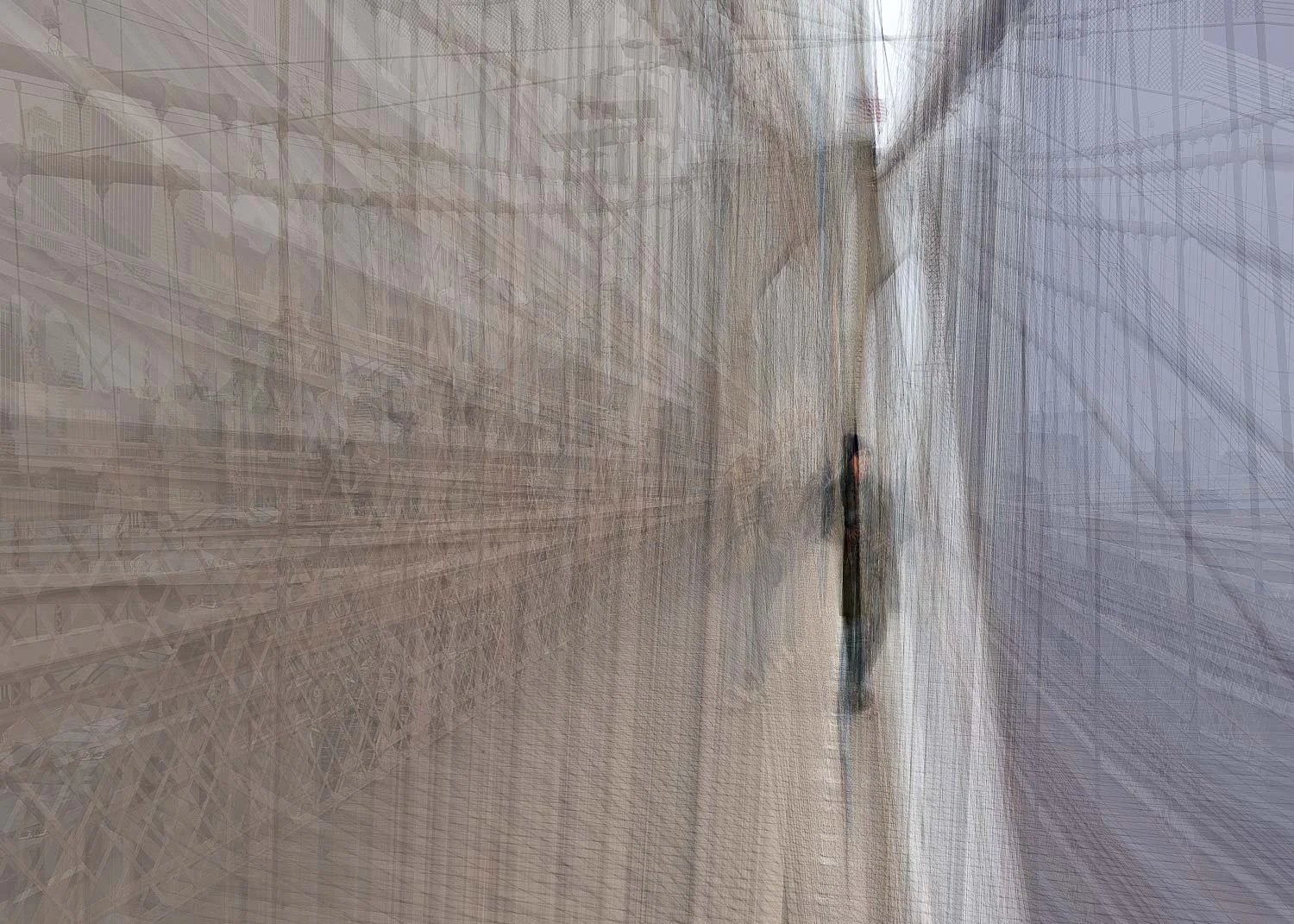
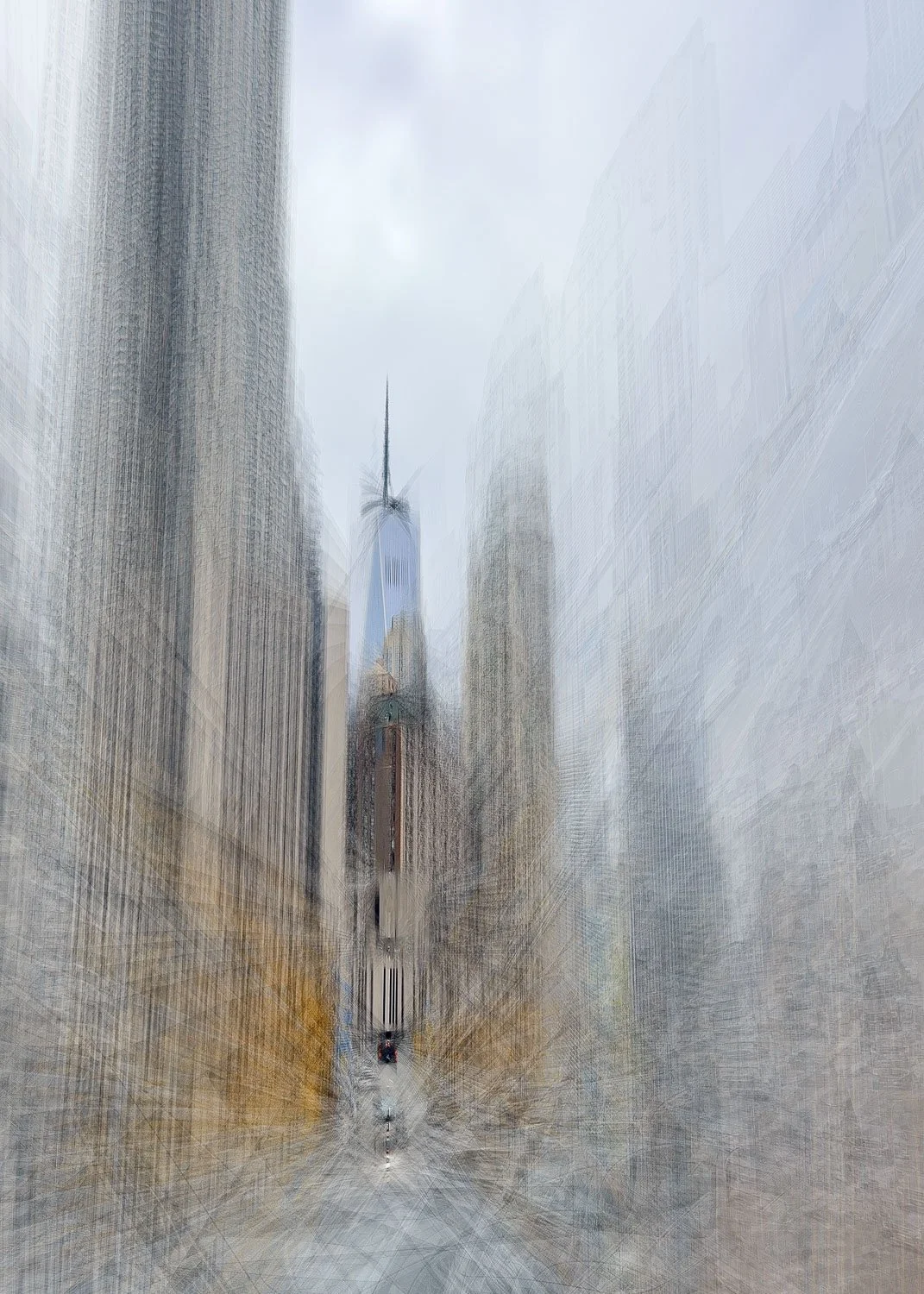
Below, I’ve included some of my favorite images created in New York City exploring this technique, along with others that demonstrate just how wide a range of effects this accidental discovery can produce.
Conclusion
Sometimes the most interesting work comes from coloring outside the lines - and in this case, from tracking outside them too. What began as a simple attempt to explain a random bug has turned into the discovery of a feature that adds unexpected value to my creative toolbox.
Given how subjective the results are, I’m curious whether others see the same merit in this accidental “feature.” I’d really appreciate your feedback (positive or otherwise) to help me understand whether it has broader appeal.
As a bonus, I’d also love to hear from anyone who’s tried using this bug/feature to their advantage and to see what others are creating.