
Mobile ICM - long exposure app comparison test
The problem
Unlike traditional cameras, smartphones such as the iPhone do not use a mechanical shutter, and their lenses have a fixed aperture. Exposure, in its simplest form, is still fundamentally controlled by time at the sensor. However, this is only part of the story.
Following a recent discussion with a fellow photographer, I realized that my understanding of how mobile devices capture long exposures was incomplete. To compound the issue, I have found that long exposure effects seem to differ depending on the app used - it is clear they don’t all work in a similar manner.
I have discovered that modern mobile photography is deeply computational. What appears to be a single exposure is often the result of multiple frames captured, analyzed, and combined in rapid succession. This creates a somewhat opaque relationship between actual capture time and final image output.
So how does it all work?
This is what I have found out. Clear information on how the capture process actually works - particularly for longer exposures - is limited. While exposures of around one second are often cited as a practical upper limit for a single frame, “long” exposures are typically achieved through stacking multiple images rather than extending a continuous capture.
But long exposure apps do not capture in a similar manner……..
Apps that promote long exposure features appear to rely on increasingly sophisticated computational methods - sometimes blending hundreds of frames into a single result. Some go even further, selectively stabilizing parts of the image while allowing motion in others, effectively simulating the experience of shooting long exposures on a tripod, even when handheld.
Confused yet?
As photographers what we really need to be concerned about is the final result. With a basic understanding of the underlying mechanisms I decided to explore how these approaches differ in practice, conducting a simple comparison using four long exposure apps currently installed on my iPhone. While this is not an exhaustive study, it provides a useful cross-section of the techniques in use and offers insight into how “long exposure” is being redefined in mobile photography.
My aim is not to rank these apps, but to observe how each one constructs the idea of a long exposure - and how those underlying approaches reveal themselves in the final image. The important distinction is not simply image quality, but that each app interprets movement differently through its own computational process. Broadly speaking some apps tend towards producing repetitive forms where others produce a smoother level of blur.
In simple terms, the methods of capture explored here can be thought of as falling into two categories:
Continuous capture - light is recorded across a single, uninterrupted span of time, producing motion that is fluid and consistent throughout the frame.
Frame stacking - a sequence of shorter exposures is combined into a single image, reconstructing motion from multiple moments rather than recording it continuously.
In practice, the distinction is not always explicit, and many apps operate in a space between the two. This analysis aims to provide a greater understanding of how apps may work behind the scenes, and more importantly what the impact might be on the final image.
Applications tested
Native iPhone camera app
Although the native iPhone Camera app does not offer a manual long exposure mode, it can approximate the effect through its Live Photo feature. When the “Long Exposure” effect is applied, the system blends frames captured over a short temporal window (typically a few seconds) into a single composite image.
This is a clear example of frame stacking, where motion is reconstructed from multiple captured frames rather than recorded as a single continuous exposure. It provides a useful baseline for comparison against third-party solutions.
Bluristic
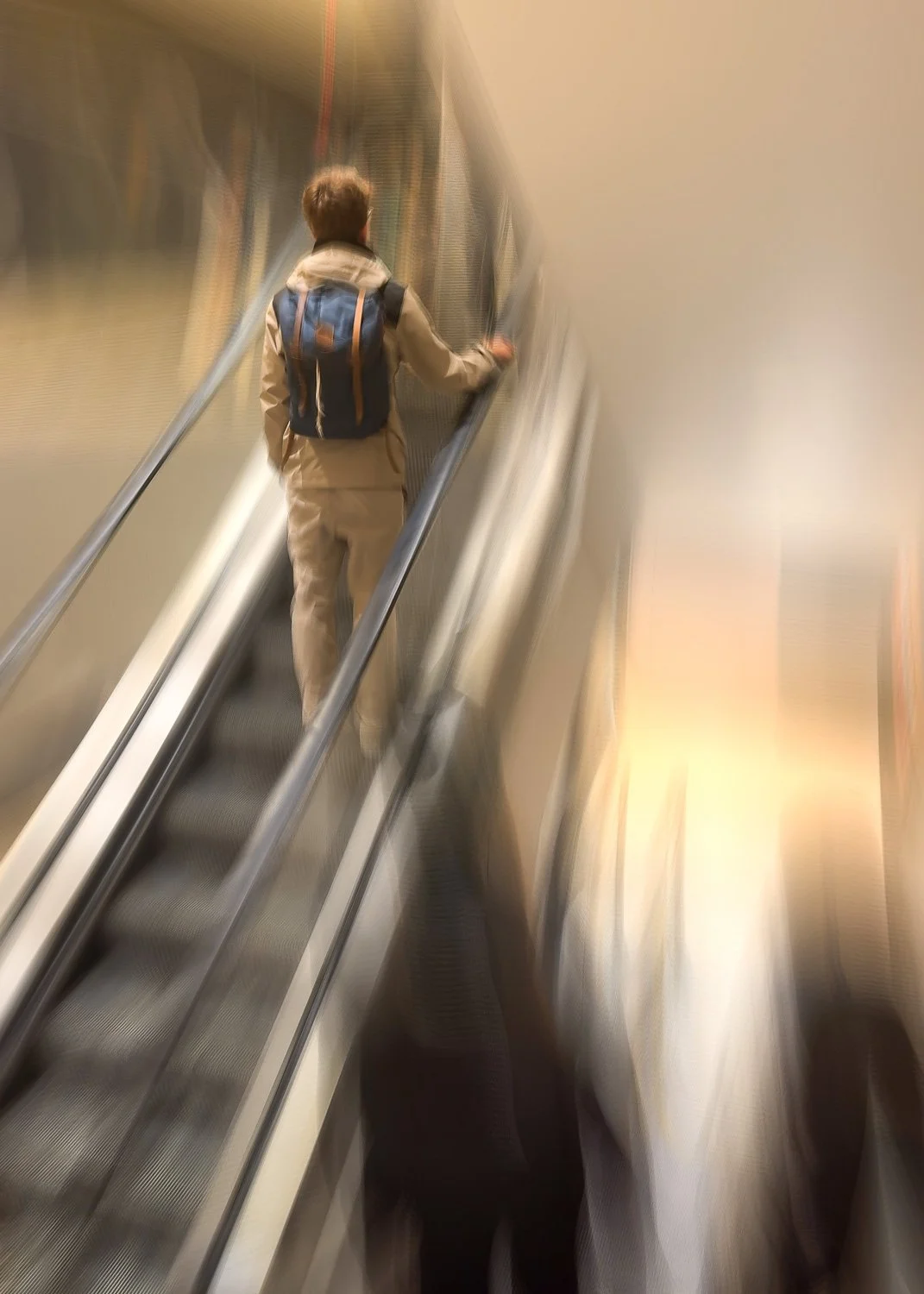
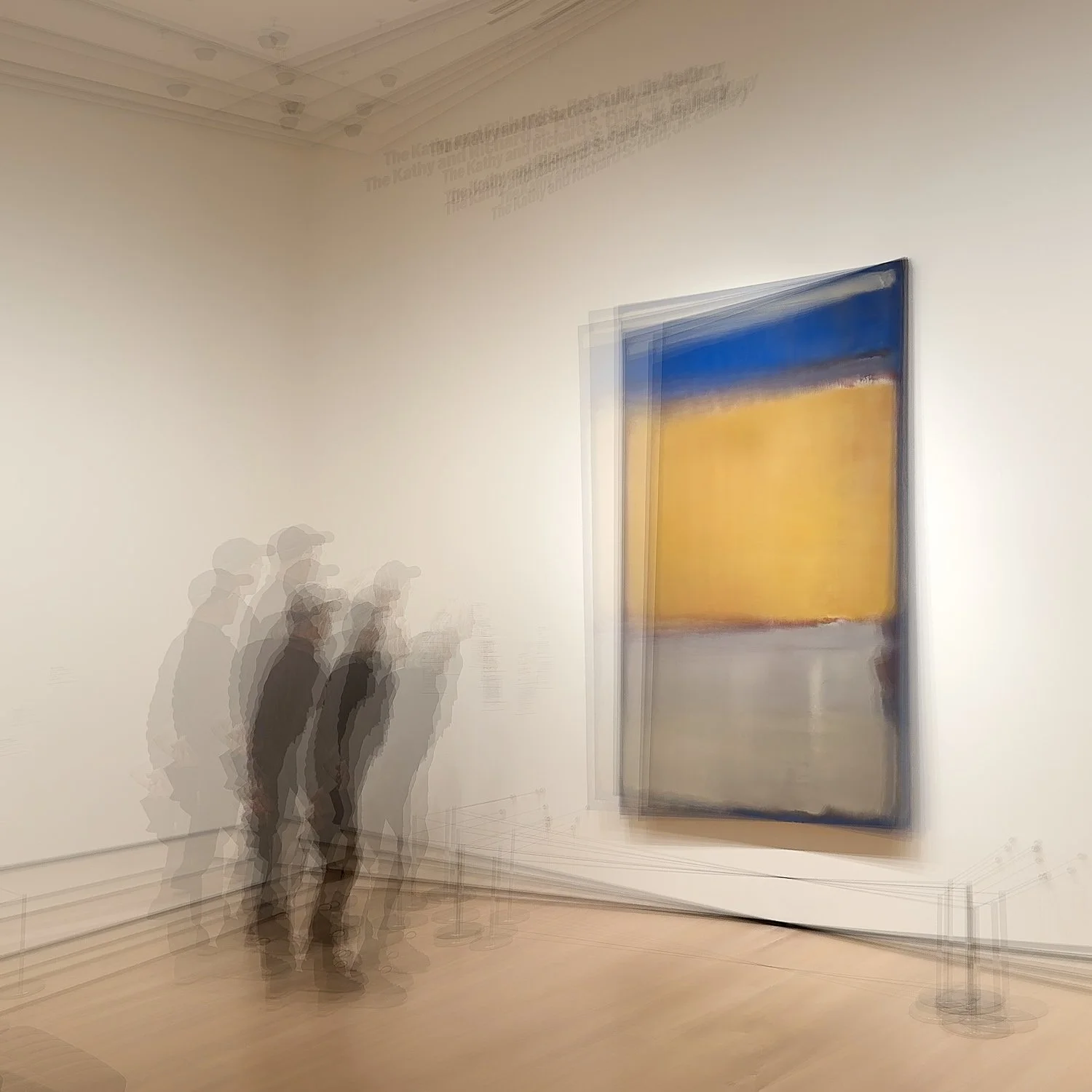
Bluristic is a mobile phone app designed for creating motion blur effects through controlled camera movement and post-capture processing. At its core the app allows users to influence motion blur within an image by adding tracking points that help maintain areas of detail. Bluristic has a focus on creative, stylized results rather than traditional long exposure control.
Spectre
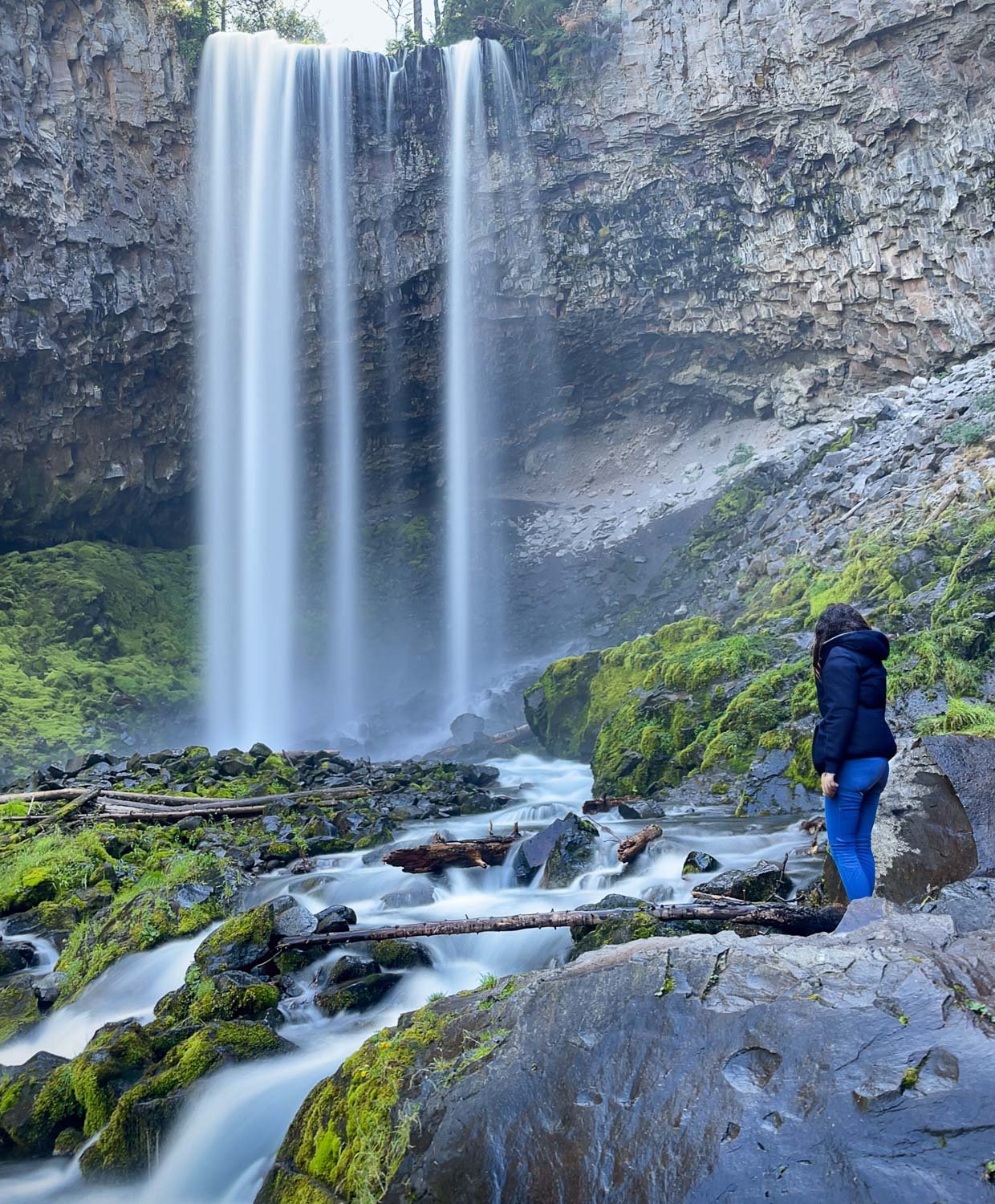
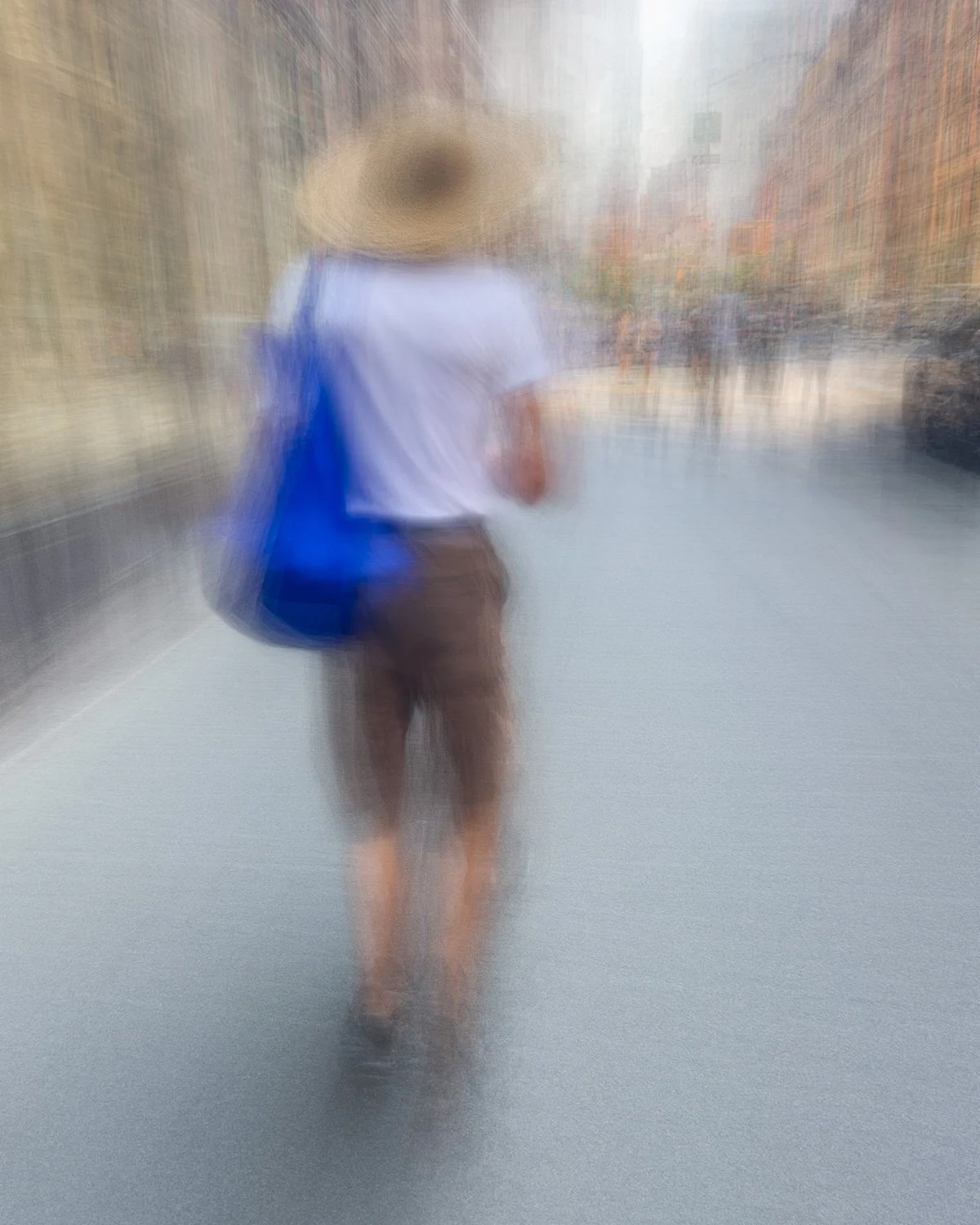
Spectre is a computational photography app designed to simulate long exposure effects on a mobile device. It is commonly used for removing people or traffic from scenes, or for creating motion blur effects such as flowing water or light trails, without the need for a tripod. Similar to Bluristic, algorithms look to maintain a level of sharpness in key areas of the frame. However, this is based on the assumption that the camera is being held relatively still - intentionally moving the camera takes the app outside of its design spec.
Slow Shutter
Slow Shutter is designed to emulate traditional long exposure photography by allowing extended capture times and producing images with visible motion blur. It is often used for effects such as light trails, low-light motion blur, and abstract movement rendering.
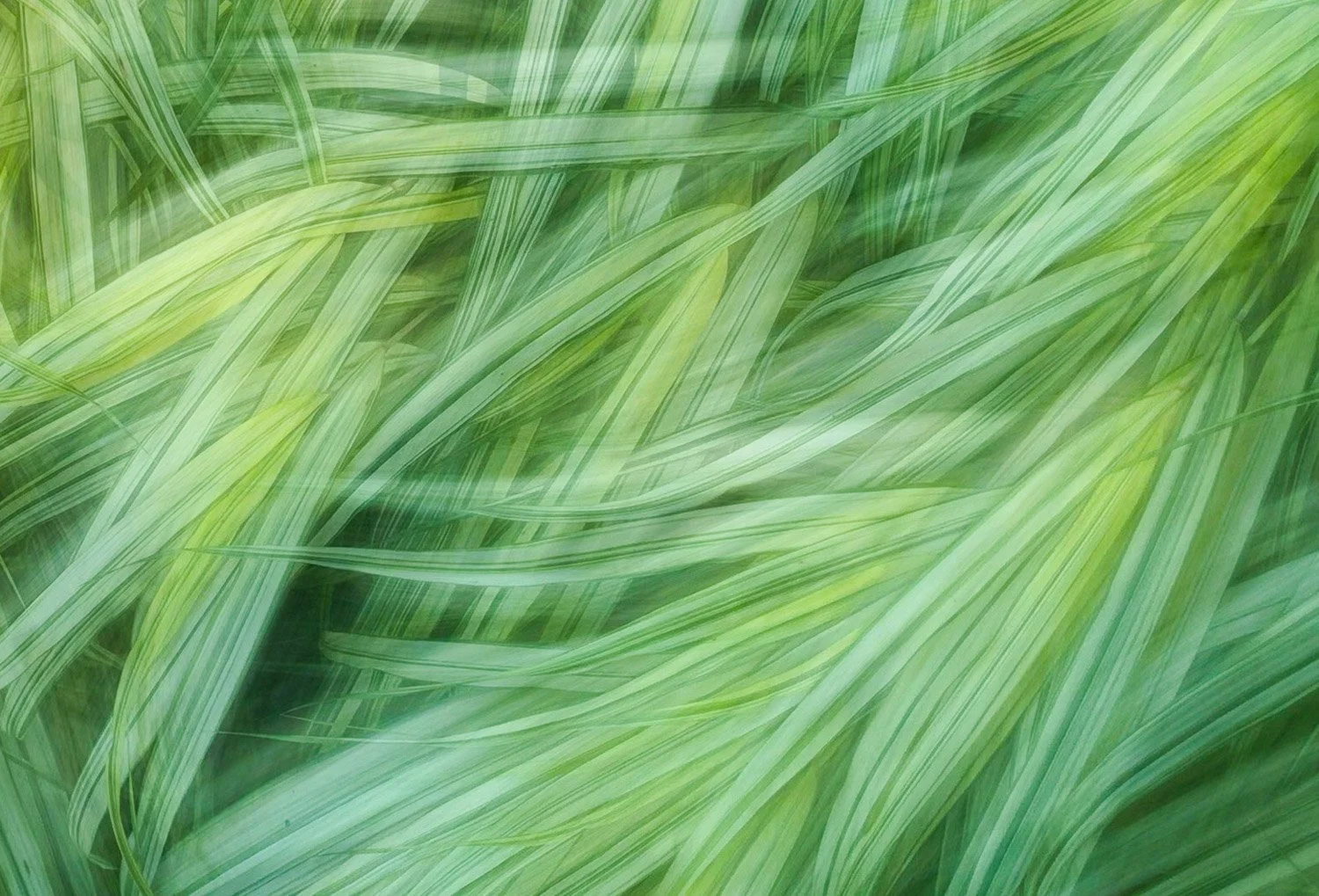
Pro Cam
ProCam is a multi-function photography app that provides manual camera controls including exposure, focus, and shutter settings. It also includes a long exposure mode that allows users to simulate extended exposure effects using mobile capture tools. This is not an app I have used in any significant way to capture long exposures, perhaps for reasons that will become evident.
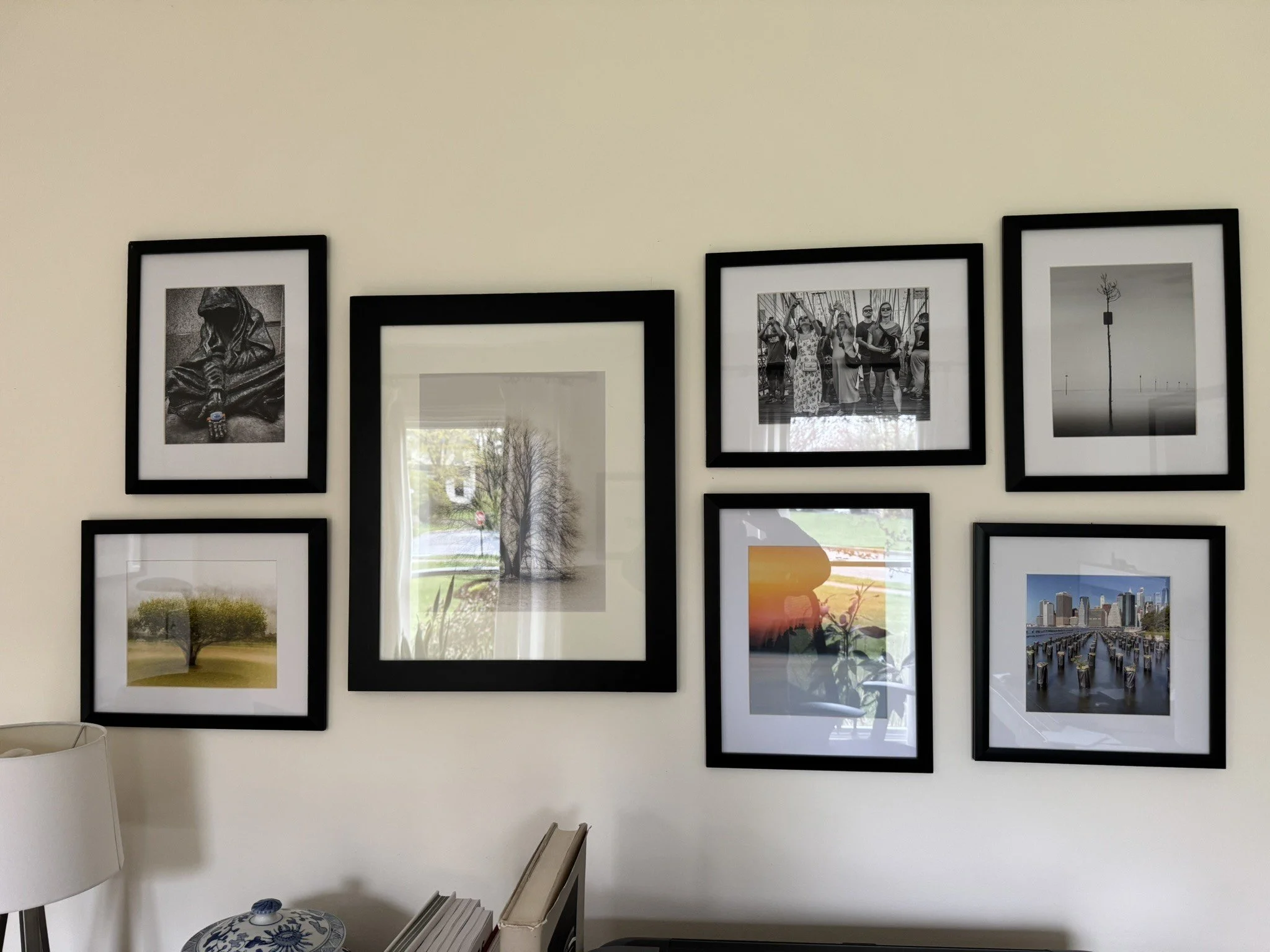
Subject used for testing
The Test Process
My test process was very simple:
Use the reported 1-second upper exposure limit on iPhone
Capture images while panning across a consistent subject
Compare the resulting images
What I am looking for in the results are the visual fingerprints that indicate whether the image was produced as a continuous exposure or constructed from a series of stacked frames.
These fingerprints include:
Fragmented or stepped motion
Uneven separation of sharp and blurred elements
Ghosting or duplicated edges in moving subjects
From those results I am hoping to gain clarity of how each app broadly functions, and what might be expected when taking long exposure ICM photographs so that can be used to advantage in future.
Results
Before we start making an analysis, it must be noted that the goal for the outcomes was purely to display the differing characteristics between the apps I commonly use. The subject used is not one that would typically be captured, but the strong lines of contrast work well in demonstrating the reaction of each app.
The following results are presented as observational comparisons rather than definitive suggestions. Again, the goal here is simply to identify how each app deals with long exposures and how individual traits might influence others.
iPhone LivePhoto long exposure
This first image comes from a FAST sweep of the subject with LivePhoto enabled. From the result the Long Exposure option is selected, essentially blending the LivePhoto stream of frames into a single, averaged result.
As might be expected there are signs of fragmentation and duplicate edges. The lack of contrast is also telling, perhaps due in part to the small number of frames used in the capture.
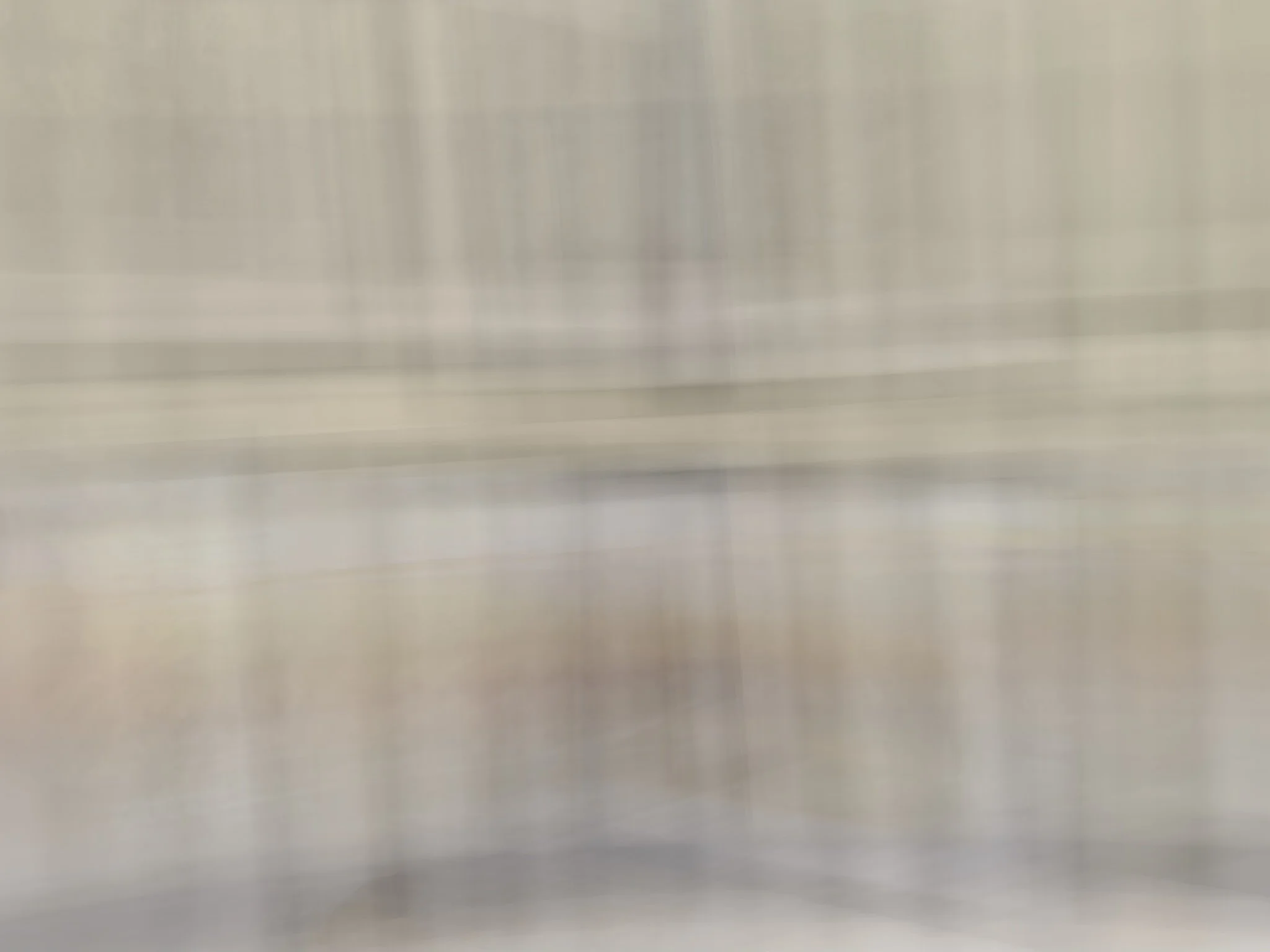
iPhone long exposure simulation
Bluristic
Bluristic does not have a timed capture option, so the length of capture in this case had to be estimated. That said, the characteristics of the image should not differ much with this discrepancy.
It can be seen that there is clear evidence of frame stacking, with repetitive forms throughout. It should be noted that Bluristic’s tracking feature was disable at this point to negate any influence on the result. The tracking feature can drastically impact images (in a positive or negative way) and is something to consider when working in the field.
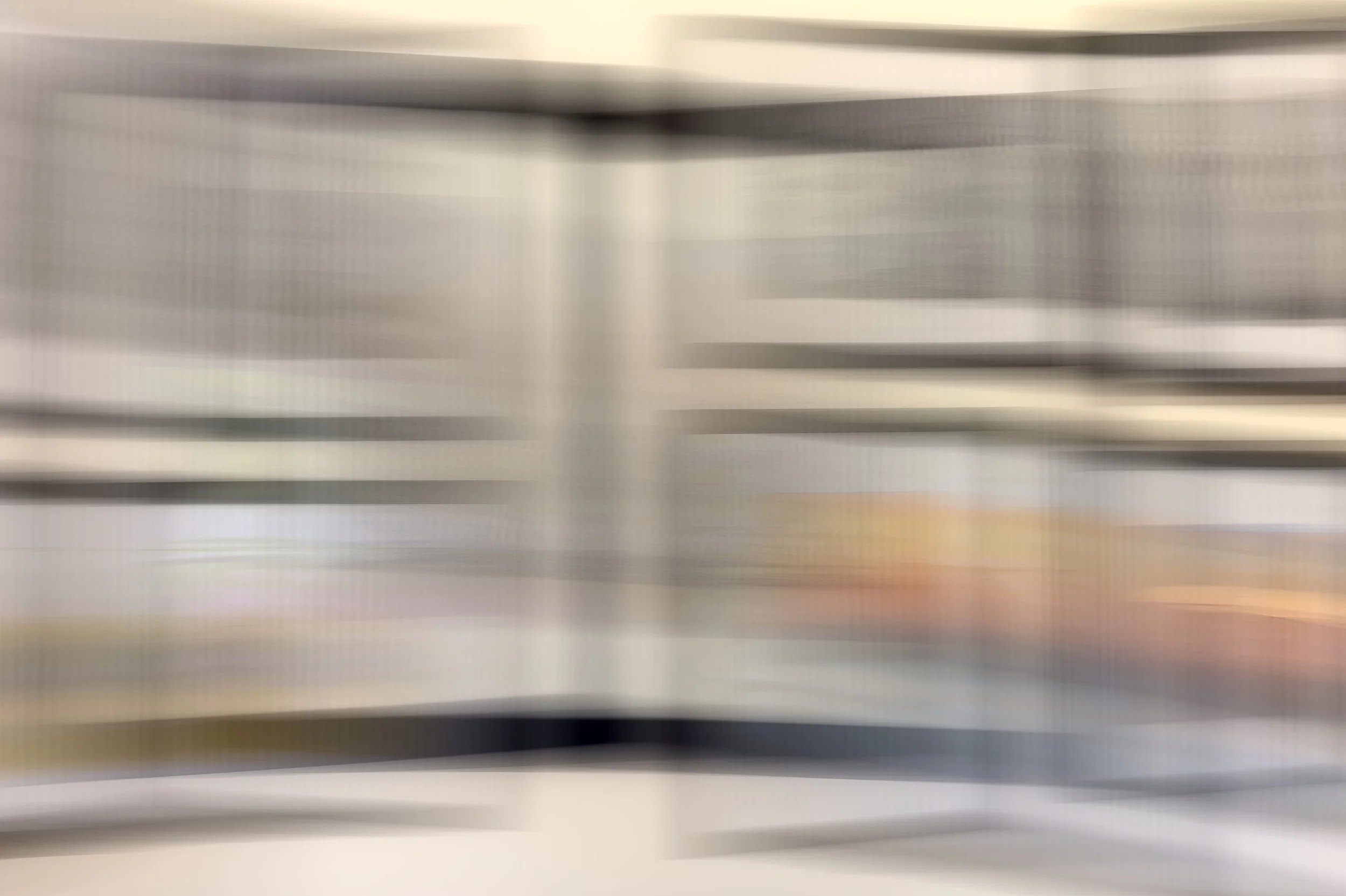
Bluristic - estimated 1 second exposure
Spectre
Spectre is another app that does not have a fixed 1 second exposure time (minimum is 3 seconds), so once again timing is estimated.
Specter is an app that attempts to isolate static elements in an image which may influence this result. Although perhaps less dominant than in the Bluristic result this again exhibits clear signs of the fragmented motion typical of a Frame stacking solution.
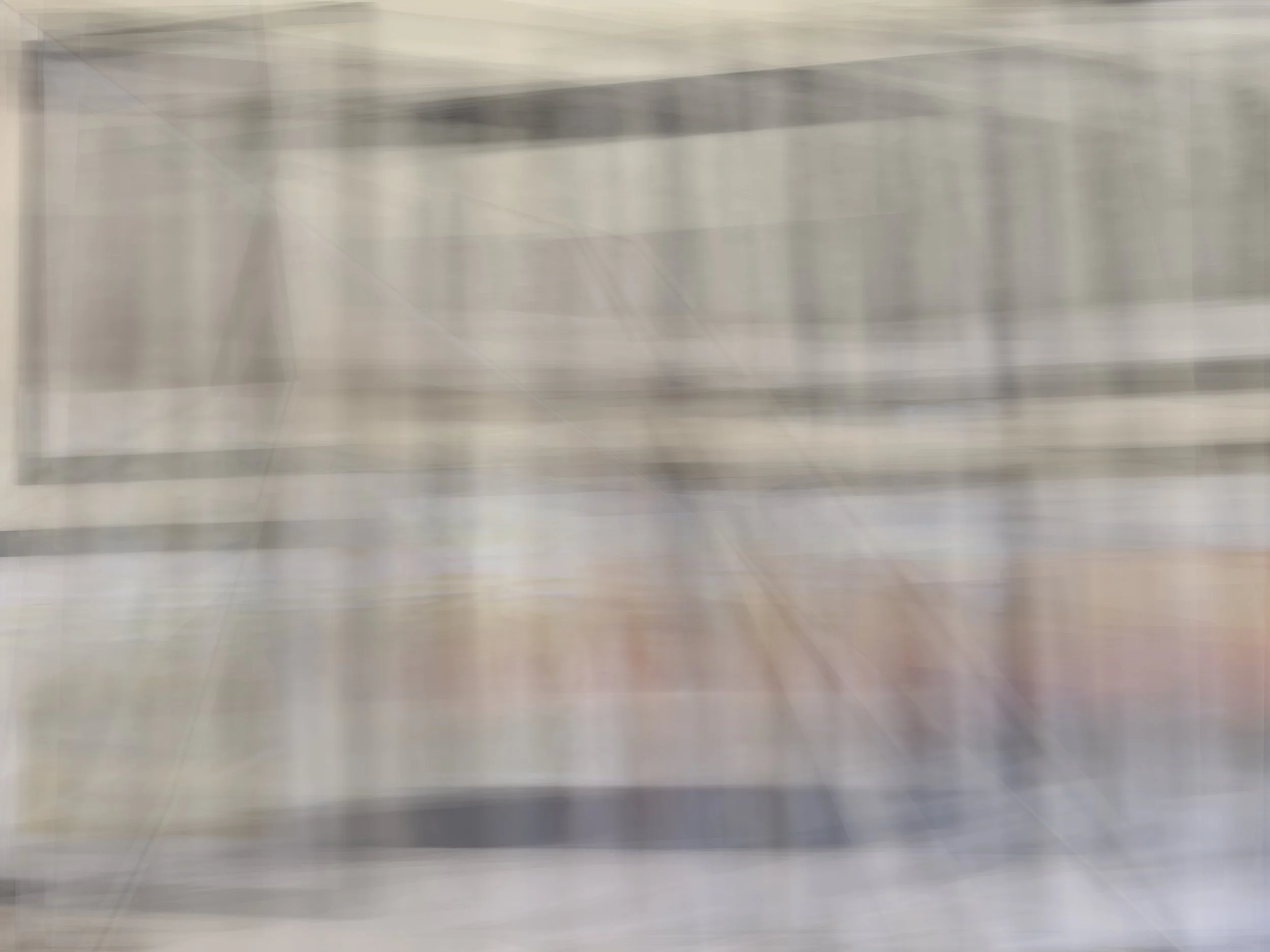
Spectre - estimated 1 second exposure
Slow Shutter Cam
Here we were able to select a true 1 second exposure, and elected to set the blur strength to maximum.
This shows characteristics very close to those seen when panning a traditional camera, with smooth transitions and minimal signs of fragmentation
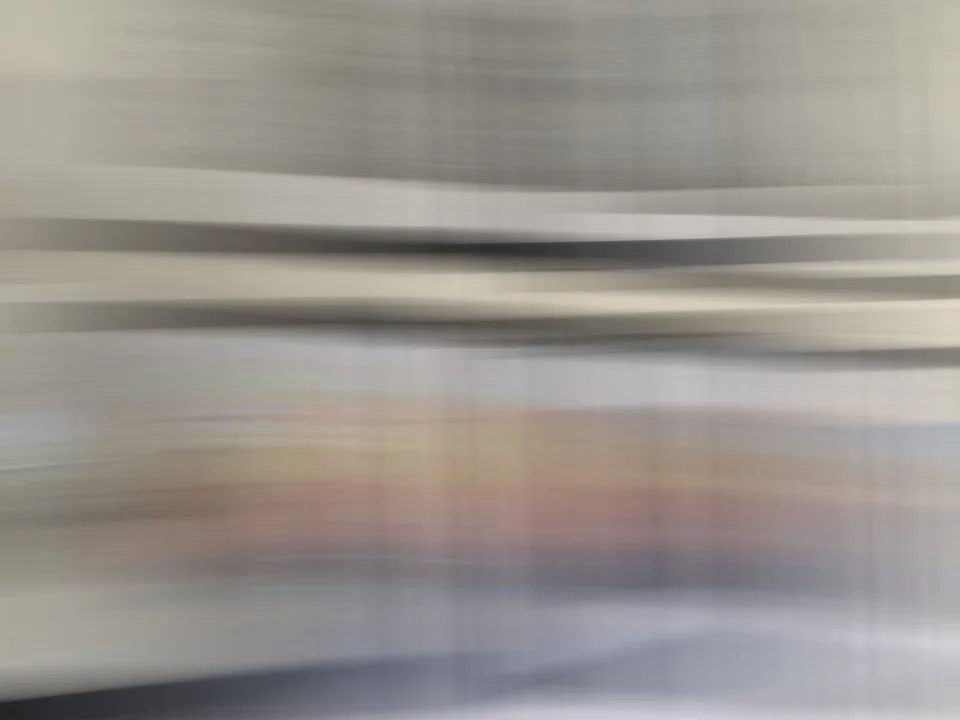
Slow Shutter Cam - 1 second exposure
As an extension to this testing, I tried a 4 second exposure. Spanning beyond our theoretical 1 second exposure limit I fully expected this to show increased evidence of frame stacking, with fragmentation becoming more prominent. Surprisingly this shows the opposite if anything, with consistent blur throughout.
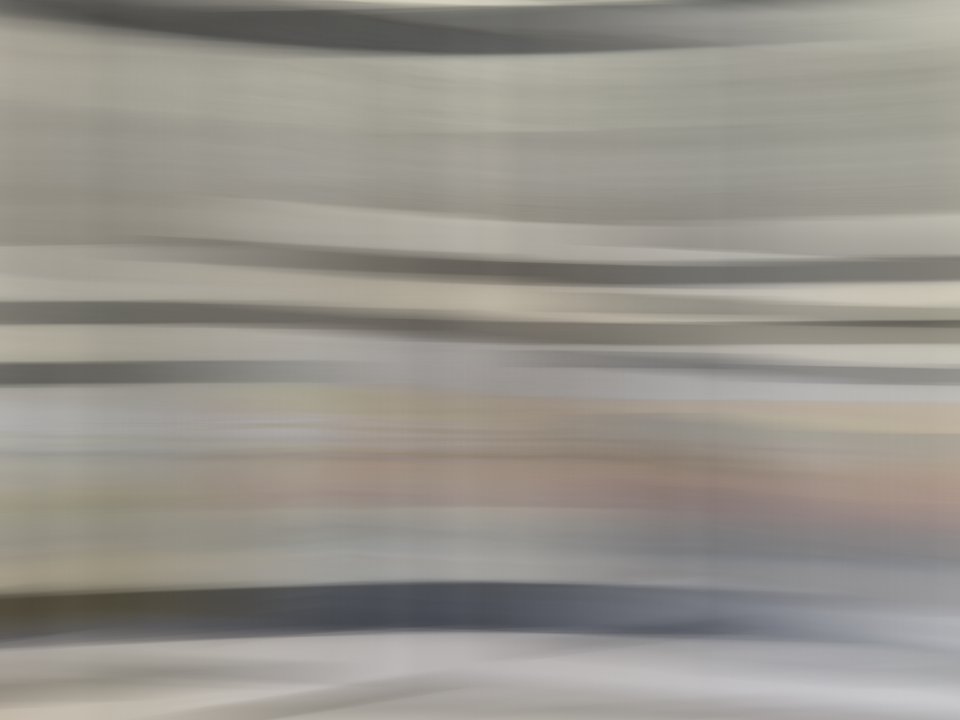
Slow Shutter Cam 4 second exposure
Pro Cam app
Pro Cam proved to be a challenge. Even with the ISO set to minimum (55) the scene was totally overexposed with the shutter set to 1 second. To counter, I had to use a 6-stop ND filter I borrowed from my DSLR. clumsily taking the shot whilst holding it in front of the lens.
To be fair to the app, it is not dedicated to long exposure captures like others, positioning itself more as the mobile version of the traditional camera.
Due to these restrictions, I was forced to edit the result somewhat - basically raising exposure and shadows, reducing contrast and adjusting tint to remove a green cast set by the ND filter.
In many ways this mirrors the result seen by the Slow Shutter Cam app regarding capture mechanism, but with a lot of difference stylistically - and a lot more challenging to take!
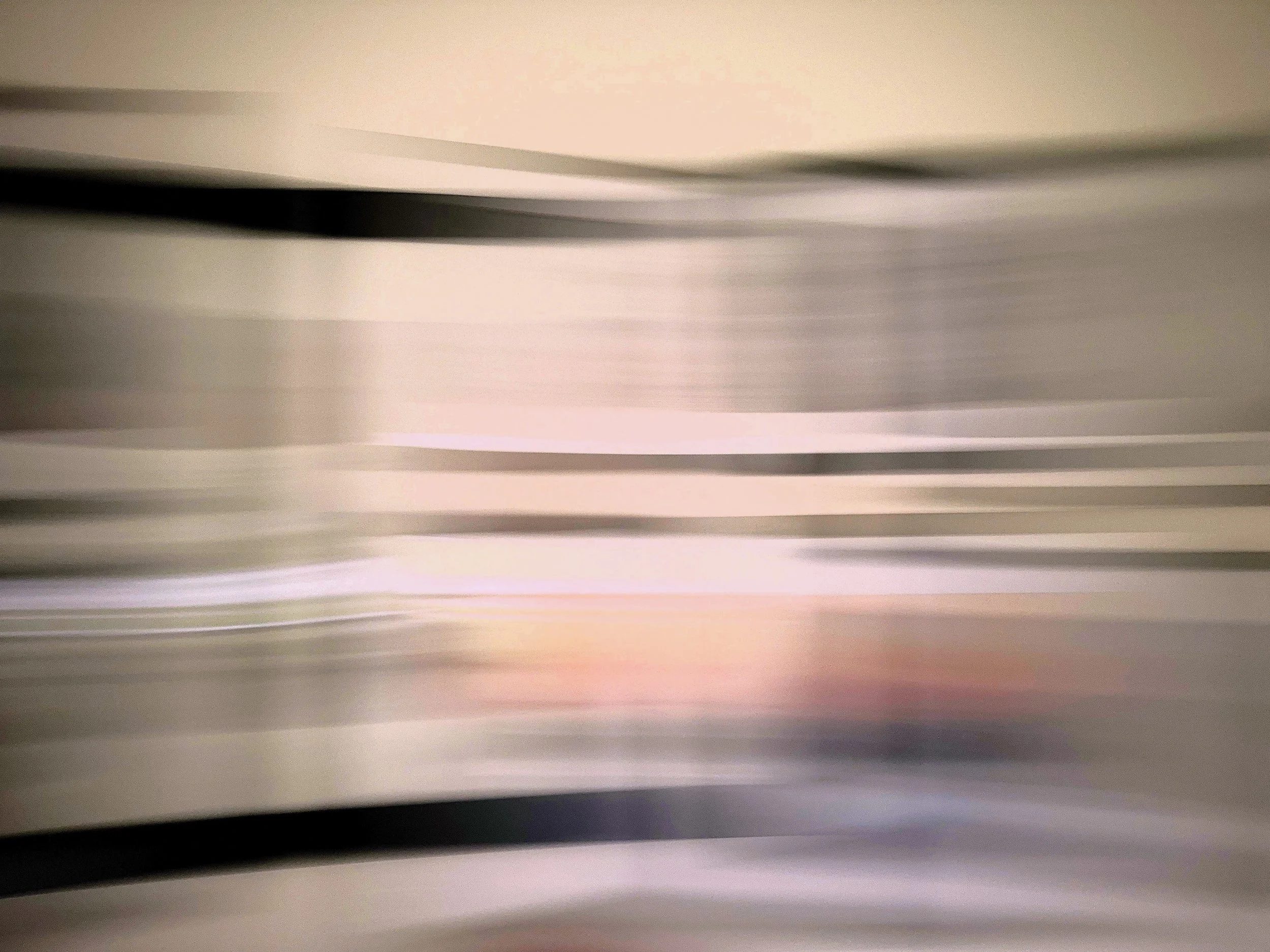
Pro Cam 1 second test with ND 6 filter
Conclusions
While not exhaustive, the results clearly demonstrate that different apps produce distinctly different interpretations of long exposure.
By now it should be evident that mobile long exposure photography is a distinct medium, producing results with characteristics fundamentally different from those of traditional cameras rather than directly comparable to them.
Rather than focusing on how each image is technically constructed, the more meaningful distinction lies in how time and motion are rendered in the final result.
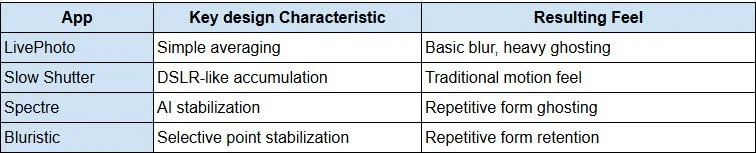
Bluristic and Spectre produce images where motion appears more fragmented, with visible layering and ghosting. These characteristics are consistent with approaches that construct the image from multiple frames. It should be remembered that this test pushes both apps outside of their intended use, the comparisons here should be used purely as an understanding of what might be expected when the camera is in motion. While resulting artefacts may be seen as limitations in some contexts, they can also offer creative possibilities in others depending on intent.
The iPhone Live Photo “Long Exposure” effect shows similar behavior, although its impact is more limited due to the relatively short capture window and the small number of frames used.
In contrast, Slow Shutter Cam and ProCam produce results that more closely resemble continuous exposure, with smoother motion rendering and fewer visible artefacts. In particular, Slow Shutter Cam maintains this behavior even over longer capture durations, suggesting a closer approximation to traditional long exposure output.
After reaching out to the developers of Slow Shutter Cam with questions on the mechanics, the following response was received:
“So in practice, it’s [Slow Shutter] closer to continuous frame integration than stitching discrete photos after the fact — the accumulation happens as the data comes in, directly from the camera pipeline. This approach also allows more control over how motion is rendered, which is particularly relevant for ICM.”
The mechanism of continuous frame integration appears to be the factor that helps mimic the results seen from a true long exposure capture.
ProCam produces similar visual characteristics, but its reliance on additional tools such as ND filters, along with the need for further processing, places it somewhat outside the scope of this comparison. Its strengths lie more broadly in manual control rather than long exposure as a primary function.
Overall, while the boundary between continuous capture and frame stacking is not explicitly defined, the visual differences between the two approaches are clear. Recognizing these characteristics allows for a more informed choice of tools—not based on features alone, but on how each app translates movement into form.
To provide a quick review I have summarized what I see as the key attributes of the apps I would generally consider for long exposure images. This is assuming that camera and/or subjects are in motion and that the selective point tracking in Bluristic is not enabled. This also discounts Pro Cam as it is really not suited to this type of application.
Final Words
What began as an attempt to better understand how mobile devices capture long exposure images ultimately led somewhere slightly different. At least in the case of the iPhone, the underlying processes remain somewhat opaque. What became clear, however, is that there are two dominant approaches - continuous capture (with a 1 second limitation) and frame stacking - and that many apps operate somewhere between the two.
More importantly, I have learnt that an in-depth technical understanding is really not necessary. What matters is understanding how each approach might influence the final image, and what each app brings to the table in terms of visual outcome.
So which app is better? That depends entirely on intent.
Bluristic and Spectre offer distinctive, computationally driven interpretations of motion. Their characteristic fragmentation, layering, and selective rendering are perhaps influenced by their design criteria - that is to maintain a level of detail is selected areas during exposure. The possibility of fragmentation or ghosting in an image should not be seen as a flaw but a feature that can be utilized - producing results that diverge from traditional long exposure and opening up additional creative possibilities.
Slow Shutter Cam, by contrast, produces images that more closely align with conventional expectations - smooth, continuous motion and the uninterrupted flow of blur associated with longer exposures and ICM work.
Ultimately, the choice of app comes down to the desired result. Does the scene call for a natural, continuous rendering of motion, or something more constructed and interpretive?
This is simply my perspective, and I’d be interested to hear yours. What apps or mobile devices do you use for your own ICM work, and what makes them stand out?