
Advancing ICM - Multiple Exposure blends
Introduction
All of the ICM concepts explored so far have assumed a single exposure - with intentional camera movement occurring within that frame.
But what happens if we push beyond that boundary?
Can ICM exist not only within an exposure, but between exposures? This is where multiple exposure ICM begins to take shape.
While some may question whether this still qualifies as ICM, I take a broader view. For me, the defining factor is not how many exposures are used, but whether camera motion plays a meaningful role in the final image.
To clarify that position, I work to a simple definition:
ICM is any image where camera motion proves significant to the resulting image
Seen through this lens, qualifying multiple exposure work becomes a natural extension of ICM rather than a departure from it.
And in doing so, it opens up a far wider creative space.
How multiple exposure ICM images are created
Image capture
Multiple exposure ICM images are created by combining two or more captures. These generally fall into one of two approaches:
At least one frame contains intentional camera movement during the exposure
A sequence of images of the same subject, with camera movement occurring between exposures
There is no single approach to equipment here, and many of these techniques can be explored equally well using either traditional cameras or mobile devices.
Blending images
The blending of these captures can happen in several ways:
In-camera - Some traditional cameras include a multiple exposure mode, using internal processing to combine frames into a single image
Mobile apps - A range of apps allow both capture and blending, or the combination of existing images to create simulated motion between frames
Desktop software - Tools such as Adobe Photoshop (or alternatives like Affinity Photo) offer precise control through layers and blend modes, allowing more deliberate construction of the final image
Techniques
This leads to a number of techniques capable of producing distinctly different results, whether using traditional cameras or mobile devices.
Multiple exposure layering
One of the simplest approaches involves blending two or more images together. The key requirement is that intentional camera movement must contribute to at least one of the images. The images are then blended together using layering software such as Adobe Photoshop or the mobile app Snapseed.
In some instances, two or more separate ICM images are blended to create something more abstract. In others, an ICM image may be combined with a non-ICM rendering of the same scene to restore some level of detail.
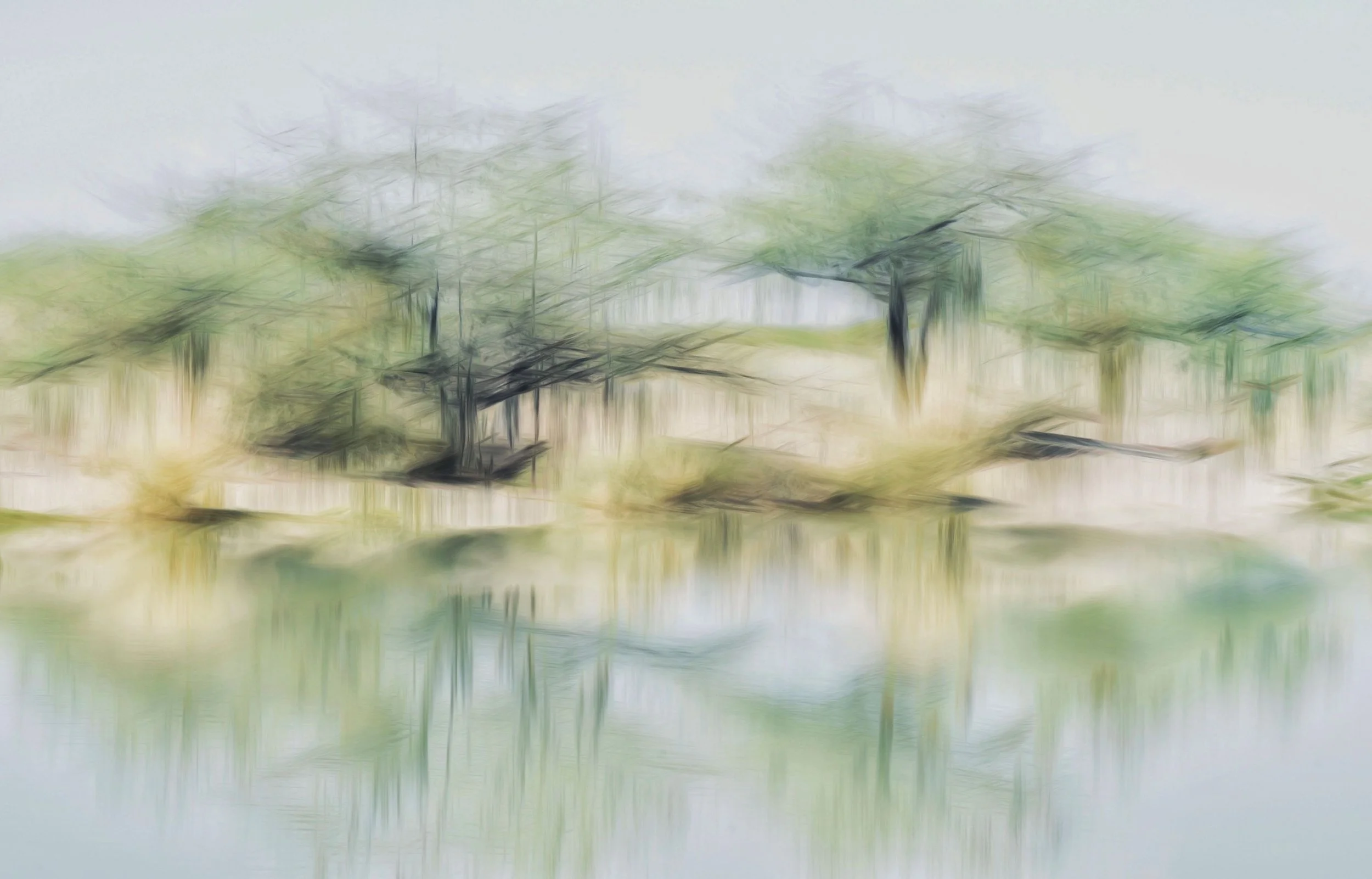
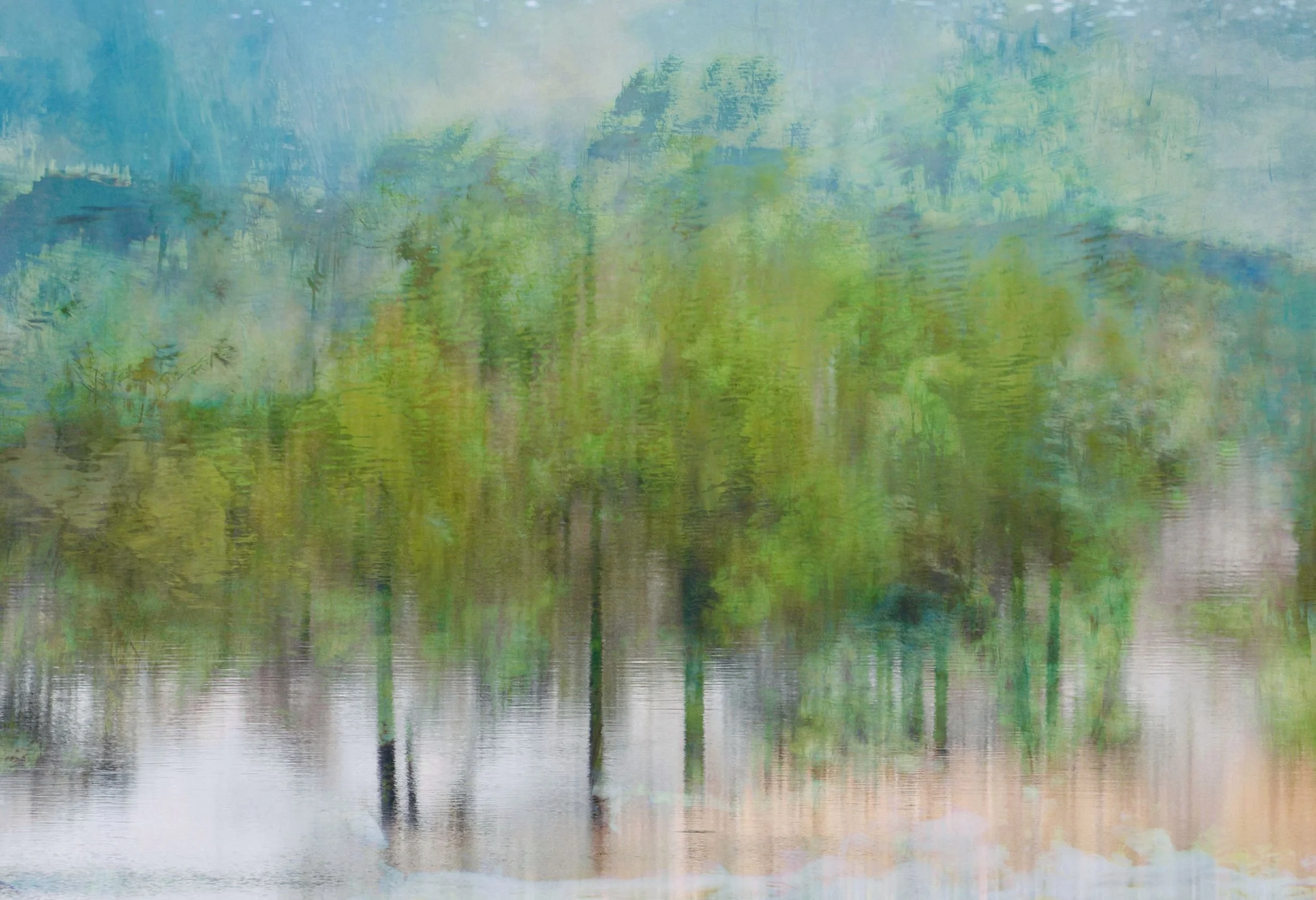
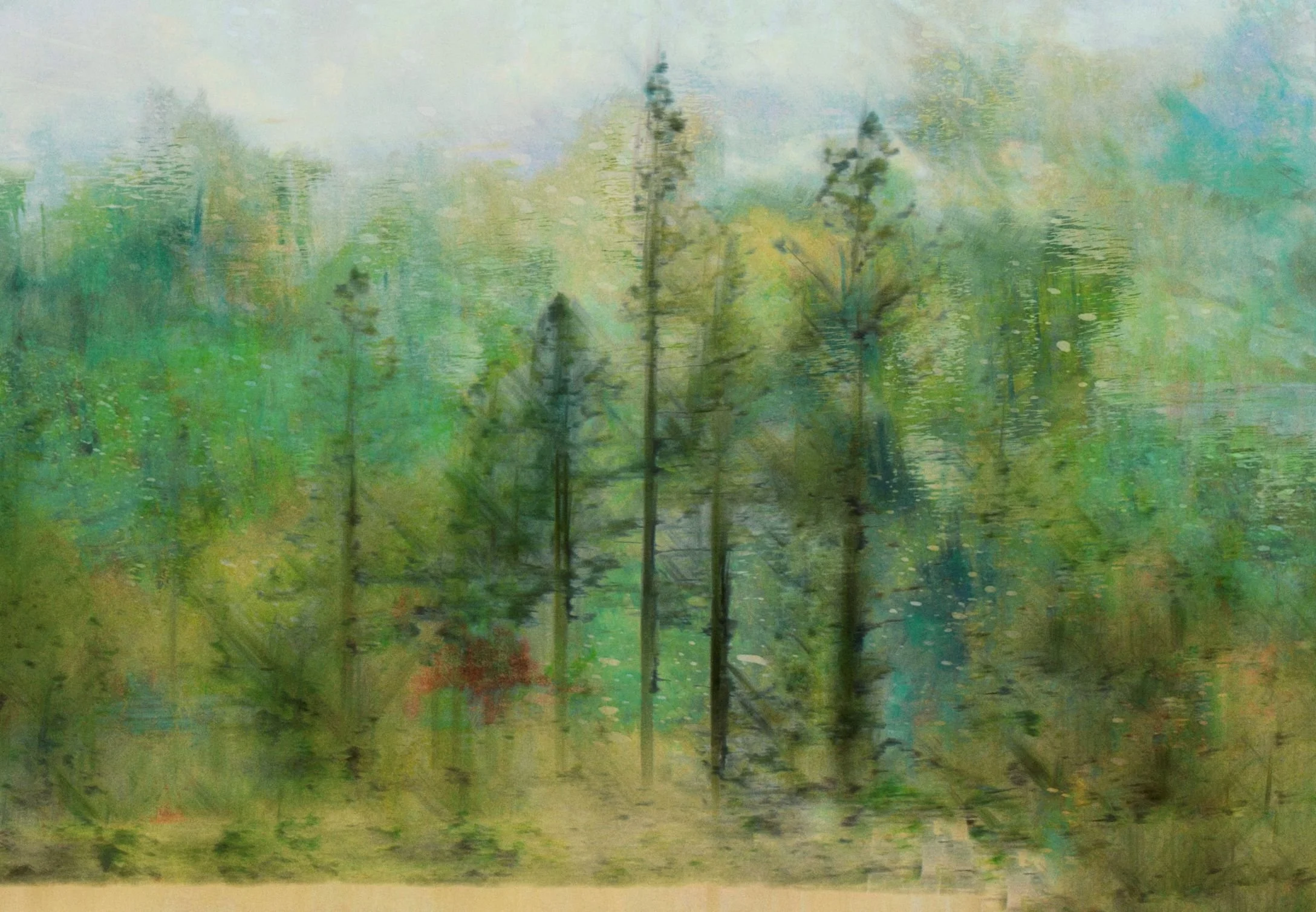
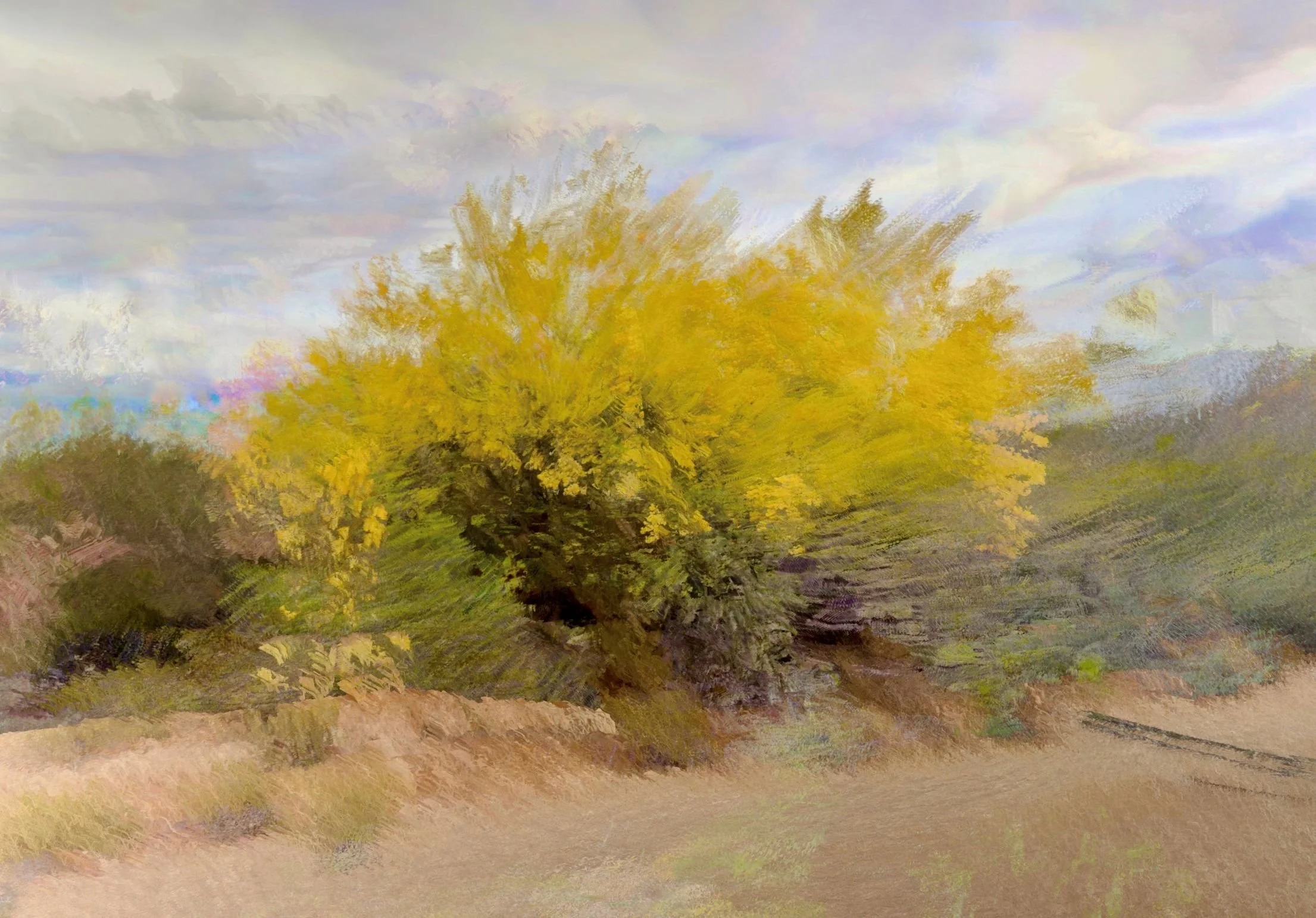
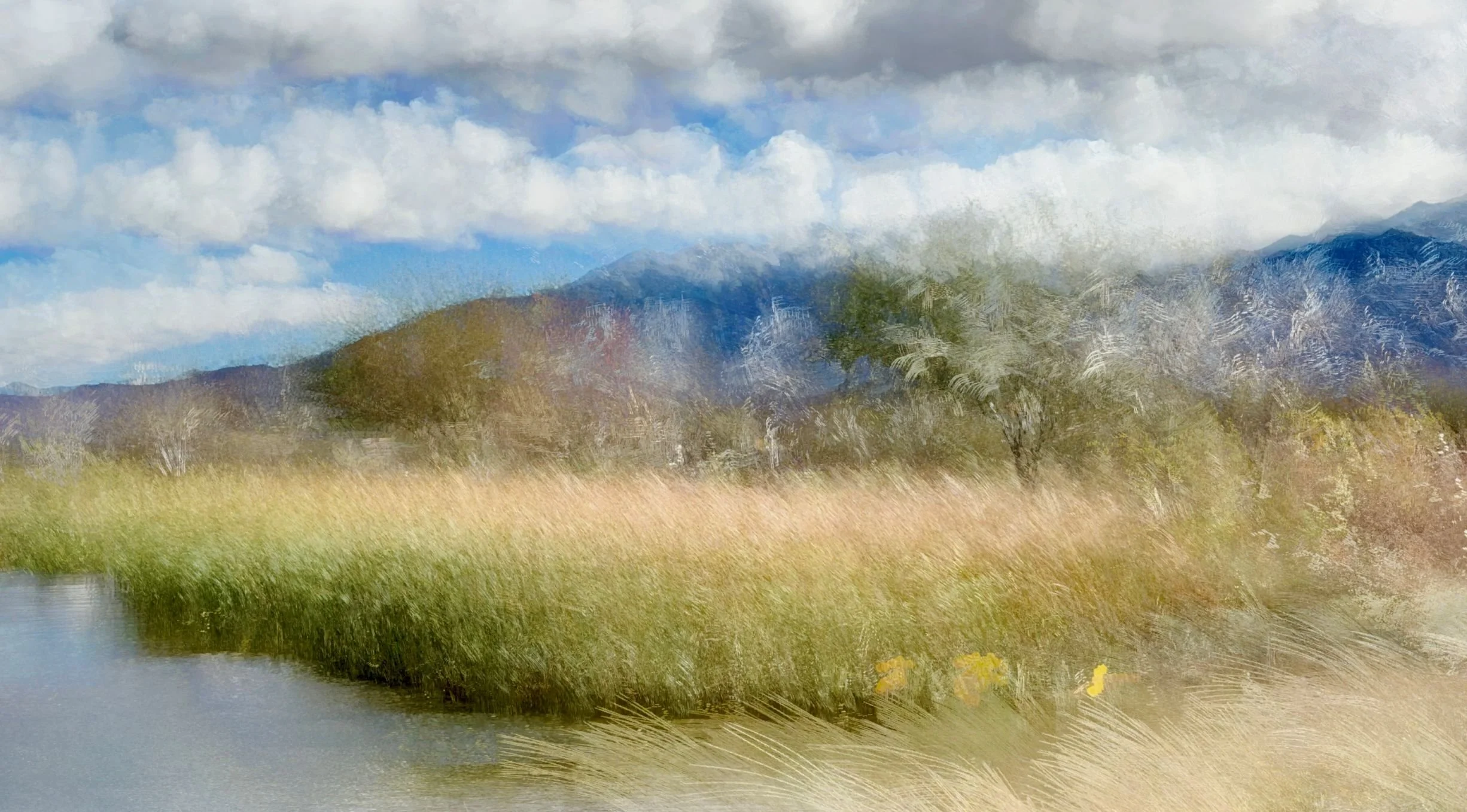
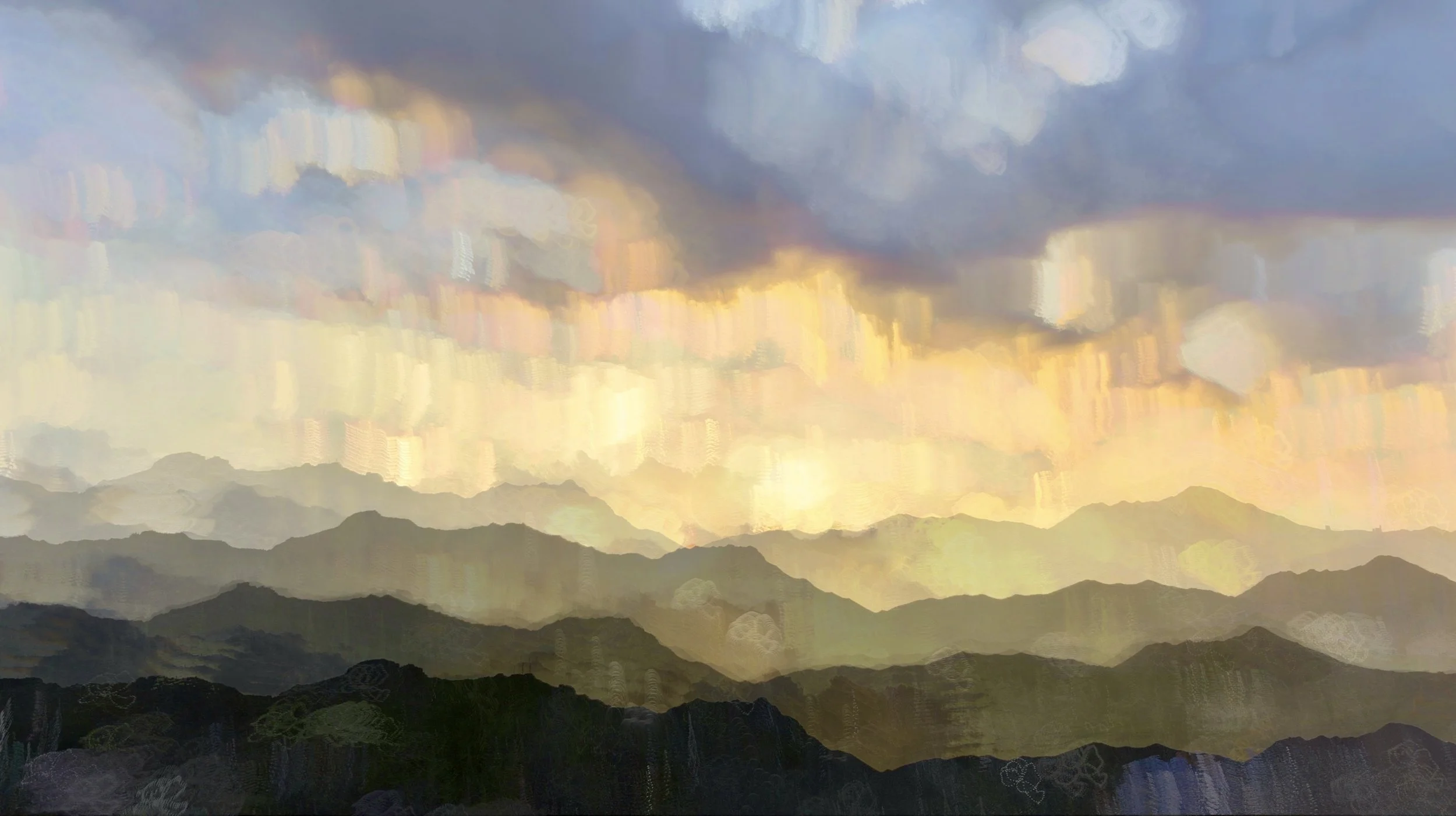
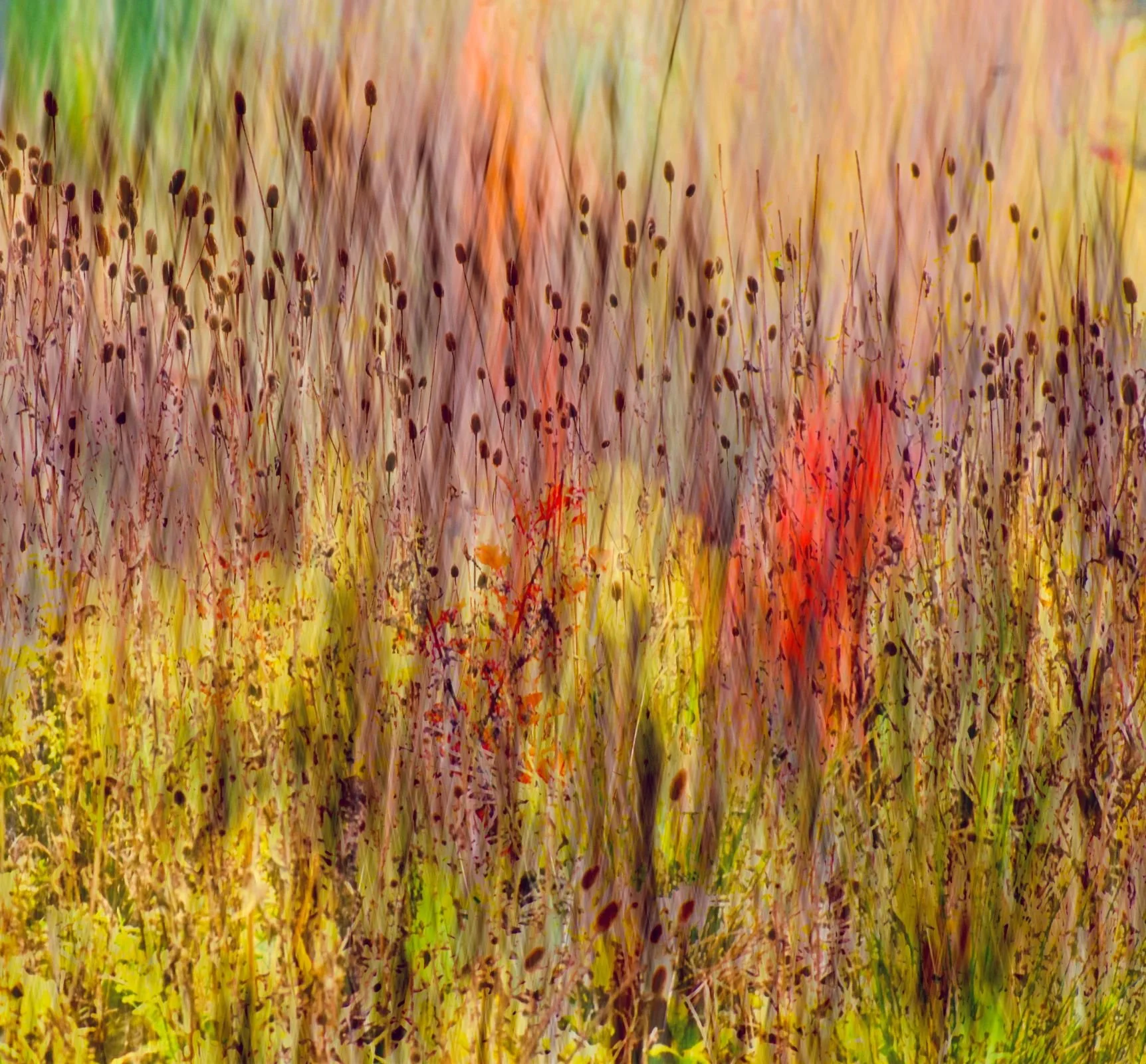
This is not a technique I have personally explored to any great extent, though I have been inspired to do so by the work of fellow creative Jeff Greinke. Jeff creates wonderful flowing landscapes and his work can be found on Instagram or through his website.
A sample of Jeff’s wonderful work follows. What is particularly interesting is that some images were taken with a DSLR, while others were created using an iPhone - can you tell which is which?
Many thanks to Jeff for the use of these images
Cross-Hatch ICM
This is a technique that has grown in popularity over the past couple of years, initially among photographers using cameras with multiple exposure capture and blending capabilities, but more recently among creatives discovering that similar results can also be achieved on mobile devices.
I am using the term ‘cross-hatch’ here as there does not yet appear to be a consistently adopted name for the technique, although many photographers refer to the results in this way.
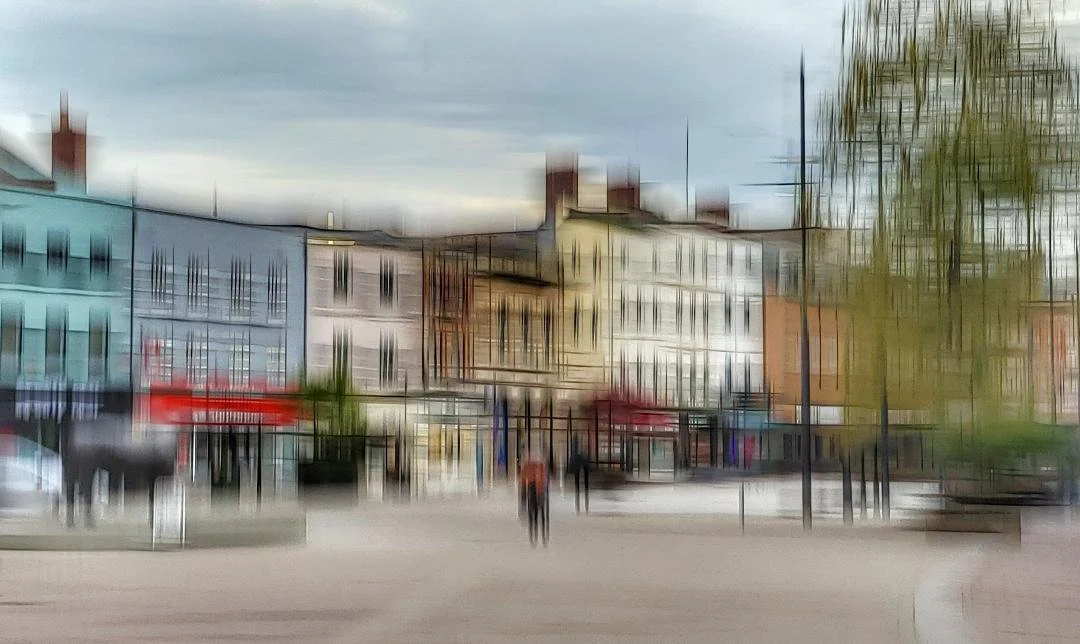
The process involves taking two (or more) images, each using ICM movement that follows strong lines of contrast within the scene. This often involves combining a horizontal sweep with a vertical one, an approach that works particularly well with architecture.
A short video by Amanda Newell demonstrating the process can be found here.
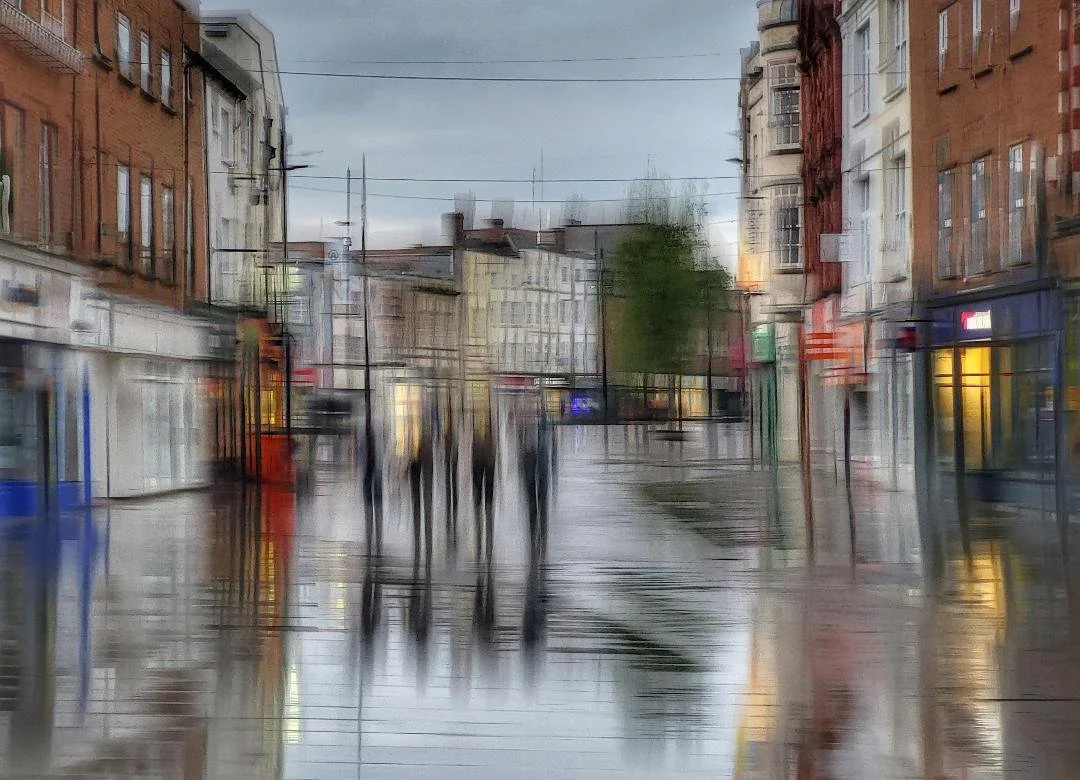
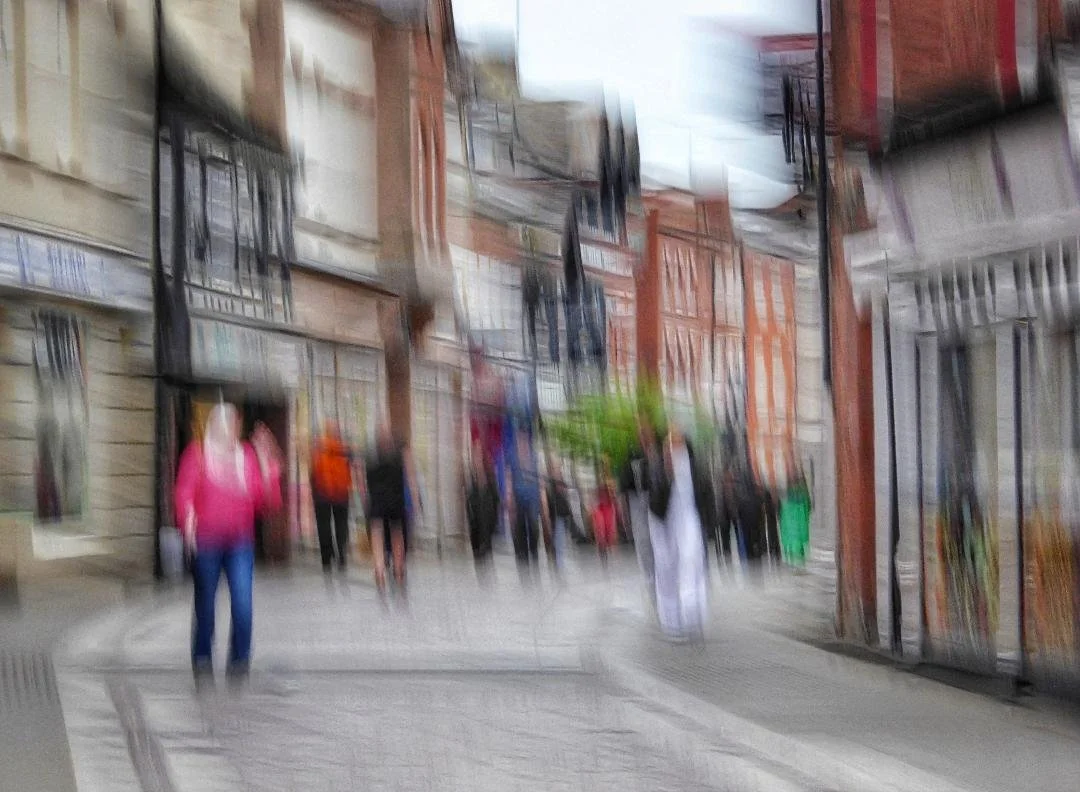
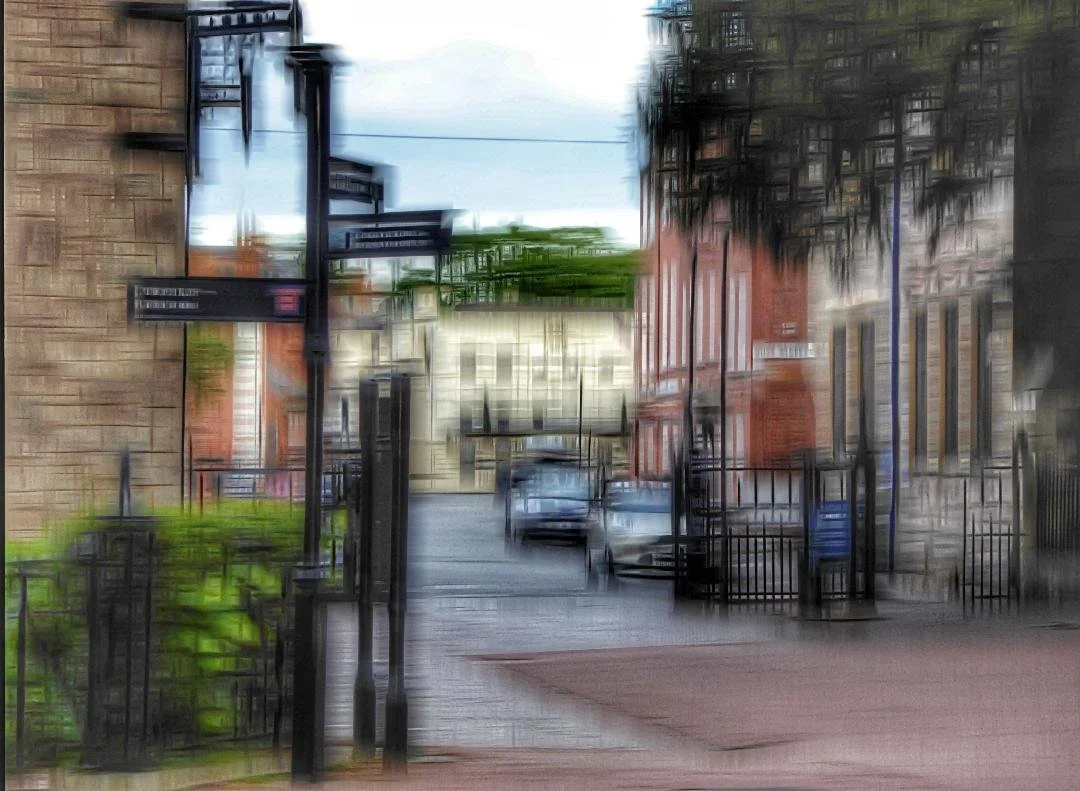
One artist that uses this to great effect is Barry Reynolds. Barry uses both traditional camera and mobile to achieve his stunning results, processing all using Snapseed.
Examples of Barry’s work using this technique follows. To see more of Barry’s excellent work I suggest you visit of follow him on Instagram.
Can you tell which were taken on his mobile?
Many thanks to Barry for the use of these images
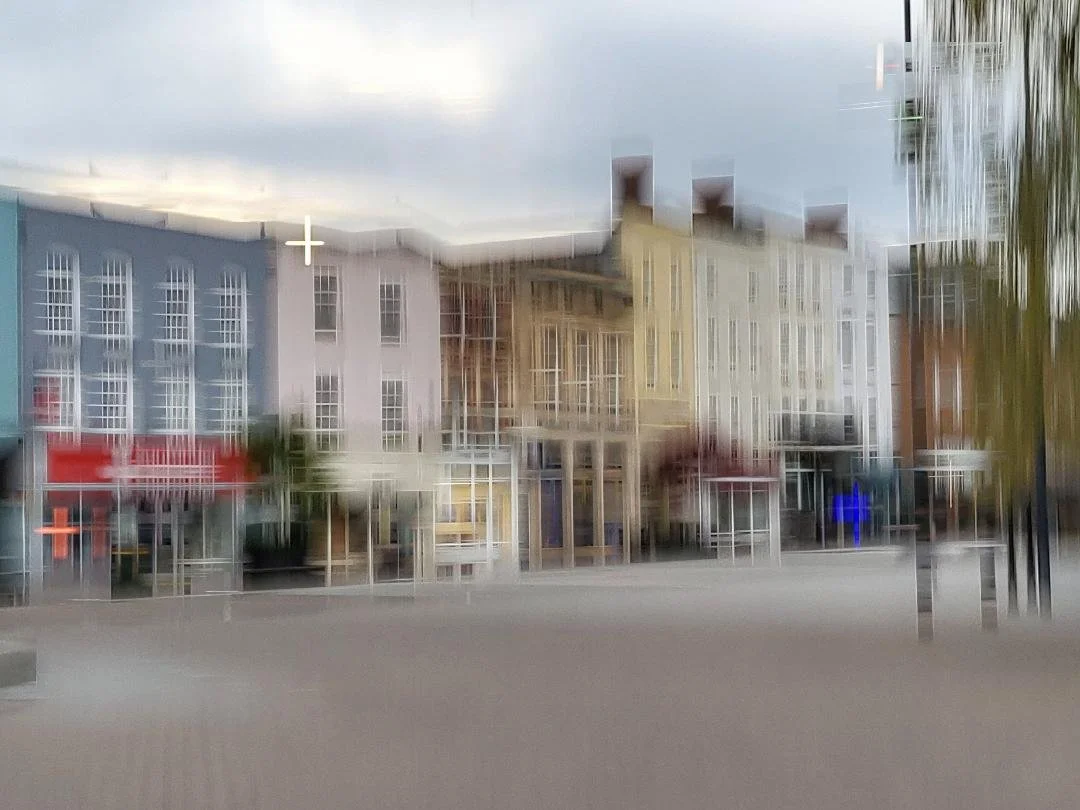
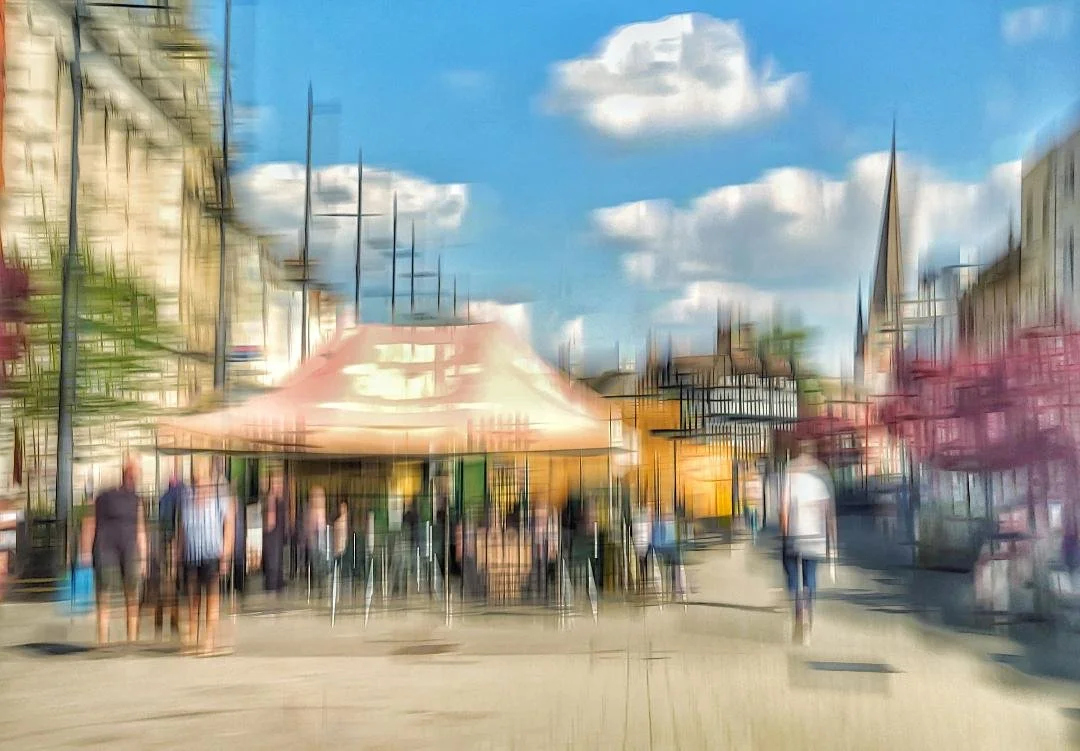
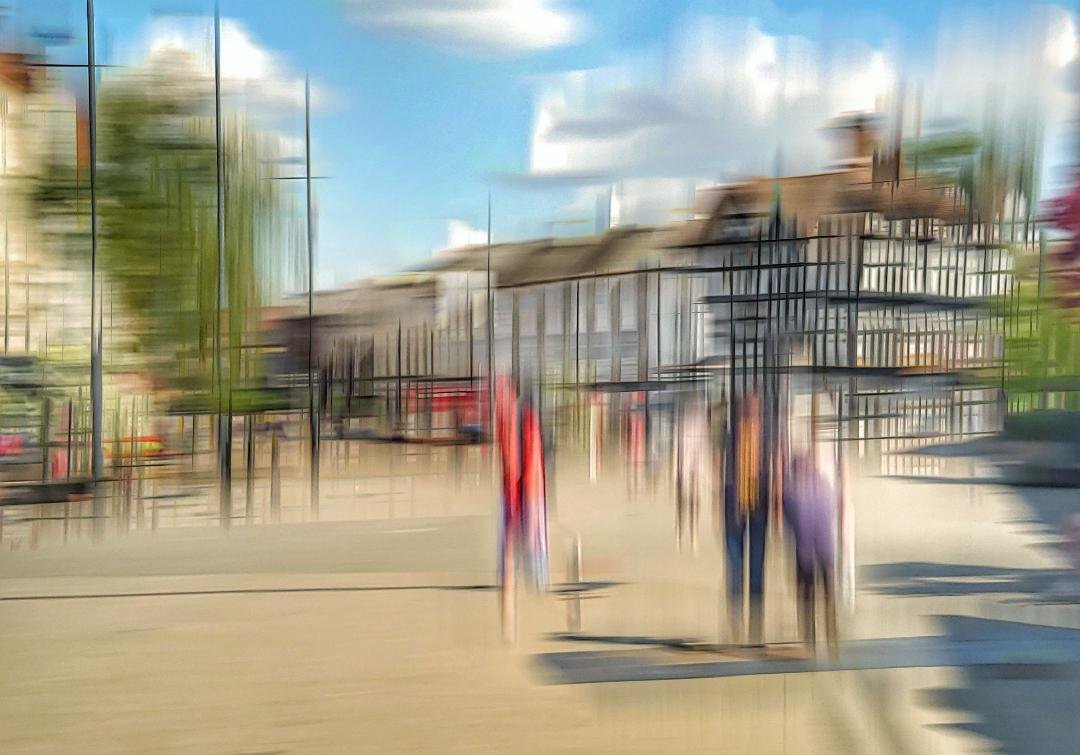
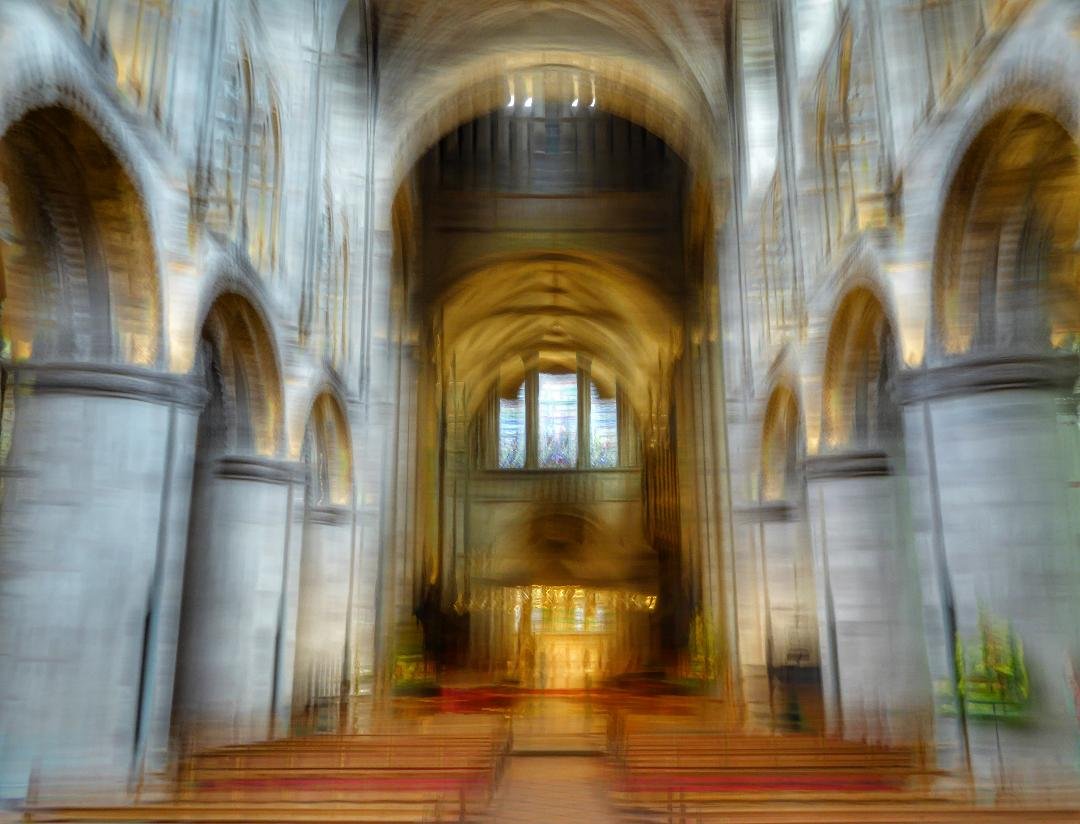
Simulation of the effect
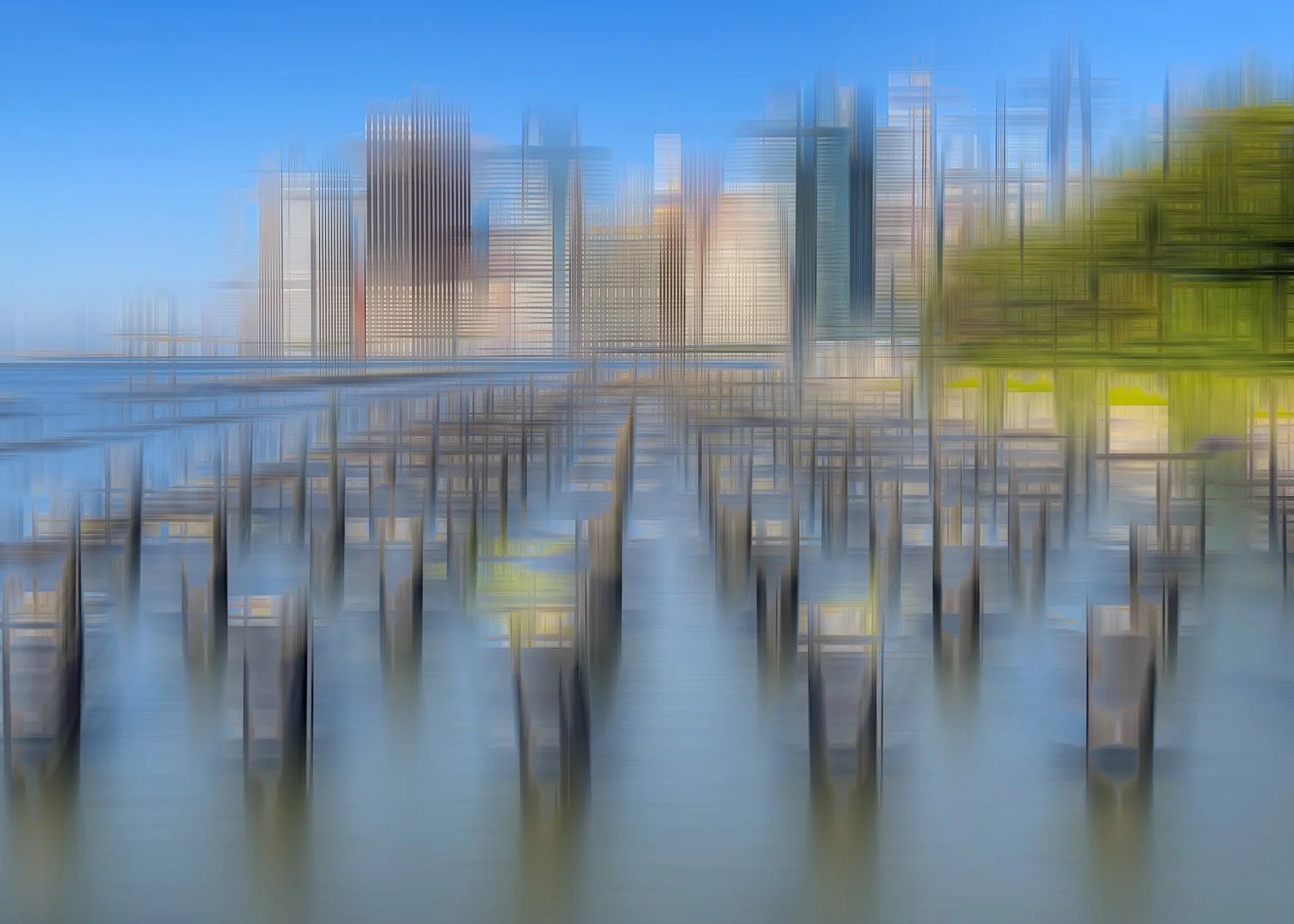
As I have little experience using this technique myself, I was curious to see whether the effect could be simulated in Adobe Photoshop. While the final image cannot truly be classified as ICM, the process can still serve as a useful learning tool to explore how scenes may respond to the technique in the field.
The process used to mimic the effect is relatively simple:
Open an appropriate image in Photoshop
Duplicate the image layer
Apply motion blur to the first layer, choosing an angle that aligns with the dominant lines of contrast
Apply a different motion blur angle to the duplicated layer, targeting other strong directional elements within the image
Adjust the blend mode and opacity of the upper layer to achieve the desired effect
Flatten and save the image, making any further adjustments as required
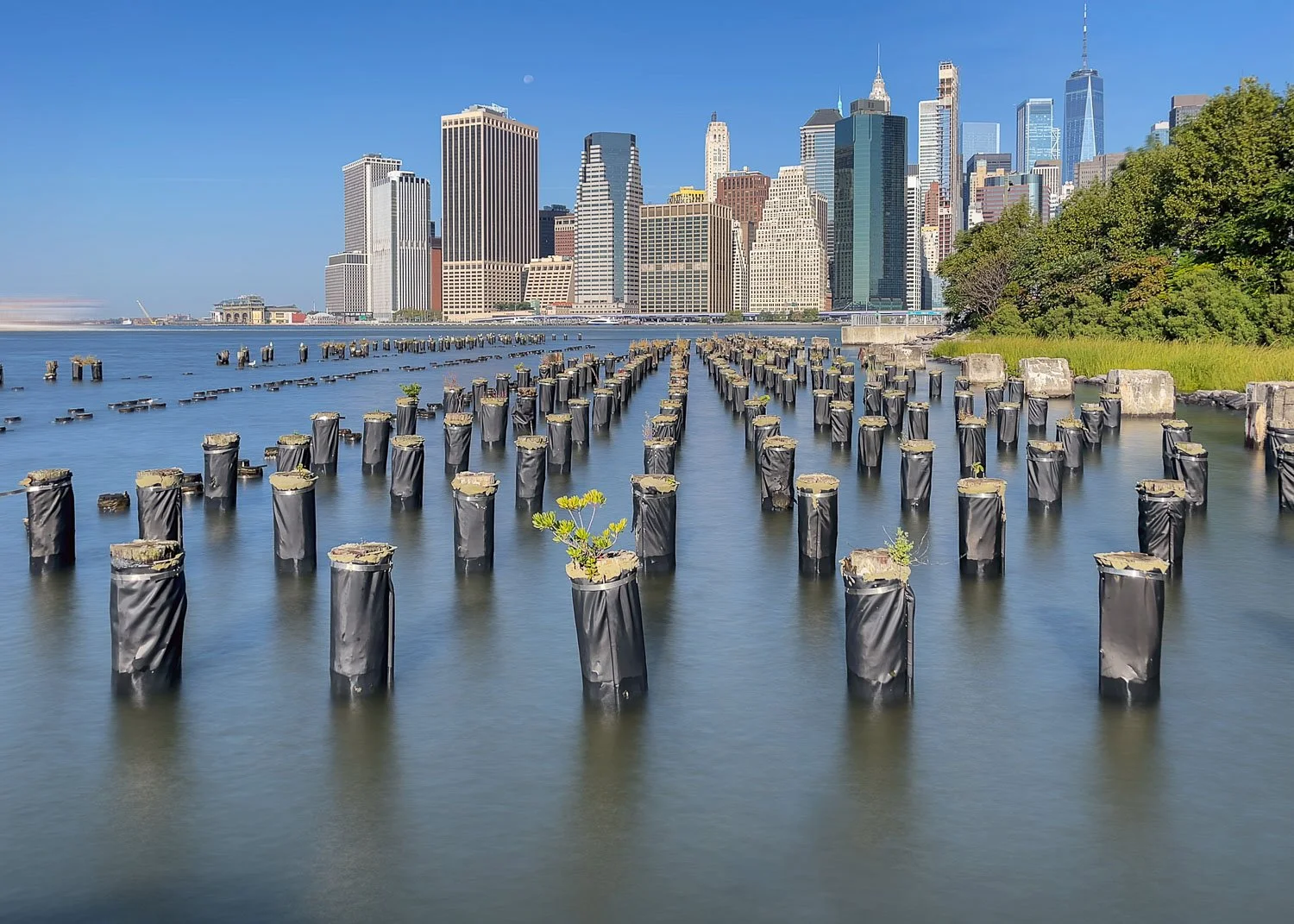
The following example demonstrates the simulated effect. Notice how strong edges become emphasized through the combination of horizontal and vertical sweeps applied in Photoshop.
Pep Ventosa - In the Round
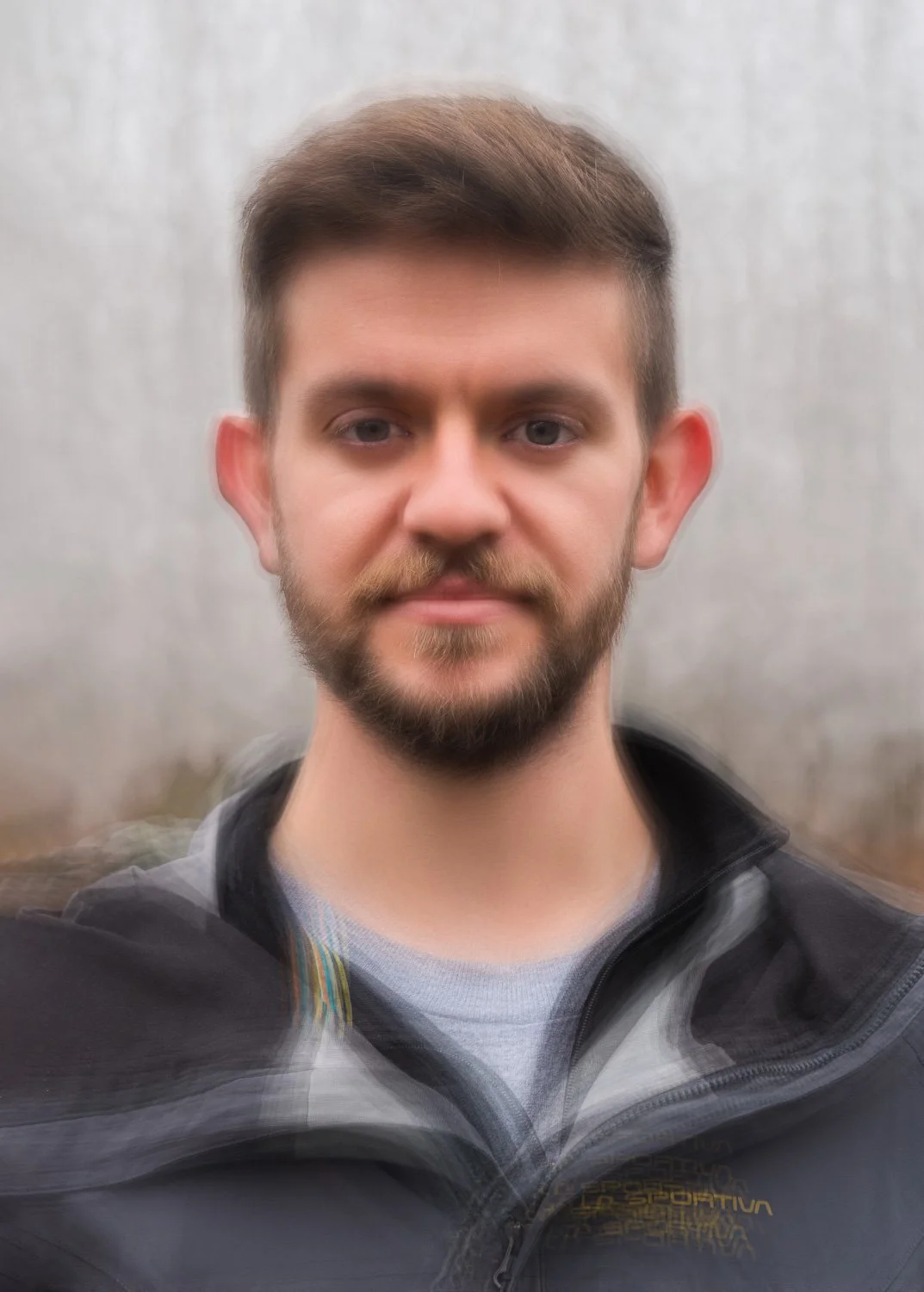
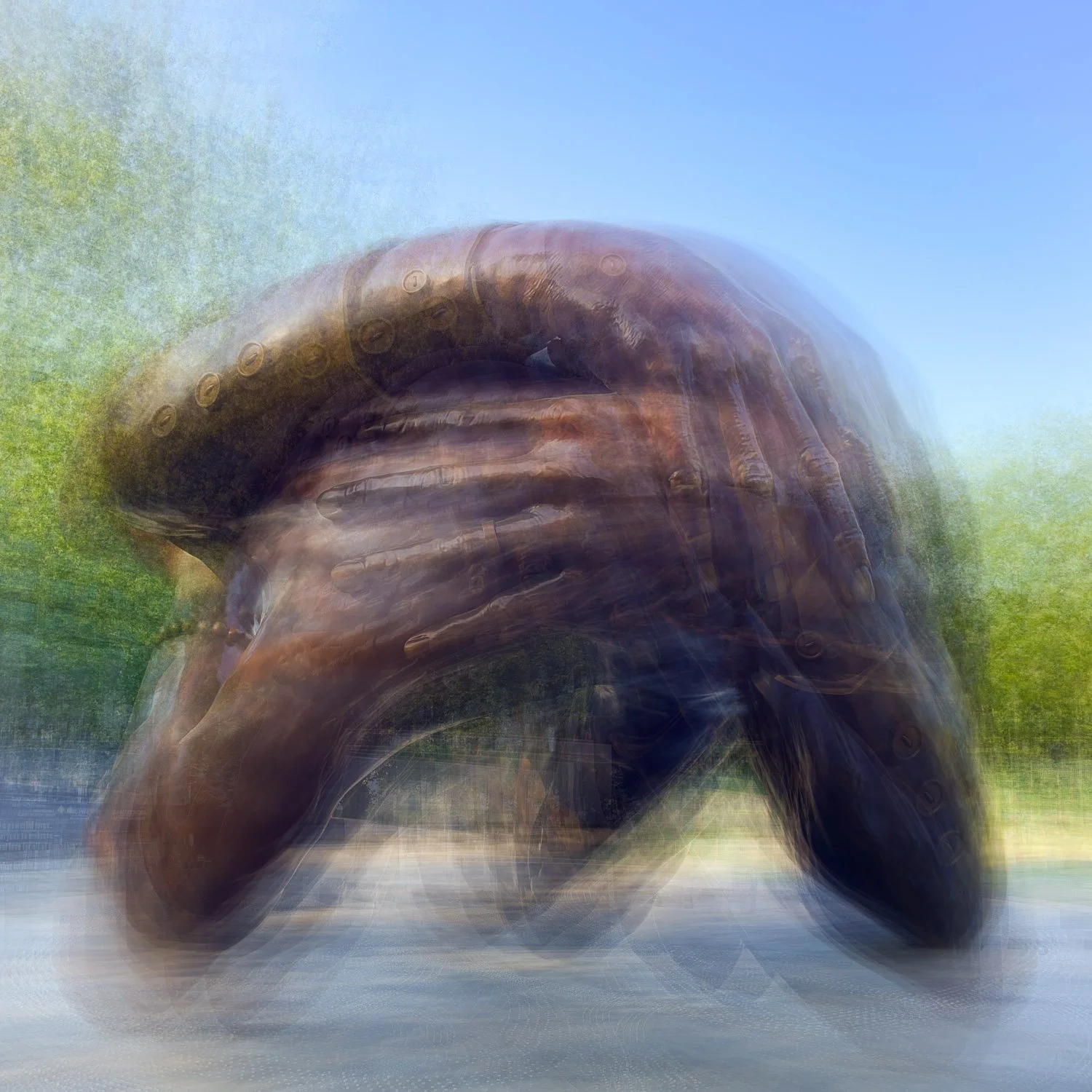
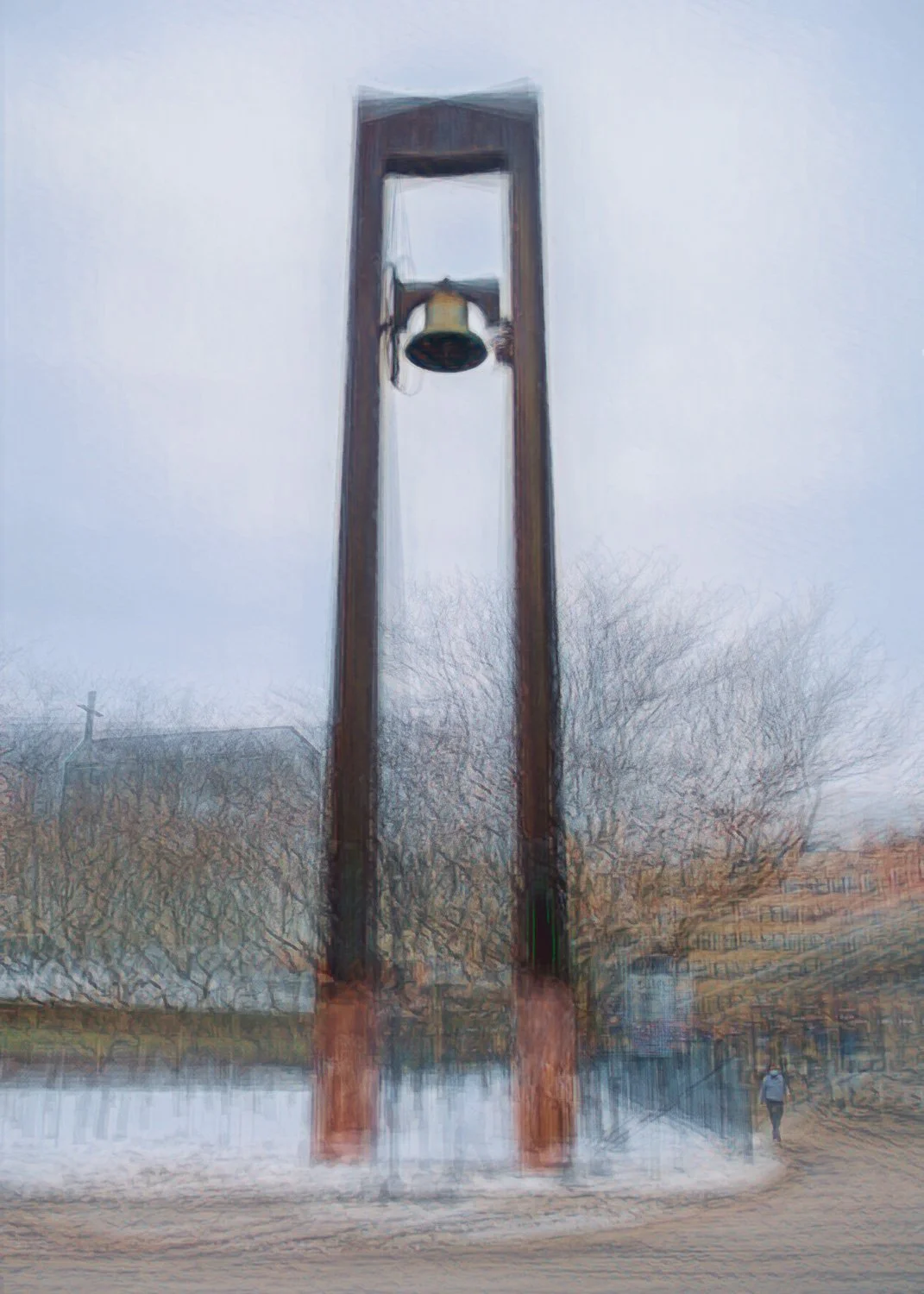
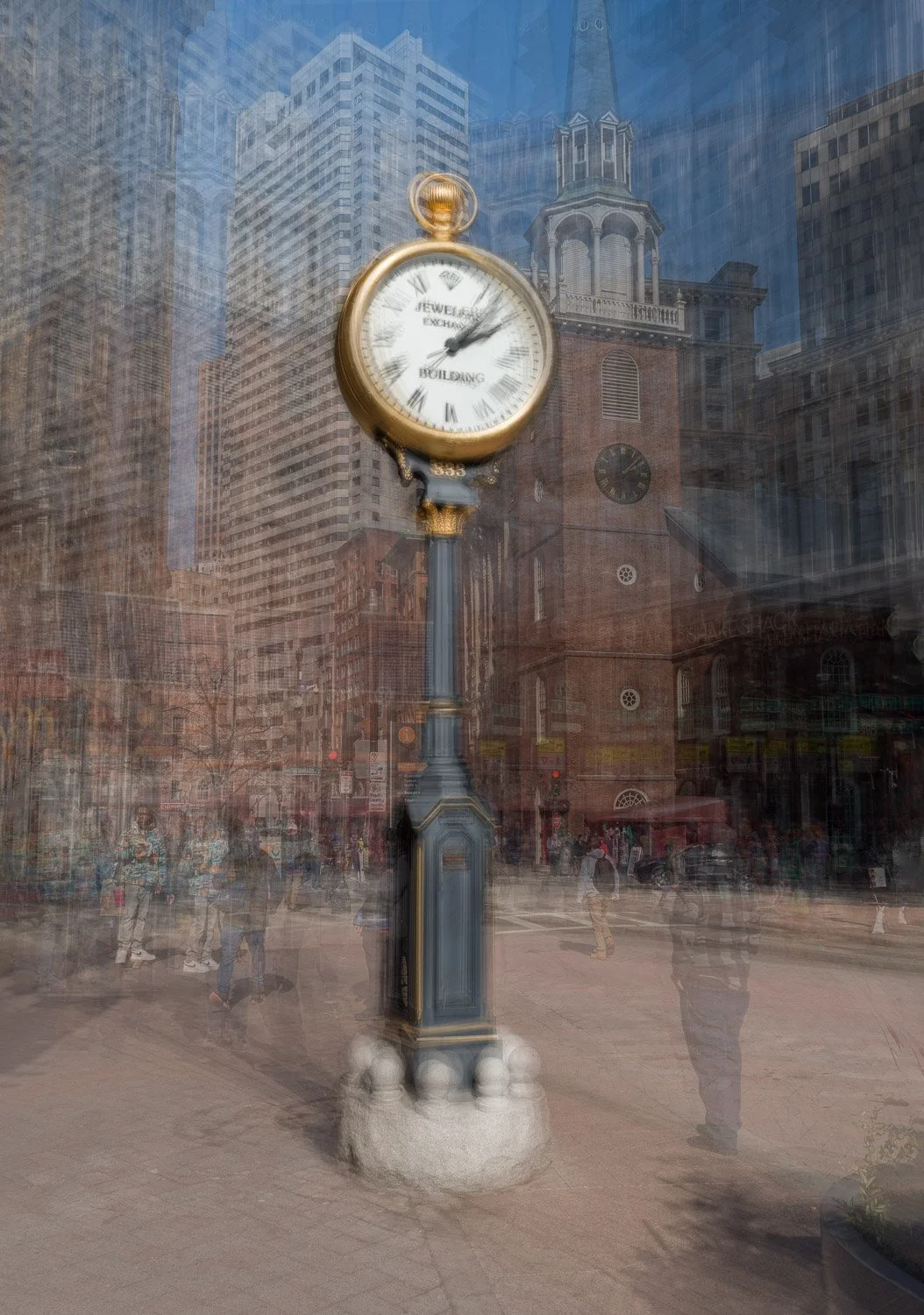
The ‘in the round’ technique developed by photographer Pep Ventosahas become widely used and extensively documented in recent years. In this technique, the camera is not moved during a single exposure but instead repositioned between multiple captures.
The process involves capturing multiple images of a single subject while moving in an arc around it, each time attempting to maintain the subject in a consistent position within the frame. These captures are then stacked and blended in Adobe Photoshop to create an impressionistic-style outcome.
Although originally associated primarily with trees and other upright forms, evolving processing methods have expanded its use to a much wider range of subjects.
This is a technique I have explored extensively myself, and tutorials demonstrating my own workflow can be found here.
A small sample of results created using this approach is shown below, while many more examples can be found in my ‘Lasting Impressions’ gallery.
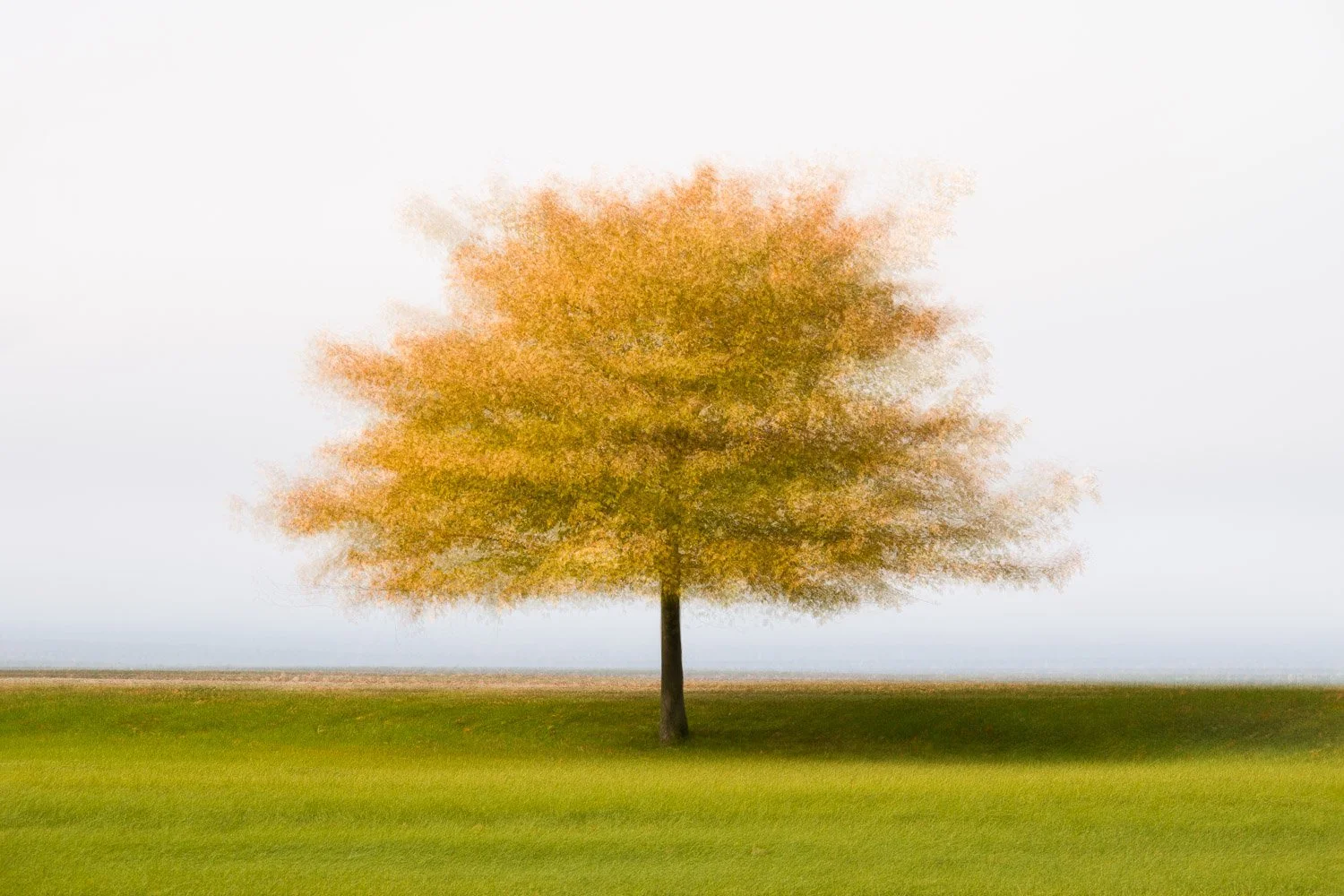
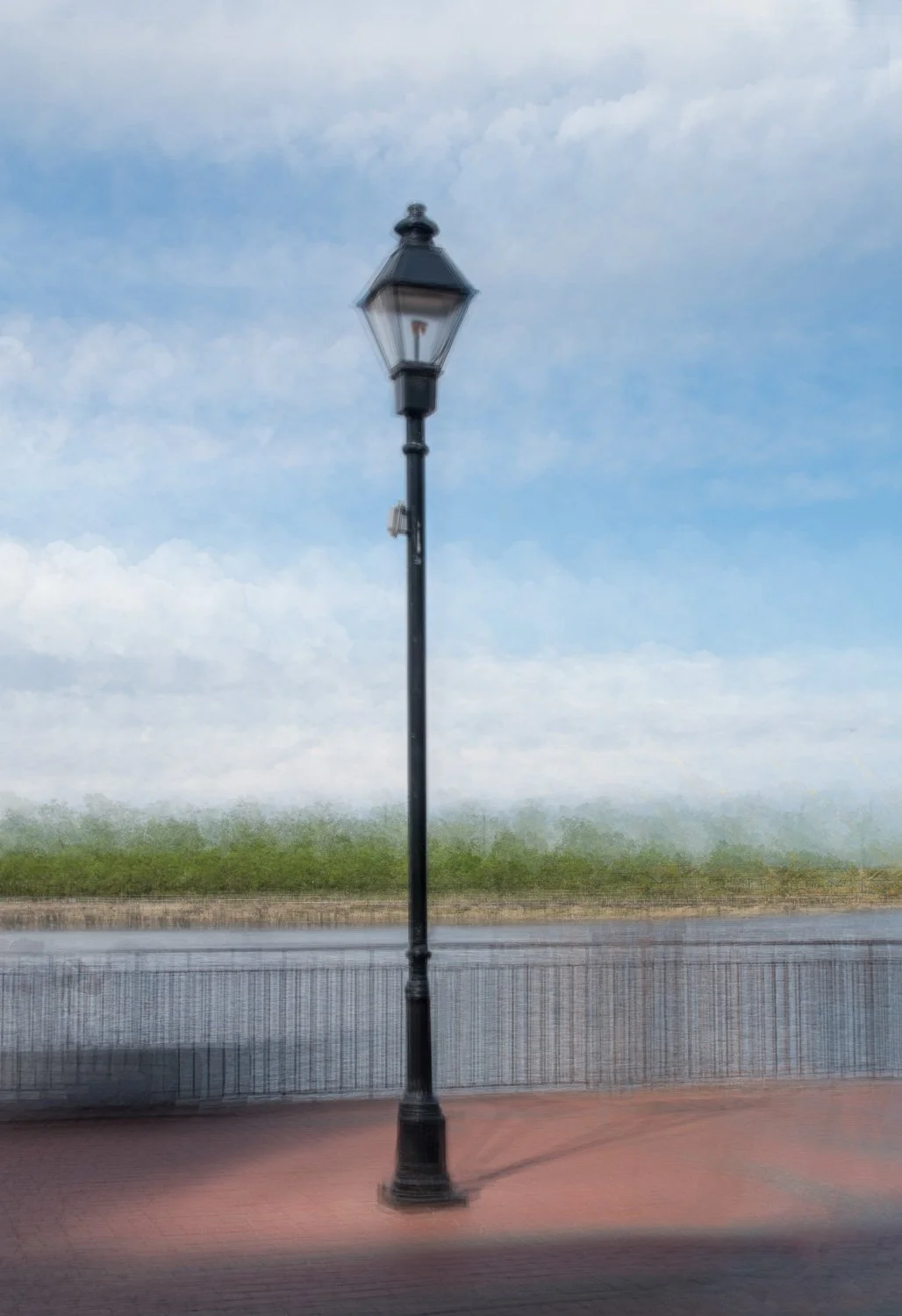
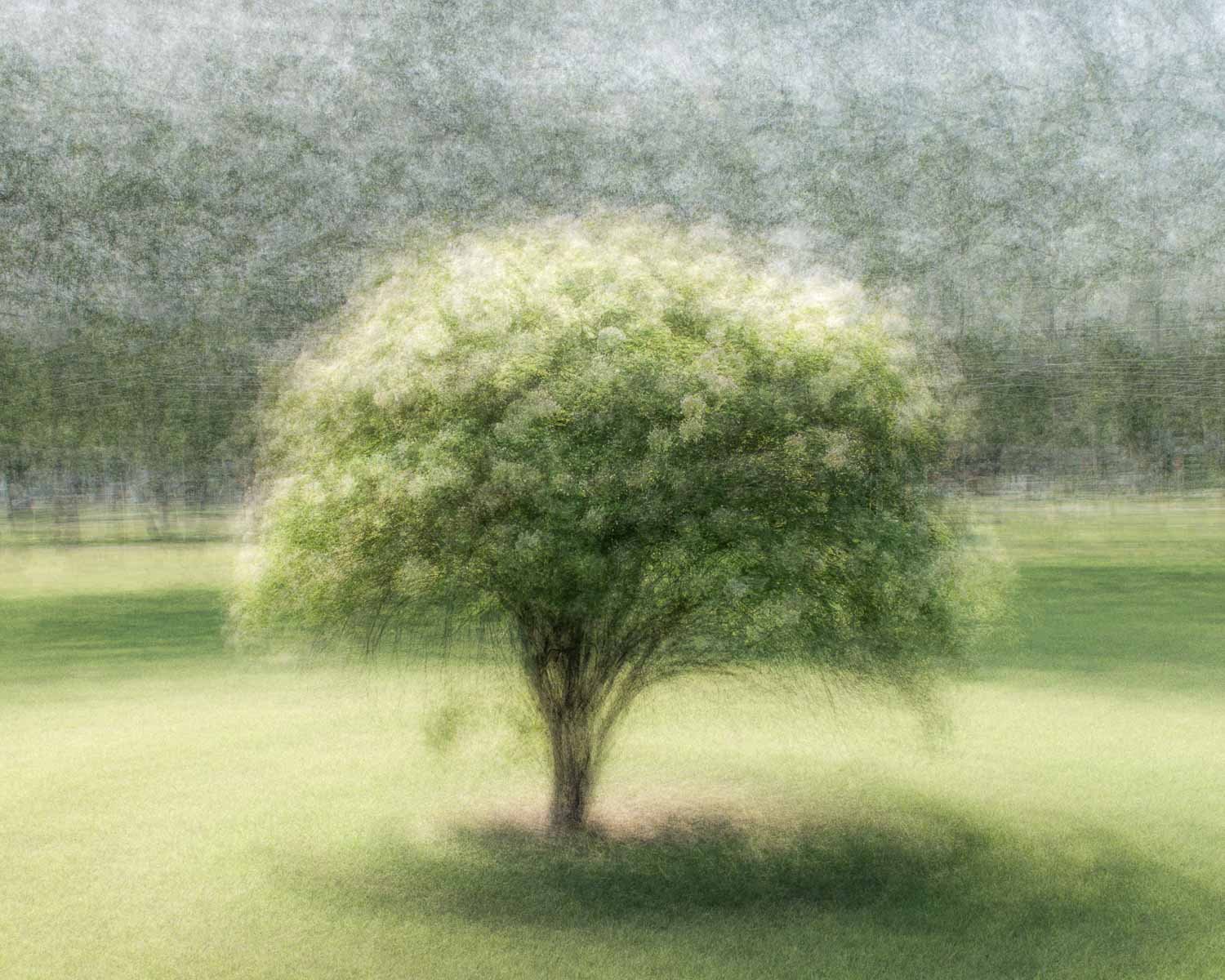
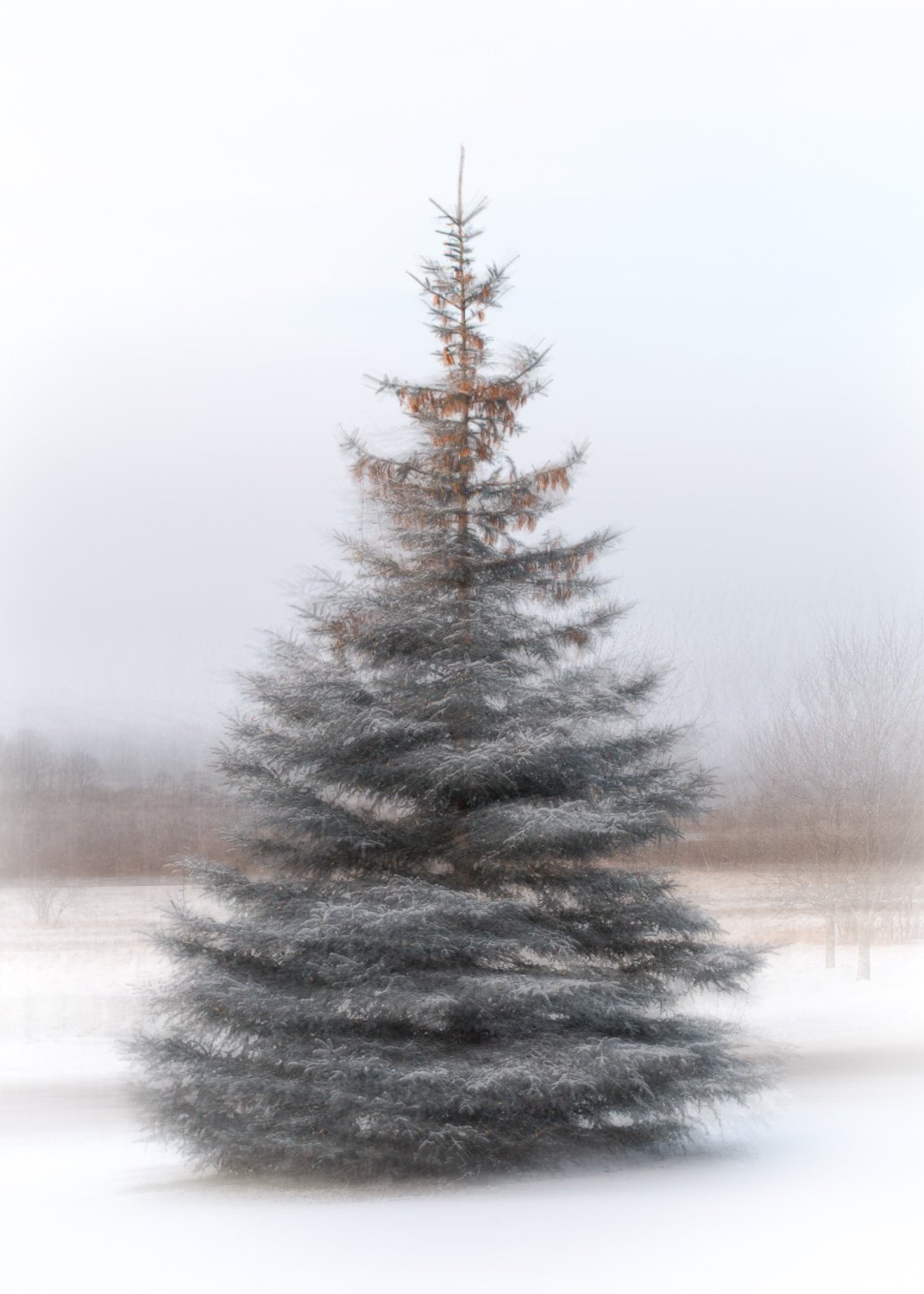
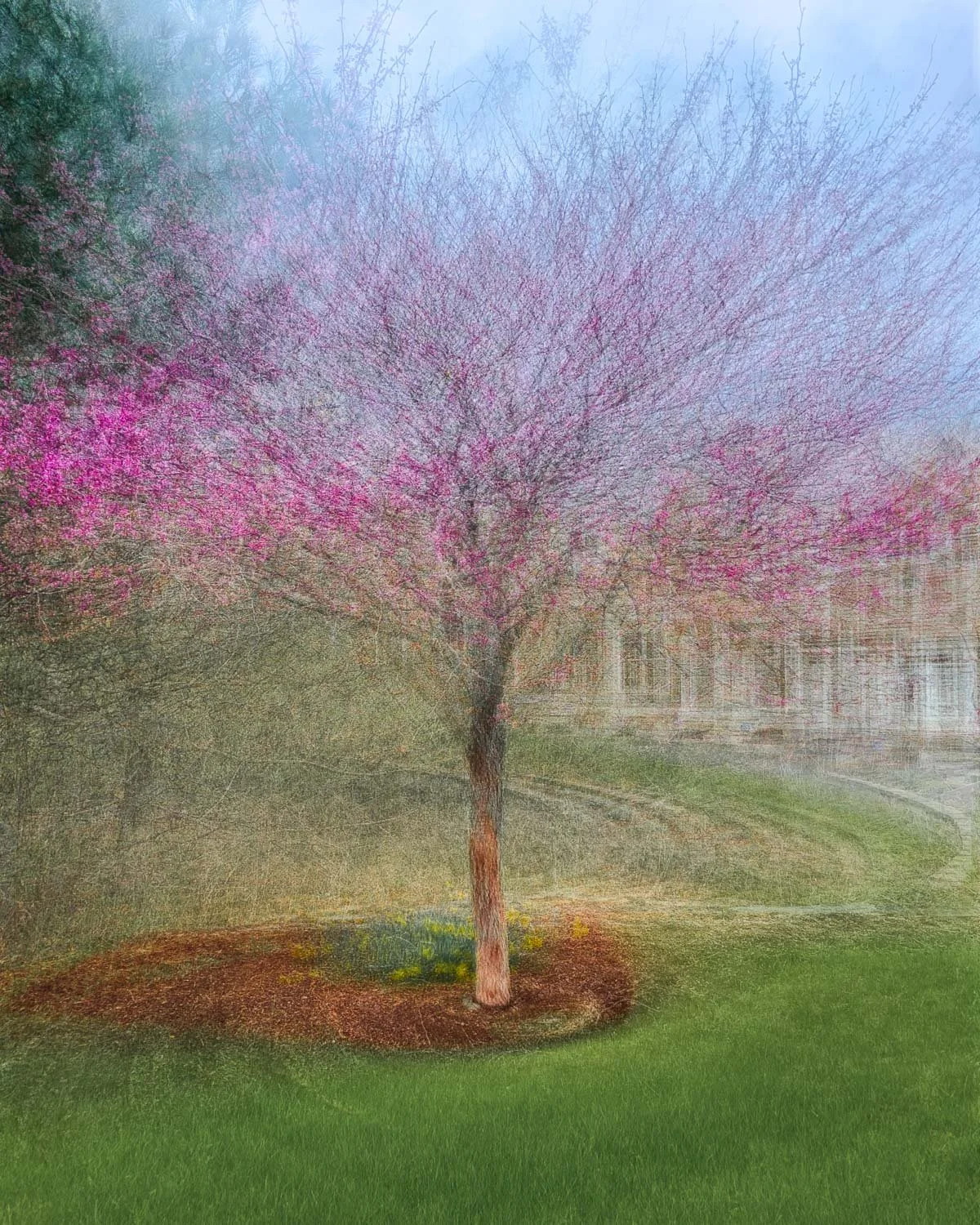
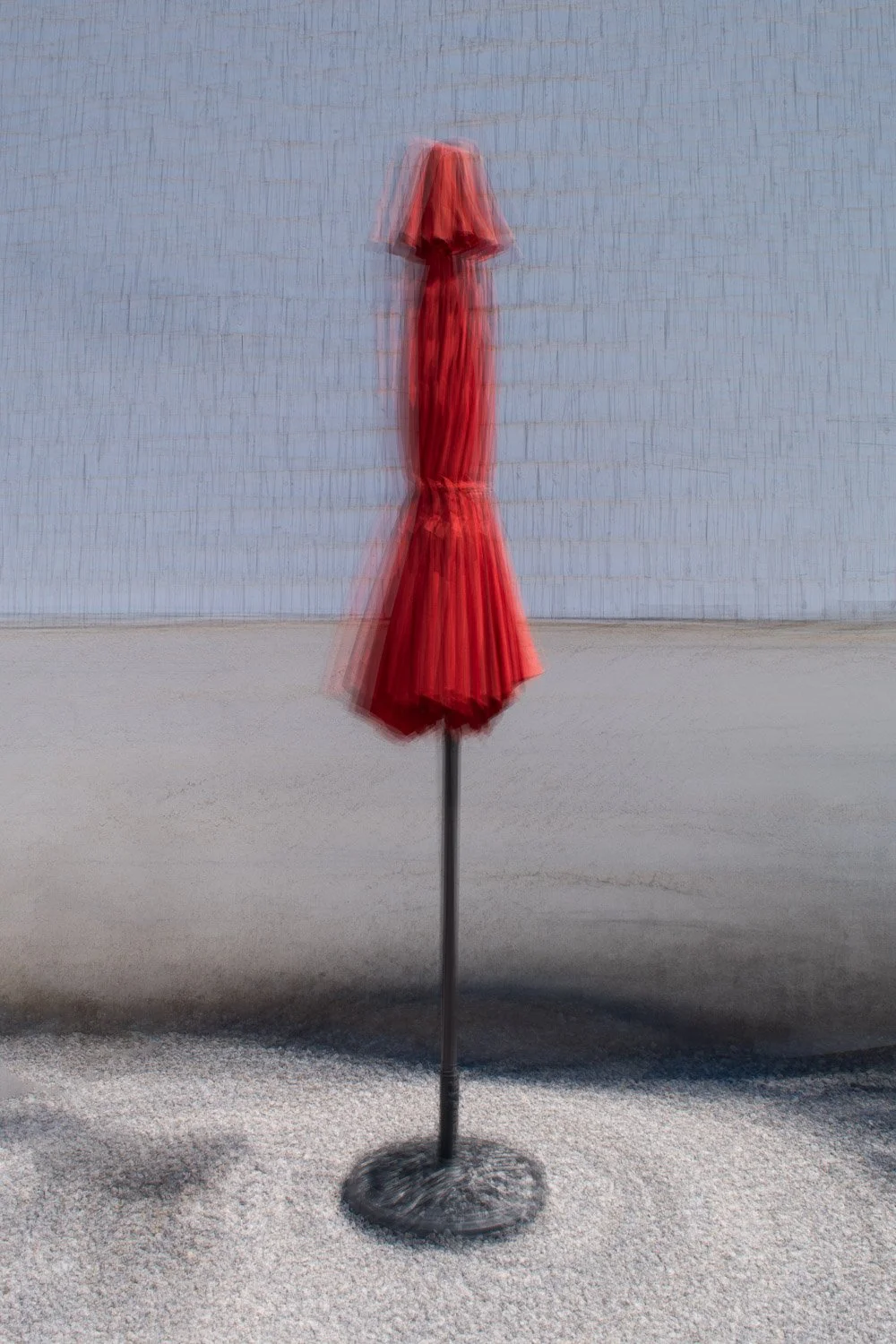
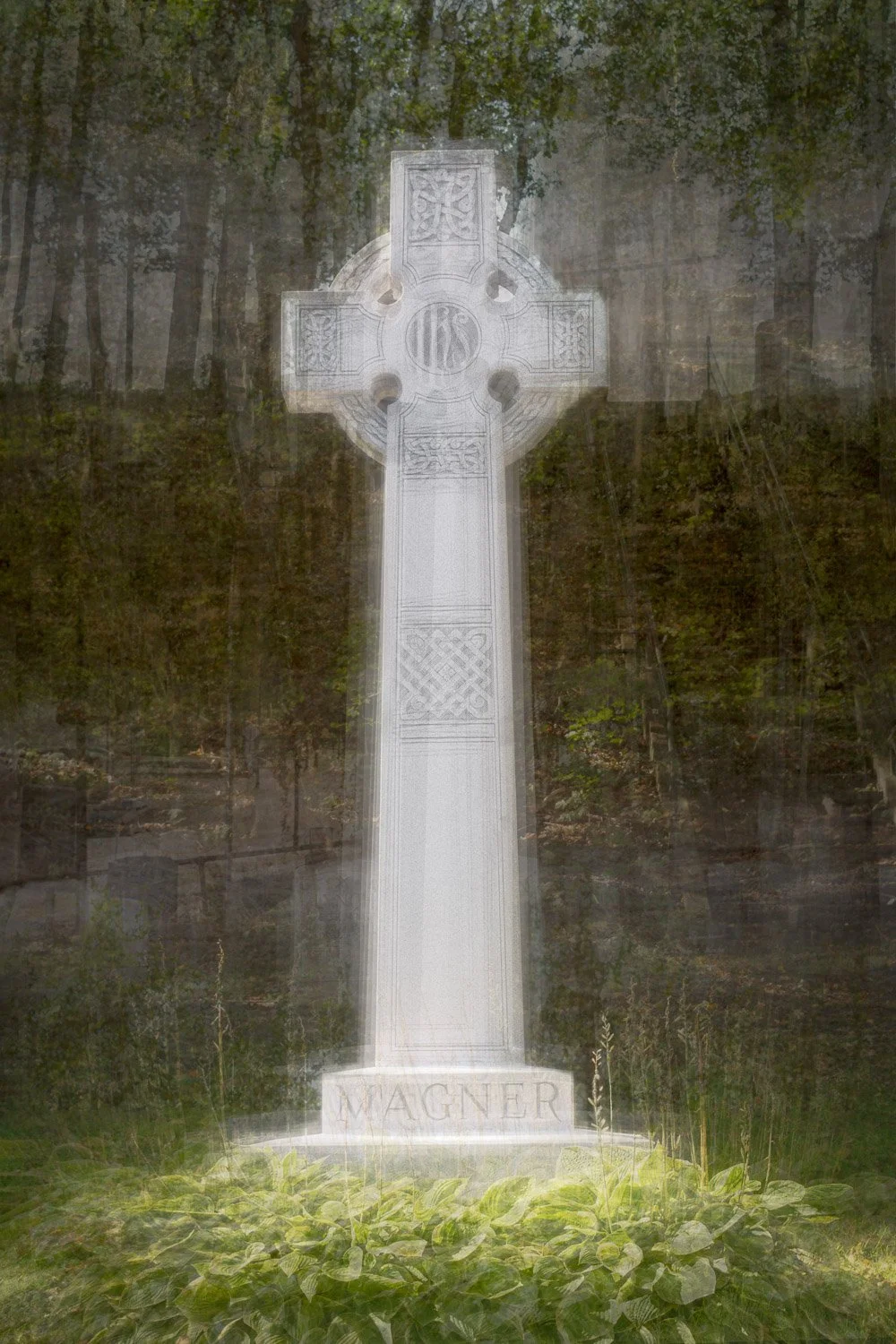
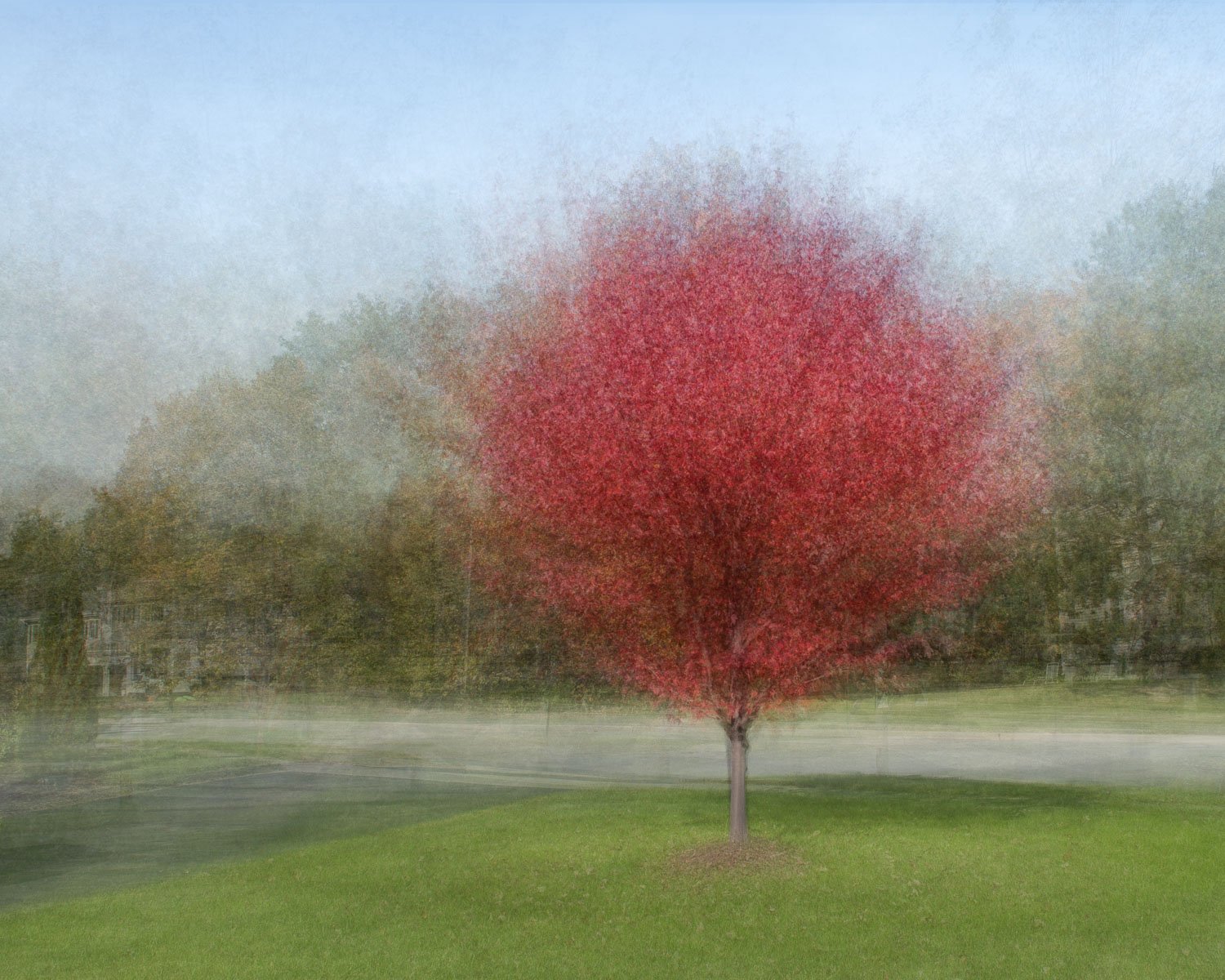
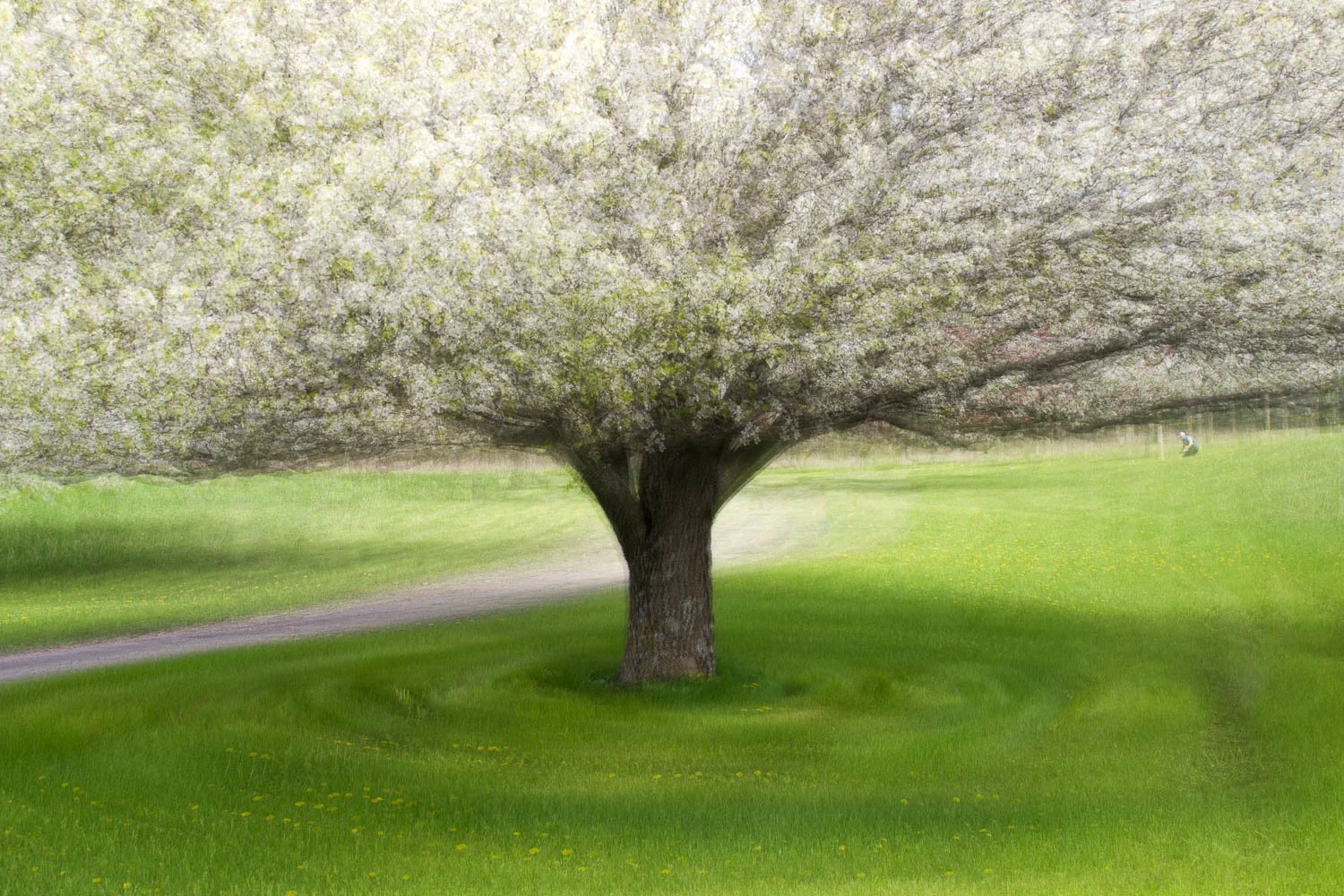
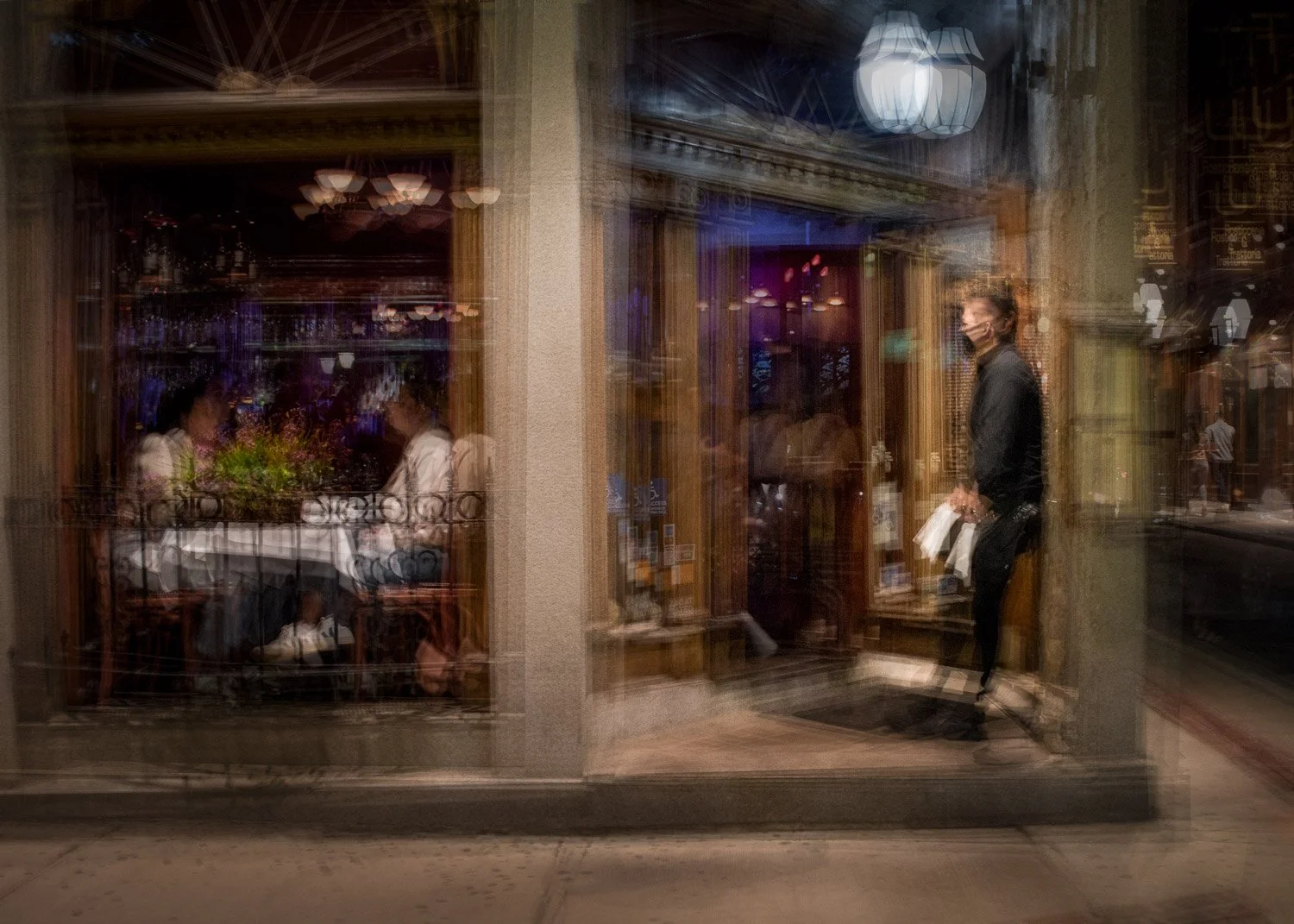
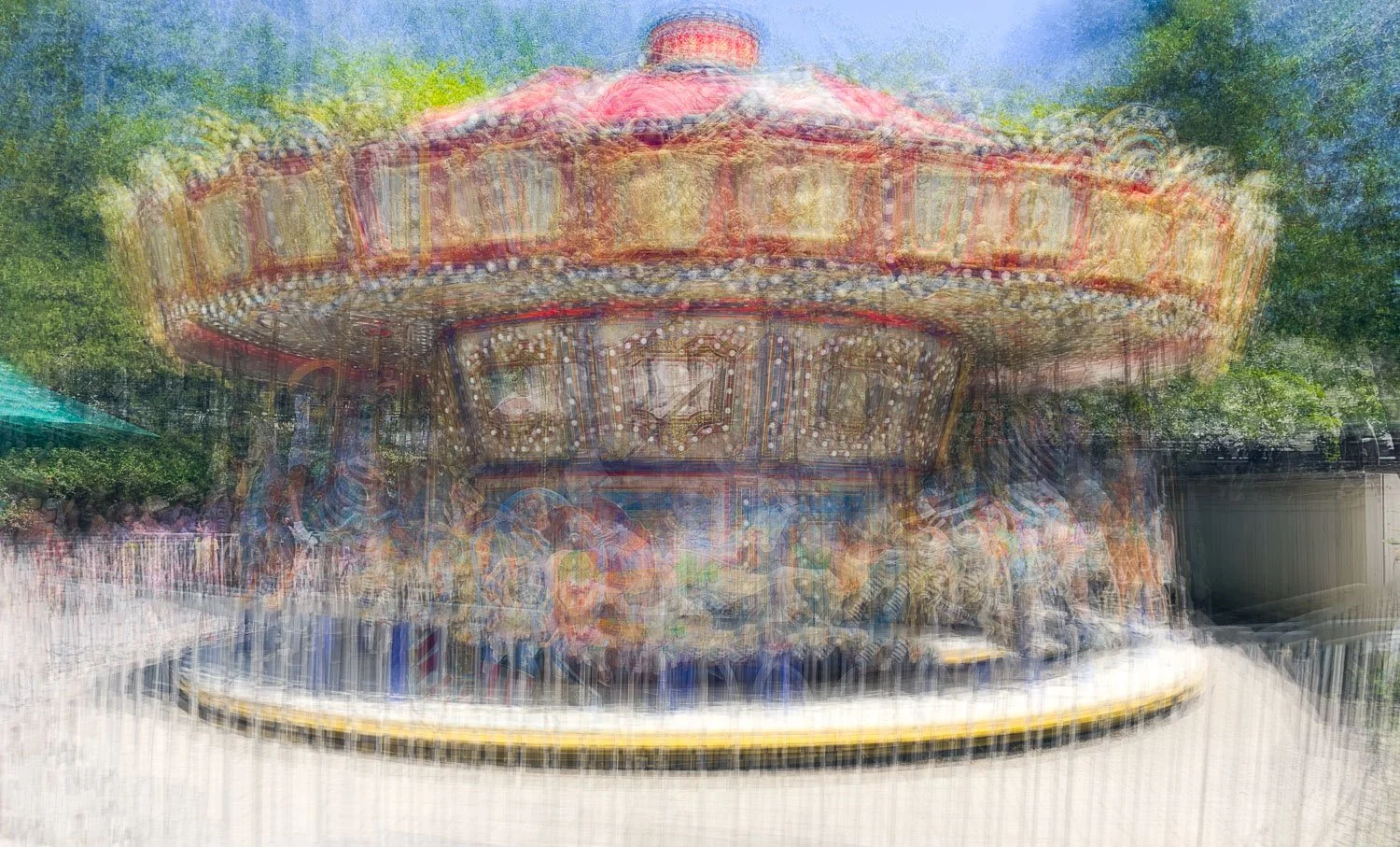
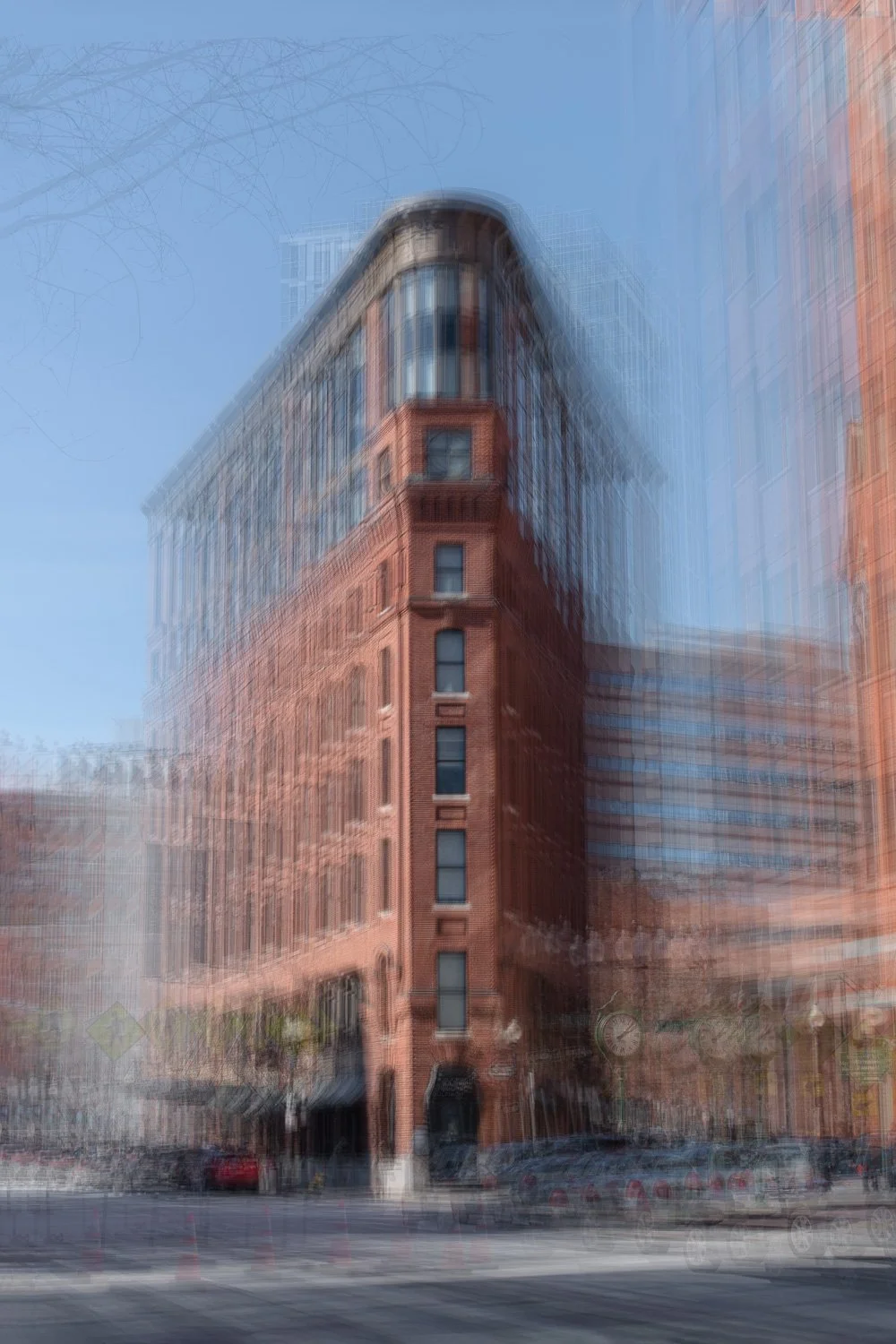
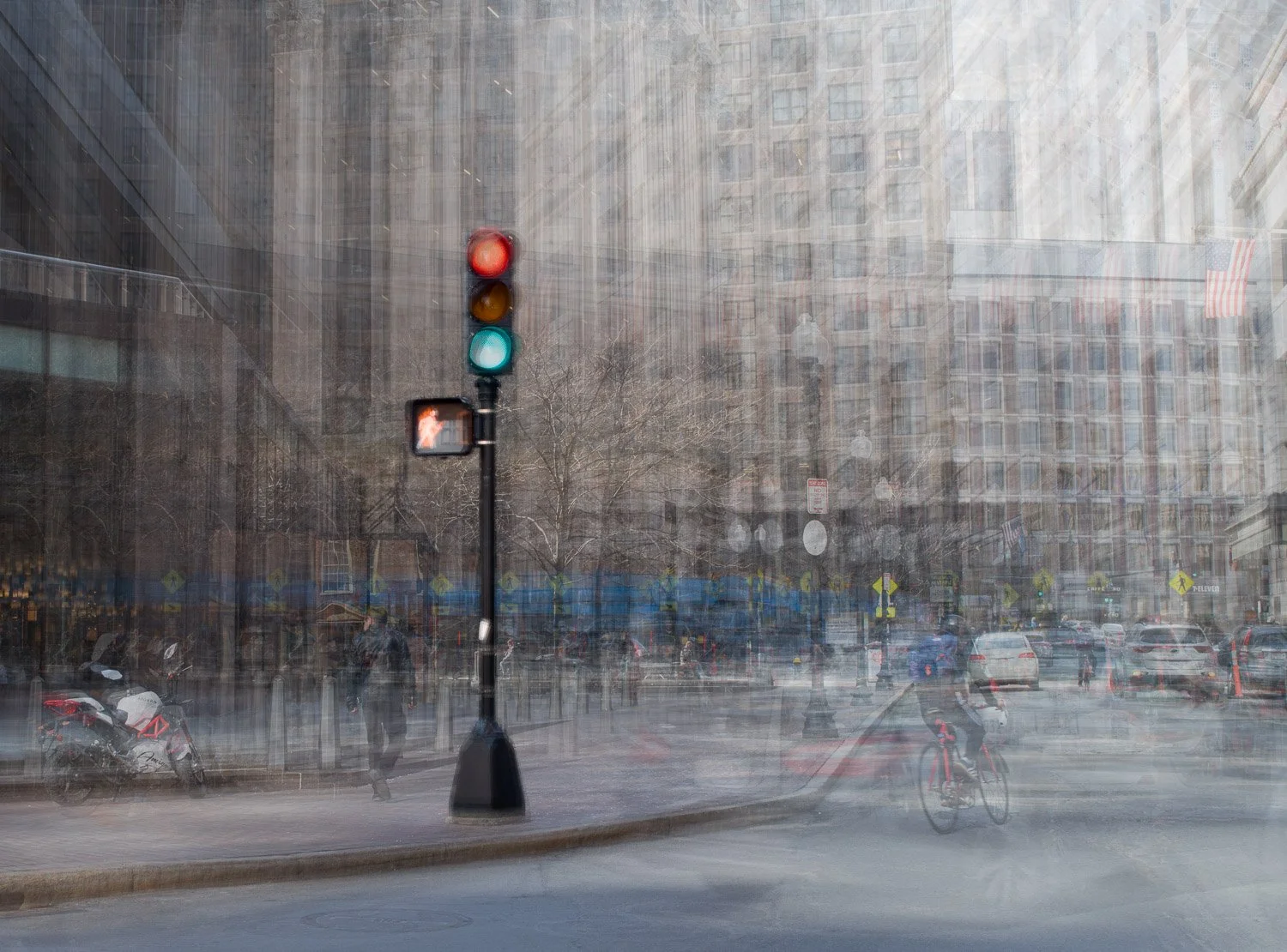
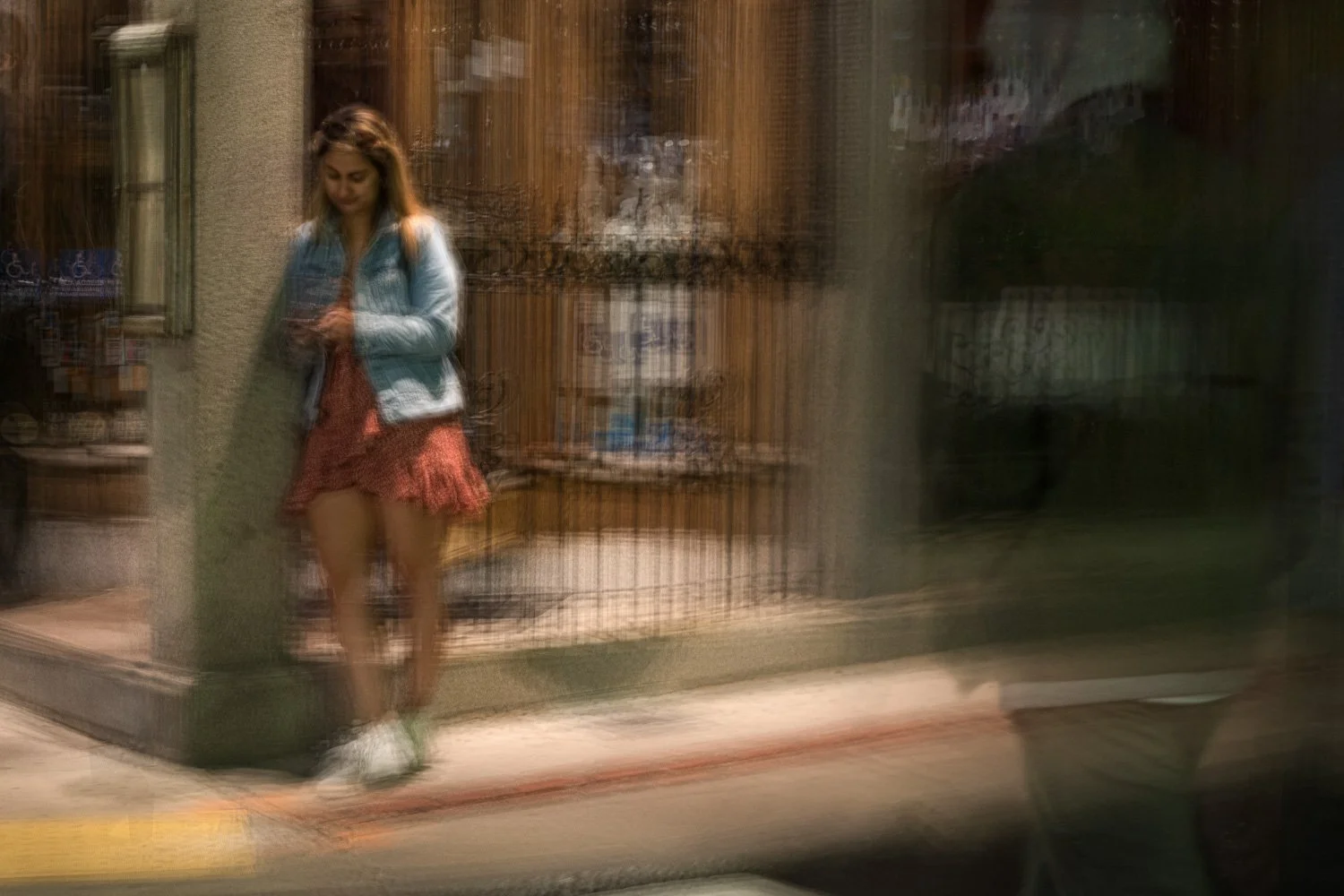
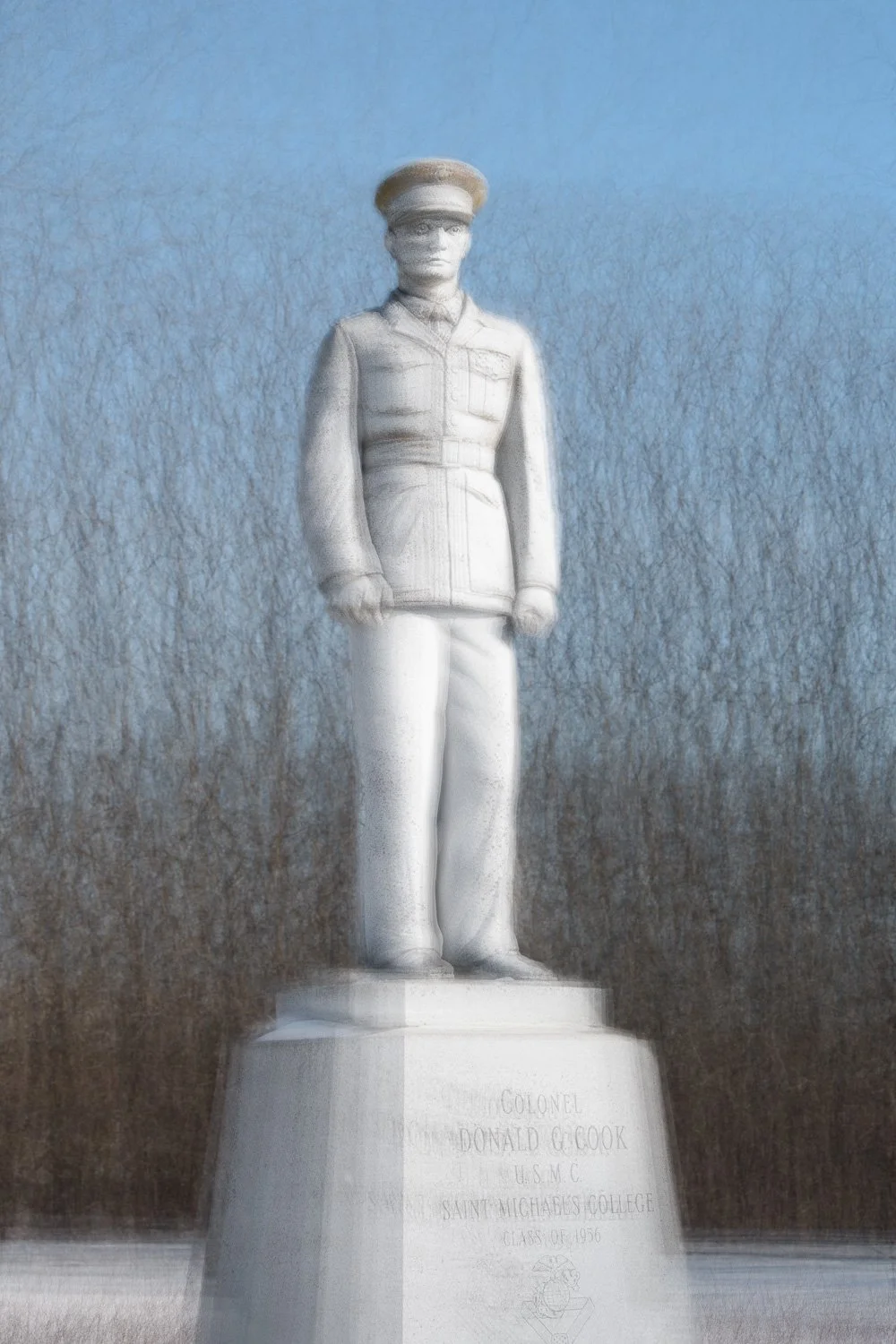
Although this technique works particularly well with upright forms such as trees, its creative potential extends far beyond those traditional subjects. The following examples illustrate variations on that theme and demonstrate how the approach can be adapted to achieve very different outcomes.
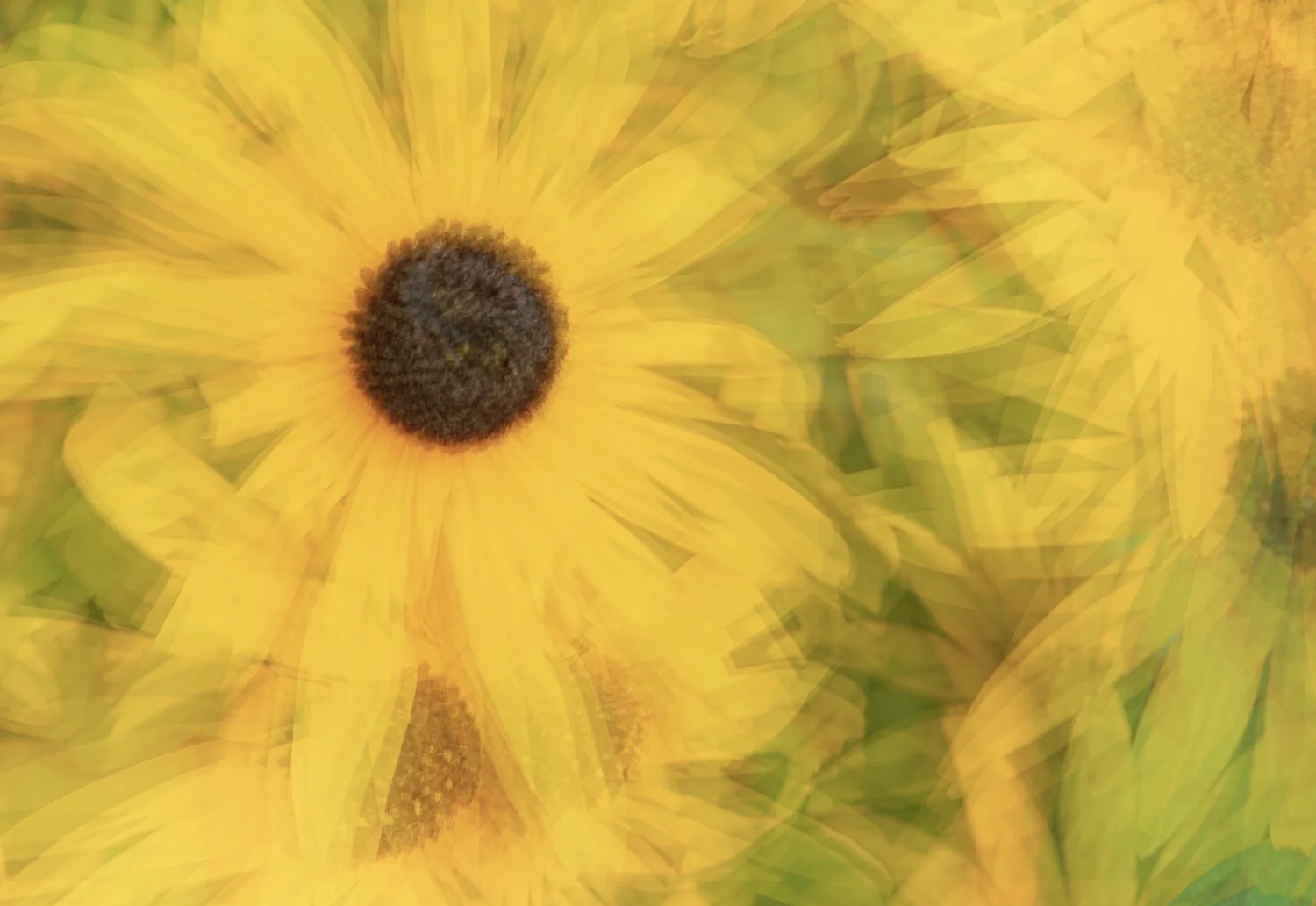
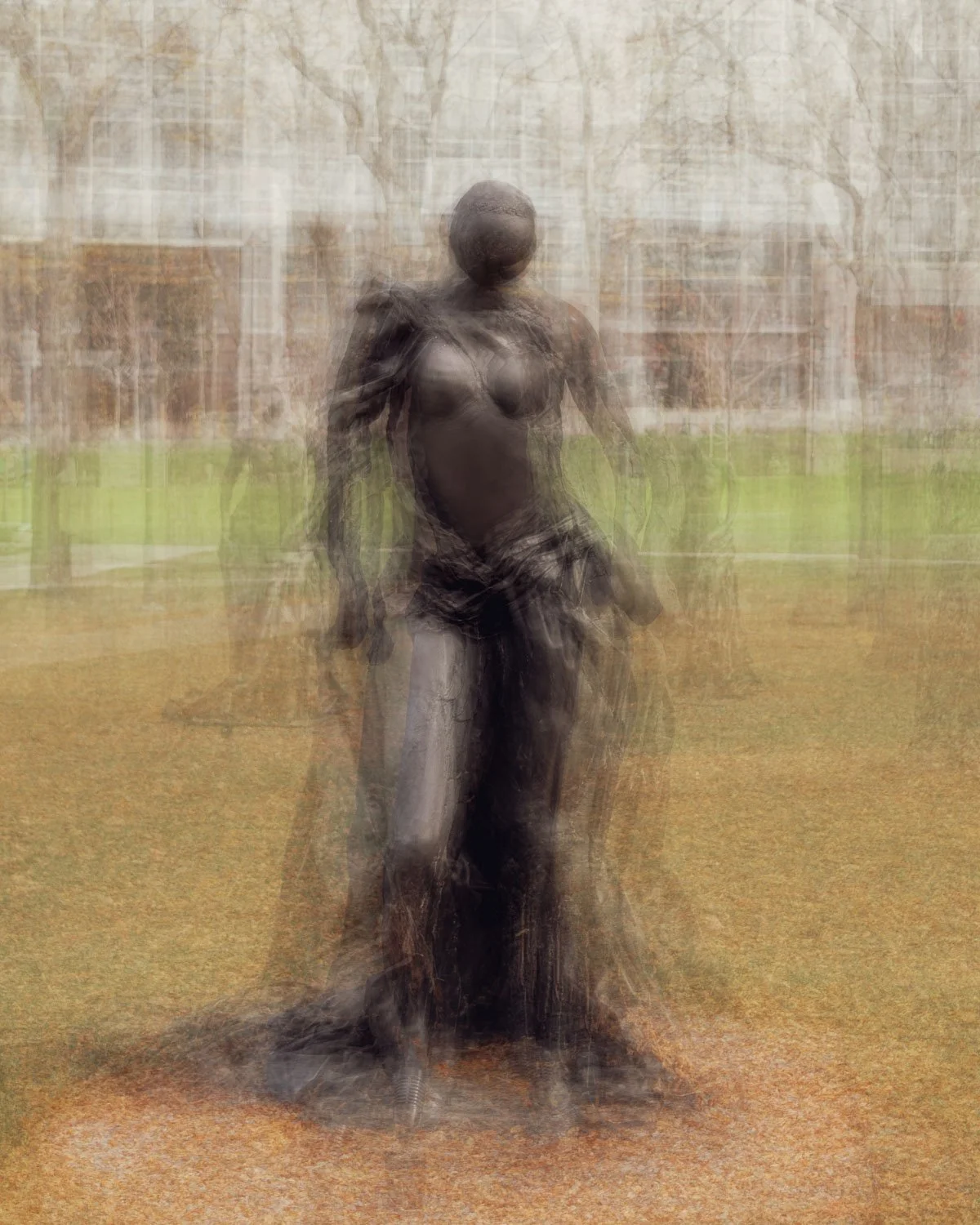
Final Words
Intentional Camera Movement has traditionally been associated with a single moment of motion captured within a single exposure. In this article, however, the techniques explored have shown that ICM can extend far beyond that original concept.
We have seen how multiple ICM images can be combined to create something entirely new, how extending lines of contrast can introduce a fresh visual energy, and how repeated captures of a single subject can be layered to produce highly impressionistic results.
It also becomes clear that the distinctions between traditional cameras and mobile devices begin to blur within this area of photography. In many ways, ICM acts as something of an equaliser, where creativity and experimentation often become more important than the equipment itself.
Ultimately, the most rewarding aspect of multiple exposure ICM may be that no two approaches - or results - are ever quite the same.
These are the main approaches I am currently aware of for creating multiple exposure ICM images. I would love to hear about your own experiences and any multiple exposure ICM techniques you may use yourself.