
extending the blur - Blurisitic
Every so often, I find a tool that makes familiar techniques feel new again. Bluristic - a mobile app built for long-exposure photography - is one of them. It’s been around for a while, yet several of its features align with the experimental work I pursue today.
The defining feature of Bluristic is a clever tracking system that lets you identify and lock focus on up to three points in your frame. In theory, this keeps these elements sharp while everything else melts into motion as camera or elements move over time. The app is typically used for panning subjects or smoothing water, but I’ve found its real value to me lies beyond its original design intent.
Approaching Bluristic through my ICM lens, I quickly discovered that the results of its tracking system isn’t always what I want. Perfectly defined features rarely match the impressionistic results I’m after, so I began intentionally mis-tracking, letting the subject drift outside the guide to dial in the level of blur I wanted. It’s a simple workaround, but one that opens up far more expressive possibilities.
After a string of experiments (and plenty of early trial-and-error), I’m now seeing where Bluristic adds something genuinely new to both my DSLR and mobile workflow. The results have been surprising, encouraging, and well worth further exploration.
Furthermore, an added bonus was discovered during testing, with what appears to be an unintentional software bug that expands the boundaries later. This additional creative ‘feature’ will be explored in greater detail in follow up posts.
So how does it work?
Once the app is installed (on my iPhone) operation is quite straightforward. For traditional use, touching the screen will set a tracking point, which turns yellow if a lock is made (needs area of contrast). As the subject moves in the frame the tracking point aims to maintain sharpness of that area.
Additional tracking points (up to a further 2) can be added (perhaps more useful for maintaining detail in static elements).
The screenshot below shows the key functions, sliding over to a typical result.
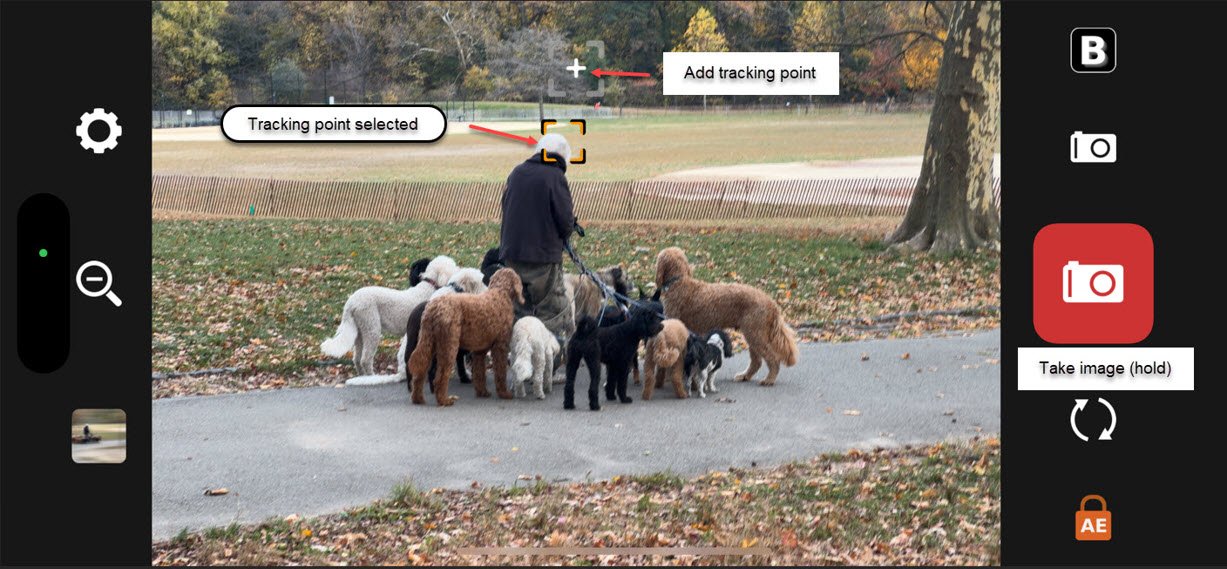
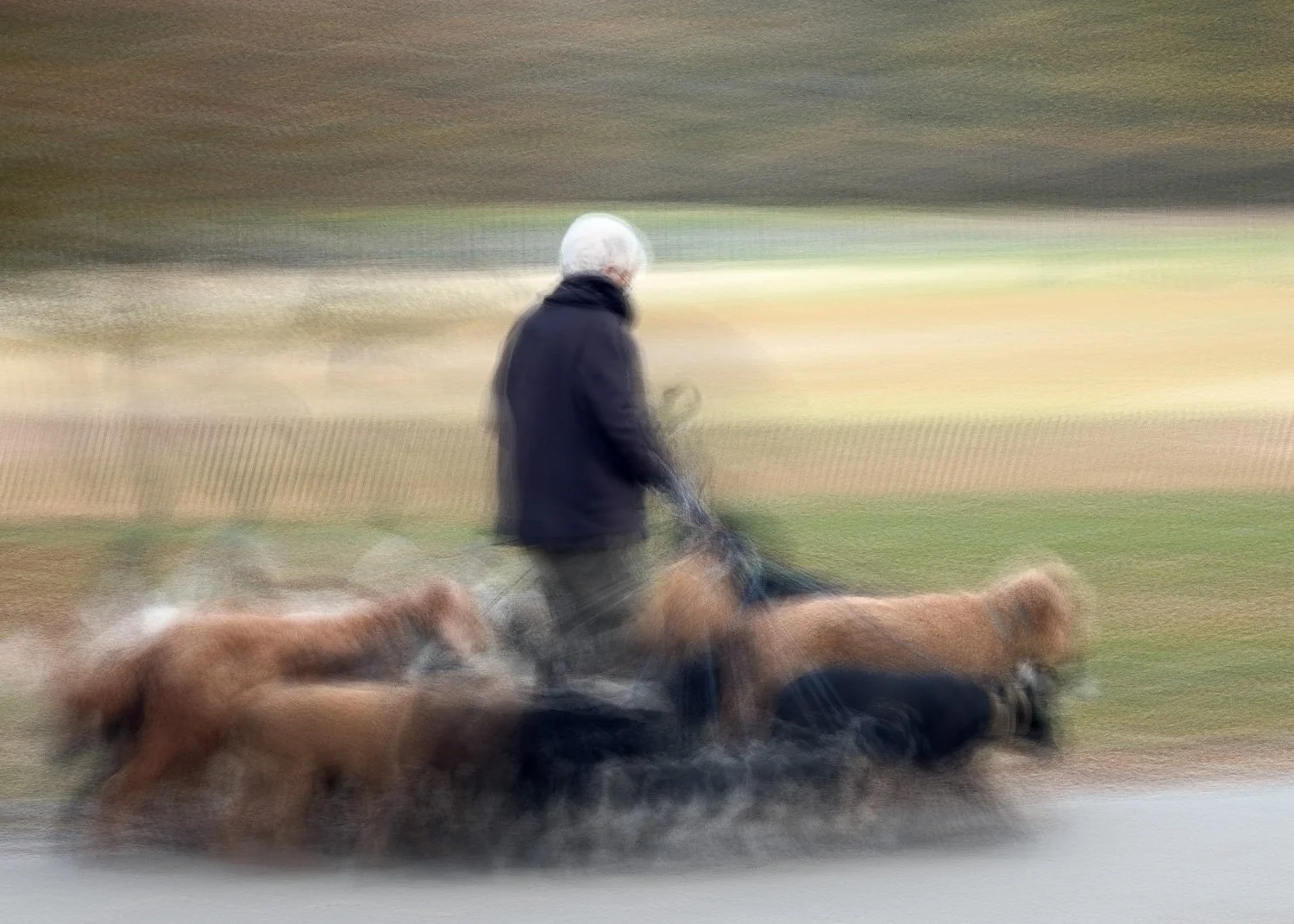
Admittedly, I found it difficult to lock in a tracking (yellow) point on an already moving subject, but as explained previously obtaining sharp features is opposed what I set out to do anyway. Instead, I found that if I simply set the tracking point (blue if not locked onto subject) in the general area of the subject I could gain more impressionistic-type images.
Results
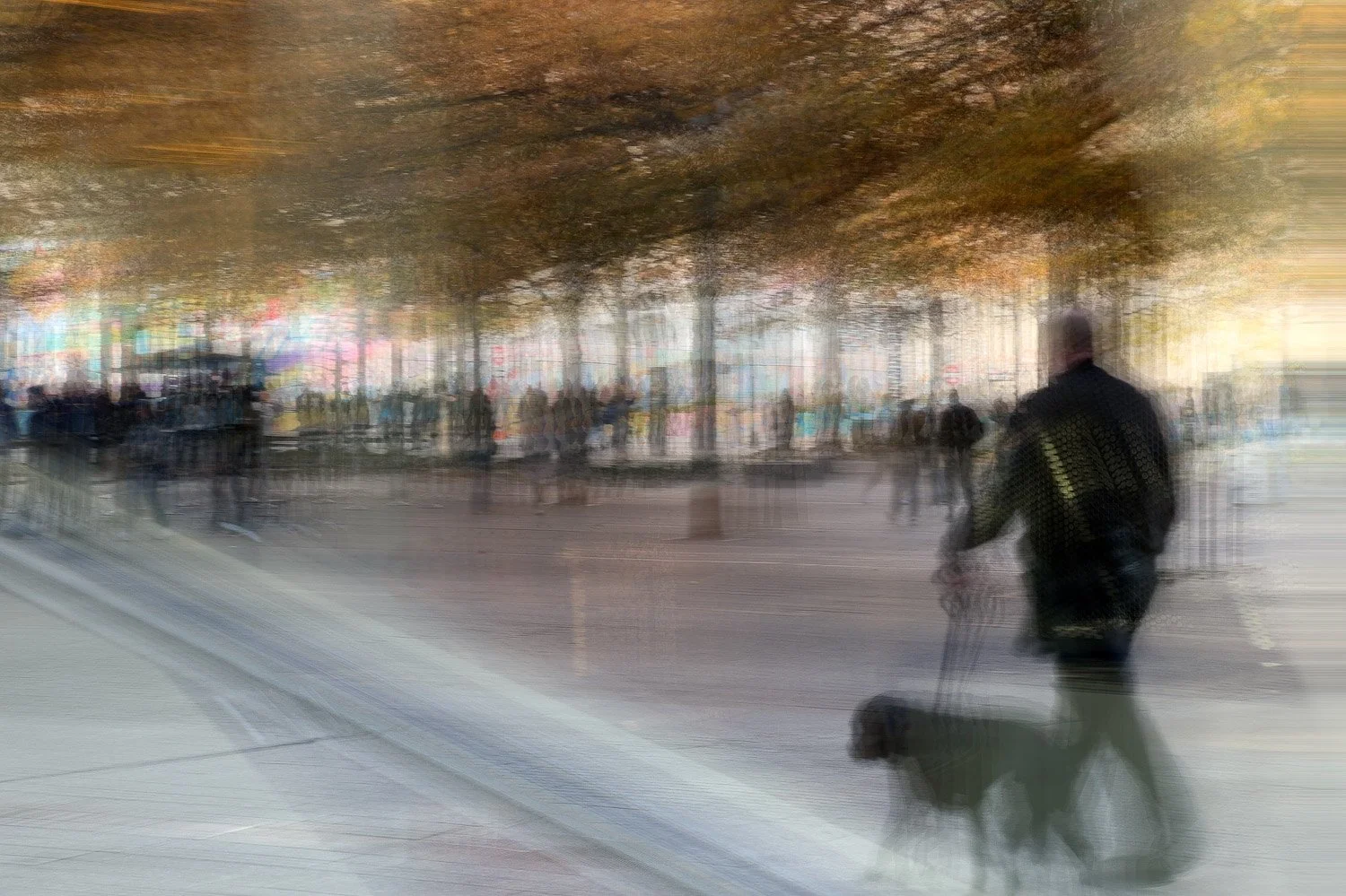
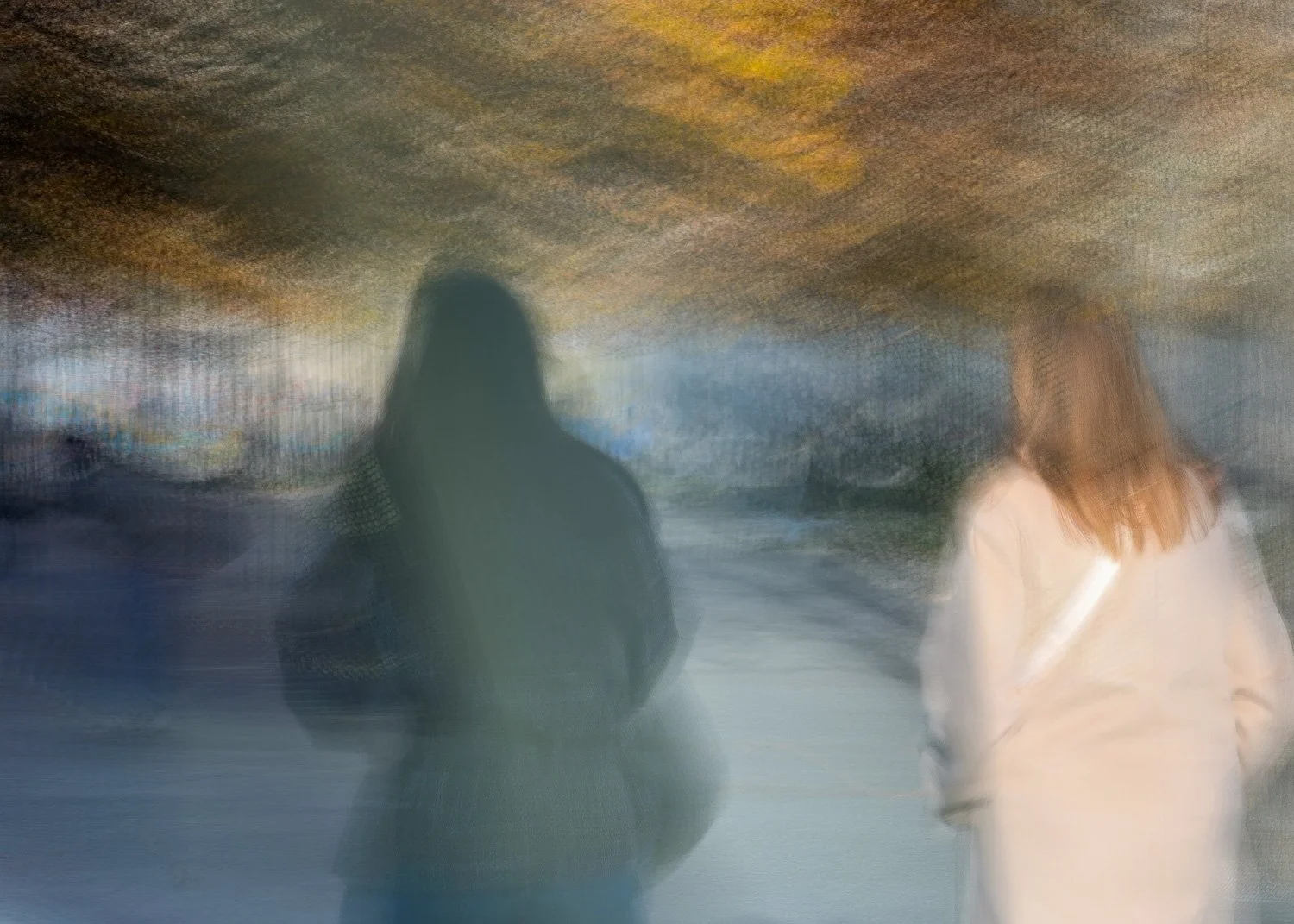
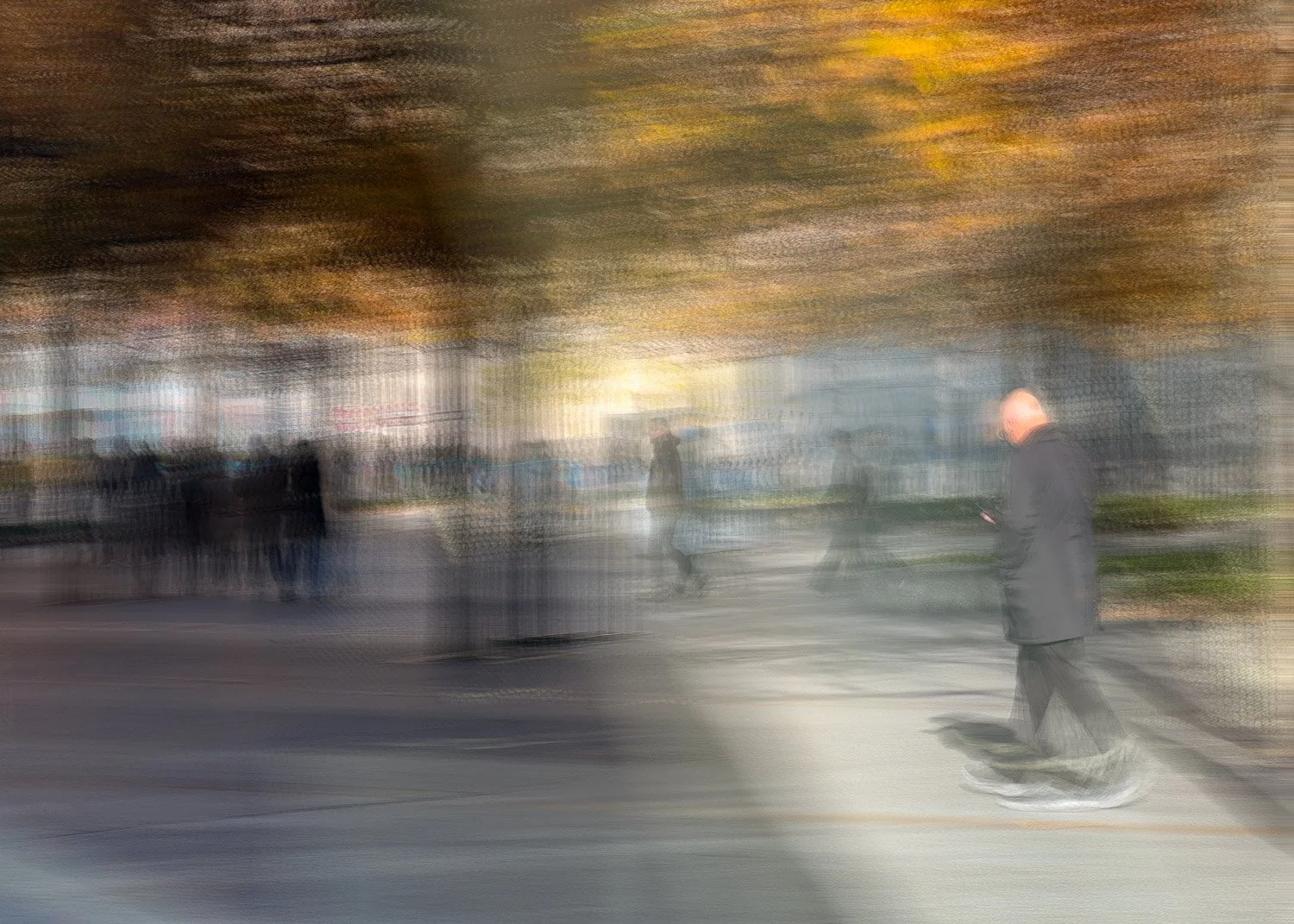
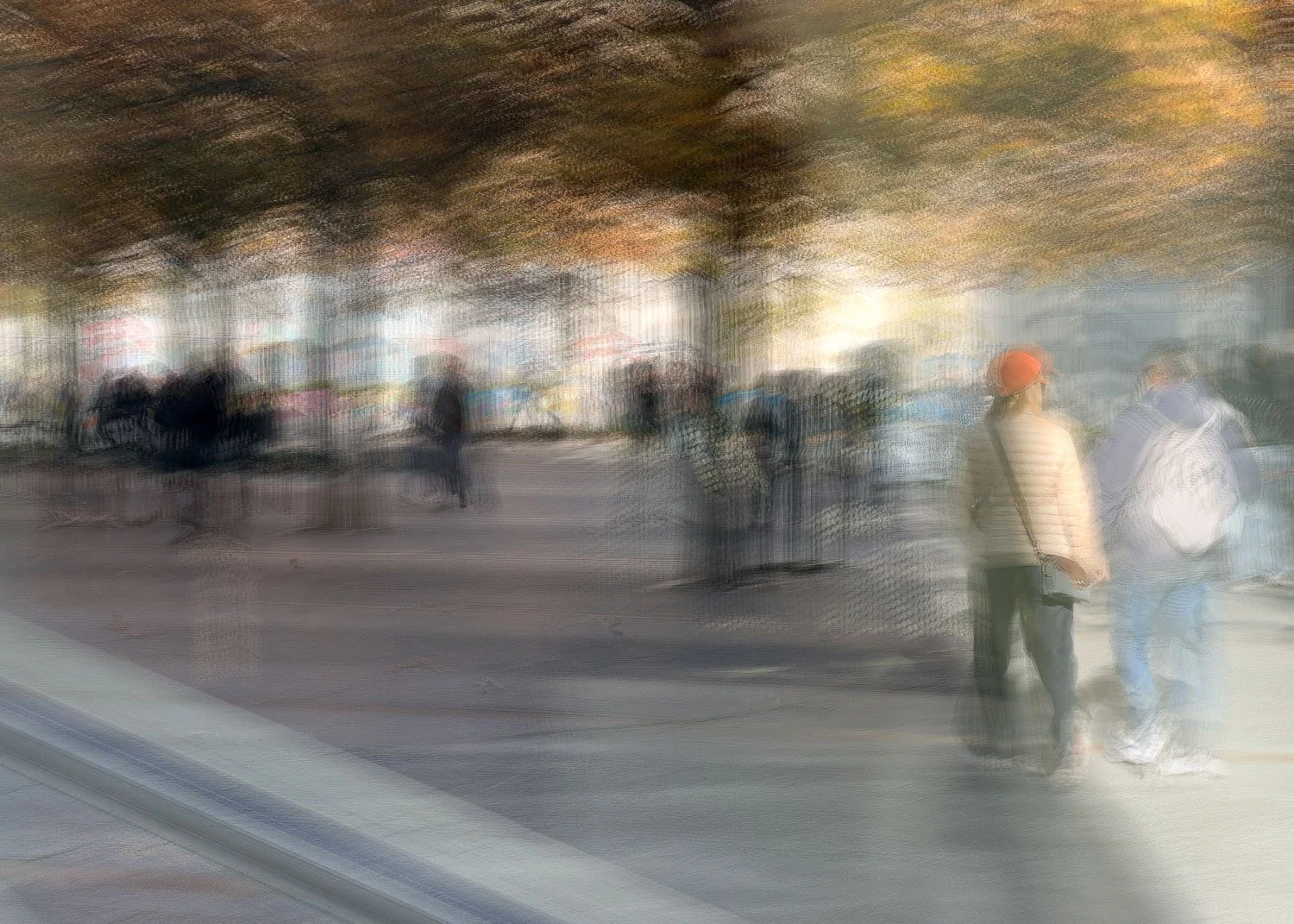
So what might we expect from results? In this first post I demonstrate the types of images that might be typically attributed to the app (ie what it was designed to do), those that I might otherwise try to capture using other apps or methods.
This first series of images employ a normal panning of a subject
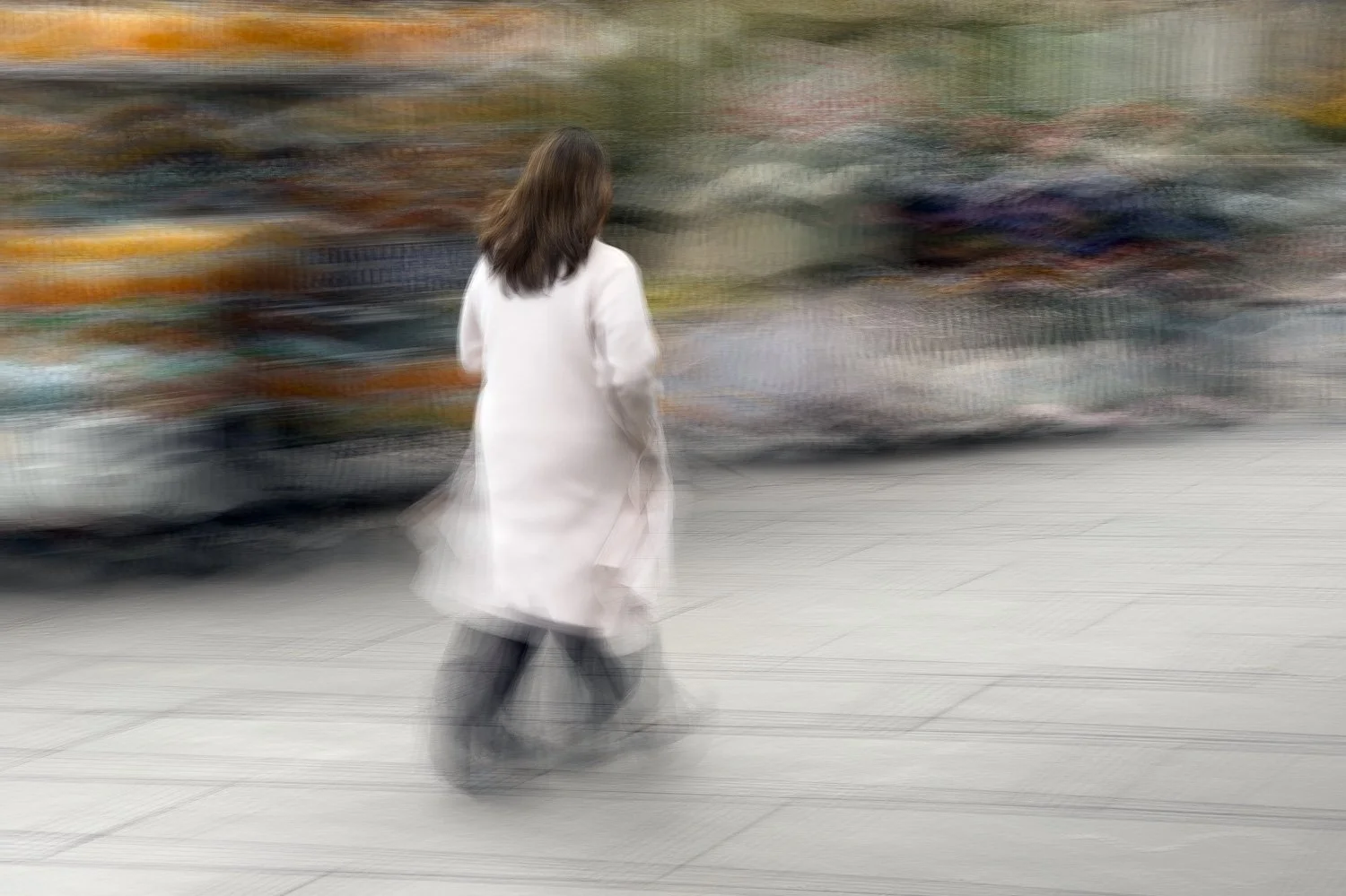
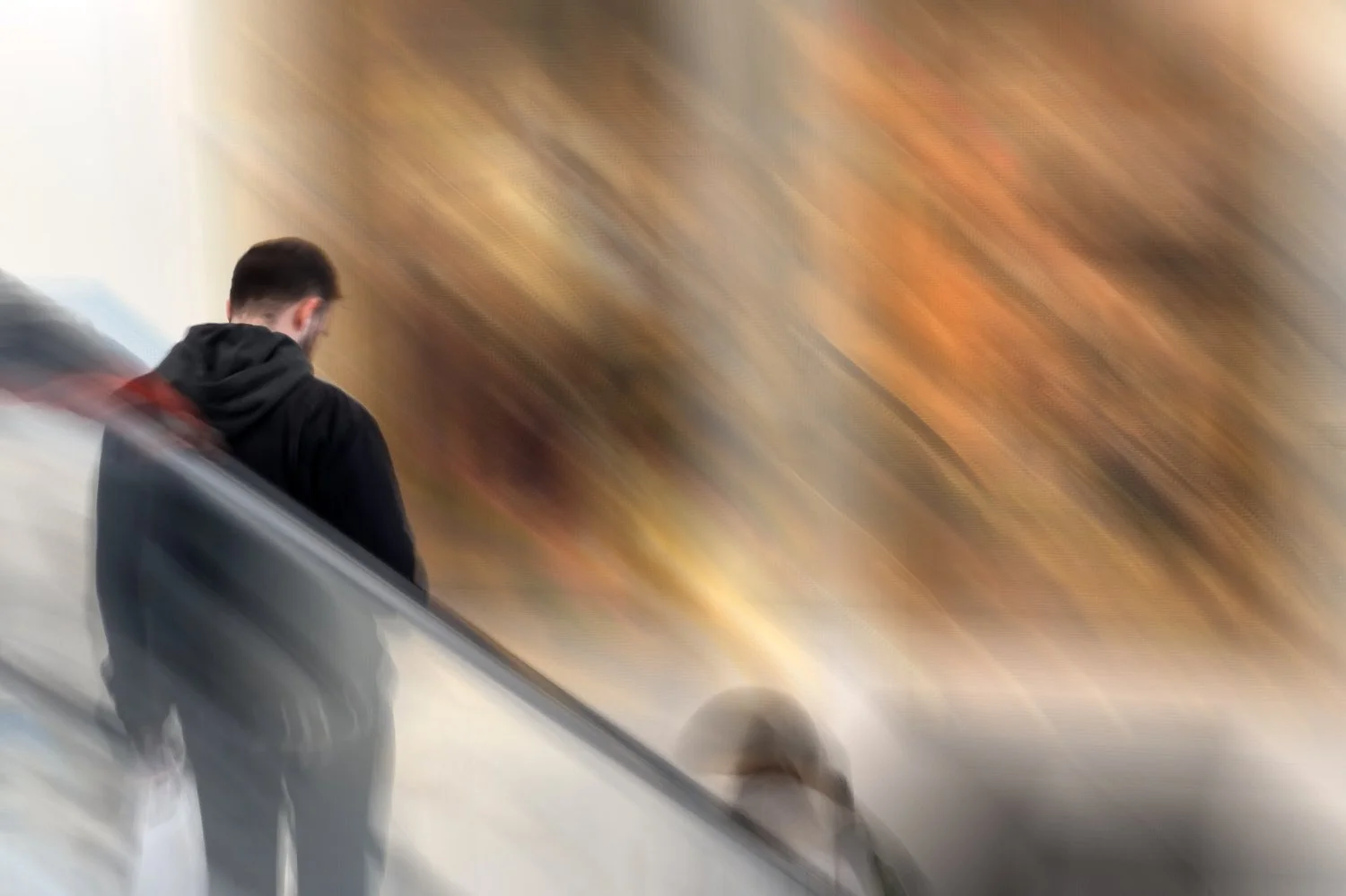
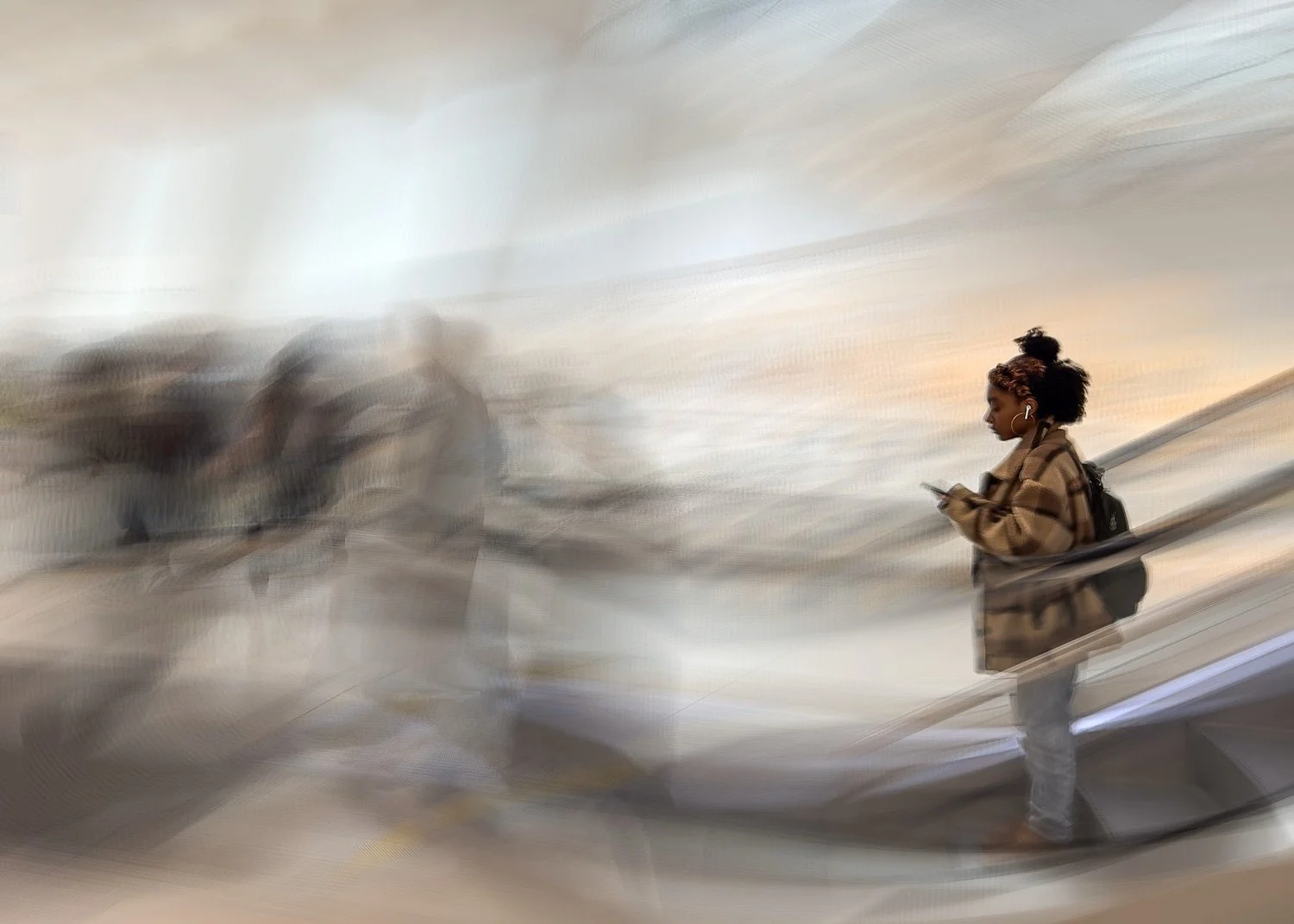
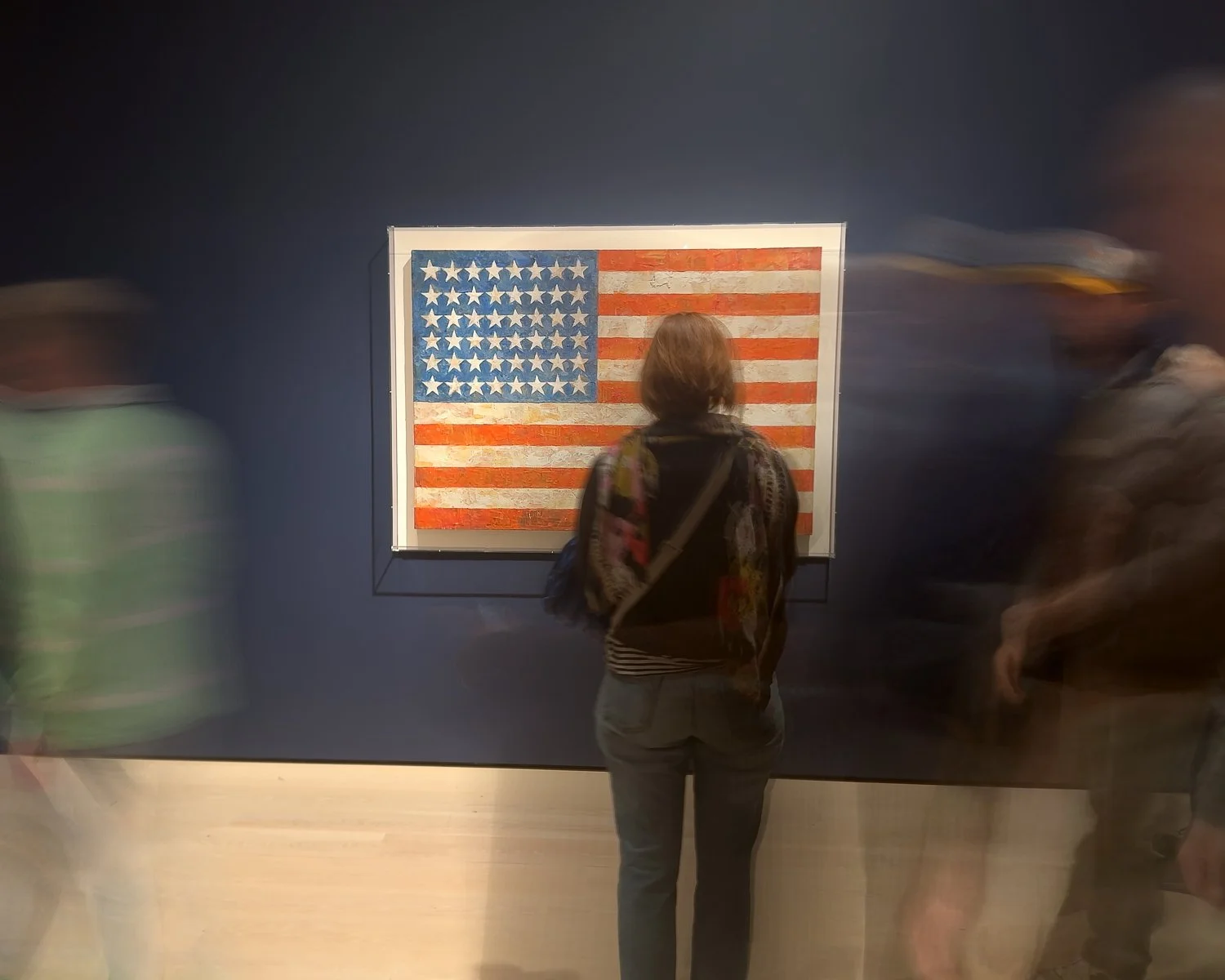

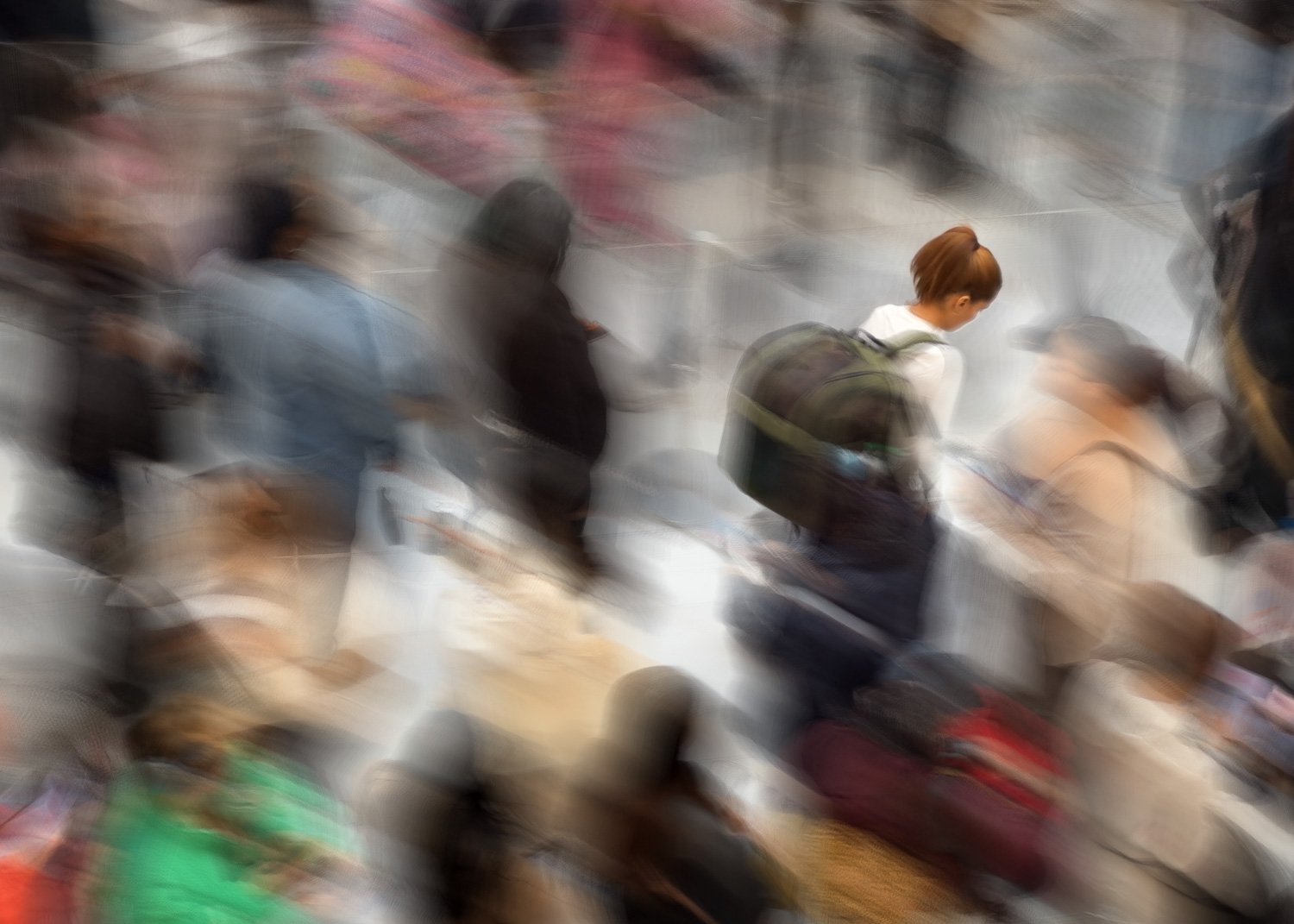
The following series was taken from above, which provided quite a different perspective and additional options. For some, the capture length was consciously extended to allow secondary subjects to create their own individual patterns of movement.
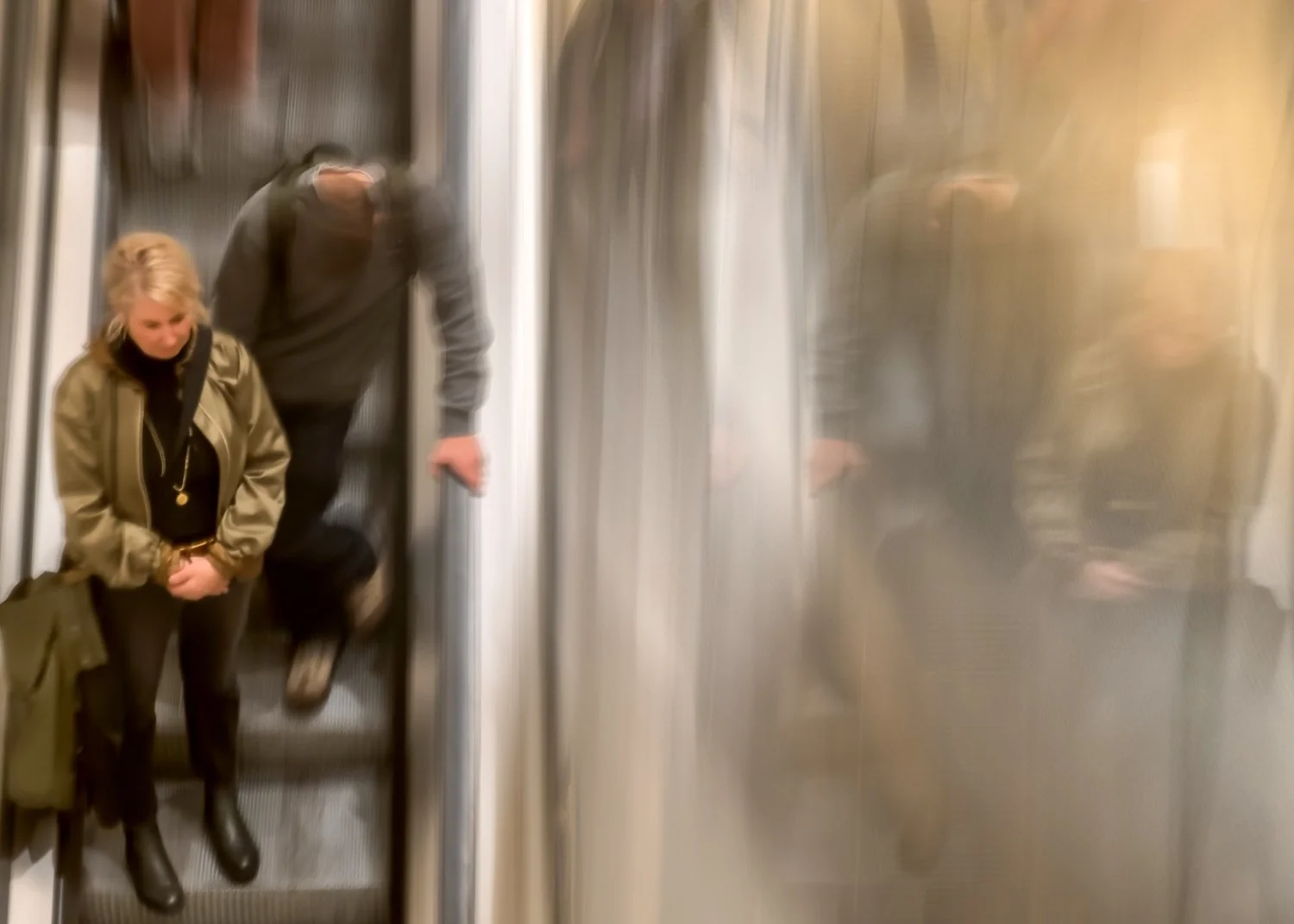
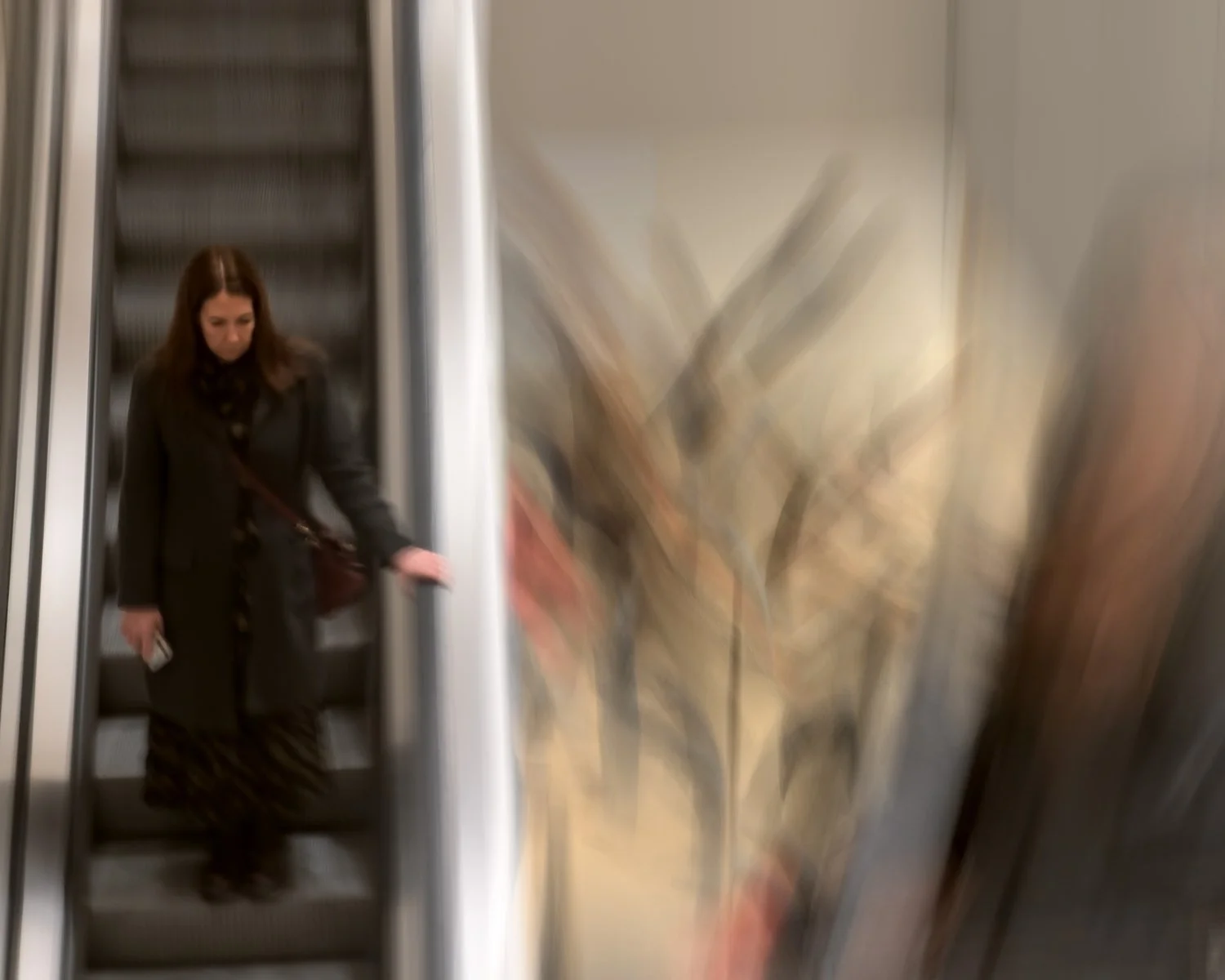
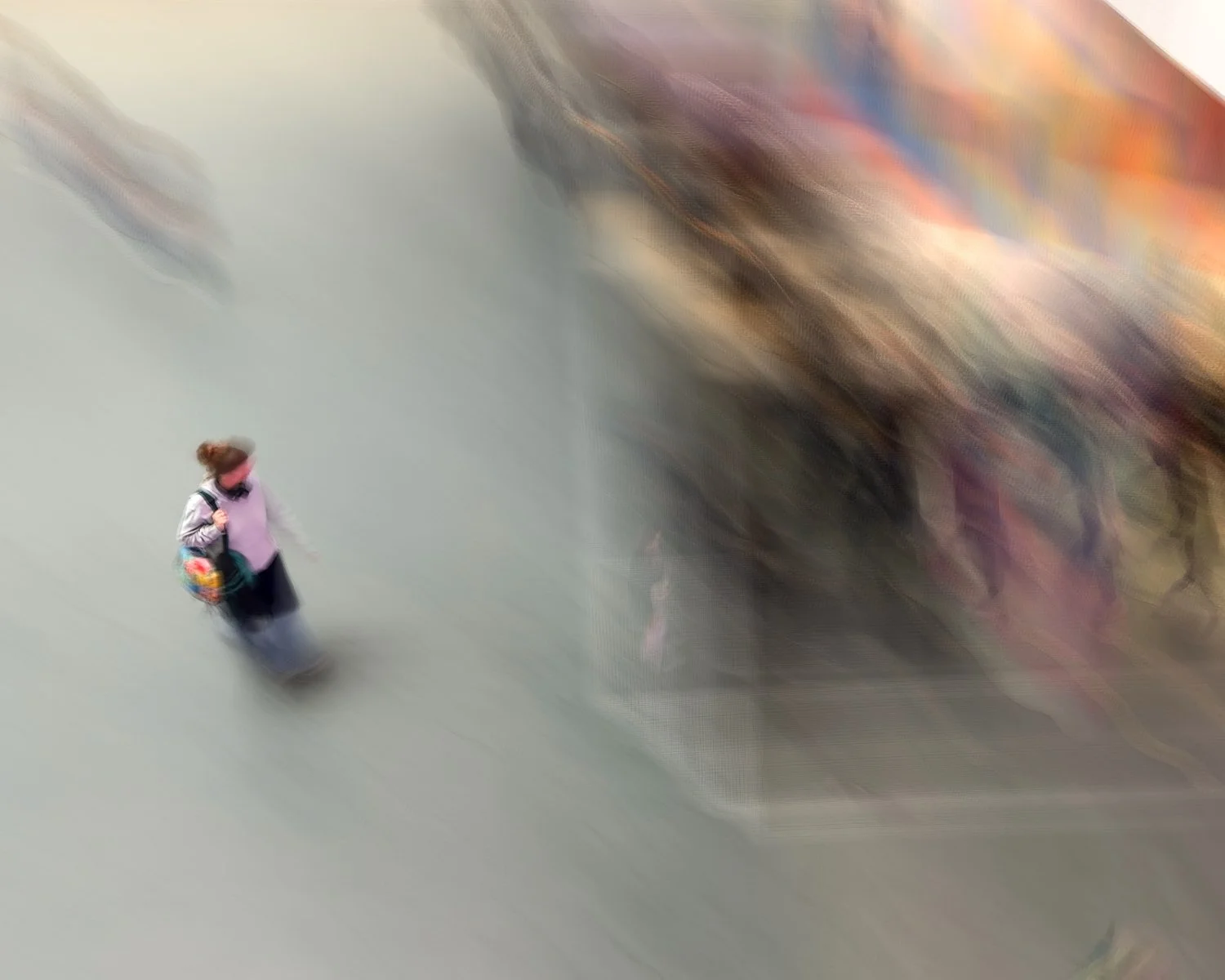
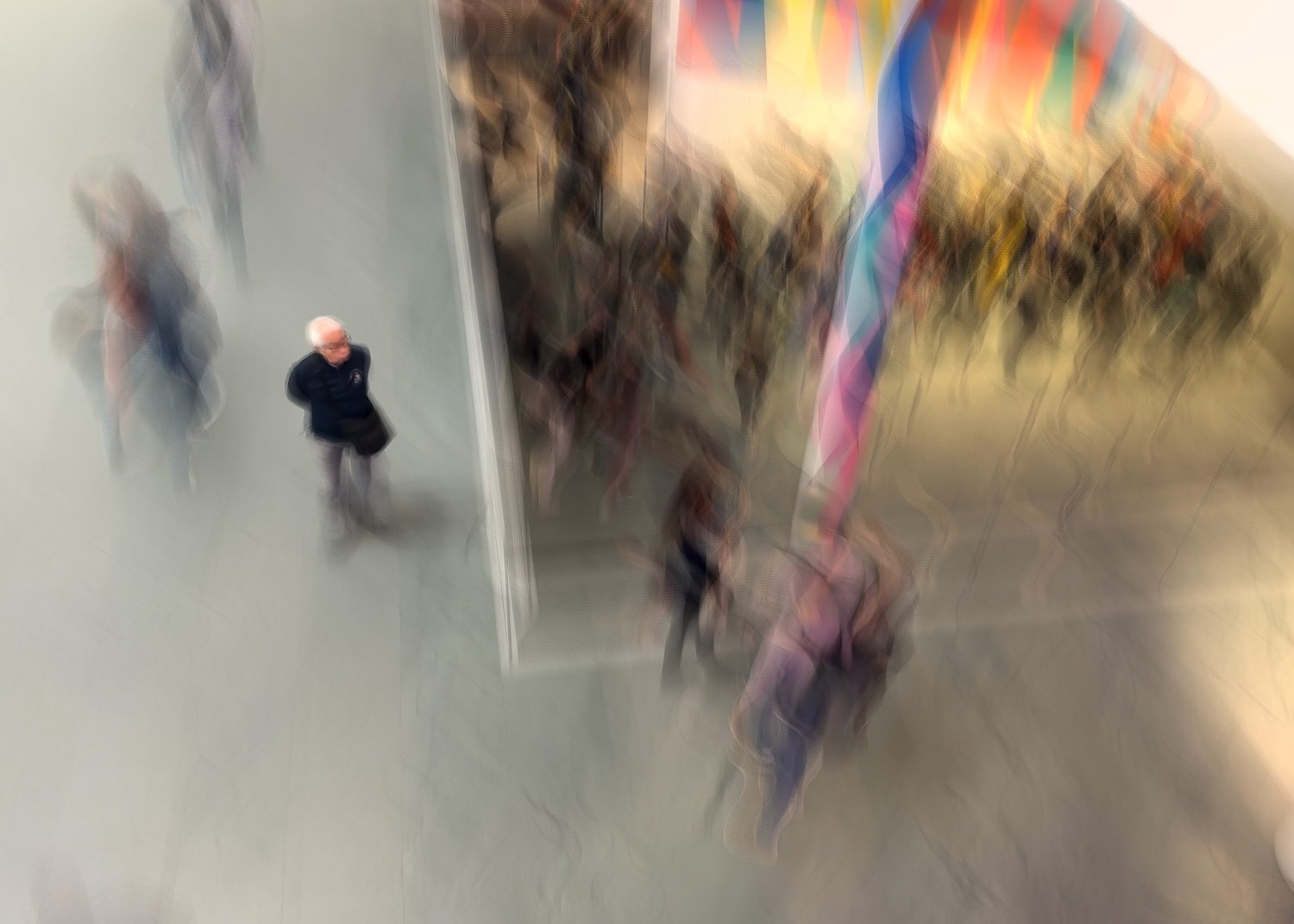
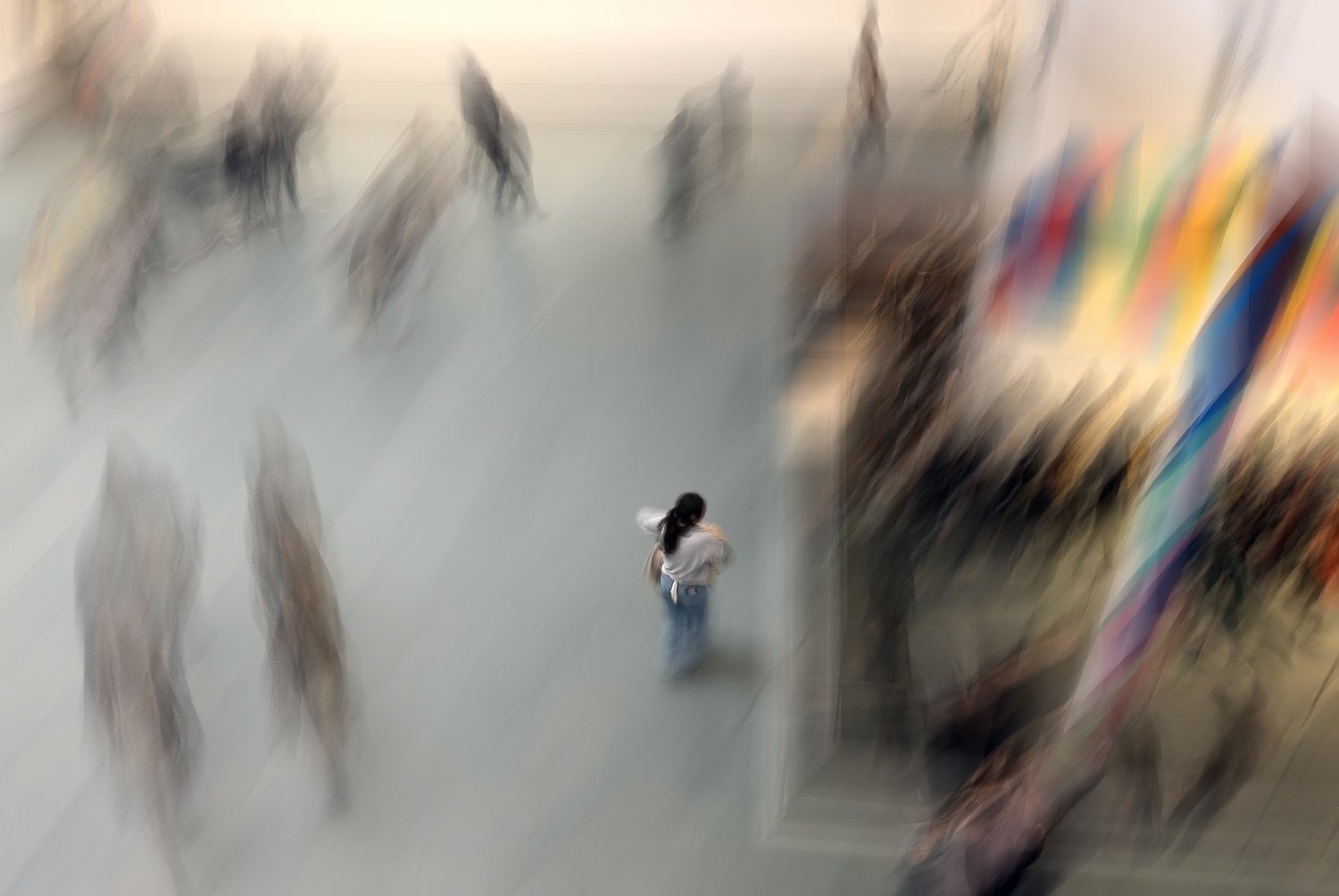
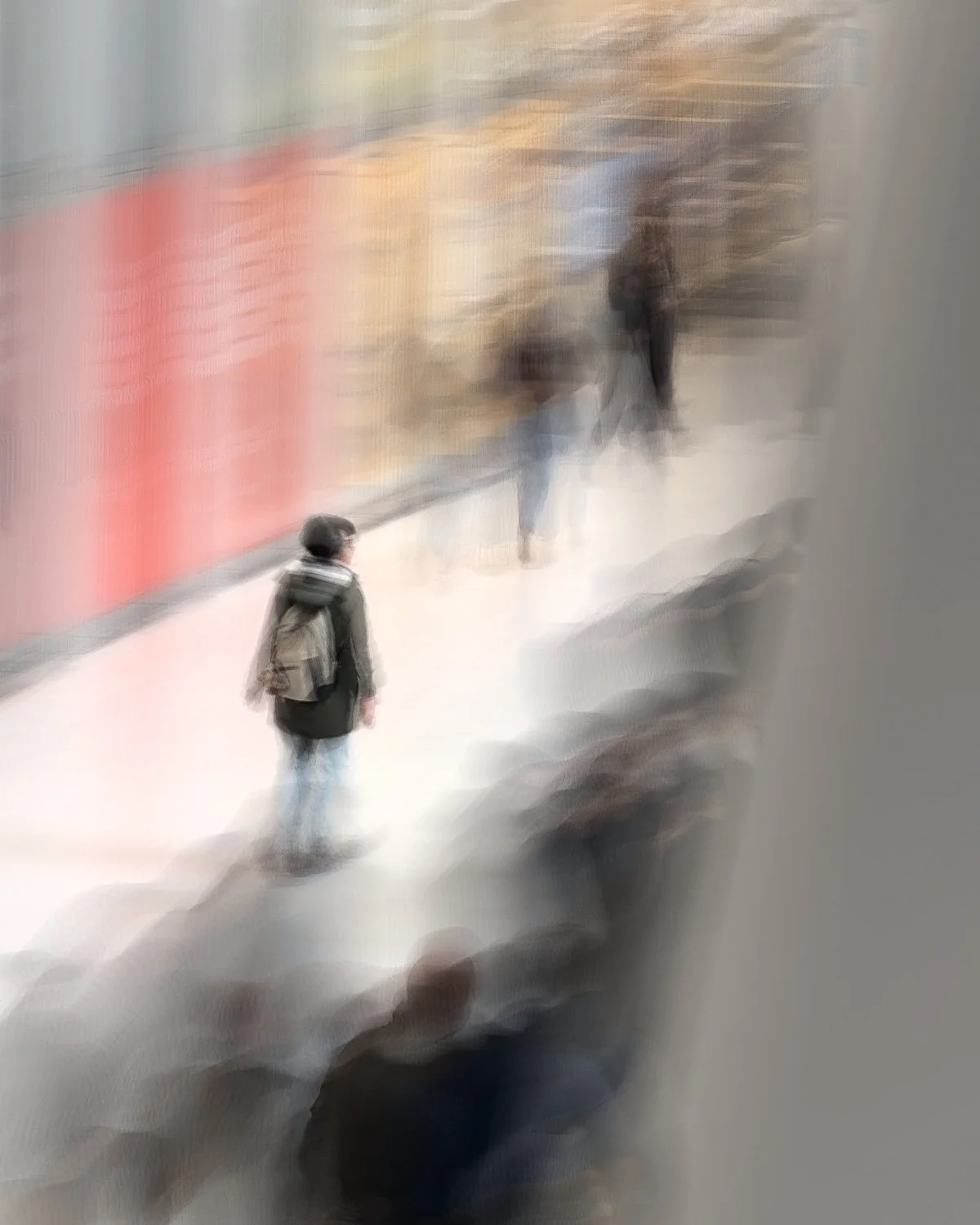
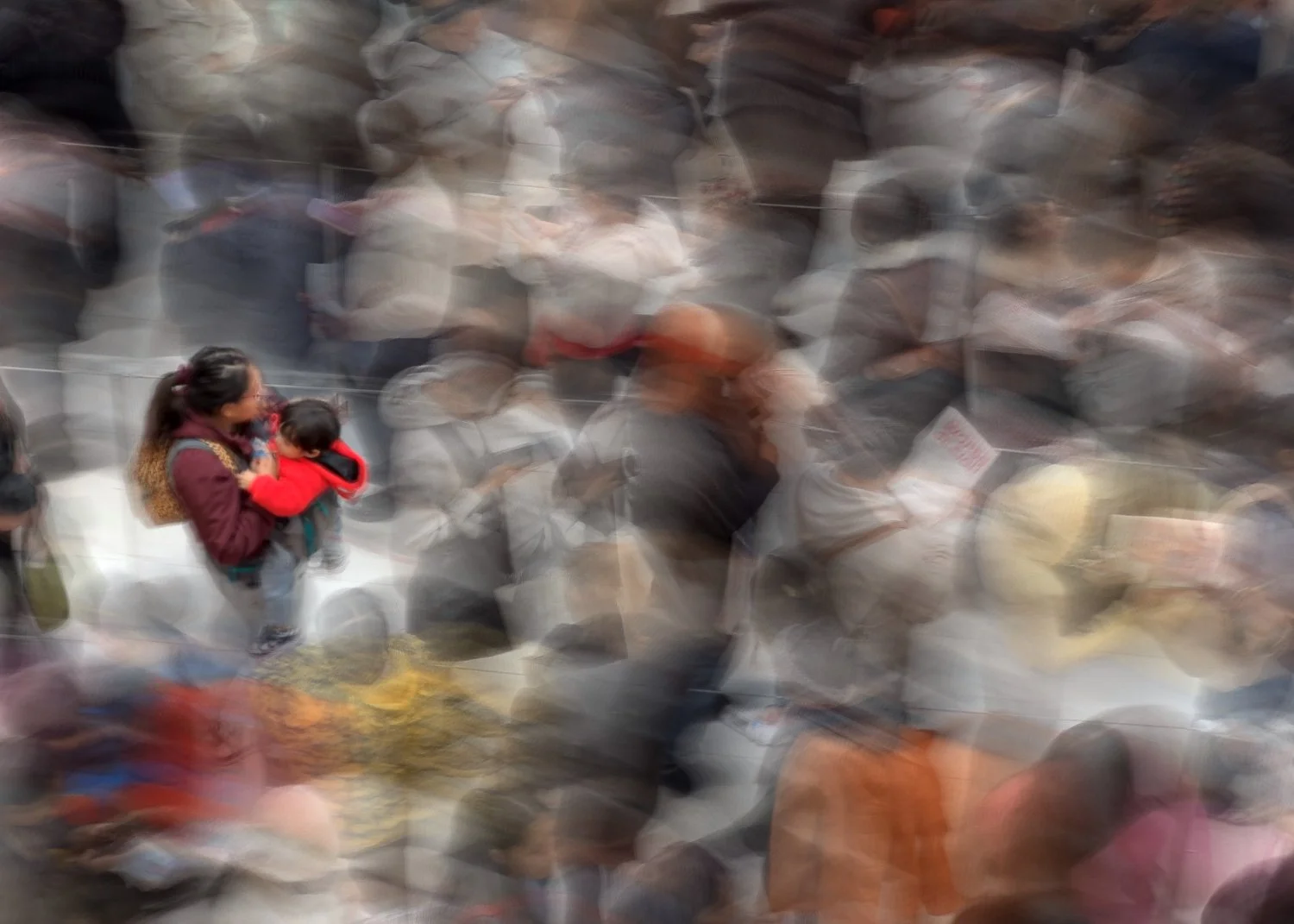
A further variation on the subject panning theme was found after discovering interesting reflections in a building adjacent to a downtown park.
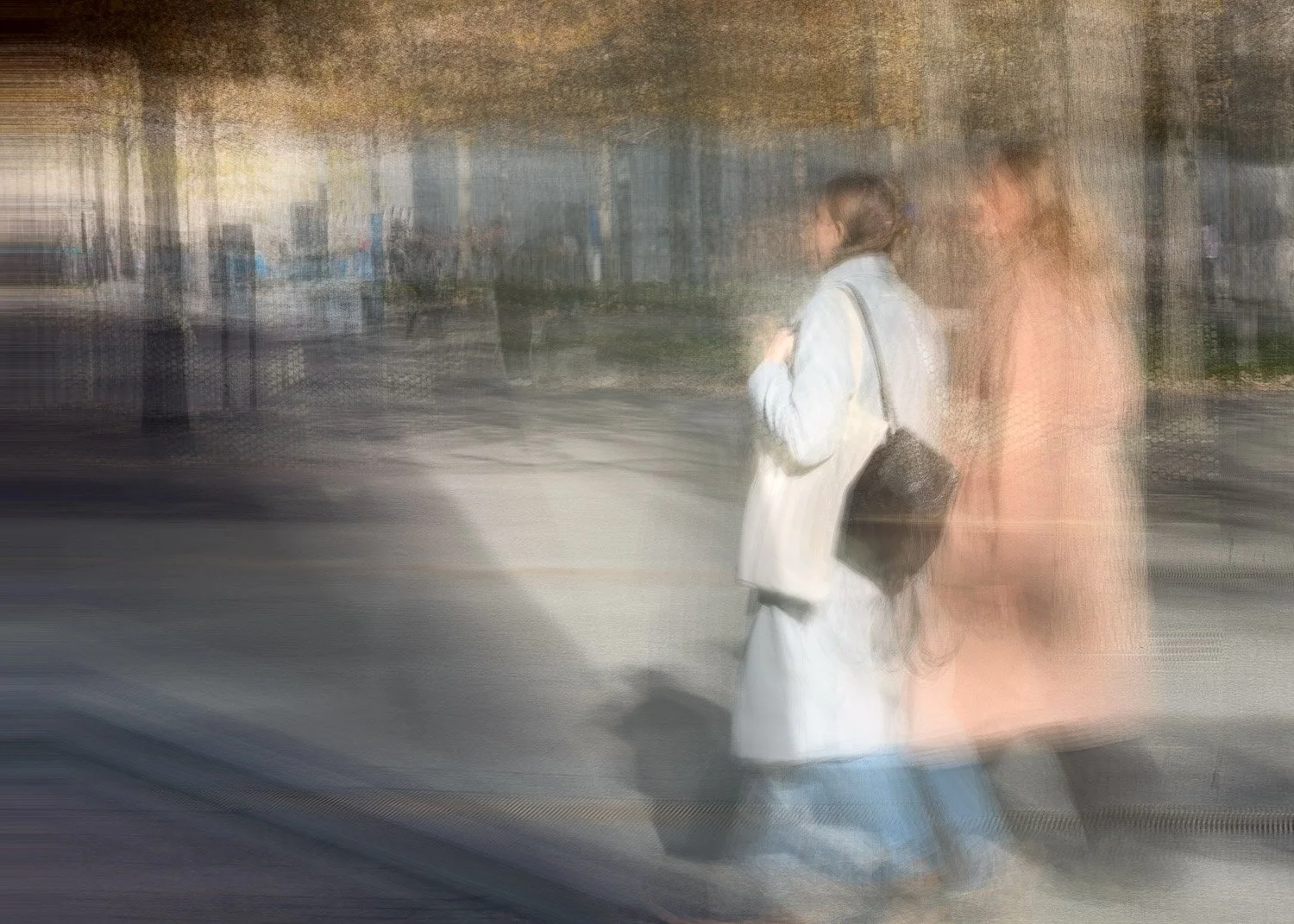
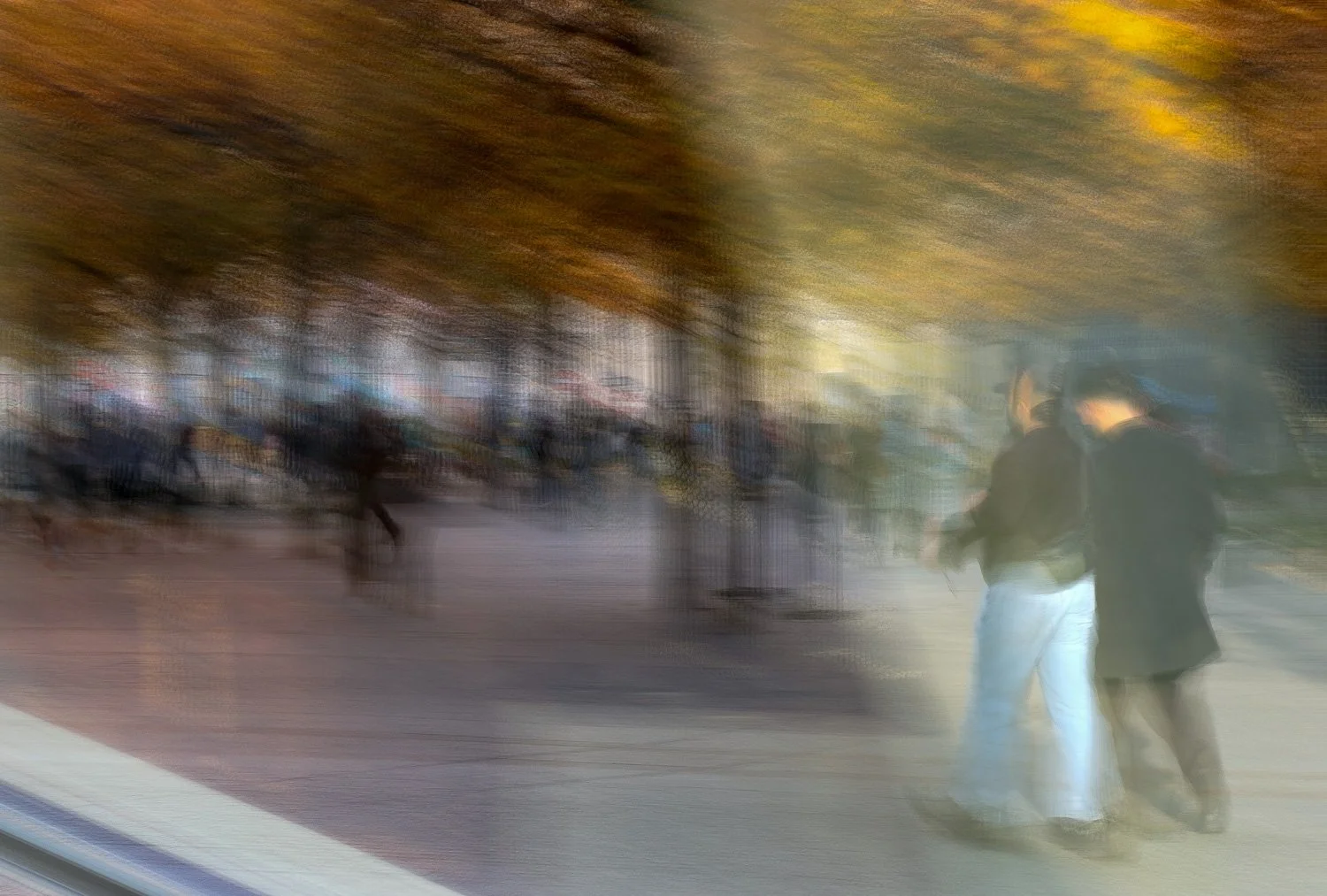
Conclusion
In the end, what draws me to Bluristic isn’t the novelty of another app, but the fresh, slightly off-label results it makes possible. And like any good tool, there are moments when it becomes exactly the right one for the job.
Although excellent when used for panning moving subjects or smoothing flowing water, the apps real strength for me lies in its potential for creative experimentation. It encourages play - the kind that sits somewhere between control and surrender, where unexpected results are often the most rewarding. (If you’d like a functional but basic overview of the app, there’s a solid YouTube review here.)
I would be interested to hear if others have used this app and to what end. Have you used the app as intended, or perhaps seen unexpected results?
Feel free to contact should you have any questions or comments on the results, and be sure to check back for the next episode in this experiments.